
 v0.0.3
rough_notation
Create animated, hand-drawn-style annotations on widgets using Flutter’s CustomPainter. Inspired by the Rough Notation JS library.
5Likes 2230-day downloads160Pub points
AndroidiOSWebmacOSWindowsLinux
Create animated, hand-drawn-style annotations on widgets using Flutter’s CustomPainter. Inspired by the Rough Notation JS library.
![Hark Singh [SSW] GitHub avatar](https://avatars.githubusercontent.com/u/65155920?u=8eecd10ed6b8a87726e549c3511a3b1a71f87aa3&v=4)
Dependency list 3 items
{"sdk":"flutter"}{"sdk":"flutter"}^5.0.0English project snapshot. Visit GitHub for the latest content.
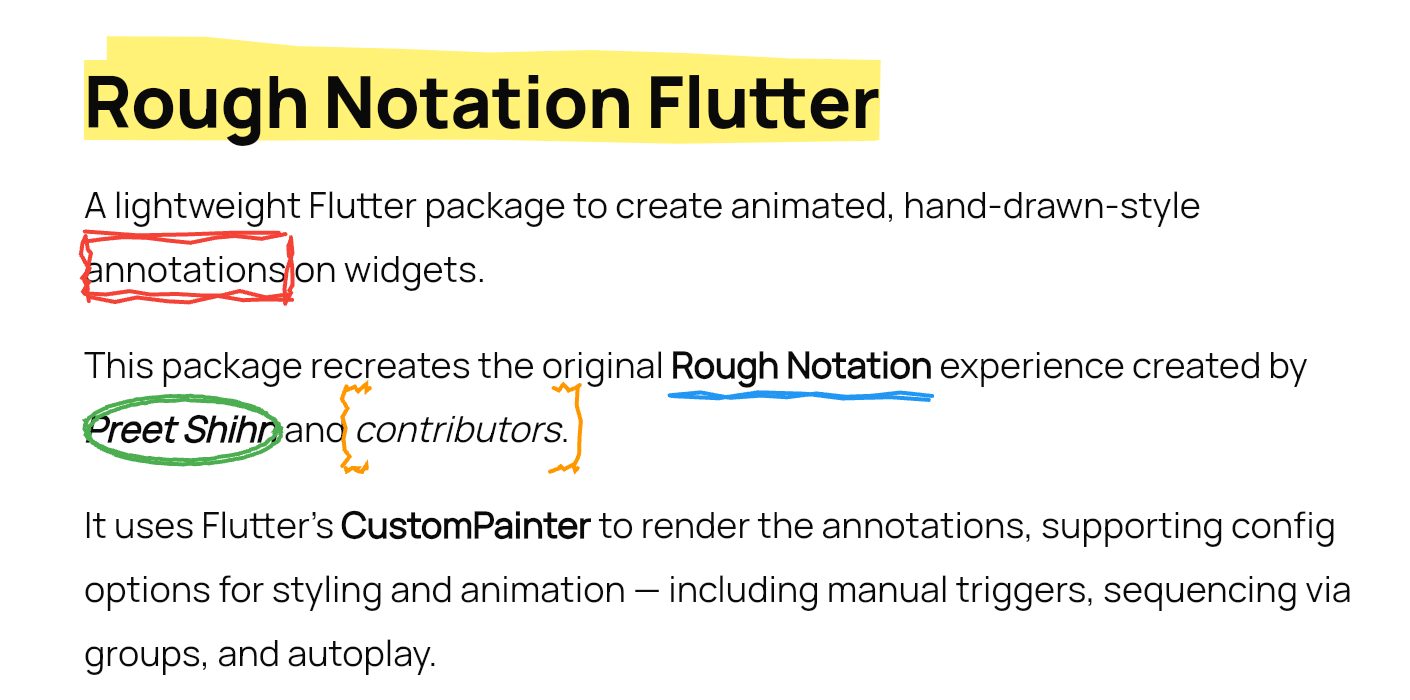
A lightweight Flutter package to create animated, hand-drawn-style annotations on widgets.
This package recreates the original Rough Notation experience created by Preet Shihn and the contributors.
It uses Flutter’s CustomPainter to render the annotations, supporting config options for styling and animation — including manual triggers, sequencing via groups, and autoplay.
demo-gif
See the landing page which has the complete showcase: 👉 roughnotation-flutter.web.app
It showcases all use cases, animation types, groupings, styling controls, and more — all built with Flutter Web.
Explore source in the playground/ folder.
WidgetSpan for rich text use
38: - iterations for sketchier multi-stroke effectflutter pub add rough_notation
RoughUnderlineAnnotation(
  child: Text('Flutter is fun!'),
  iterations: 3, // Optional: default is 2
)
final controller = RoughAnnotationController();

RoughBoxAnnotation(
  controller: controller,
  child: Text('Boxed text'),
);

// Manually trigger
controller.show();
WidgetSpanSelectableText.rich(
TextSpan(
text: 'Create a ',
children: [
WidgetSpan(
alignment: PlaceholderAlignment.baseline,
baseline: TextBaseline.alphabetic,
child: RoughUnderlineAnnotation(
child: Text('underline'),
),
),
TextSpan(text: ' on a span.'),
],
),
);
Use group and sequence to define a group and control animation order.
RoughUnderlineAnnotation(
  group: 'intro',
  sequence: 1,
  child: Text('Step 1'),
);

RoughBoxAnnotation(
  group: 'intro',
  sequence: 2,
  child: Text('Step 2'),
);

// Trigger animation
RoughAnnotationRegistry.showGroup('intro');
@override
void initState() {
  super.initState();
  RoughAnnotationRegistry.markGroupForAutoStart('groupName');
}
ListView.builder) won’t throw errors but will skip animations until built.Optional:
RoughAnnotationRegistry.showGroup(
  'intro',
  delayBetween: Duration(milliseconds: 300),
);
delay values on individual annotations if part of a group.RoughAnnotationController(autoPlay: true), ensure the widget is built first. Internally, we use addPostFrameCallback to delay the trigger.ListView.builder or similar builders that are not yet mounted will not animate. No crash, but no effect either.We’re aiming to improve:
lib/src/painters)lib/src/annotations)lib/src/controllers)The original JS library uses roughjs. Although there's a Flutter version (
rough), it’s outdated and Dart 3 incompatible.
We’re considering reviving or reimplementing it in parts. All contributions are welcome!
If you're looking to contribute, ideal places to start are:
lib/src/painters/lib/src/annotations/This Flutter package is heavily inspired by the original Rough Notation JS library.
We acknowledge the original creators and contributors of the JS library — including design, animation logic, and documentation.
We are grateful for the coder’s community and the support of open-source enthusiasts everywhere.
MIT
Pull requests are welcome. Let’s make annotations ✏️ in Flutter fun and beautiful.