Search packages, repositories and app categories

GitHub repositoryAWarmHug/widget_screenshot

widget_screenshot

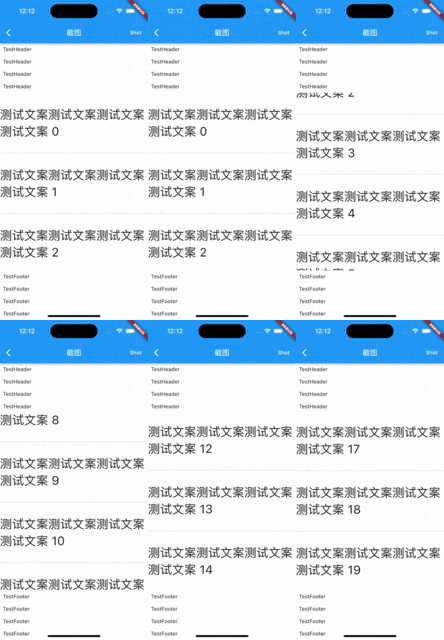
Screenshot for widget,support long screenshot like ListView

widget_screenshot project cover
Stars
3
Forks
8
Last push (UTC)
Nov 10, 2023
Project status
Active

Original README

English project snapshot. Visit GitHub for the latest content.

widget_screenshot

Widget截屏,支持长截图,如:ListView

Screenshot for widget,support long screenshot like ListView,

Support

  • backgroundColor
  • format (png, jpeg)
  • quality (0~100)
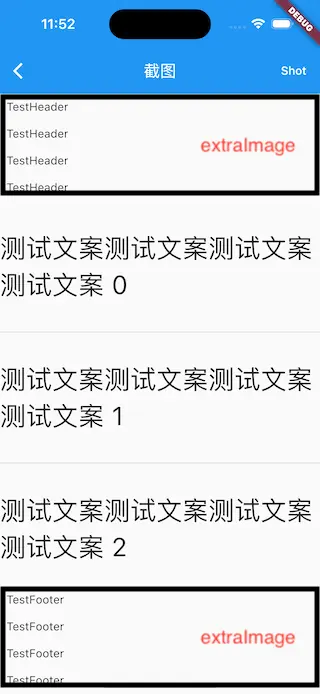
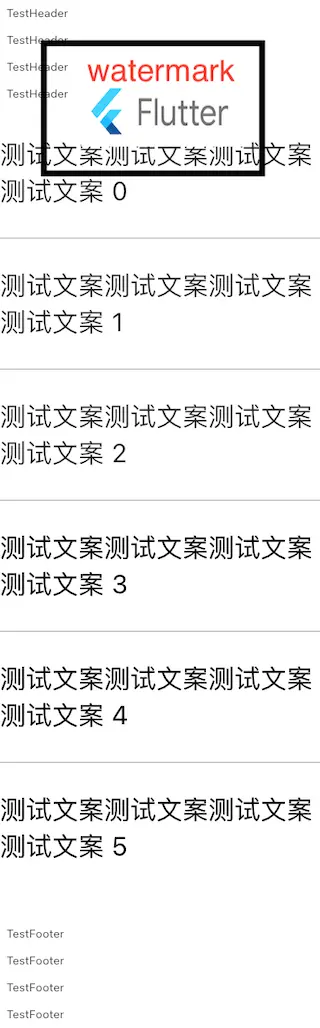
  • extraImage (like header, footer or watermark)

Usage

dependencies:
  widget_screenshot:x.y.z
// Like RepaintBoundary
WidgetShot(
        key: _shotKey,
        child: ListView.separated(
            controller: _scrollController,
            itemBuilder: (context, index) {
              return Container(
                color: Color.fromARGB(
                    Random().nextInt(255), Random().nextInt(255), Random().nextInt(255), Random().nextInt(255)),
                height: 160,
                child: Center(
                  child: Text(
                    "测试文案测试文案测试文案测试文案 ${index}",
                    style: const TextStyle(fontSize: 32),
                  ),
                ),
              );
            },
            separatorBuilder: (context, index) {
              return const Divider(
                height: 1,
                color: Colors.grey,
              );
            },
            itemCount: 30),
      )
WidgetShotRenderRepaintBoundary repaintBoundary =
    _shotKey.currentContext!.findRenderObject() as WidgetShotRenderRepaintBoundary;
//
var resultImage = await repaintBoundary.screenshot(scrollController: _scrollController,pixelRatio: 1);

Display

shoting-> result->
bingo GitHub avatar
GitHub author

bingo ↗

我们不是代码的搬运工,而是代码的学习者。

LanguagesDartKotlinSwiftRubyObjective-C

Categories

Packages published by this repository

Dependencies used

Dependency list 4 items

  • flutter{"sdk":"flutter"}
  • plugin_platform_interface^2.0.2
  • flutter_testDevelopment{"sdk":"flutter"}
  • flutter_lintsDevelopment^2.0.0

How do I choose a repository?

Start with your use case, compare repository activity, and check the original project before adopting it.

  1. Search by repository name, owner or description, then narrow the results by topic.
  2. Compare stars, forks and recent pushes. Stars show community interest, not a guarantee of quality.
  3. Read the README, license and issues on GitHub before using a project.

Sources and maintenance

“A repository is the most basic element of GitHub.”

GitHub Docs — About repositories ↗