

 v0.1.2
flutter_pin_code_widget
PIN Code wiget for creating and checking local pin code with flexible settings.
27Likes 45130-day downloads160Pub points
AndroidiOSWebmacOSWindowsLinux
A widget for creating and using local PIN Code screen for wallets, bank and other apps.

English project snapshot. Visit GitHub for the latest content.
Note, that the widget has centerBottomWidget property, for adding one more button on the bottom left.
  PinCodeWidget(
    minPinLength: 4,
    maxPinLength: 25,
    onChangedPin: (pin) {
      // check the PIN length and check different PINs with 4,5.. length.
    },
    onEnter: (pin, _) {
      // callback user pressed enter
    },
    centerBottomWidget: IconButton(
      icon: const Icon(
        Icons.fingerprint,
        size: 40,
      ),
      onPressed: () {},
    ),
  ),
Example app
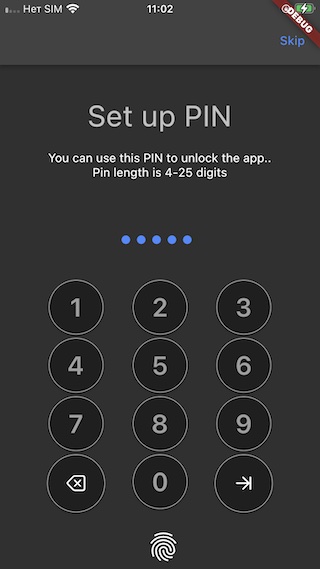
App from the stores https://agoradesk.com/, the code is here code https://github.com/AgoraDesk-LocalMonero/agoradesk-app-foss/blob/main/lib/features/auth/screens/pin_code_set_screen.dart
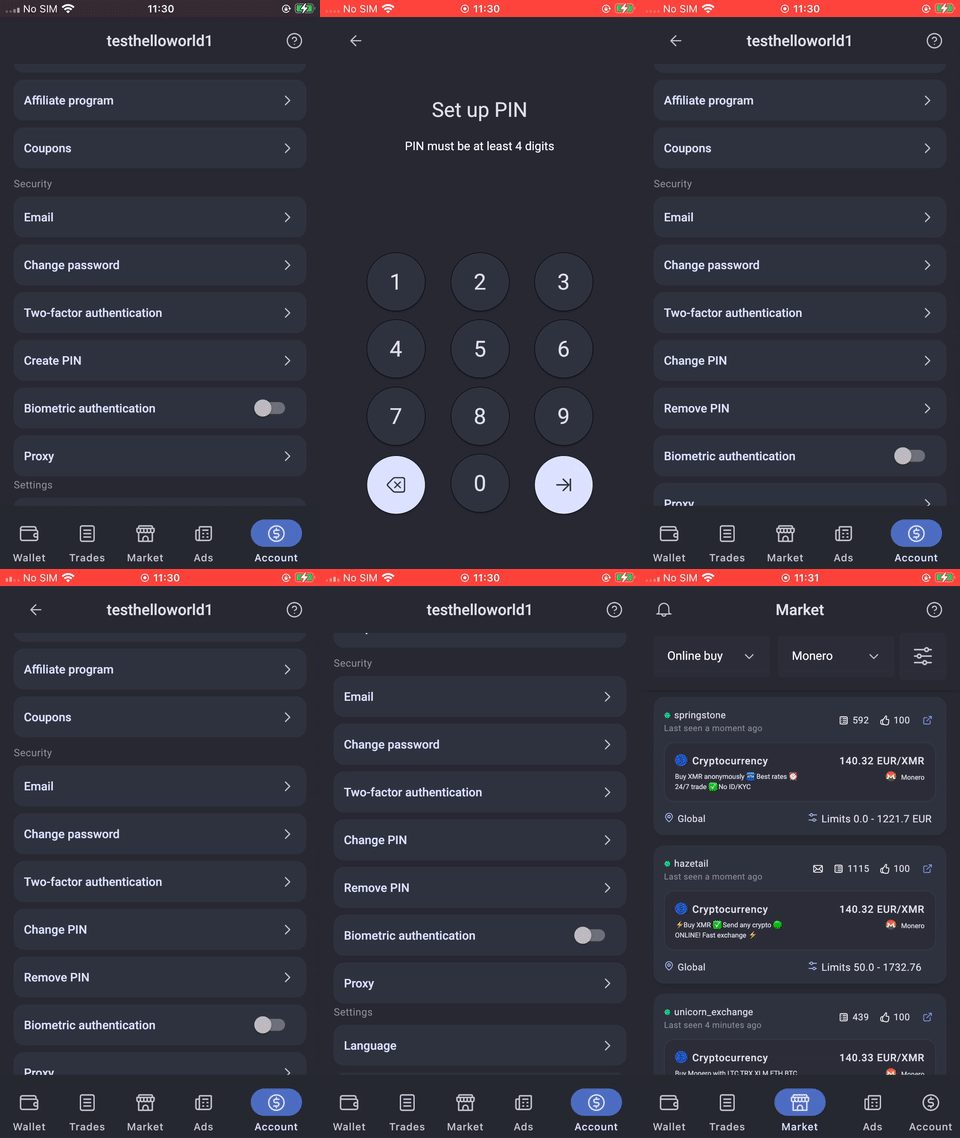
This is a project by Agoradesk, P2P cryptocurrency trading platform. Created by the team behind LocalMonero, the biggest and most trusted Monero P2P trading platform.
Dependency list 3 items
{"sdk":"flutter"}{"sdk":"flutter"}^1.0.0Start with your use case, compare repository activity, and check the original project before adopting it.
“A repository is the most basic element of GitHub.”
GitHub Docs — About repositories ↗