

 v0.2.0
clickable_list_wheel_view
Simple wrapper for ListWheelScrollView that allows children to respond on gesture (onTap) events.
88Likes 1.2K30-day downloads150Pub points
AndroidiOSWebmacOSWindowsLinux
Simple wrapper for ListWheelScrollView that allows children to respond on gesture (onTap) events

English project snapshot. Visit GitHub for the latest content.

Simple wrapper for ListWheelScrollView that allows children to respond on gesture (onTap) events
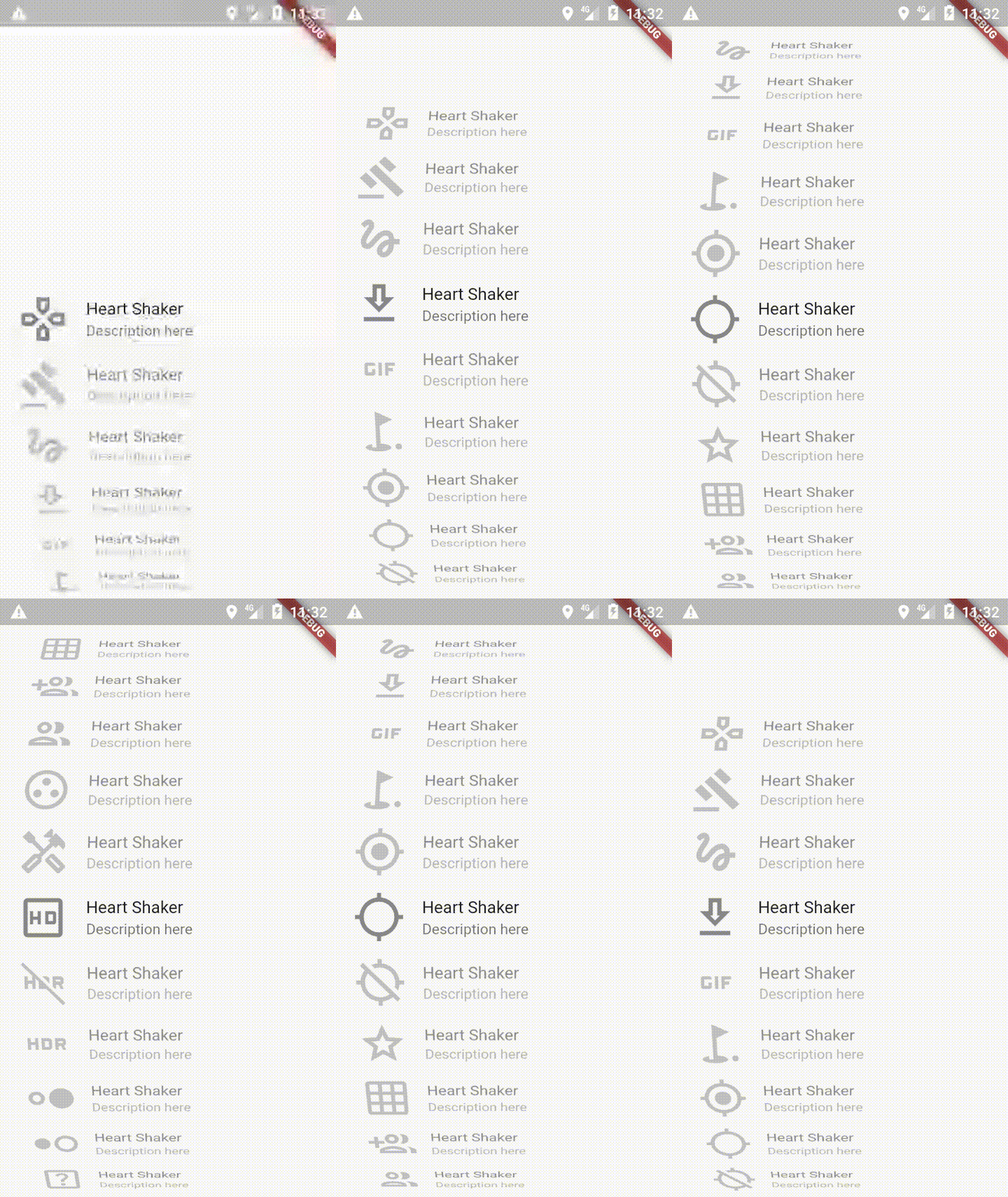
In the dependencies: section of your pubspec.yaml, add the following line:
dependencies:
    clickable_list_wheel_view: latest_version
You can get started really simple, just add
ClickableListWheelScrollView(
  scrollController: _scrollController,
  itemHeight: _itemHeight,
  itemCount: _itemCount,
  onItemTapCallback: (index) {
    print("onItemTapCallback index: $index");
  },
  child: ListWheelScrollView.useDelegate(
    controller: _scrollController,
    itemExtent: _itemHeight,
    physics: FixedExtentScrollPhysics(),
    overAndUnderCenterOpacity: 0.5,
    perspective: 0.002,
    onSelectedItemChanged: (index) {
      print("onSelectedItemChanged index: $index");
    },
    childDelegate: ListWheelChildBuilderDelegate(
      builder: (context, index) => _child(index),
      childCount: _itemCount,
    ),
  ),
)
  ///  Required. The [child] which the wrapper will target to
  final ListWheelScrollView child;

  /// Required. Must be the same for list and wrapper
  final ScrollController scrollController;

  /// Optional. ListWheelScrollView height
  final double listHeight;

  /// Required. Height of one child in ListWheelScrollView
  final double itemHeight;

  /// Required. Number of items in ListWheelScrollView
  final int itemCount;

  /// If true the list will scroll on click
  final bool scrollOnTap;

  /// Set a handler for listening to a `tap` event
  final OnItemTapCallback onItemTapCallback;

  /// sets the duration of the scroll  animation
  final Duration animationDuration;

  /// use with ListWheelChildLoopingListDelegate
  final bool loop;
Dependency list 2 items
{"sdk":"flutter"}{"sdk":"flutter"}Start with your use case, compare repository activity, and check the original project before adopting it.
“A repository is the most basic element of GitHub.”
GitHub Docs — About repositories ↗