
flutter_animated_dialog
A new Flutter dialog with a series of beautiful animations, slide fade rotate size scale rotate3D animations.

- Stars
- 23
- Forks
- 51
- Last push (UTC)
- Aug 18, 2024
- Project status
- Active
Original README
English project snapshot. Visit GitHub for the latest content.
flutter_animated_dialog
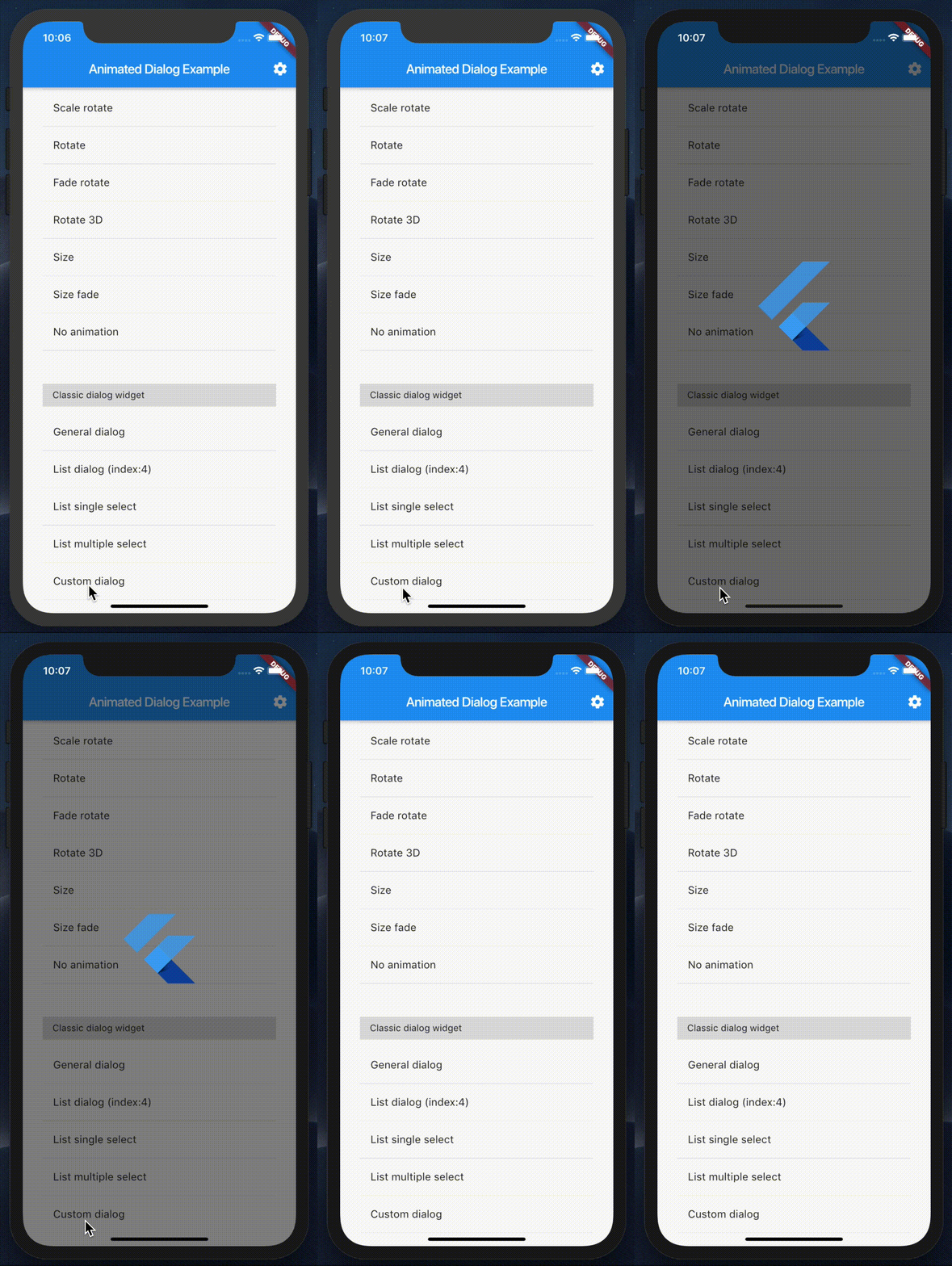
A new Flutter dialog with a series of beautiful animations, slide fade rotate size scale rotate3D animations. Dialog barrier include status bar at the top of screen, solved the problem of default dialog.
demo
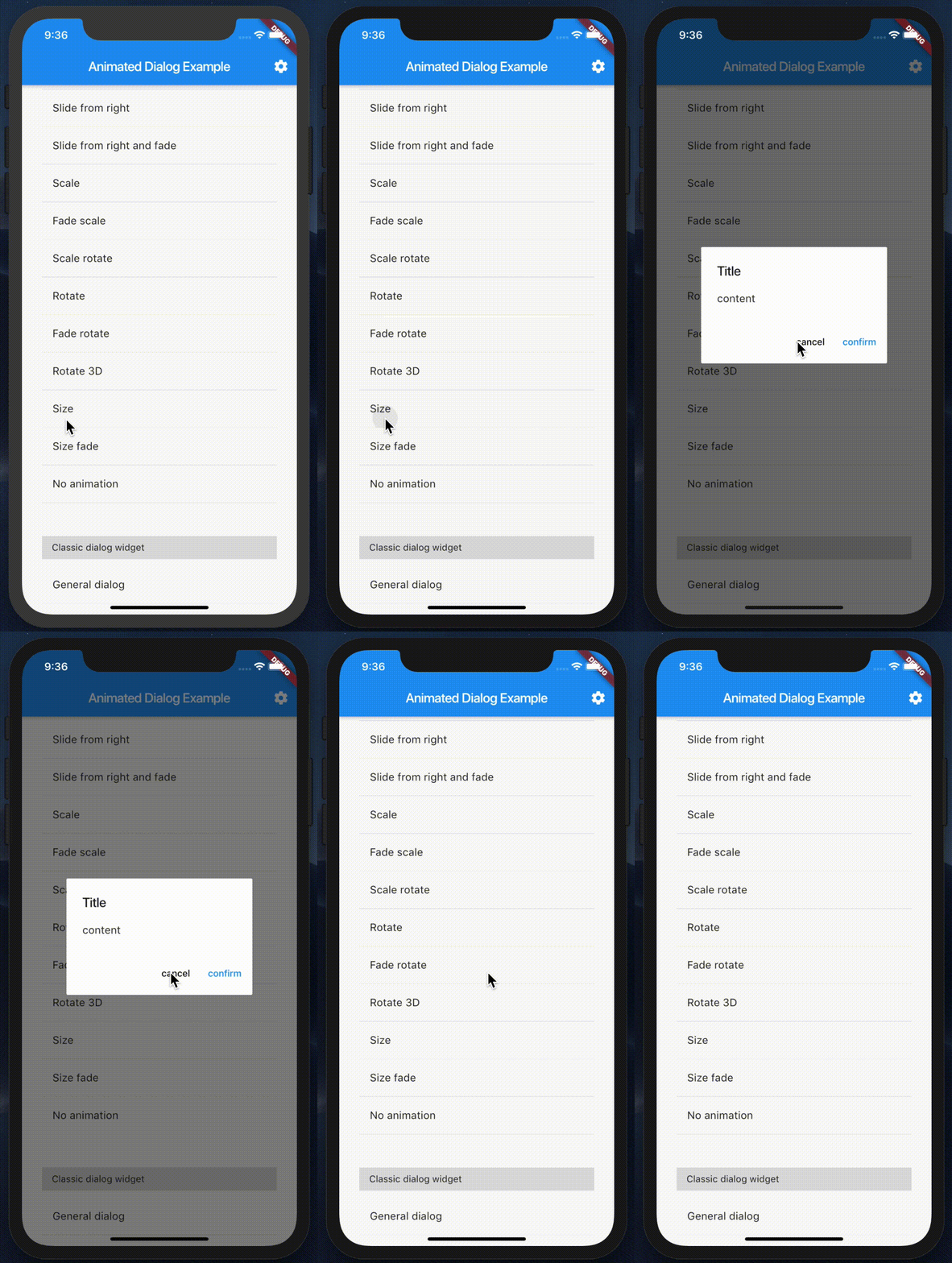
Getting Started
dependencies:
  flutter_animated_dialog: ^1.2.0
import 'package:flutter_animated_dialog/flutter_animated_dialog.dart';
showAnimatedDialog(
  context: context,
  barrierDismissible: true,
  builder: (BuildContext context) {
    return ClassicGeneralDialogWidget(
      titleText: 'Title',
      contentText: 'content',
      onPositiveClick: () {
        Navigator.of(context).pop();
      },
      onNegativeClick: () {
        Navigator.of(context).pop();
      },
    );
  },
  animationType: DialogTransitionType.size,
  curve: Curves.fastOutSlowIn,
  duration: Duration(seconds: 1),
);
🚀 Roadmap
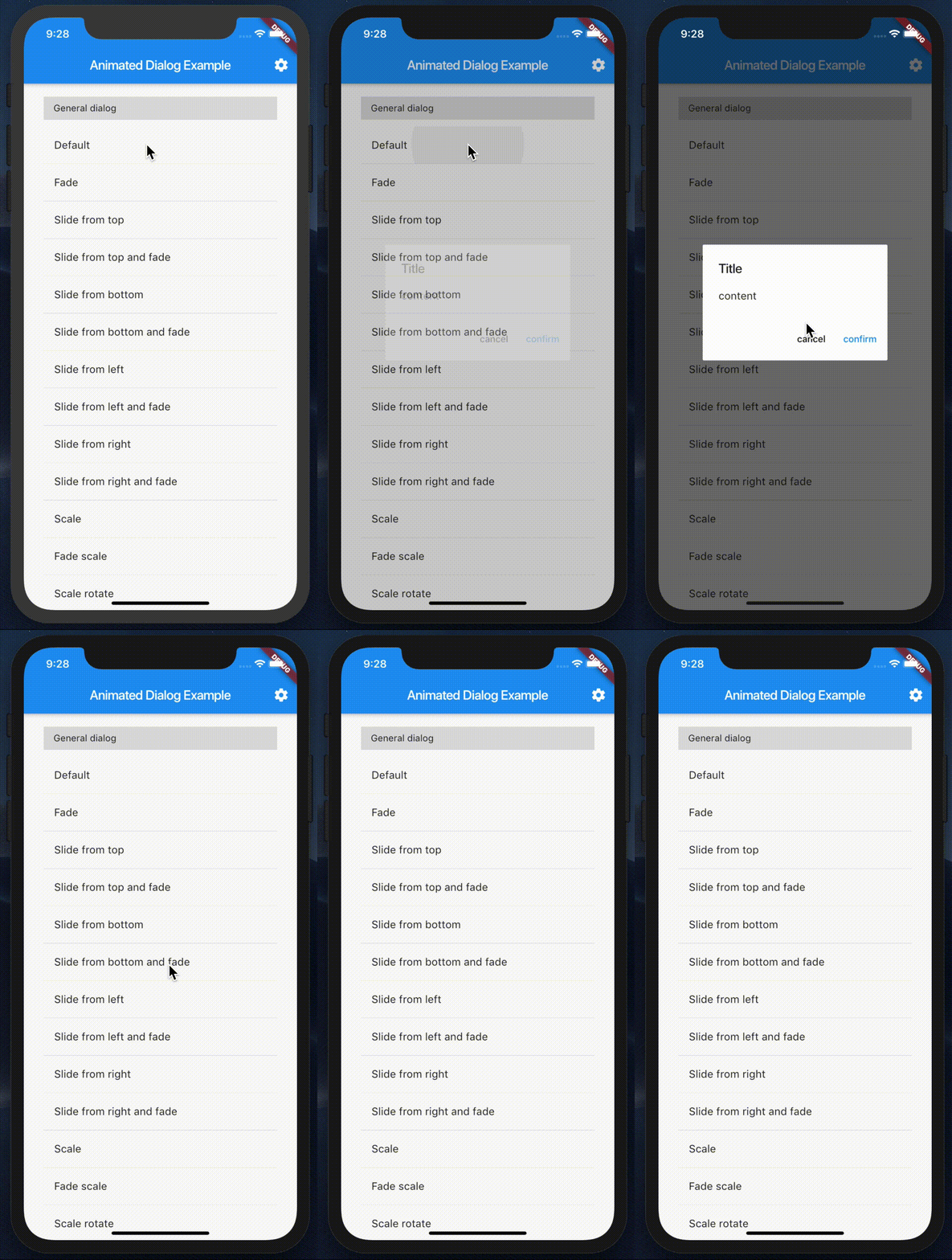
default |
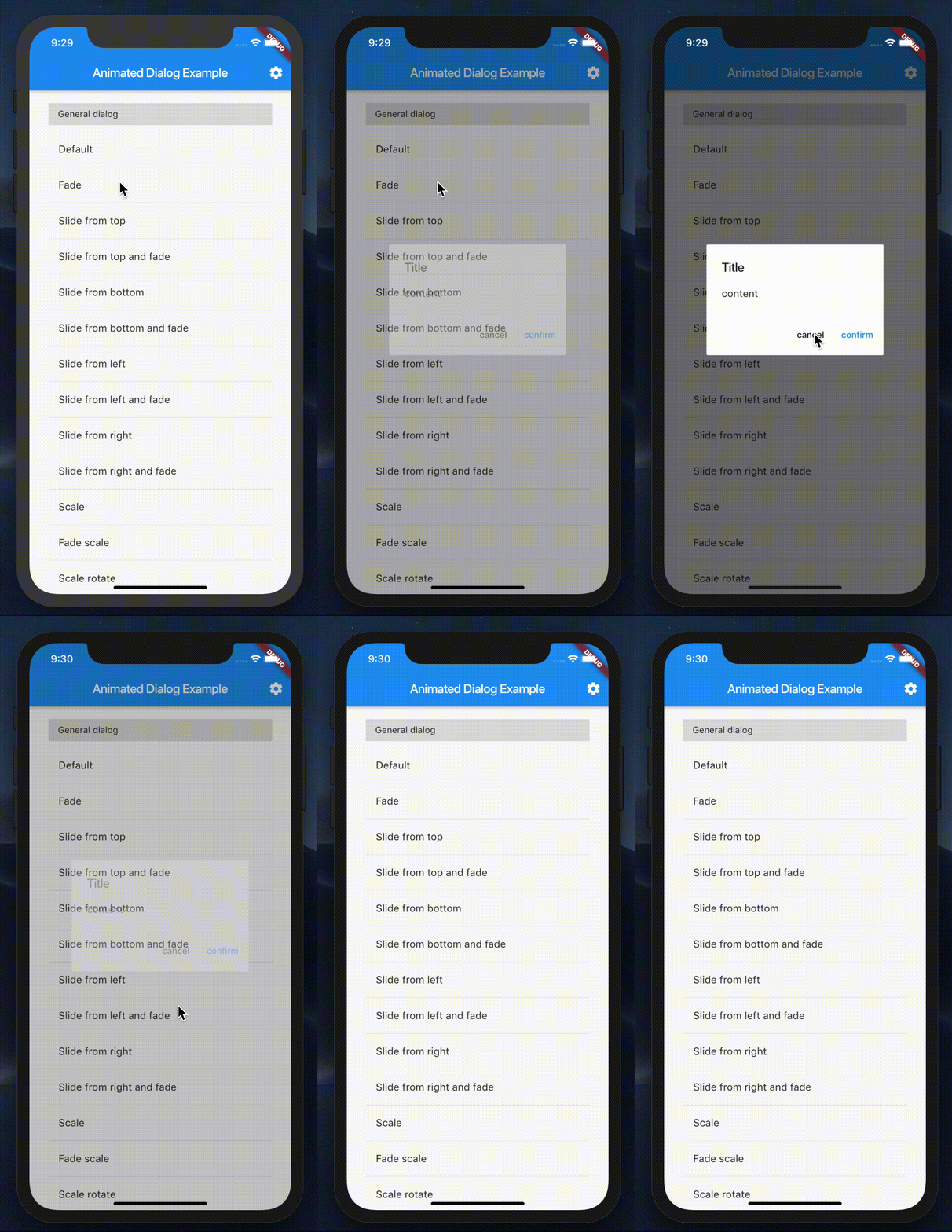
fade |
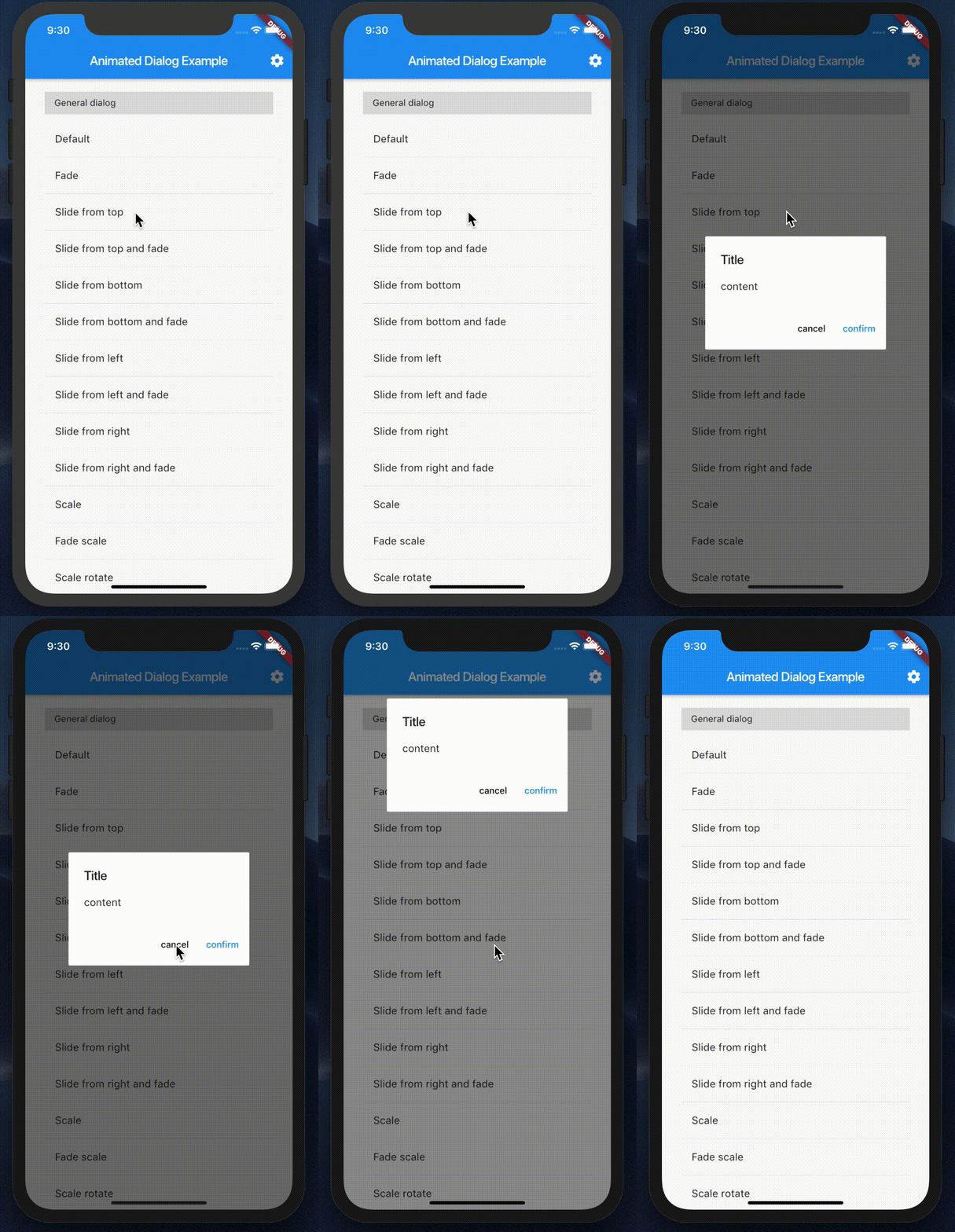
slideFromTop |
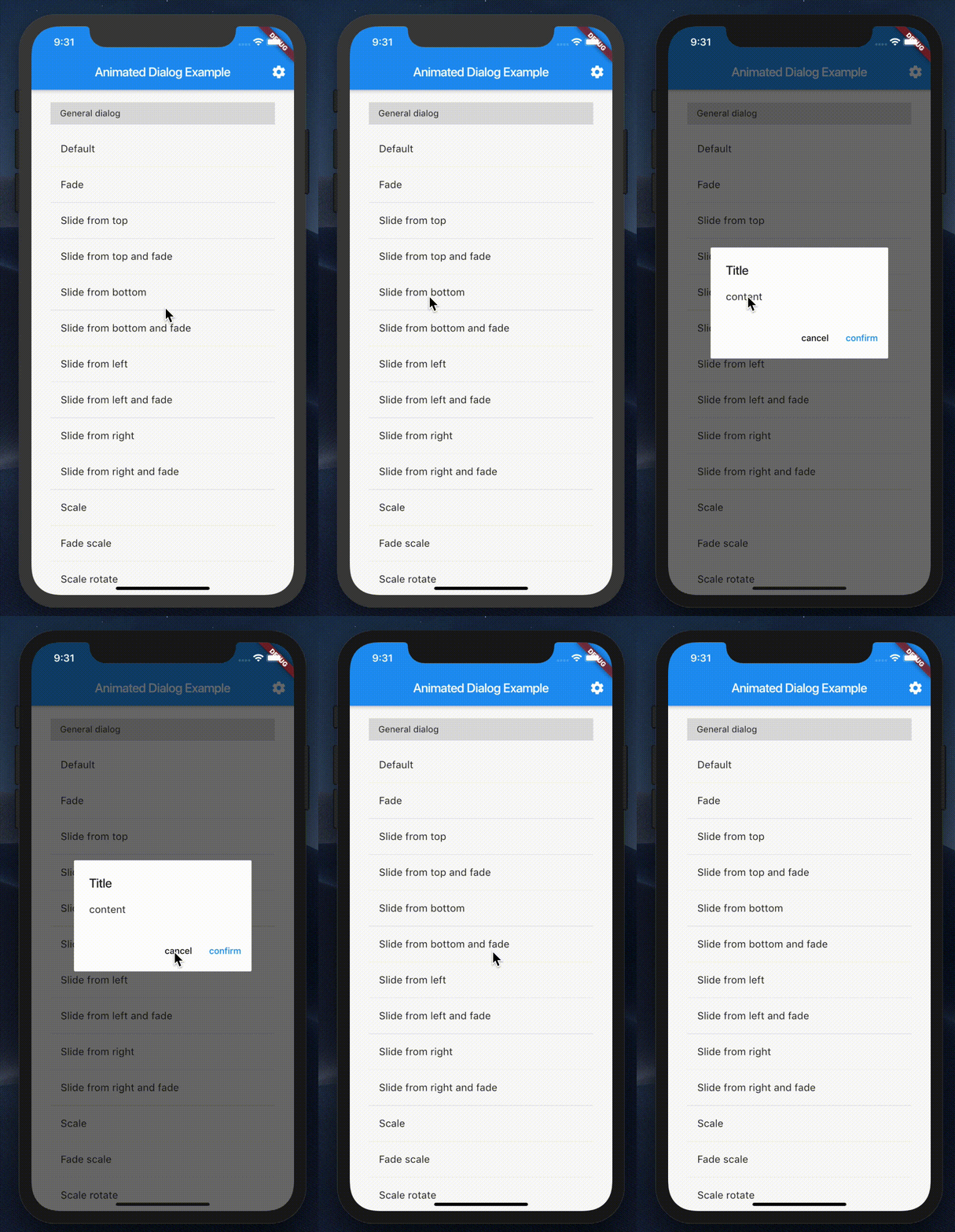
slideFromBottom |
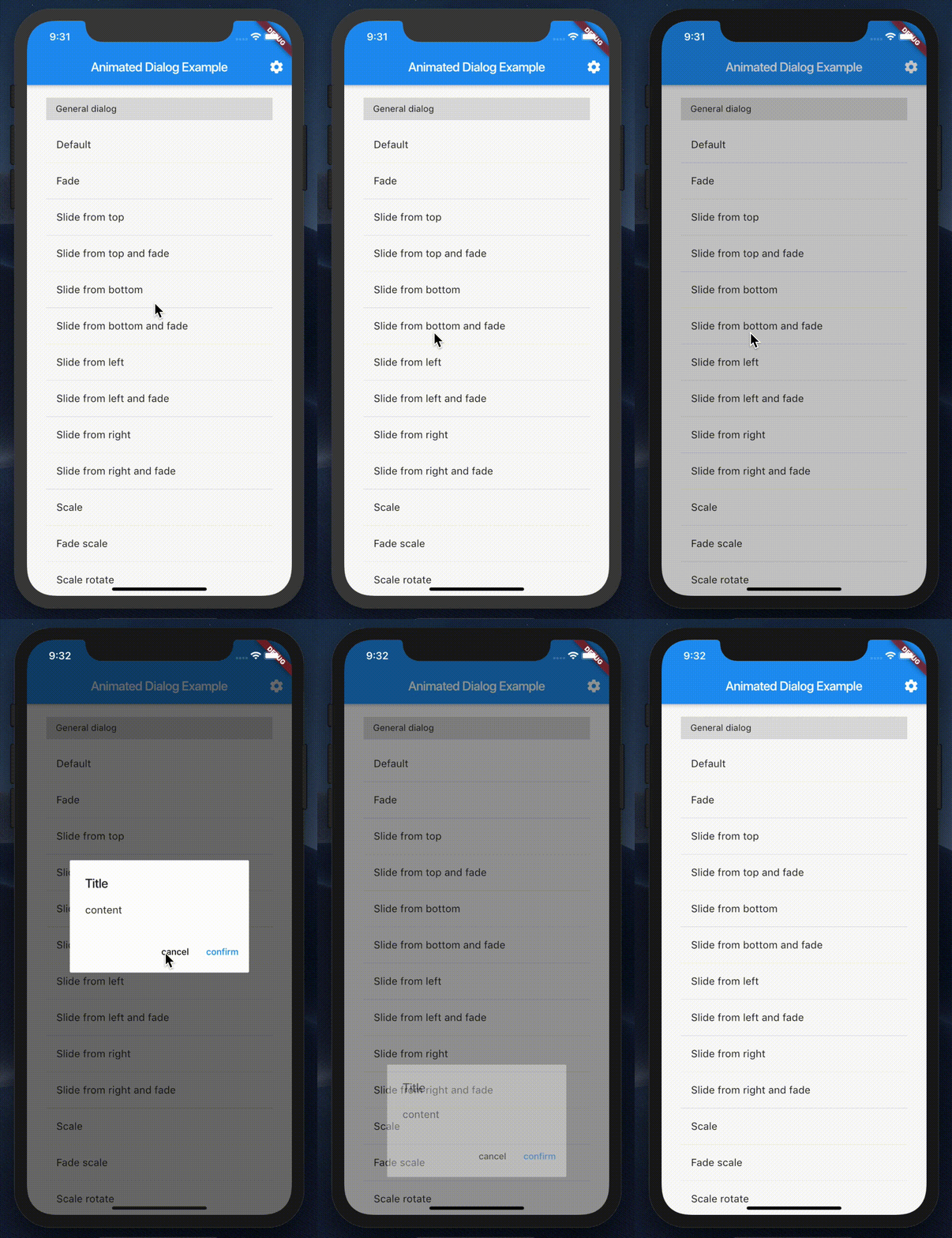
slideFromBottomFade |
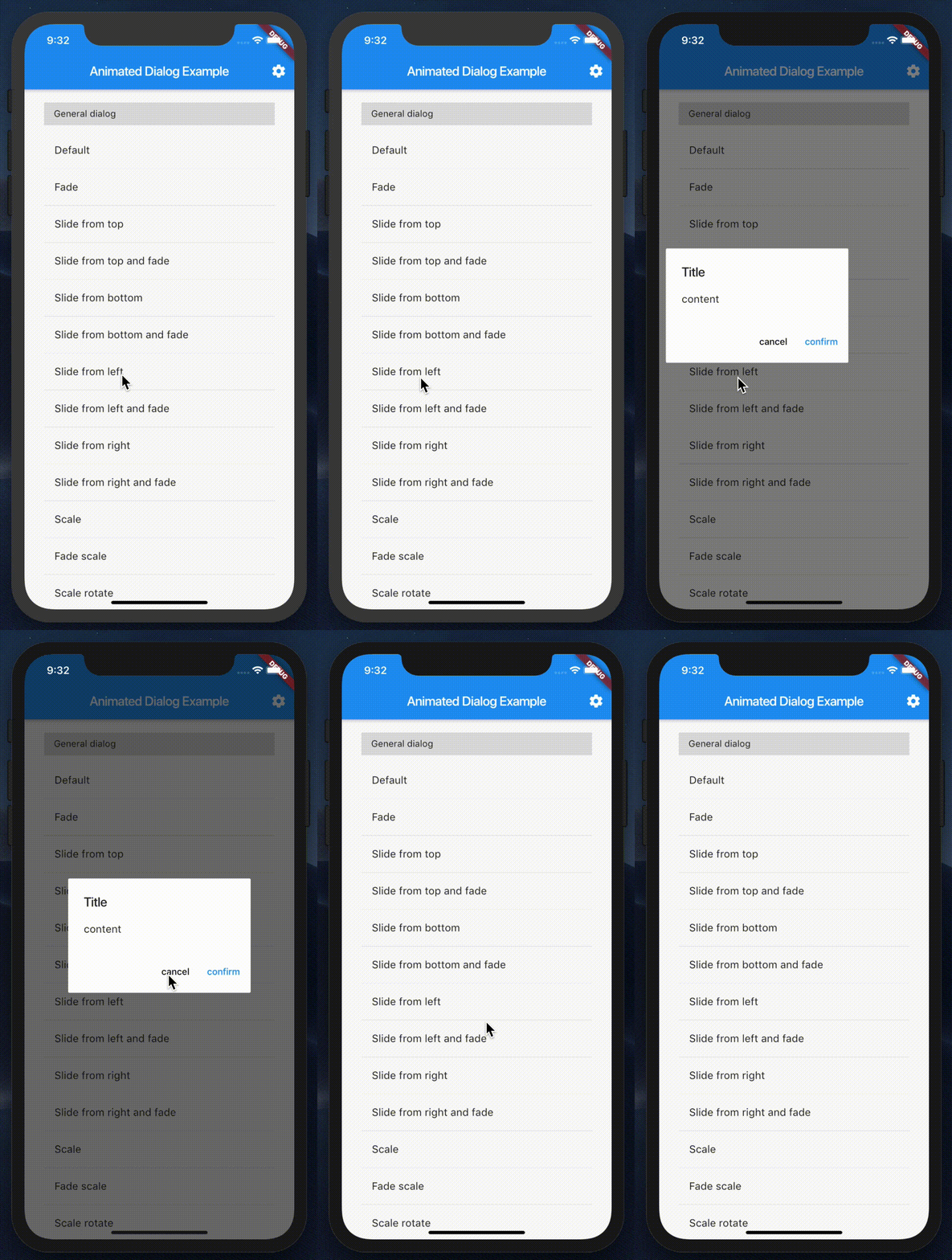
slideFromLeft |
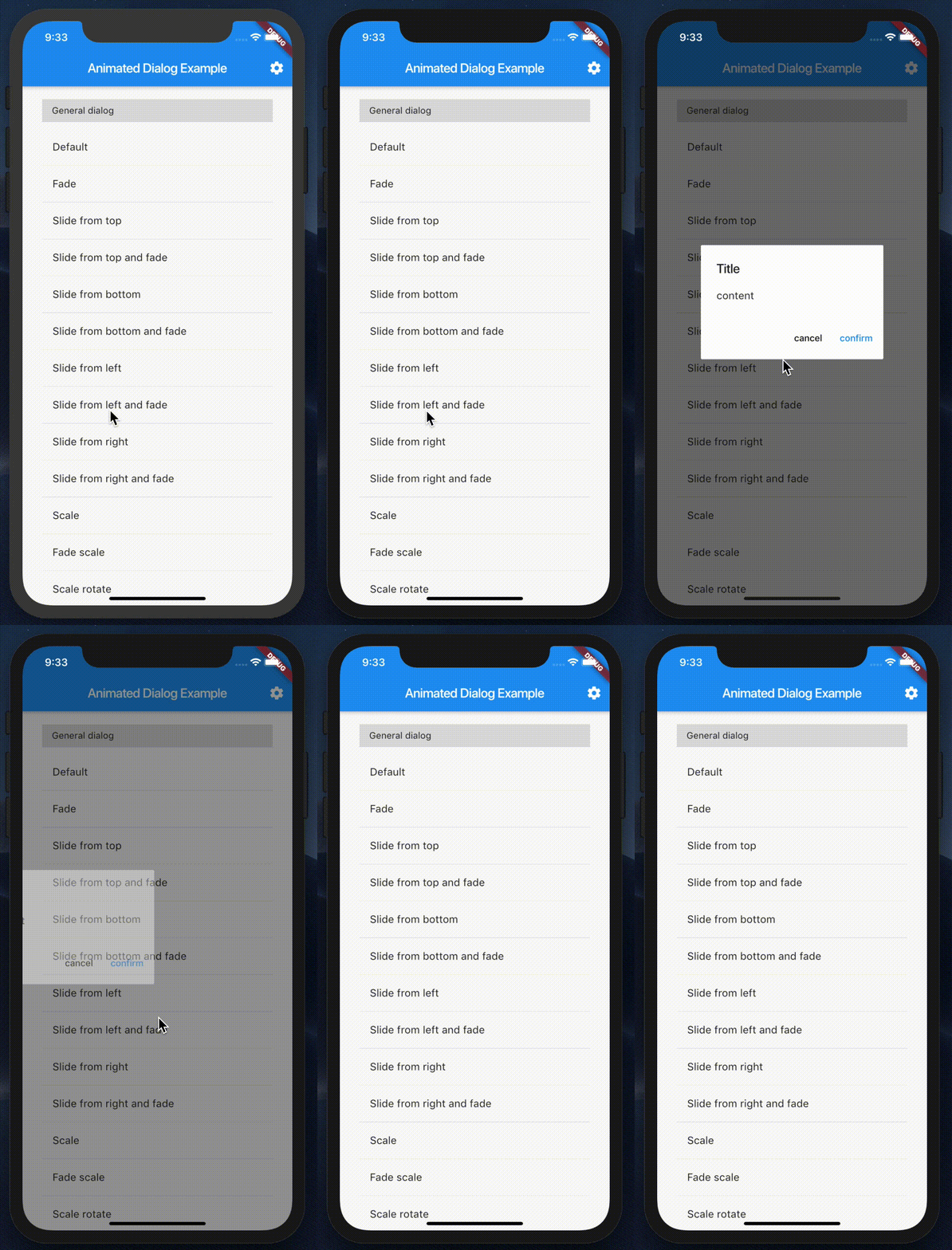
slideFromLeftFade |
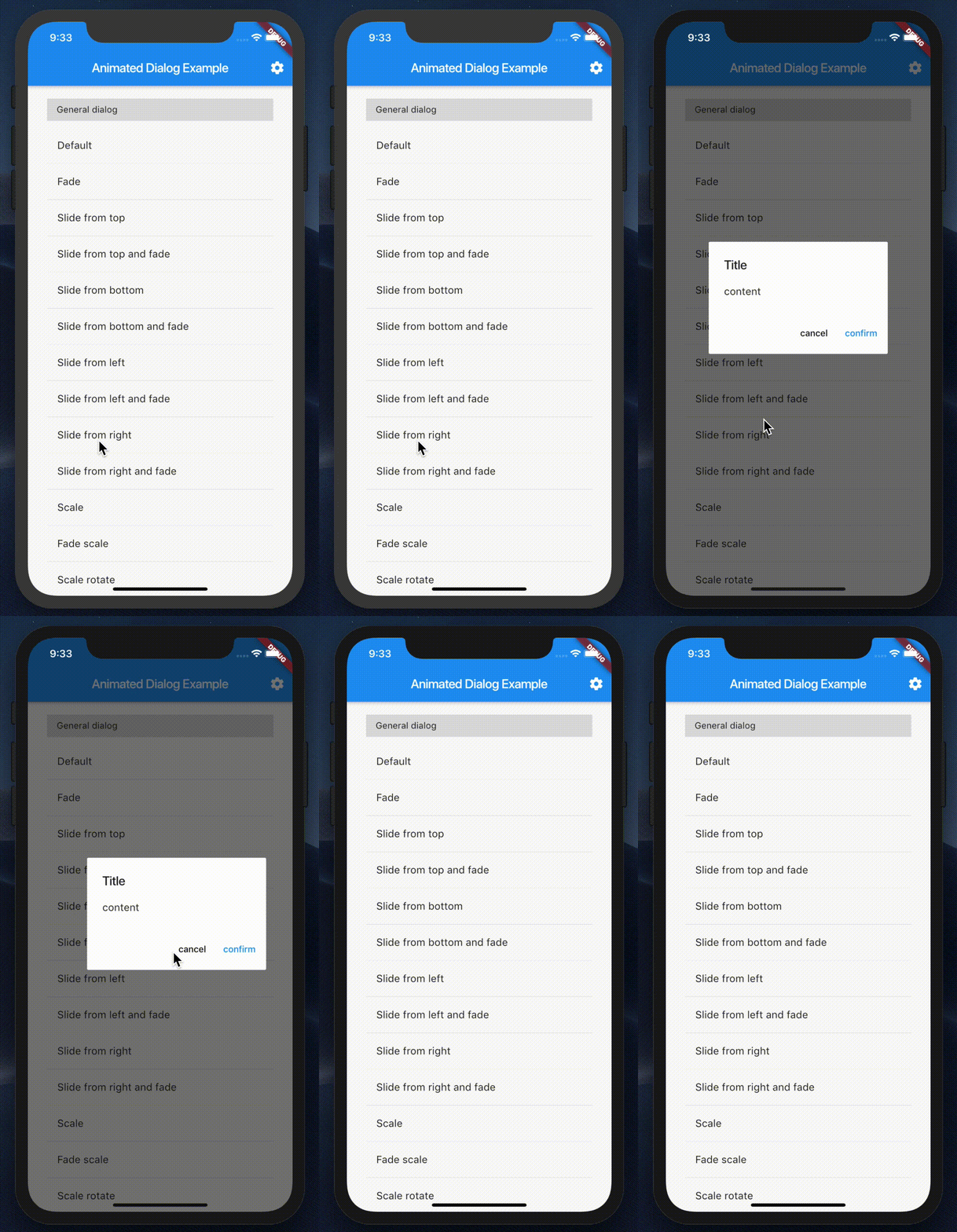
slideFromRight |
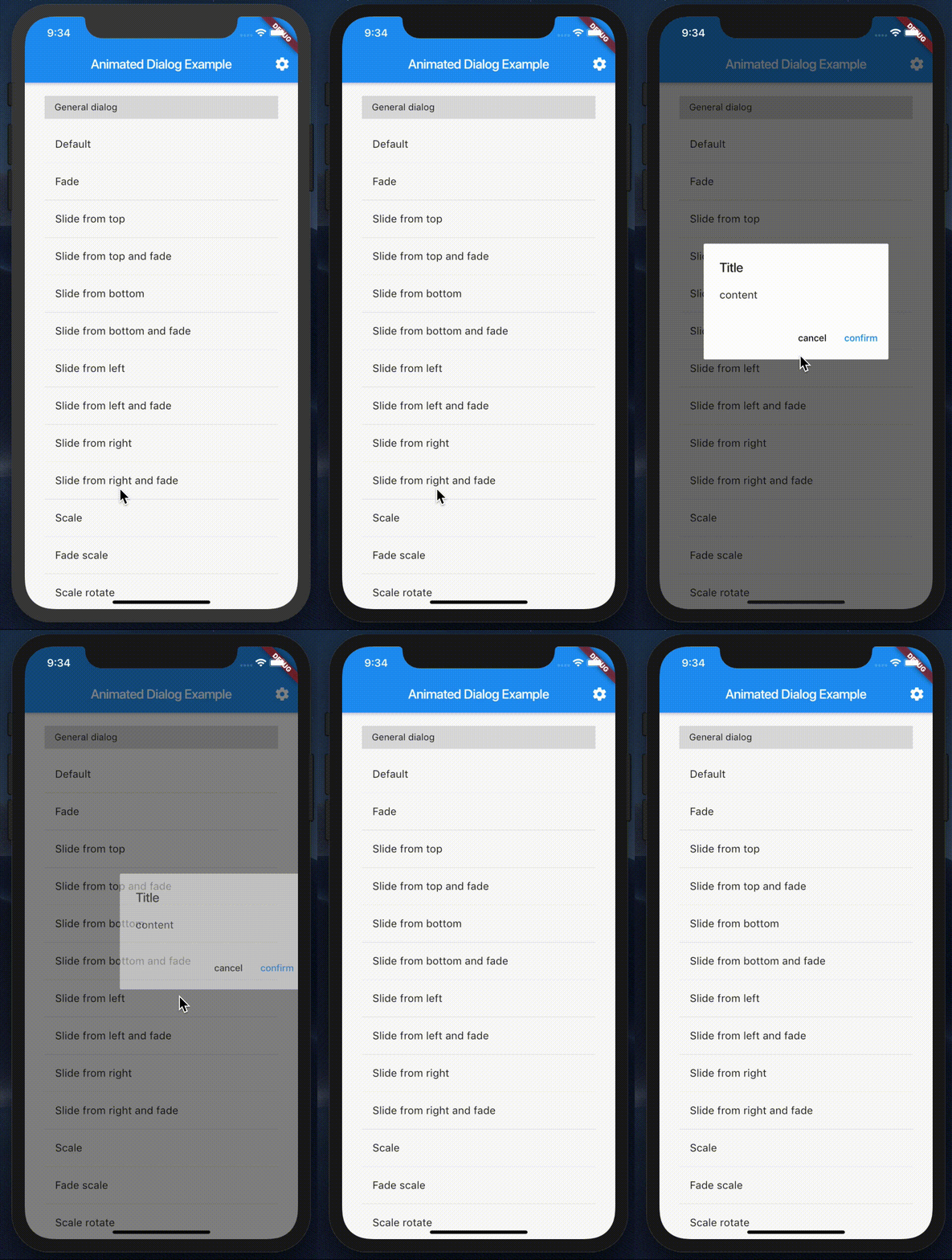
slideFromRightFade |
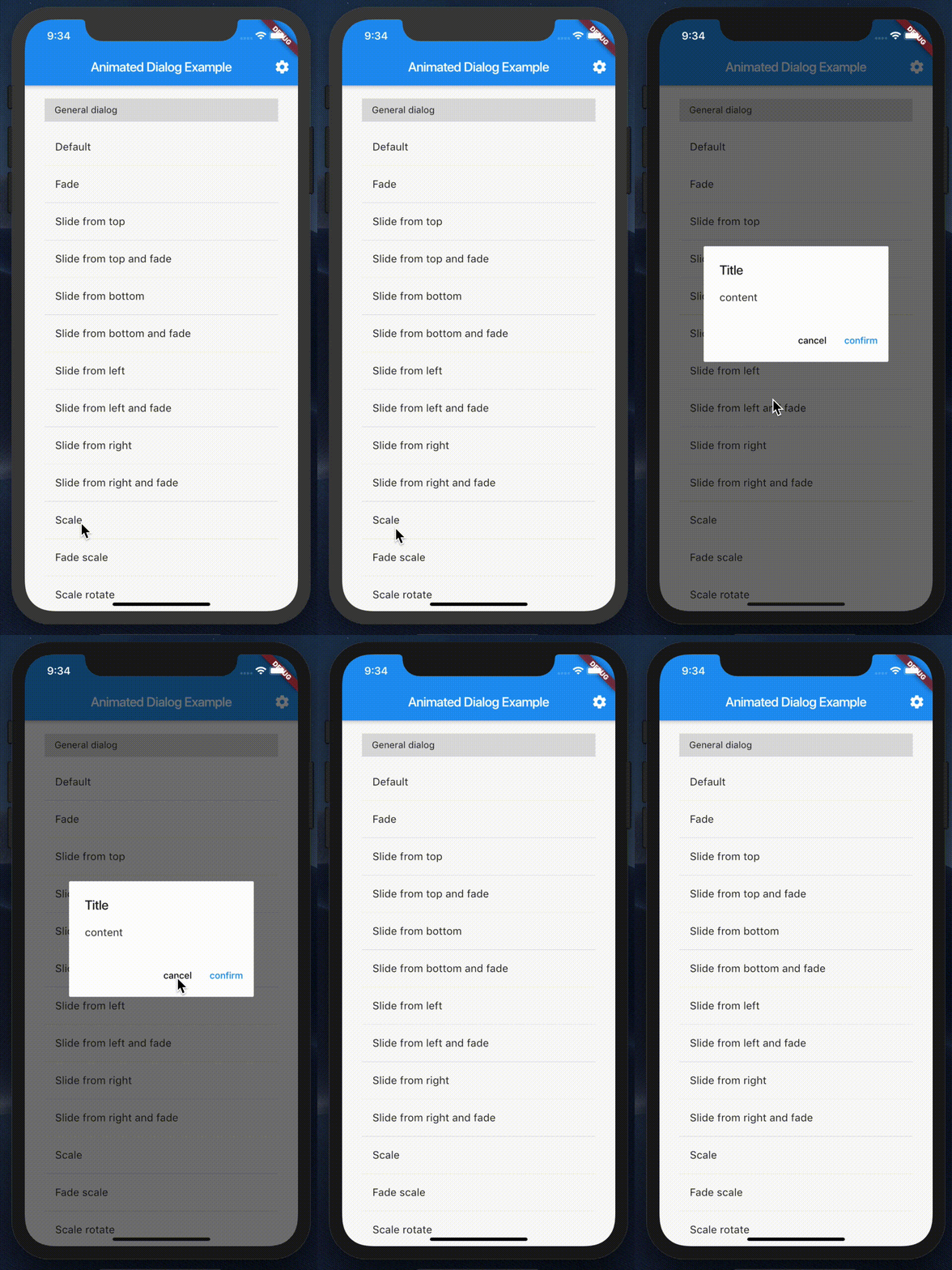
scale |
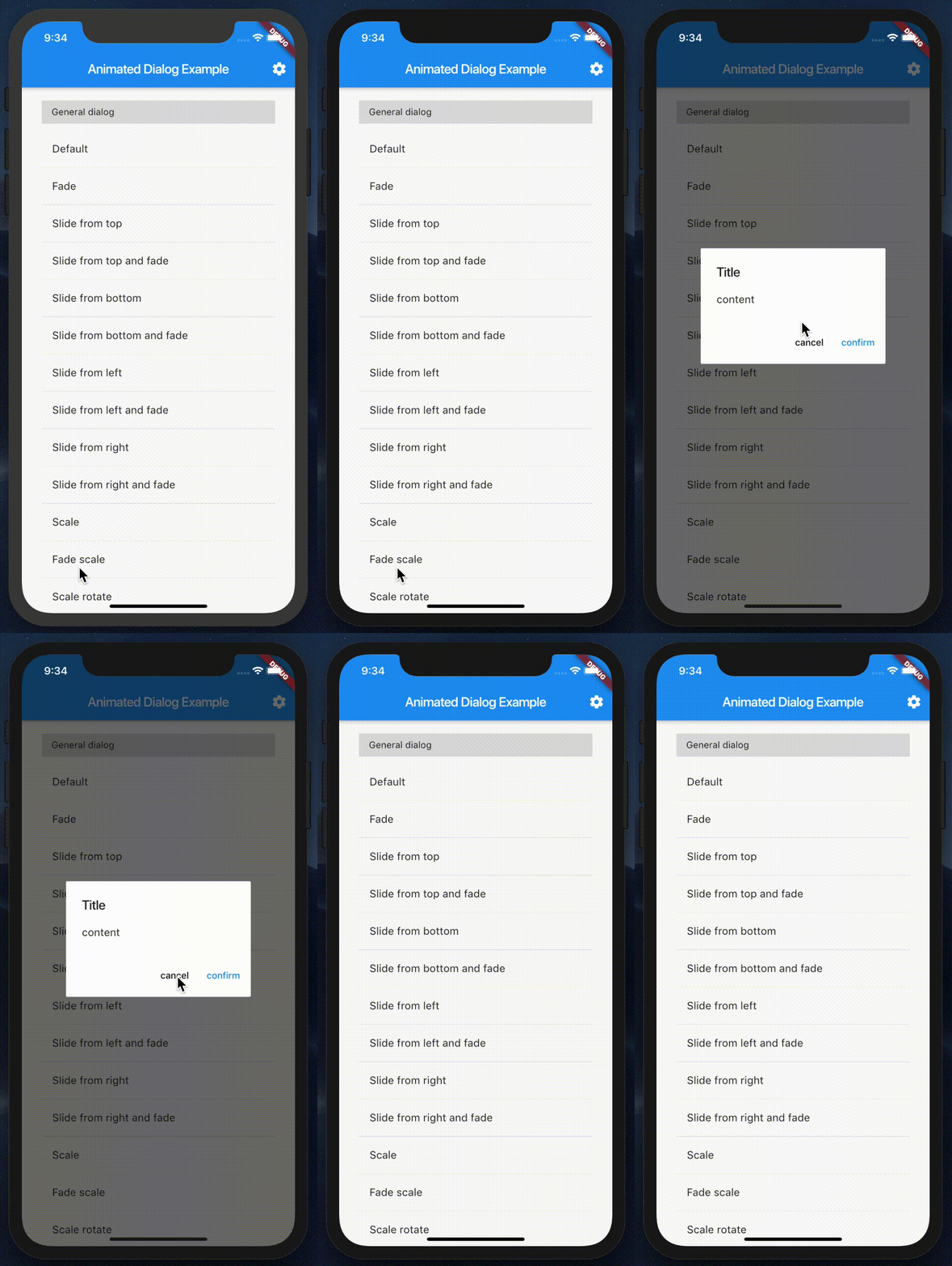
fadeScale |
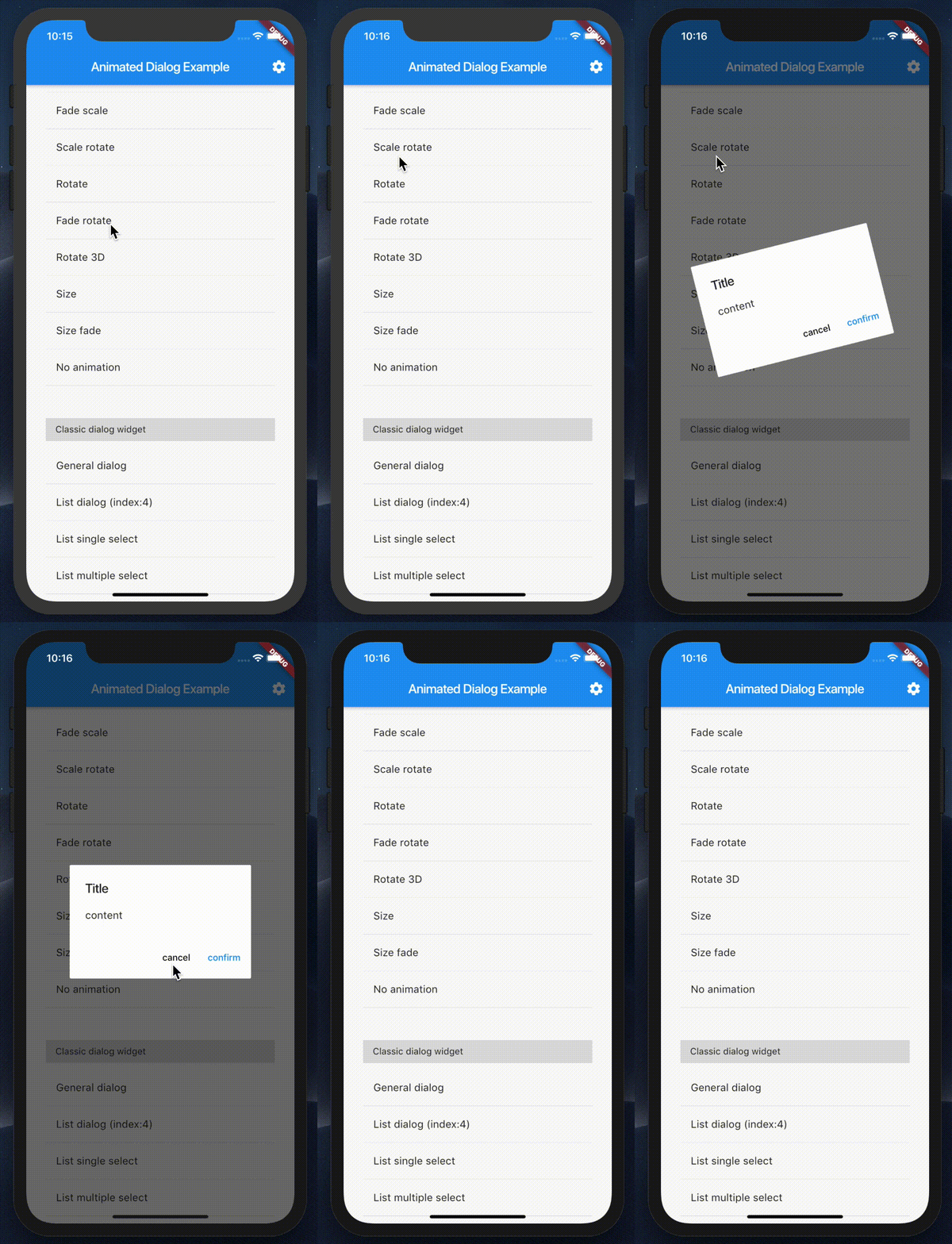
scaleRotate |
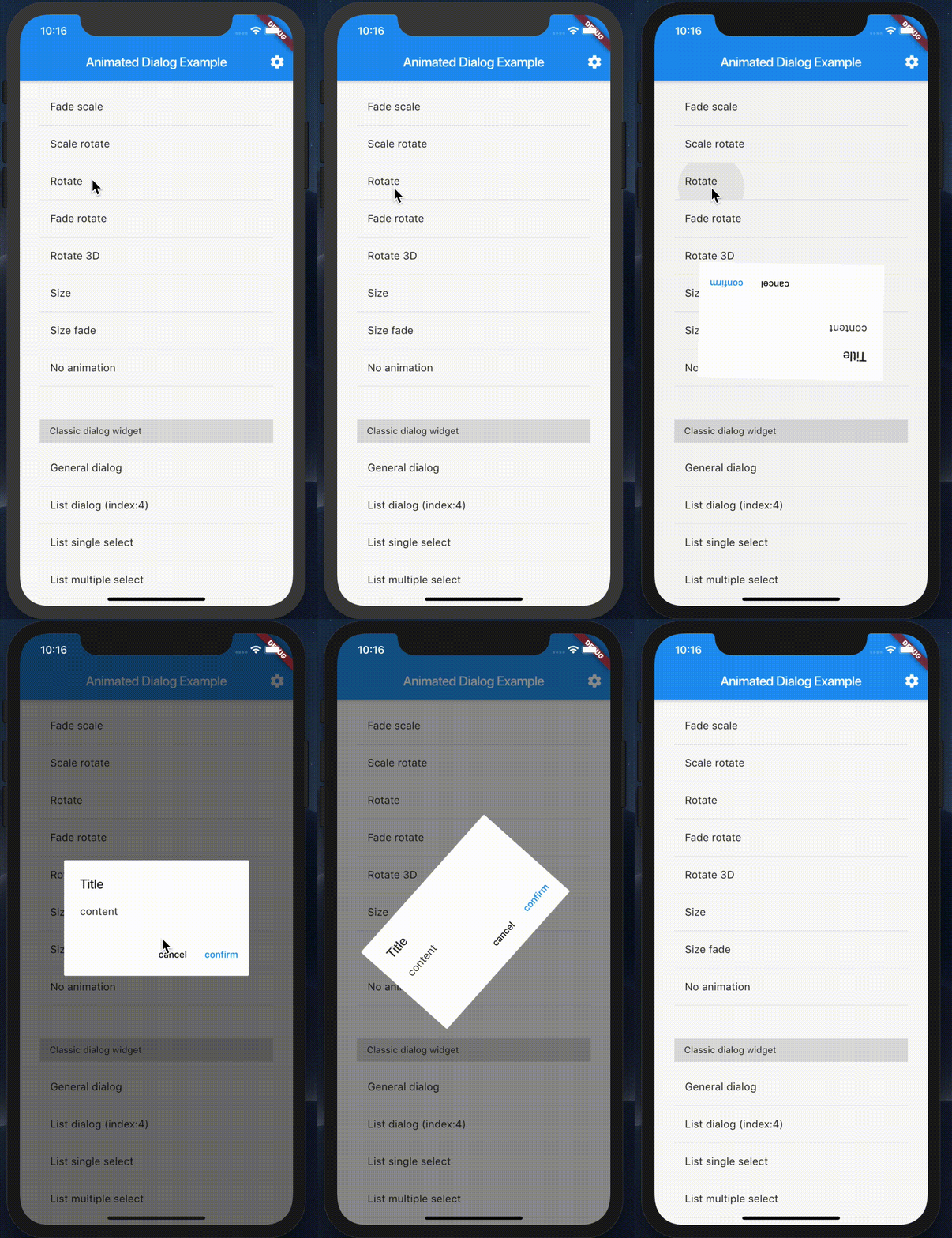
rotate |
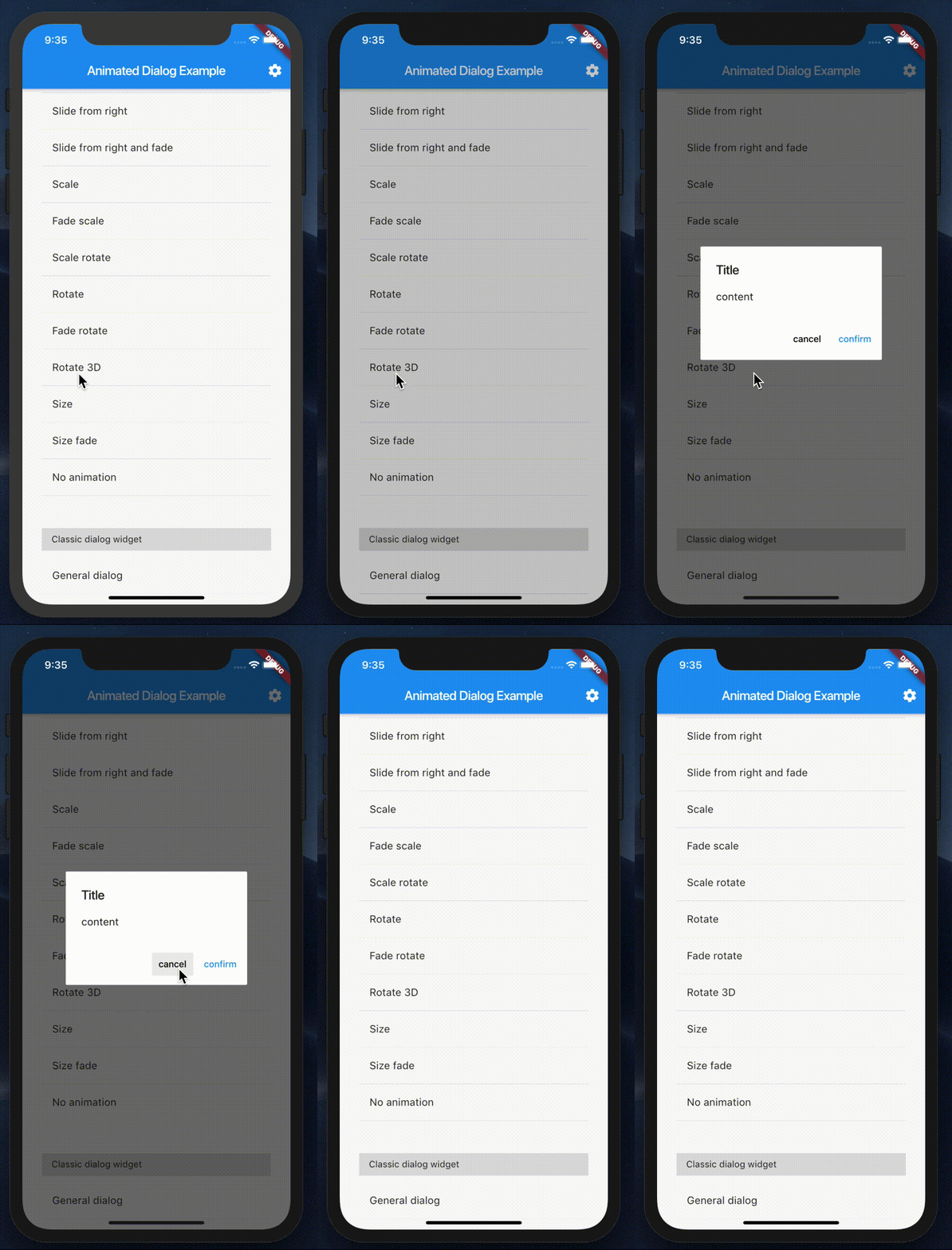
rotate3D |
size |
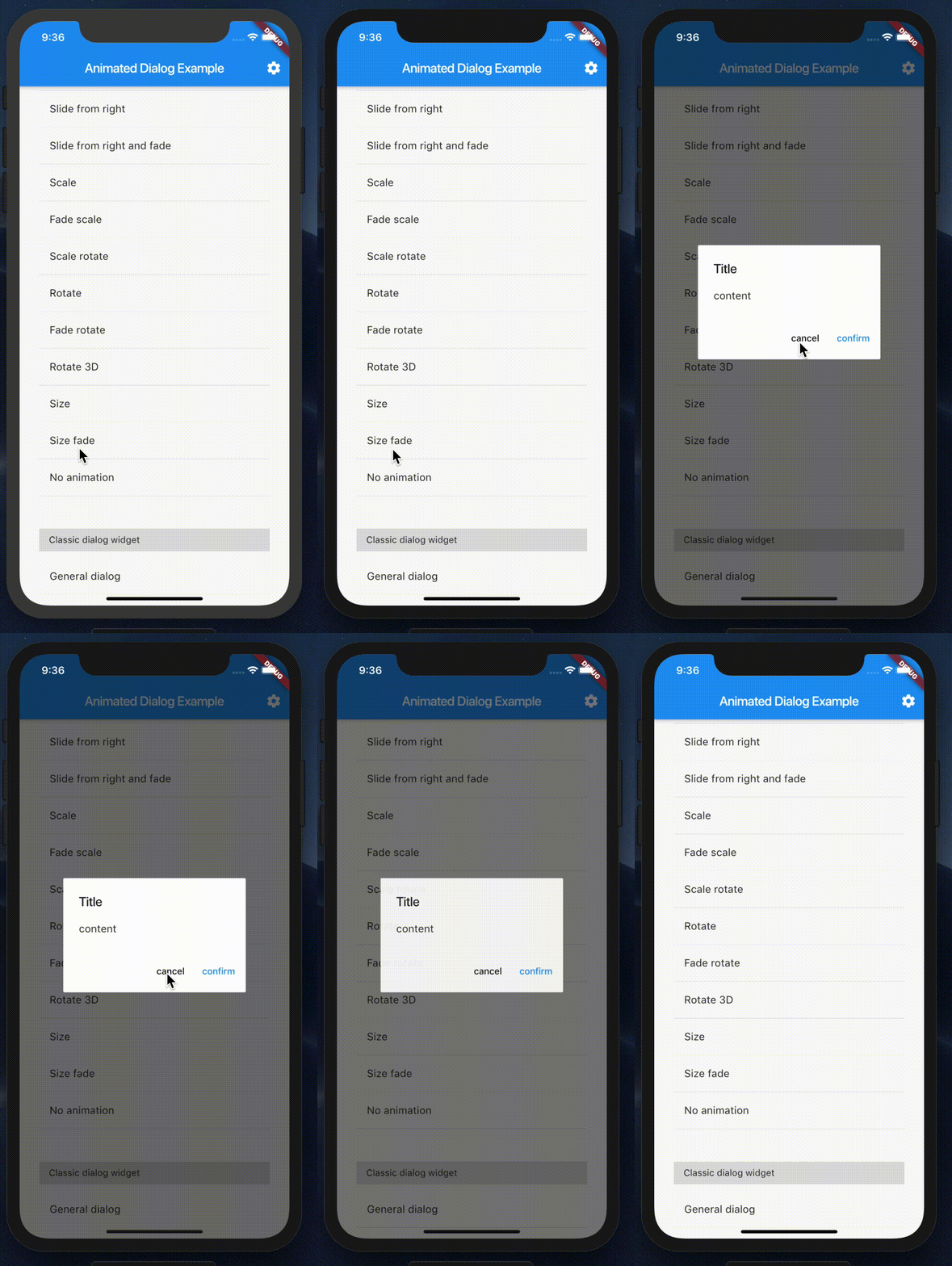
sizeFade |
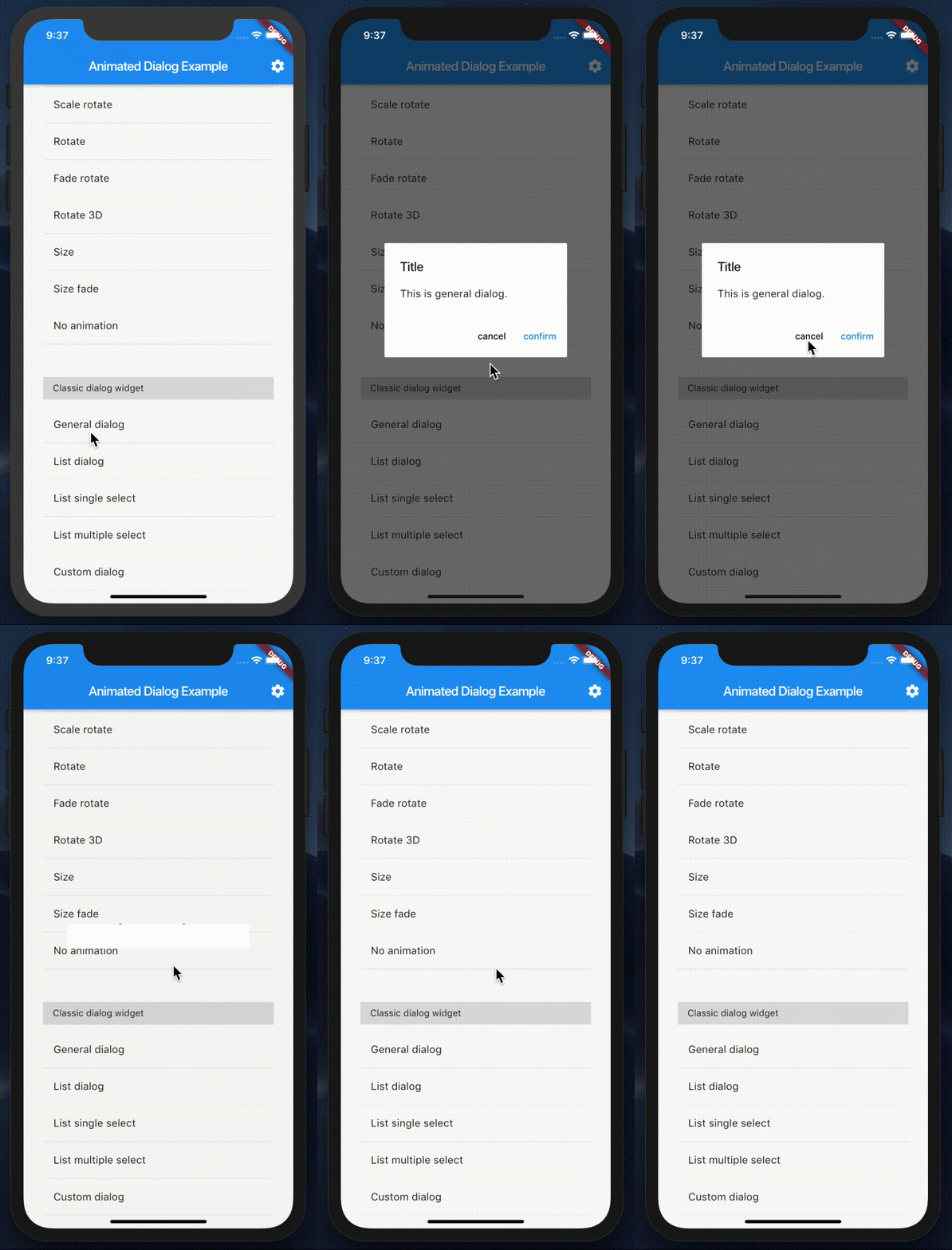
generalDialog |
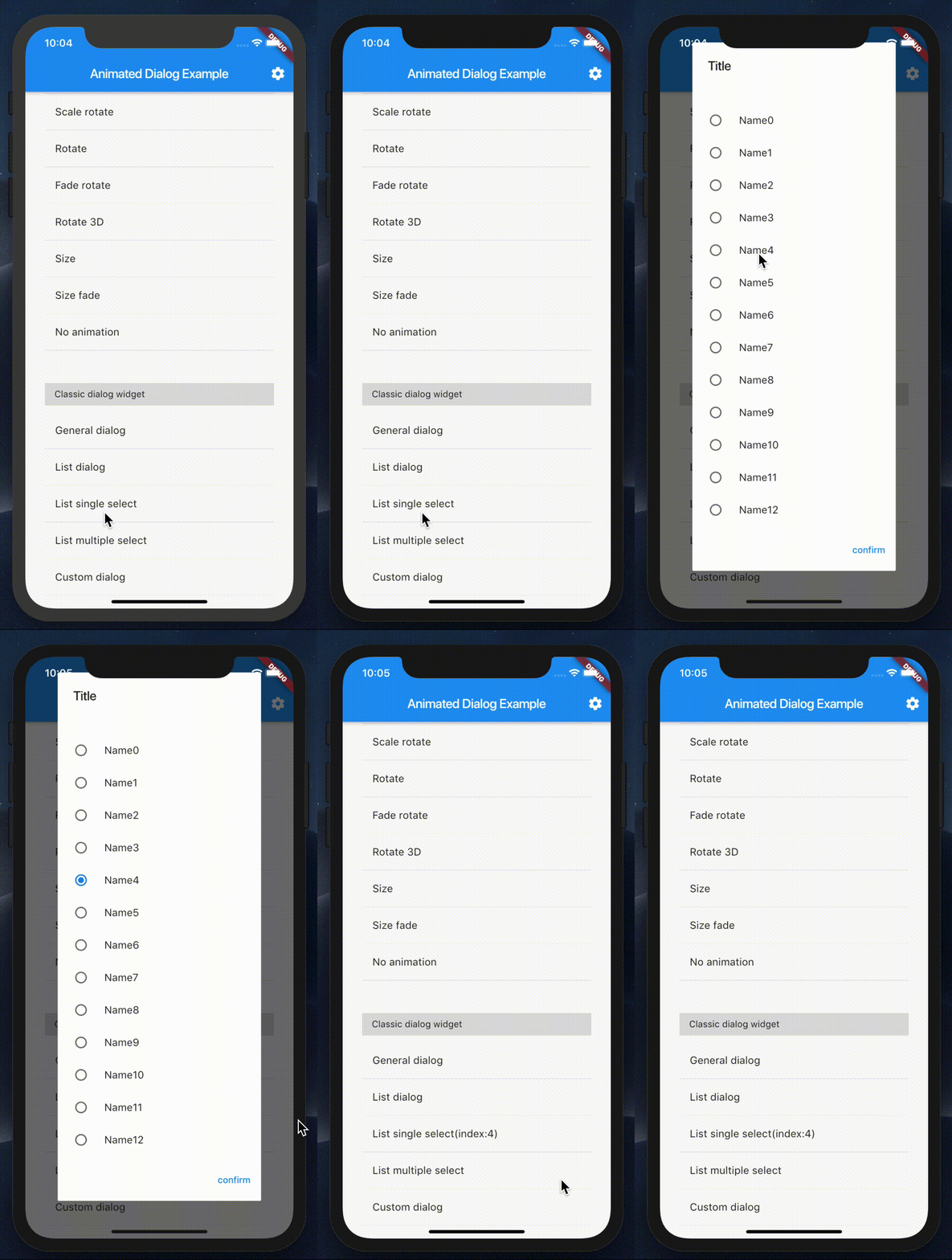
listSingleSelect |
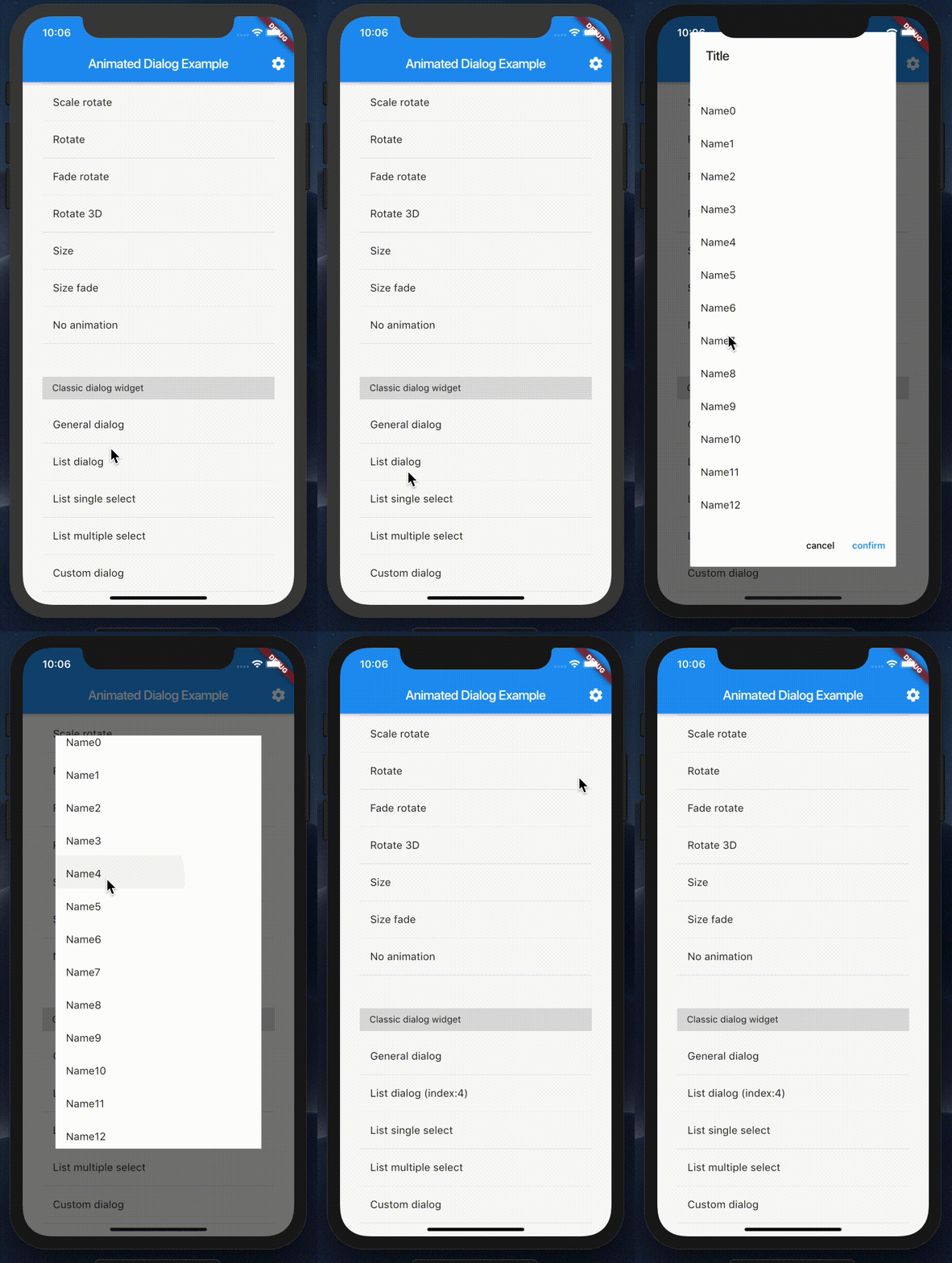
listDialog |
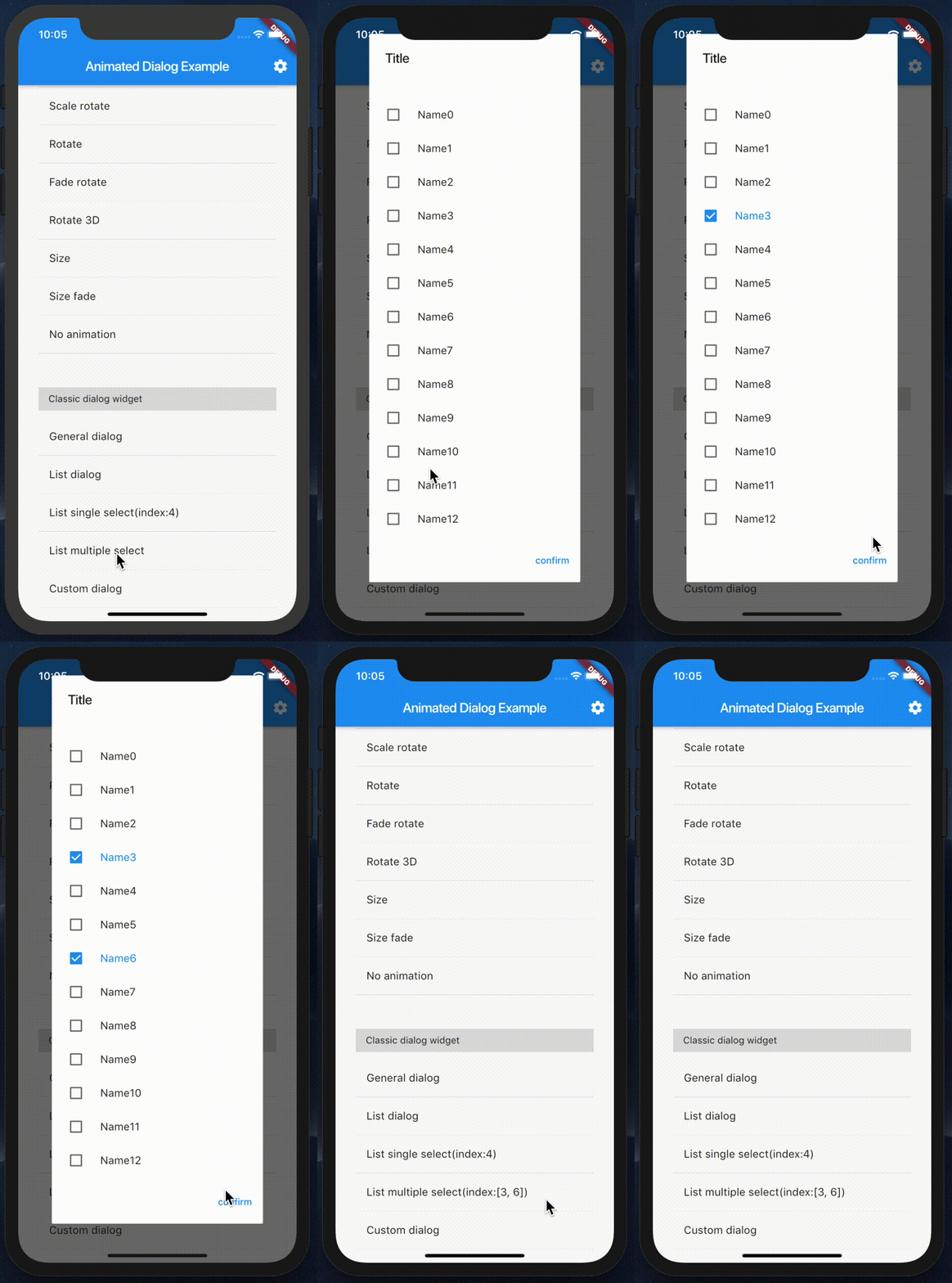
listMultipleSelect |
customDialog |
showAnimatedDialog param
| property | description |
|---|---|
| context | BuildContext (Not Null)(required) |
| barrierDismissible | bool (default false) |
| builder | WidgetBuilder (Not Null)(required) |
| animationType | DialogTransitionType (default DialogTransitionType.fade) |
| curve | Curve (default Curves.linear) |
| duration | Duration (default const Duration(milliseconds: 400)) |
| alignment | AlignmentGeometry (default Alignment.center) |
Example

GitHub author
Creativity-AI-Studio ↗
LanguagesDartObjective-CJava
Categories
Dependencies used
Dependency list 2 items
- flutter
{"sdk":"flutter"} - flutter_testDevelopment
{"sdk":"flutter"}
How do I choose a repository?
Start with your use case, compare repository activity, and check the original project before adopting it.
- Search by repository name, owner or description, then narrow the results by topic.
- Compare stars, forks and recent pushes. Stars show community interest, not a guarantee of quality.
- Read the README, license and issues on GitHub before using a project.
Sources and maintenance
“A repository is the most basic element of GitHub.”
GitHub Docs — About repositories ↗