


v1.0.5
animated_cursor
Animated Cursor designed to enhance user interface interactions
33Likes 7530-day downloads160Pub points
AndroidiOSWebmacOSWindowsLinux
DarshakDesai199/animated_cursor open-source repository details.

English project snapshot. Visit GitHub for the latest content.


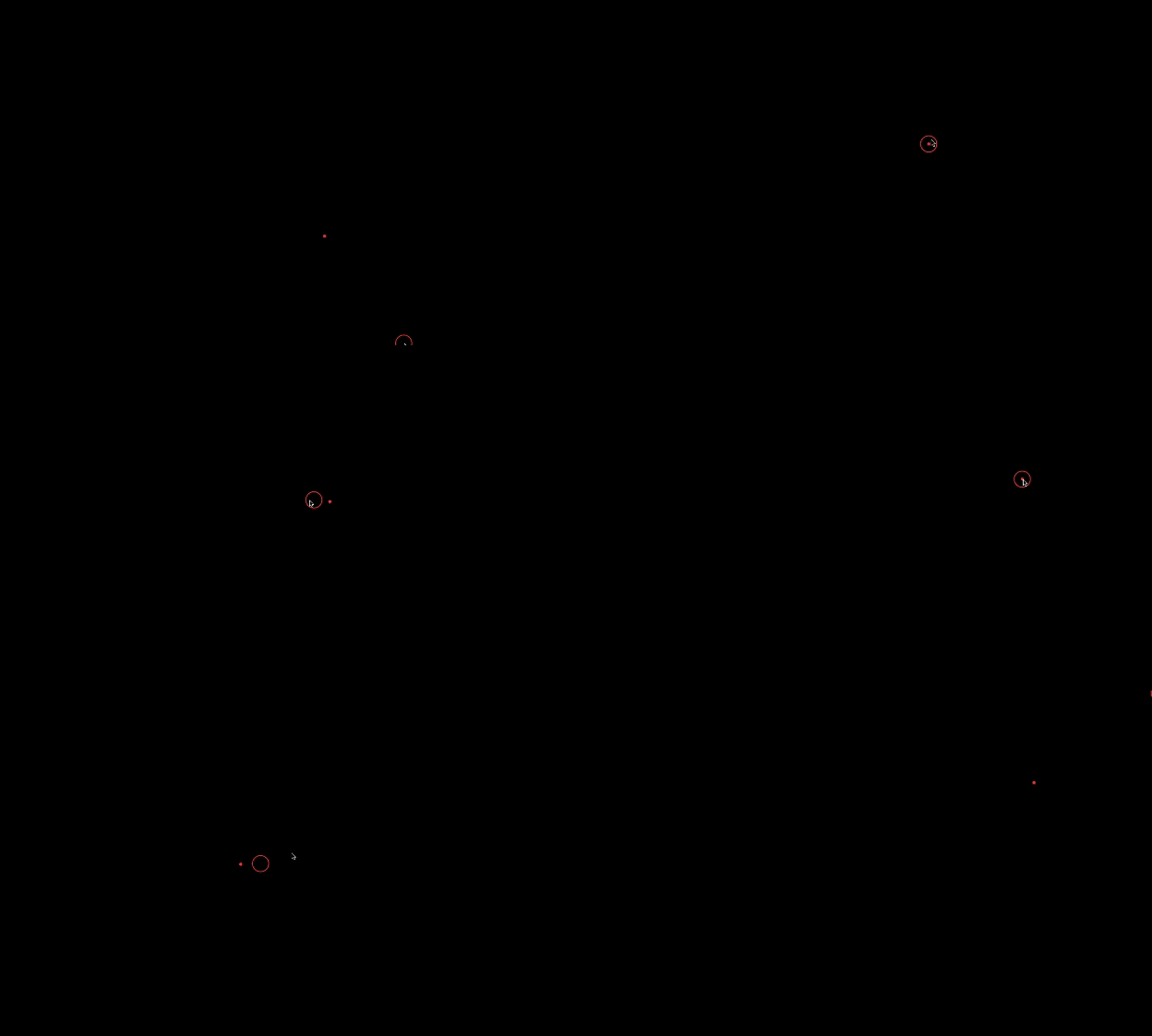
Welcome to the Animated Cursor package for Flutter! This package provides a customizable animated cursor widget that you can easily integrate into your Flutter projects.
Add dependency to pubspec.yaml
To use the latest version of animated_cursor, add the following line to your pubspec.yamlfile:
dependencies:
  animated_cursor: ^1.0.5
Install it
You can install packages from the command line:
with Flutter:
$ flutter pub get
Import the package
import 'package:animated_cursor/animated_cursor.dart';
AnimatedCursor
(
circleColor: Colors.red,
dotColor: Colors.red,
backgroundColor: Colors.black,
borderWidth: 2,
child: Container(color: Colors.black)
);
Animated Cursor:| Name | Type | Default Behaviour | Description |
|---|---|---|---|
| child | Widget | The child widget beneath the animated cursor. | |
| cursor | MouseCursor? | SystemMouseCursors.basic | The cursor to be displayed when the mouse is over the child widget |
| circleColor | Color? | Color(0xFF4CAF50) | Color of the animated circle. |
| dotColor | Color? | Color(0xFF4CAF50) | Color of the animated dot. |
| backgroundColor | Color? | Colors.transparent | Background color of the cursor. |
| circleDuration | Duration? | 100 | Duration of the animated circle's appearance. |
| dotDuration | Duration? | 350 | Duration of the animated dot's appearance. |
| borderWidth | double? | 1 | Width of the cursor's border. |
| shape | CursorShape? | BoxShape.circle | Shape of the cursor (Circle or Rectangle). |
| borderRadius | BorderRadius? | 100 | Border radius for the cursor (applicable when shape is set to Rectangle). |
import 'package:animated_cursor/animated_cursor.dart';

void main() {
  runApp(MyApp());
}

class MyApp extends StatelessWidget {
  const MyApp({super.key});

  @override
  Widget build(BuildContext context) {
    return MaterialApp(
      title: 'Animated Cursor',
      debugShowCheckedModeBanner: false,
      theme: ThemeData(
        primarySwatch: Colors.red,
      ),
      home: AnimatedCursor(
        // cursor: SystemMouseCursors.alias,
        circleColor: Colors.red,
        dotColor: Colors.red,
        backgroundColor: Colors.black,
        borderWidth: 1,
        child: Container(color: Colors.black),
      ),
    );
  }
}
👍 If you appreciate our solution's value and positive impact on your project,✨ show your support with a thumbs up! 🌟 Your feedback fuels our commitment to excellence.💫 Thank you for choosing us!
-Darshak Desai
Dependency list 4 items
{"sdk":"flutter"}^6.1.1{"sdk":"flutter"}^2.0.0Start with your use case, compare repository activity, and check the original project before adopting it.
“A repository is the most basic element of GitHub.”
GitHub Docs — About repositories ↗