
Whatsapp-Clone-Flutter
The Repository of Chat App development UI PART using Flutter (Youtube Series)

- Stars
- 589
- Forks
- 248
- Last push (UTC)
- Mar 16, 2024
- Project status
- Active
Original README
English project snapshot. Visit GitHub for the latest content.
Chat App Development Front-End and Back-End using Flutter, SocketIo, and NodeJS. (Limited code)

( You can buy the full source code of tutorial in $30 (mail me): devstackin@gmail.com )
In this full tutrial source code you will get:
- One to one chatting
- One to one file sharing
- All the basic UI of whatsapp
- Camera and Video integration
- Socket Integration
Things are not there yet:
- Database integration
- Group chat functionality
- Calling and Voice features
Please note in $30 you will going to get the full tutorial code, which I have covered in youtube, It is just a tutorial code not real whatsapp code
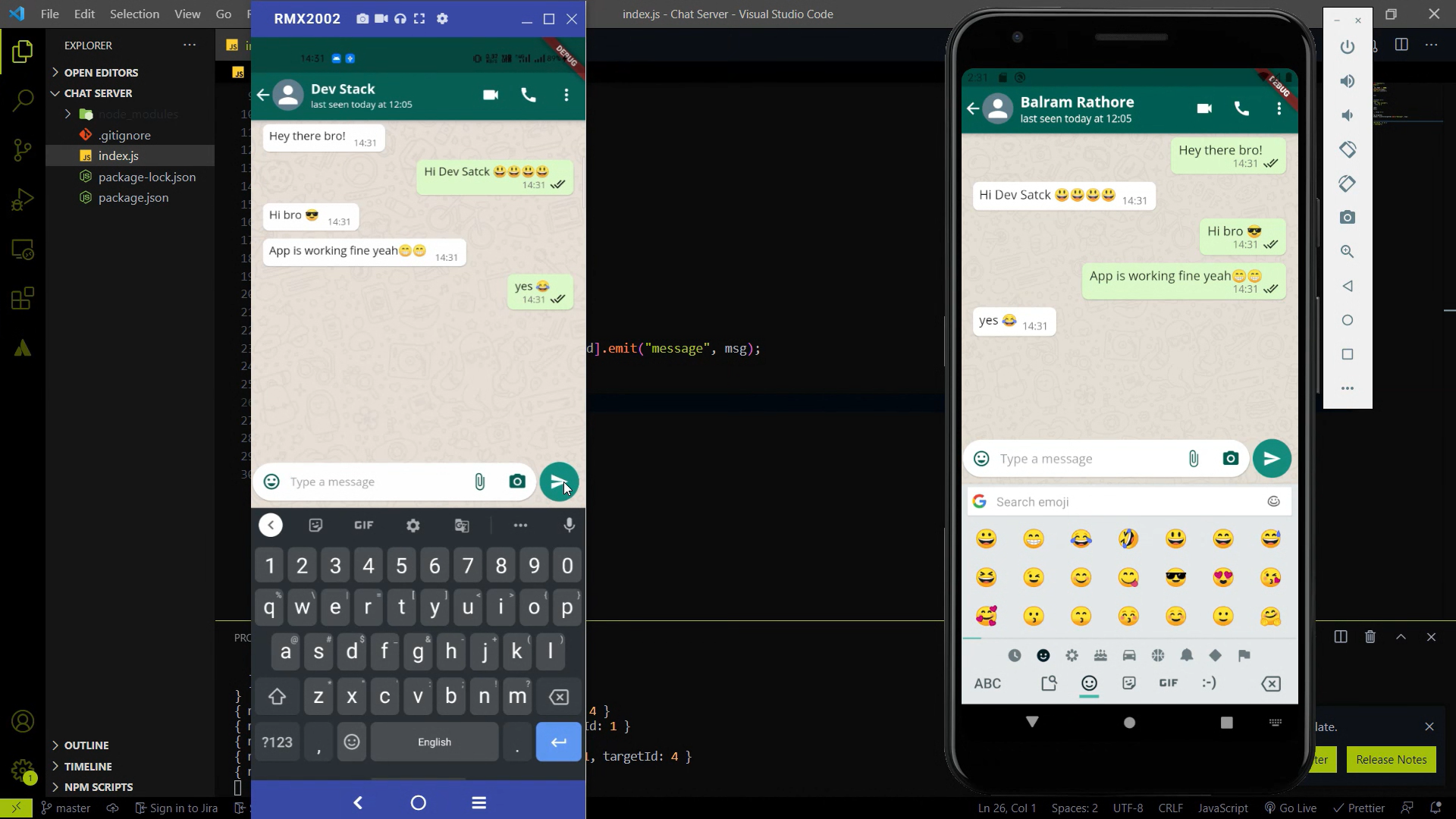
Playlist for Chat App Development series -:
| Playlist Name | YouTube Playlist Link | |
|---|---|---|
| Chat App Development (Main Playlist) | Link | |
| Chat App Development (Only Front-End using Flutter) | Link | |
| Chat Server Development (Only Back-End using Node/SocketIo) | Link |
Some Screenshots of this series
1. Landing Page
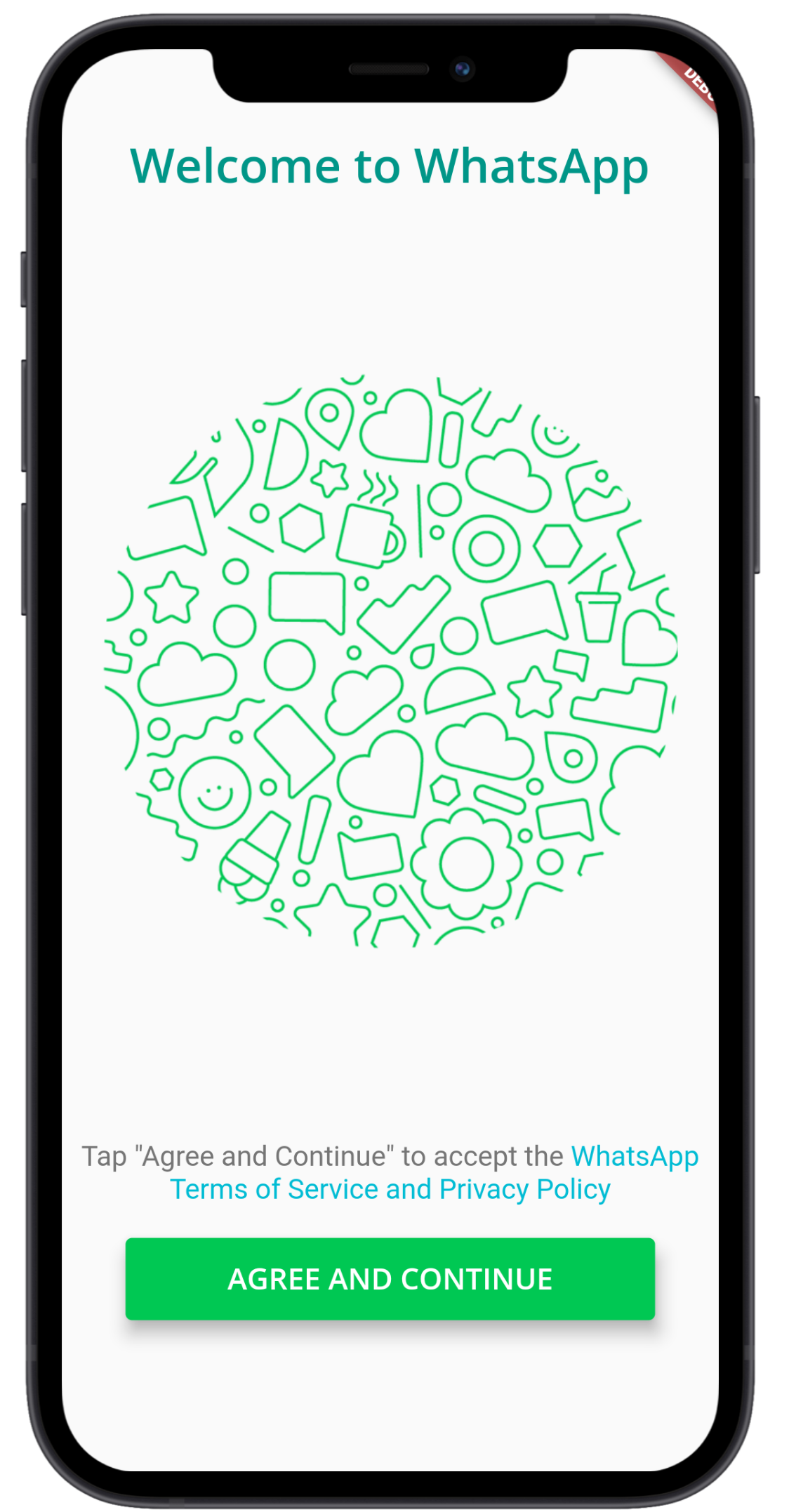
2. Login Page
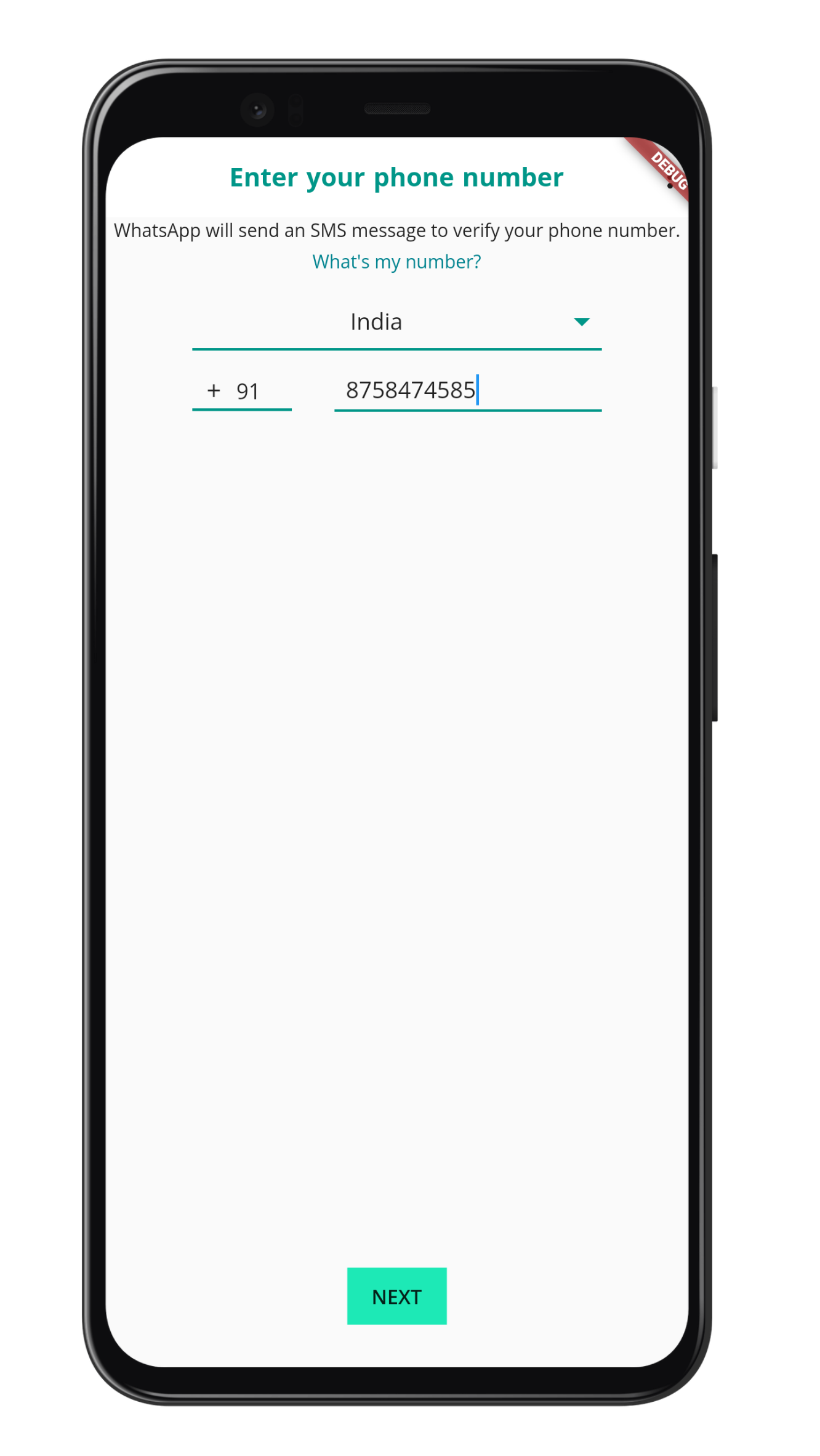
3. Login Page with Alert
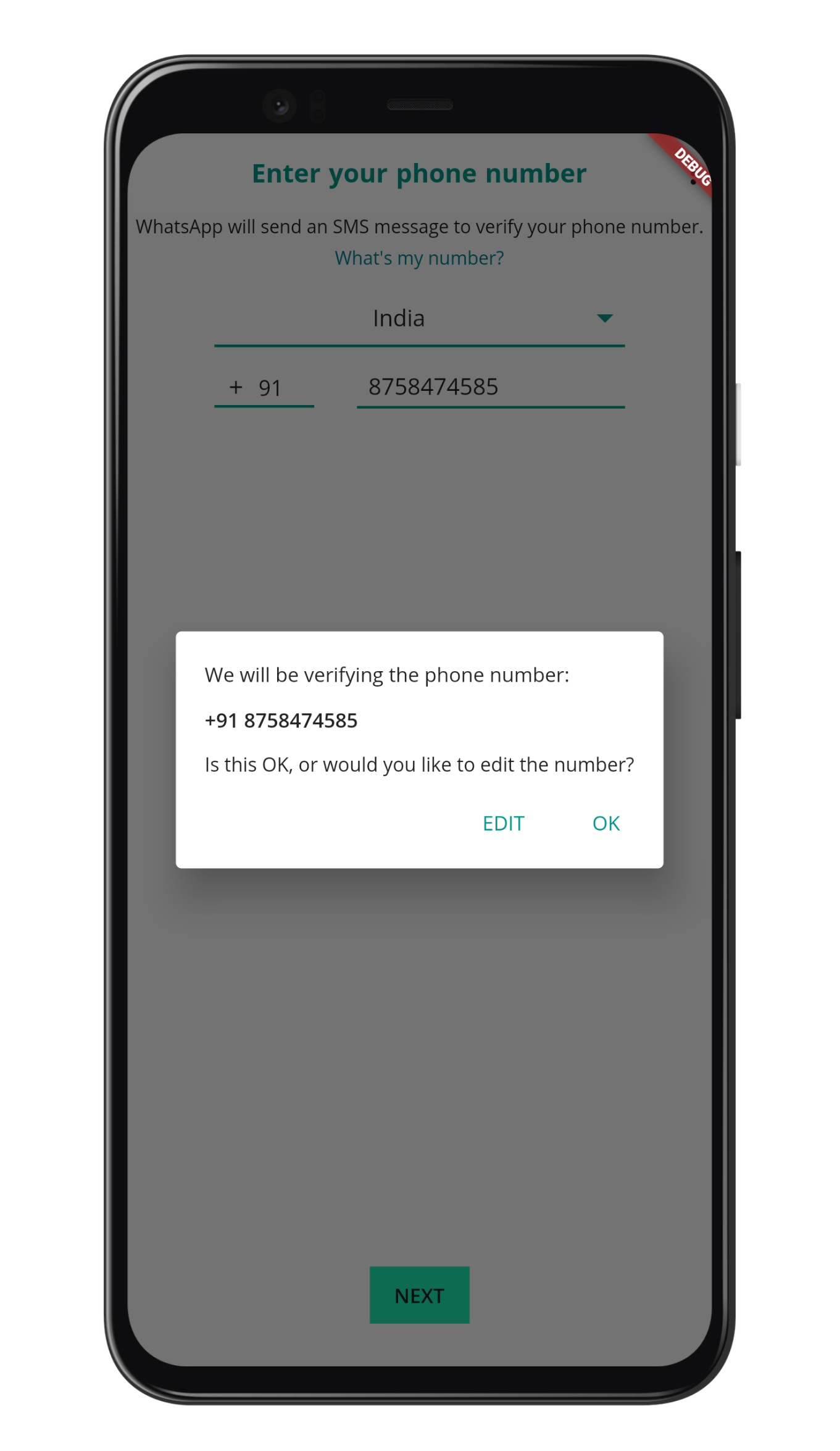
4. OTP Screen
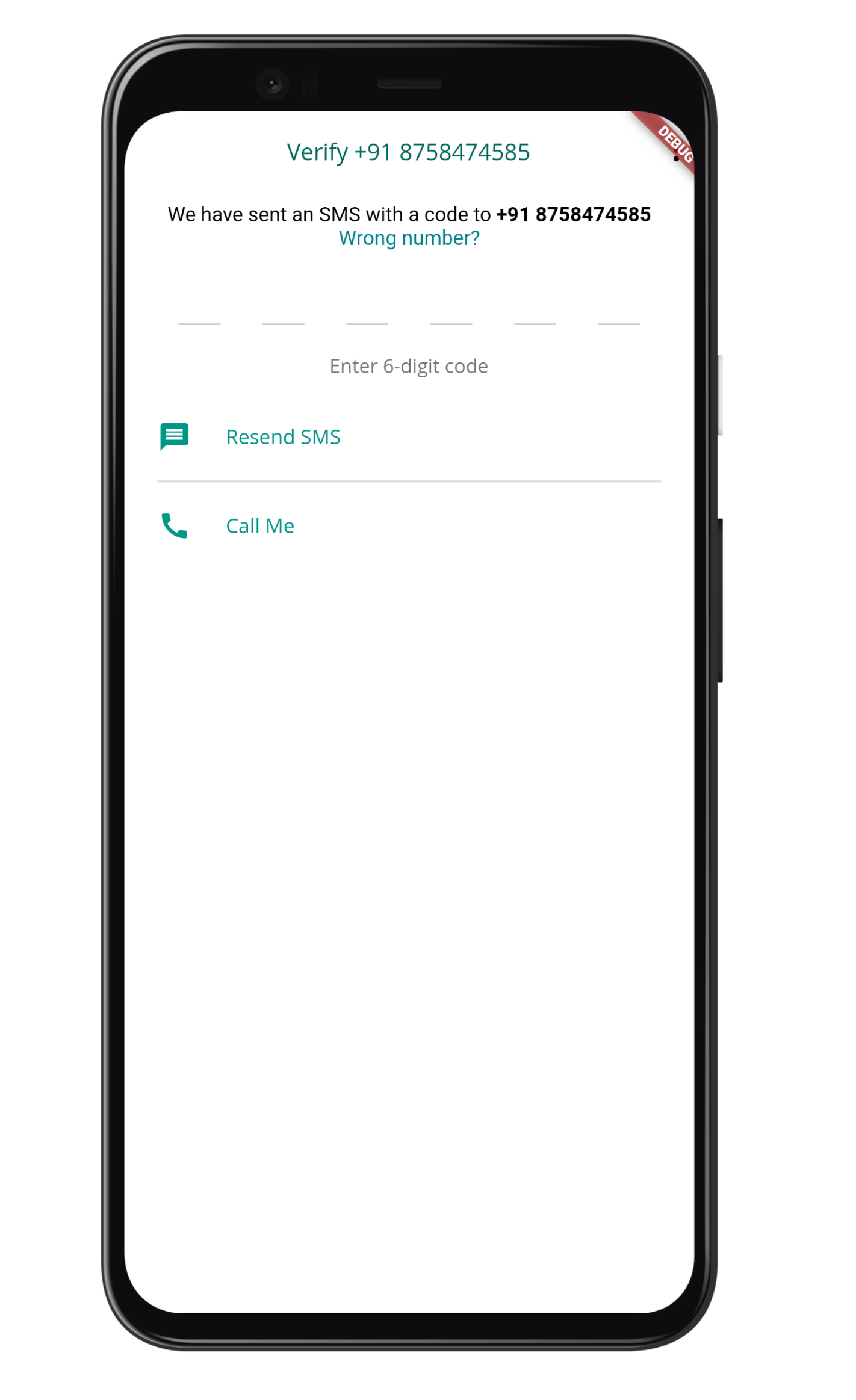
5. Country Page
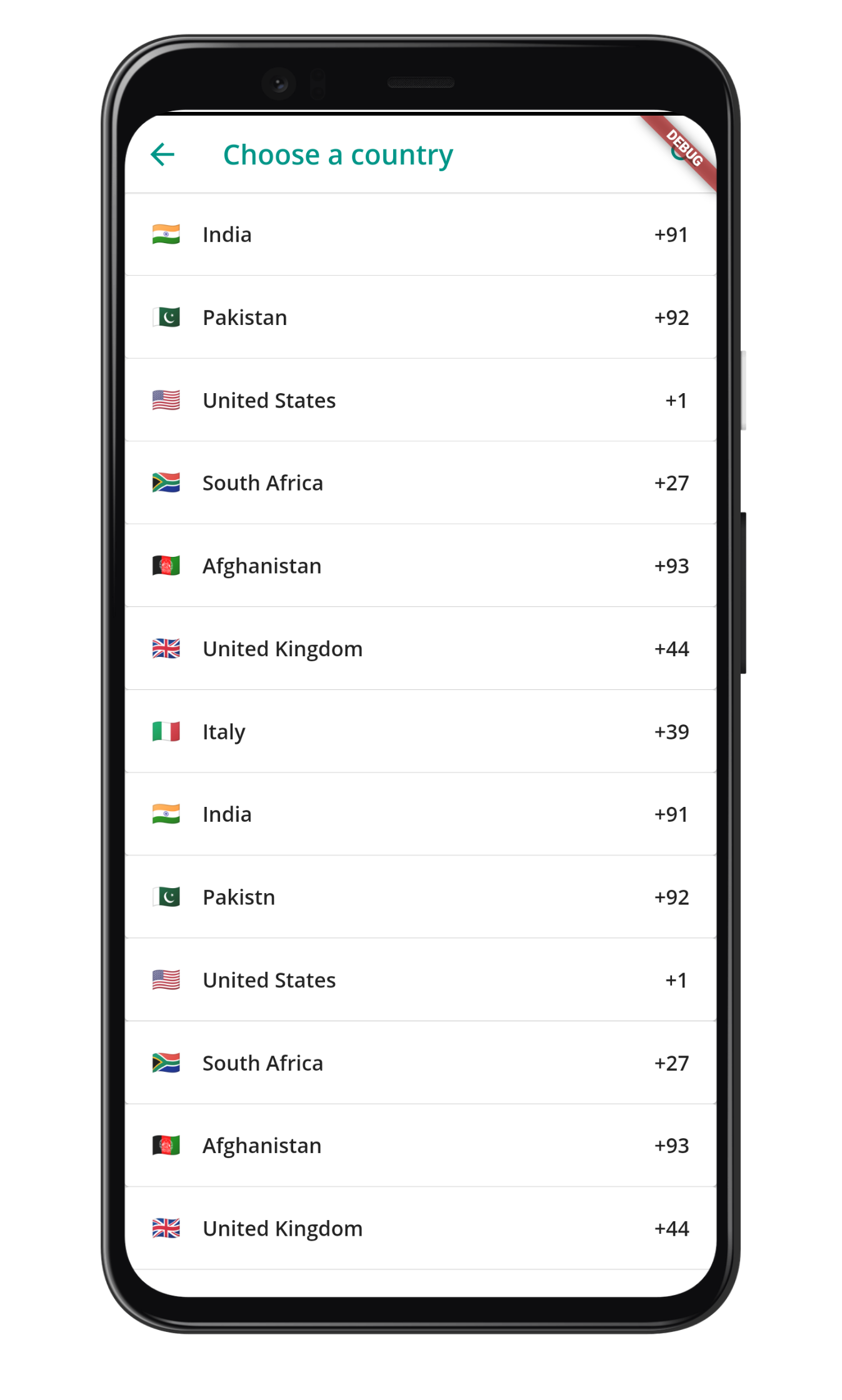
6. Home page
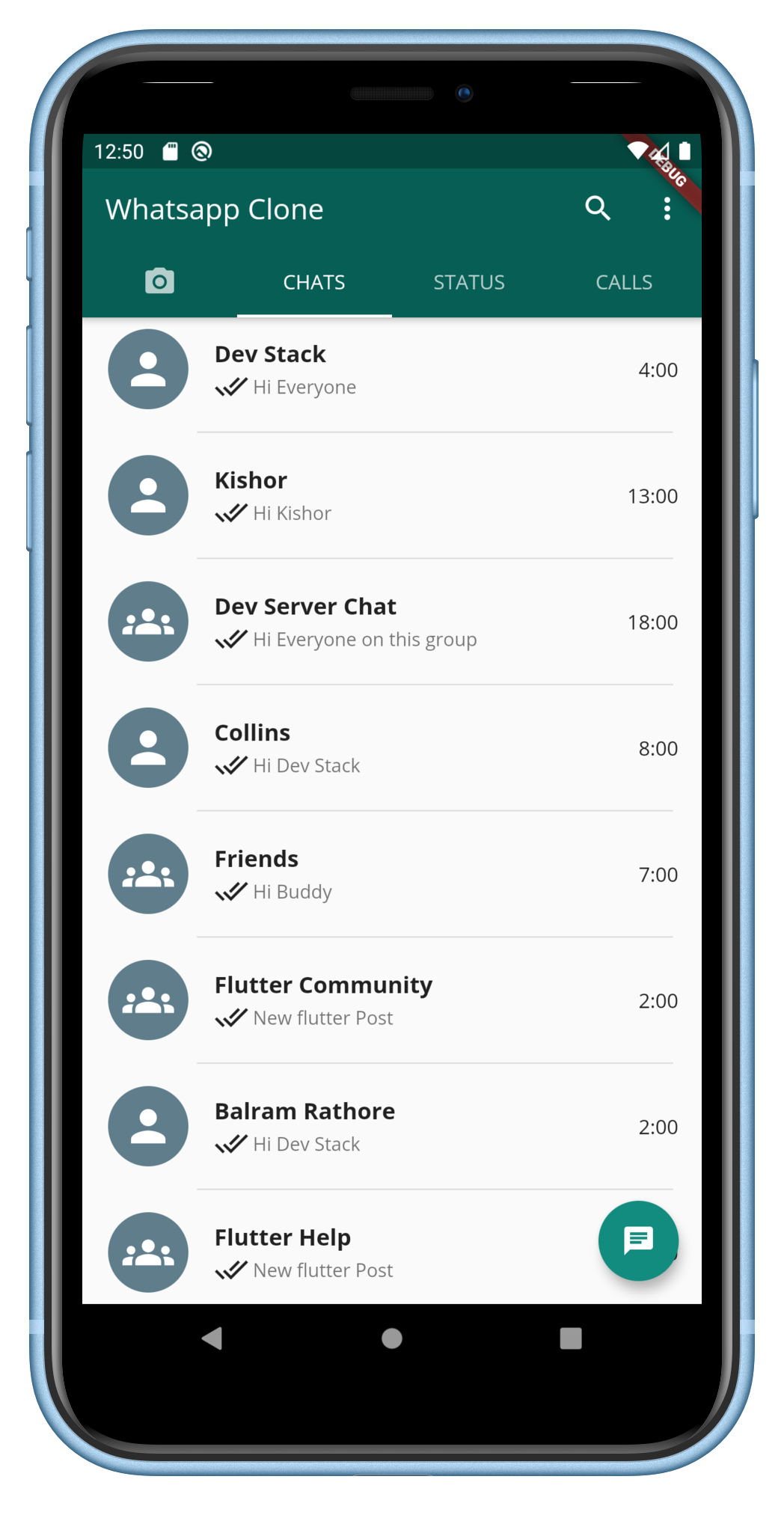
7. Chat page
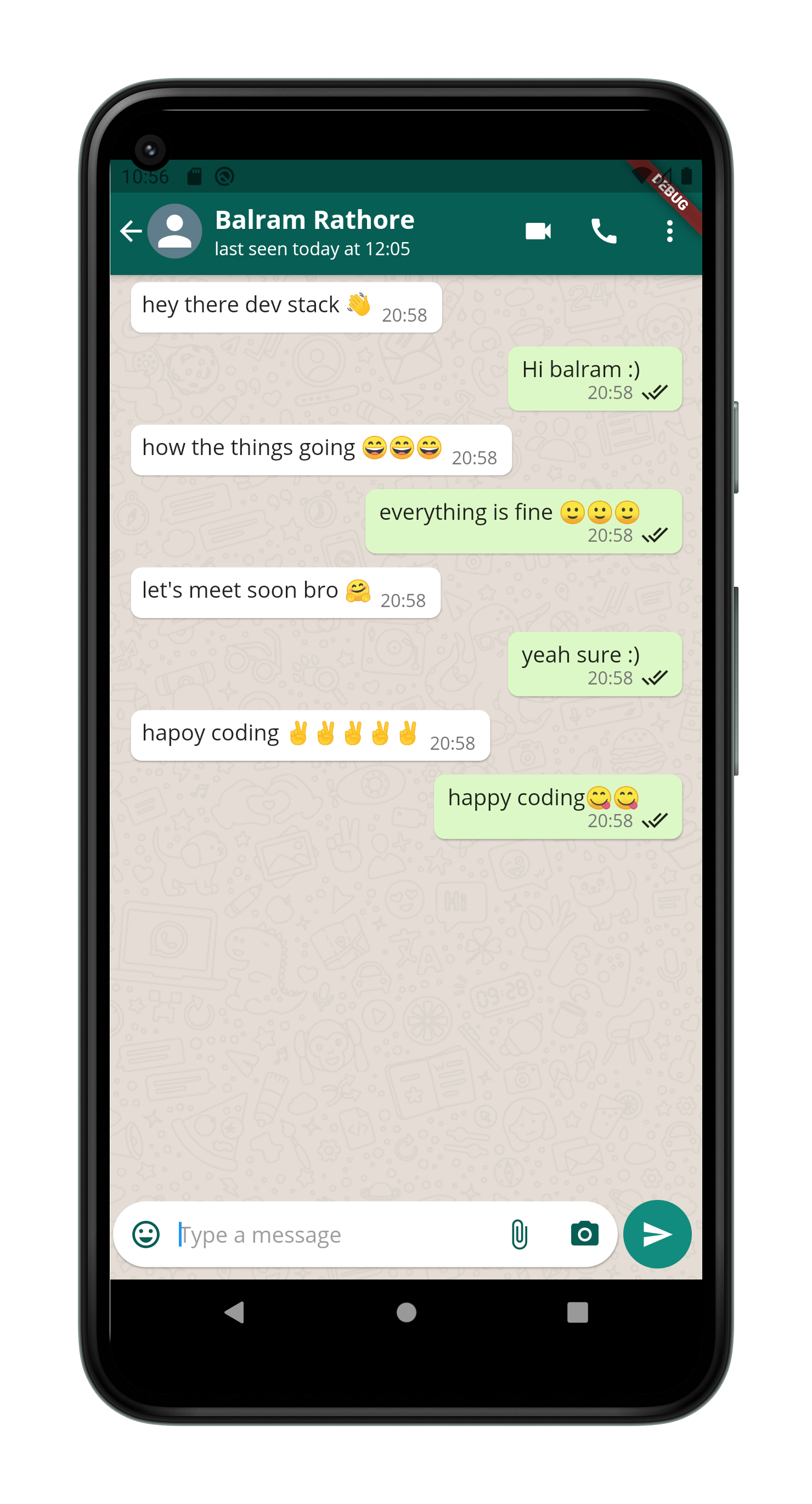
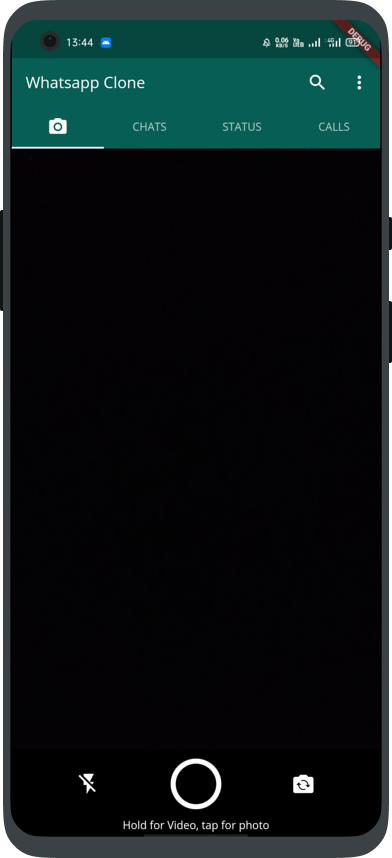
8. Camera Page
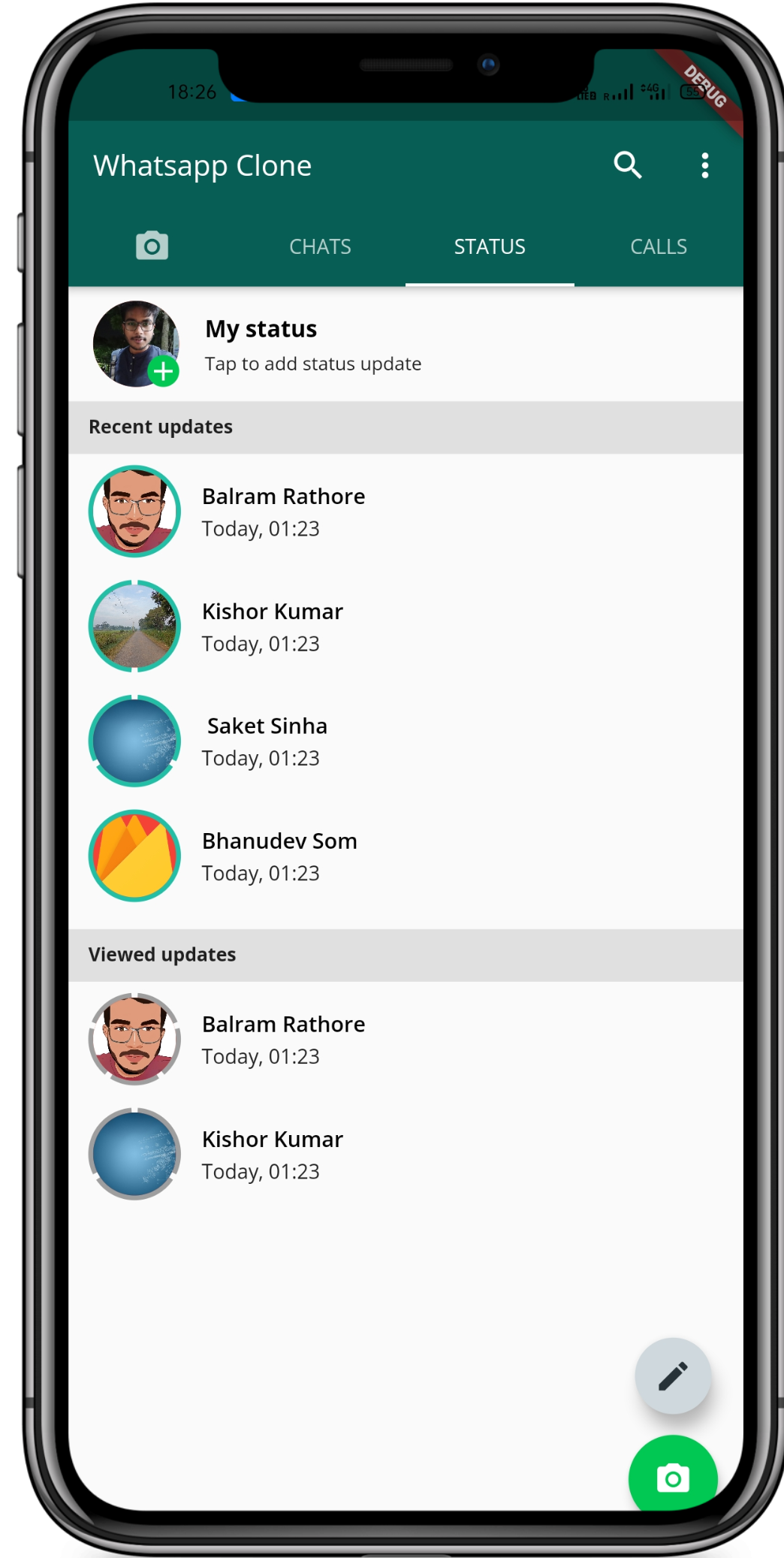
9. Status Page
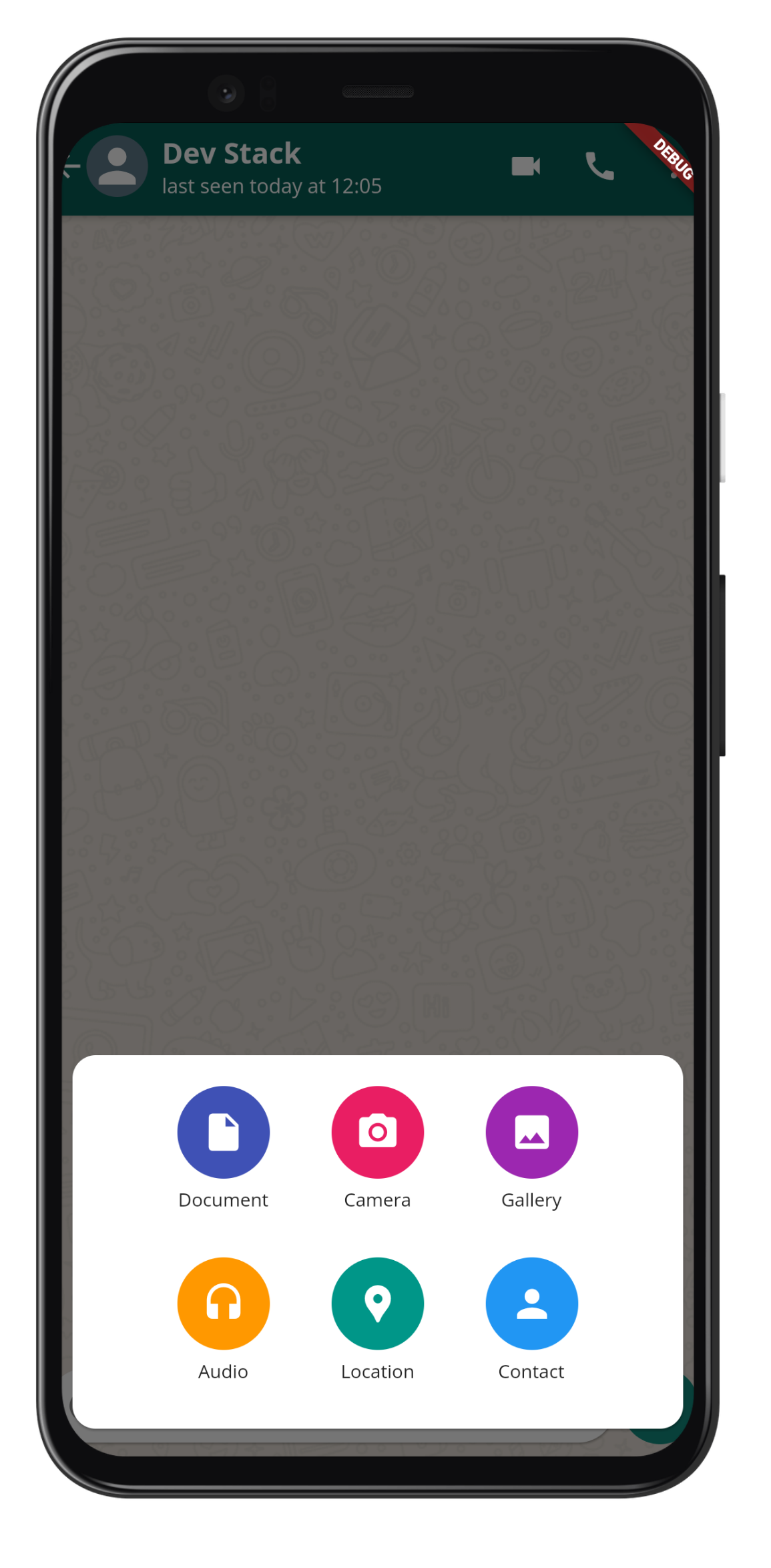
10. PopUp Menu Item
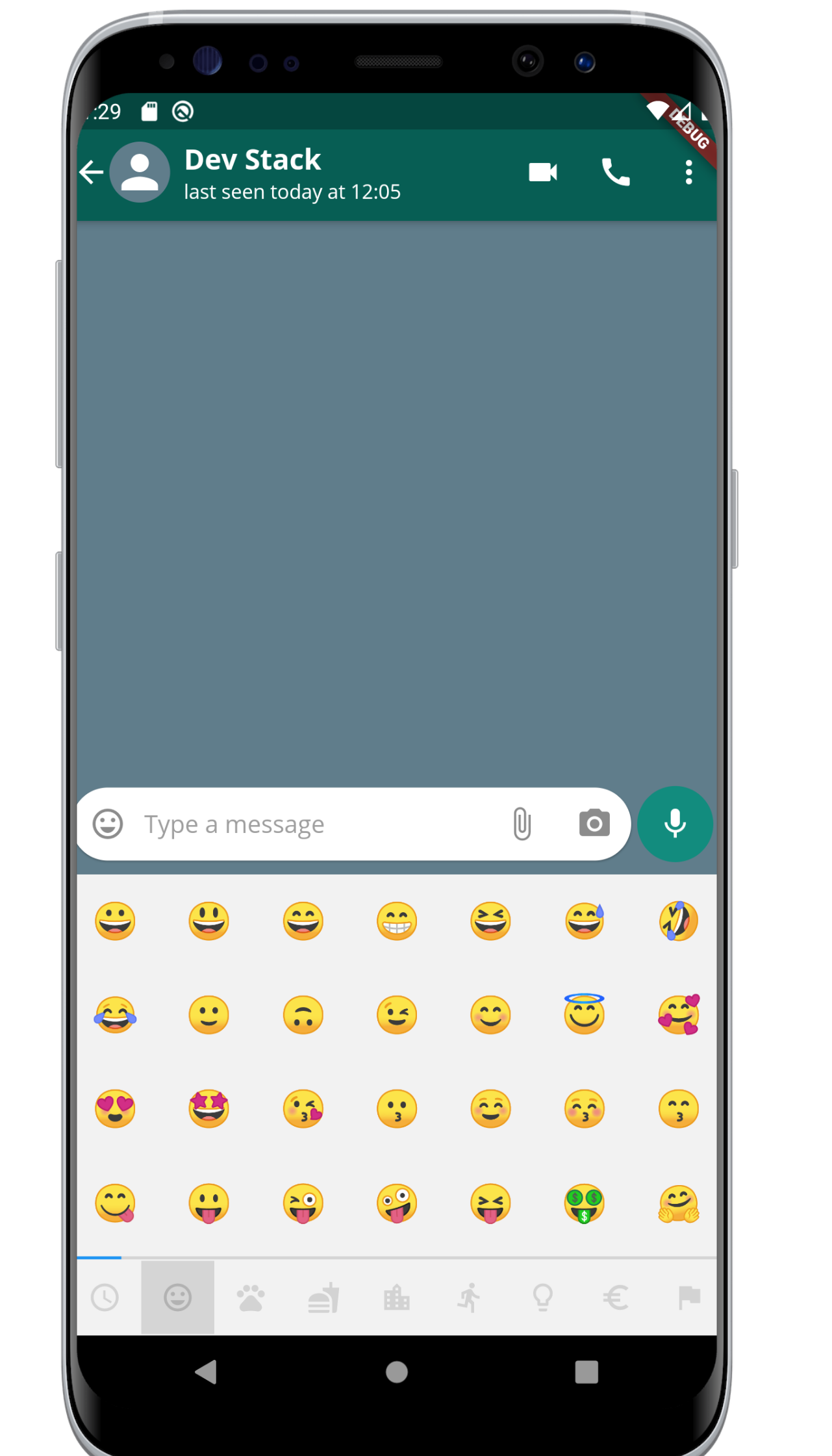
11. Emoji Picker
12. Create Group Page
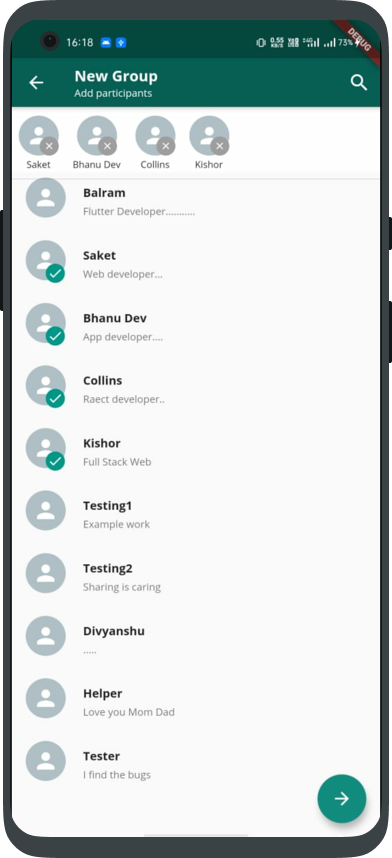
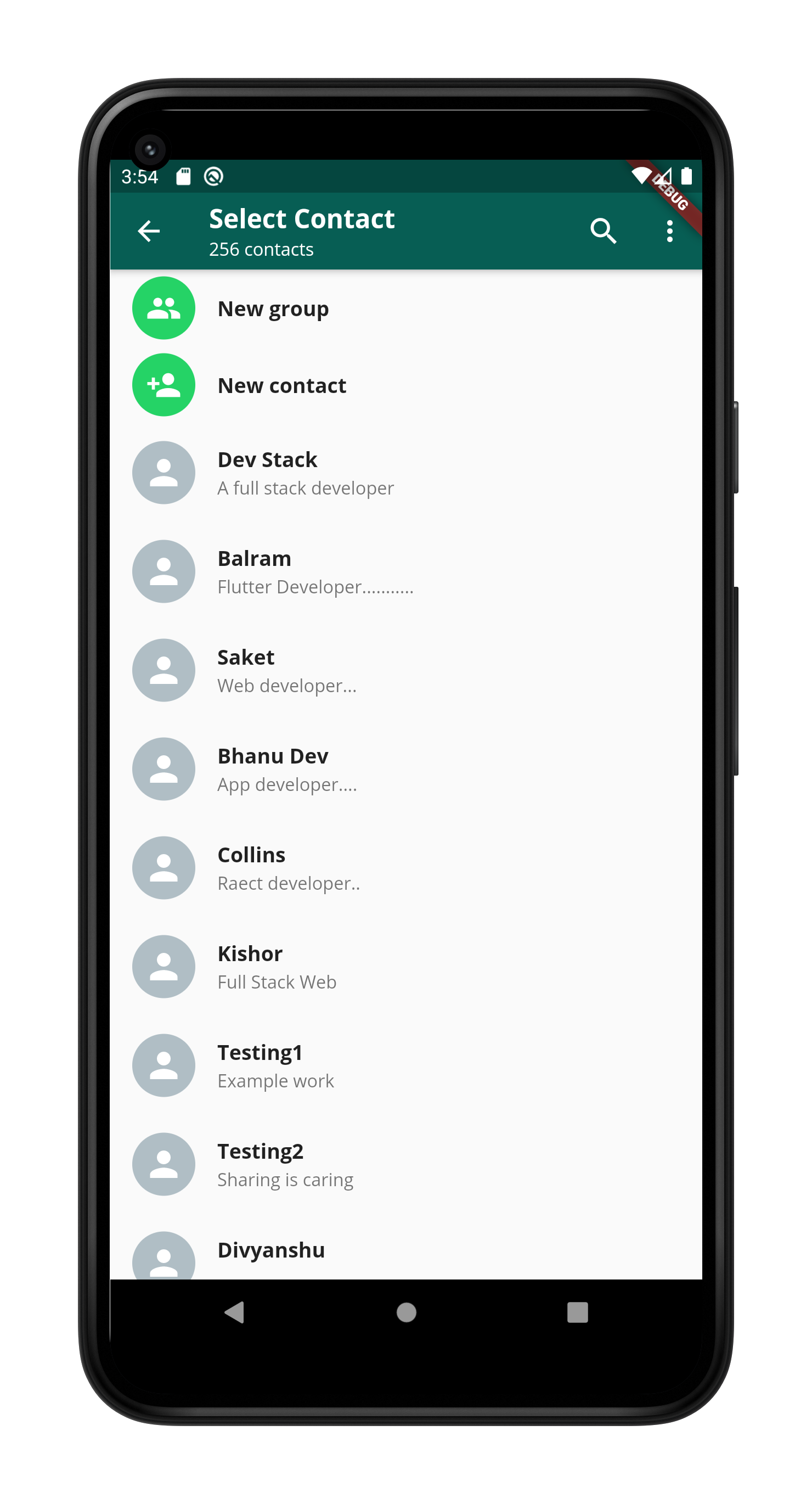
13. Select Contact Page
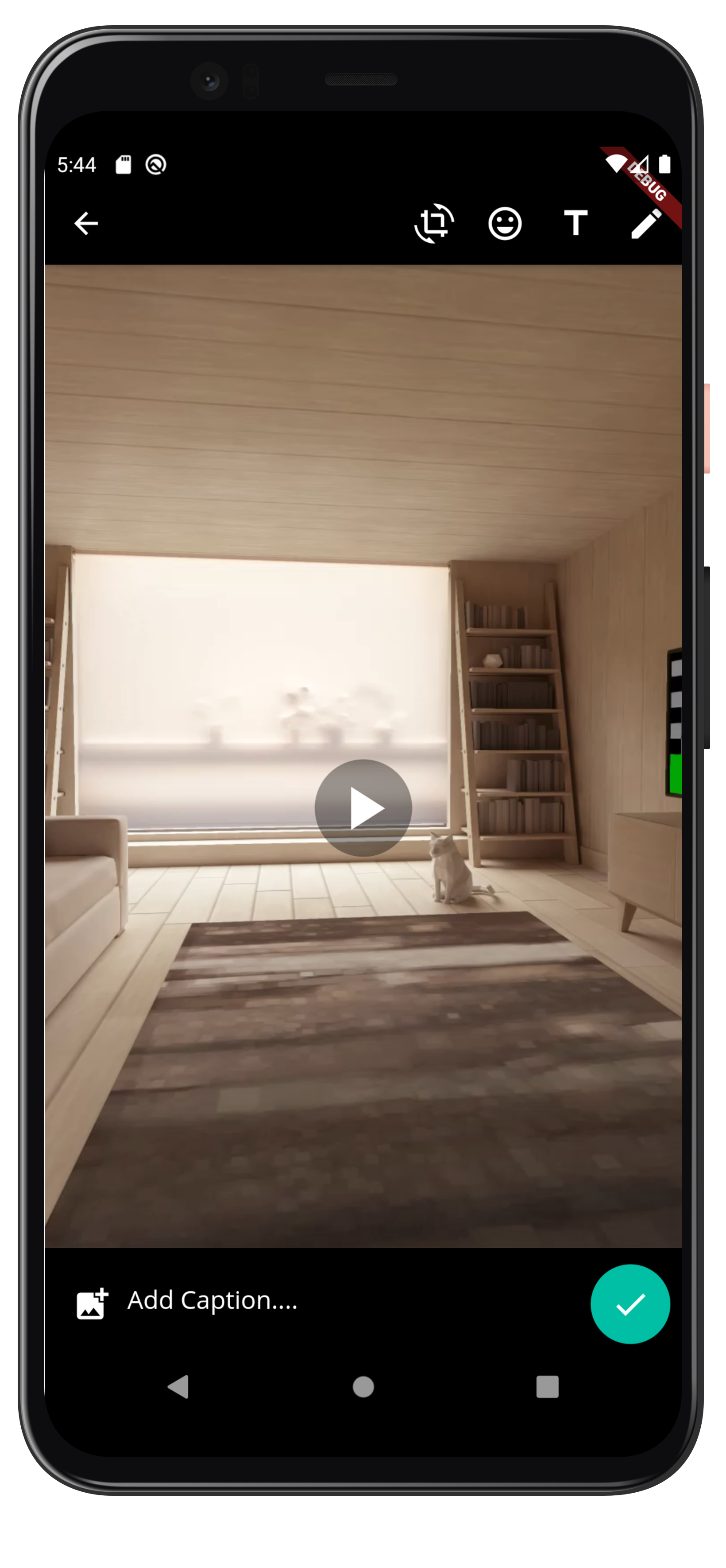
14.View Image/Video Page
Some Other playlist
| Playlist Name | YouTube Playlist Link | |
|---|---|---|
| Flutter model class series, for Rest API connection and JSON parsing | Link | |
| Flutter Basic series | link | |
| Blog App Development (Main Playlist) | Link | |
| Blog App Development (Only Front-End using Flutter) | Link | |
| Blog App Development (Only Back-End using Node/ExpressJs) | Link |
If this tutorial helped you please give a star and also fork the repo, Thank you happy coding :)
To use this app follow below instructions-:
-
Clone this app using below syntax -:
git clone https://github.com/DevStack06/Whatsapp-Clone-Flutter.git
-
After cloning install packages using below syntax -:
flutter pub get
Above command will install all the neccery packges.
- Run the app on your mobile using below command -:
flutter run

Balram Rathore ↗
Categories
Dependencies used
Dependency list 11 items
- flutter
{"sdk":"flutter"} - cupertino_icons
^1.0.0 - flutter_svg
^0.19.3 - emoji_picker
^0.1.0 - shared_preferences
^0.5.12+4 - camera
^0.7.0+2 - path_provider
^1.6.22 - path
— - video_player
^1.0.1 - socket_io_client
^0.9.12 - flutter_testDevelopment
{"sdk":"flutter"}
Rankings
How do I choose a repository?
Start with your use case, compare repository activity, and check the original project before adopting it.
- Search by repository name, owner or description, then narrow the results by topic.
- Compare stars, forks and recent pushes. Stars show community interest, not a guarantee of quality.
- Read the README, license and issues on GitHub before using a project.
Sources and maintenance
“A repository is the most basic element of GitHub.”
GitHub Docs — About repositories ↗