

 v2.0.0
full_screen_image
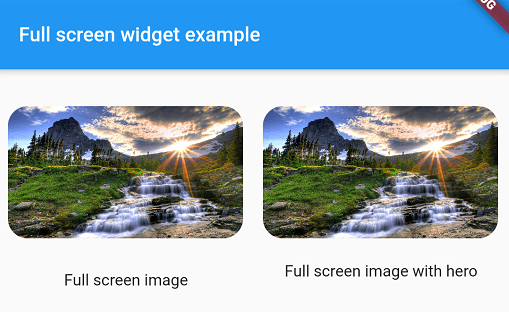
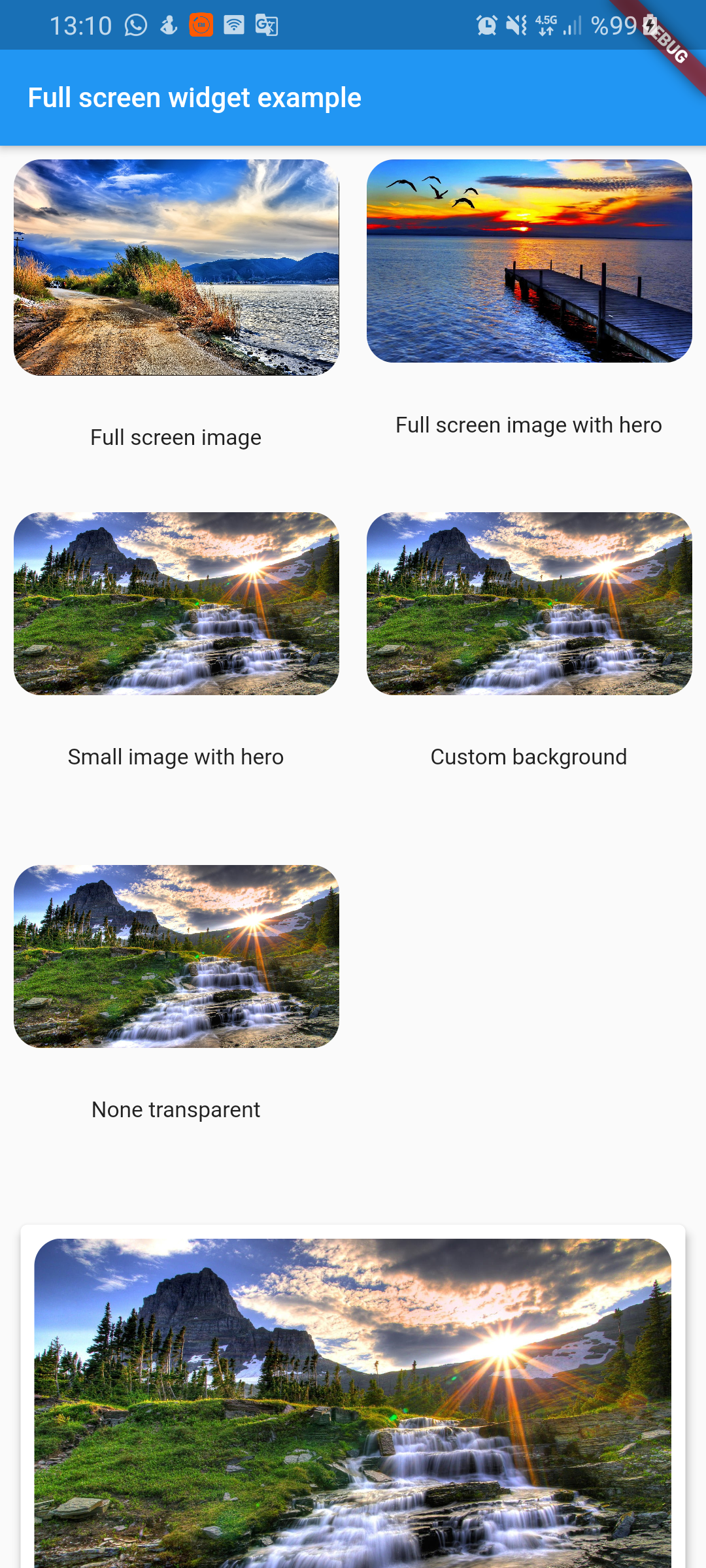
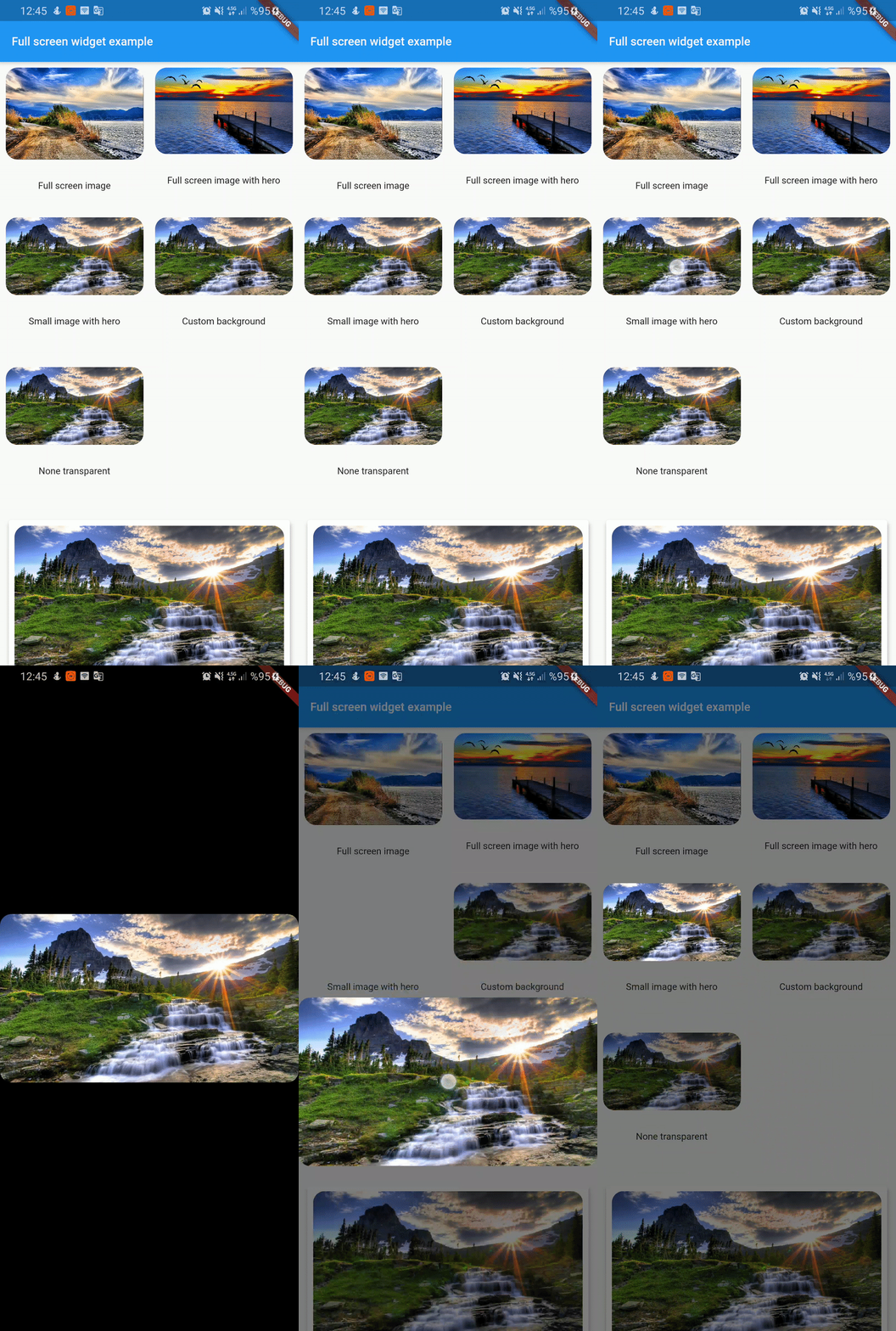
Full screen photo viewer. It shuts off when scrolling vertically. Can work with Hero widget.
131Likes 2.1K30-day downloads130Pub points
AndroidiOSWebmacOSWindowsLinux
Full screen photo viewer. It shuts off when scrolling vertically. Can work with Hero widget

English project snapshot. Visit GitHub for the latest content.
Full screen photo viewer. It shuts off when scrolling vertically. Can work with Hero widget
To use this plugin, add full_screen_image as a dependency in your pubspec.yaml file.
full_screen_image: any
Check out the example app using full_screen_image.
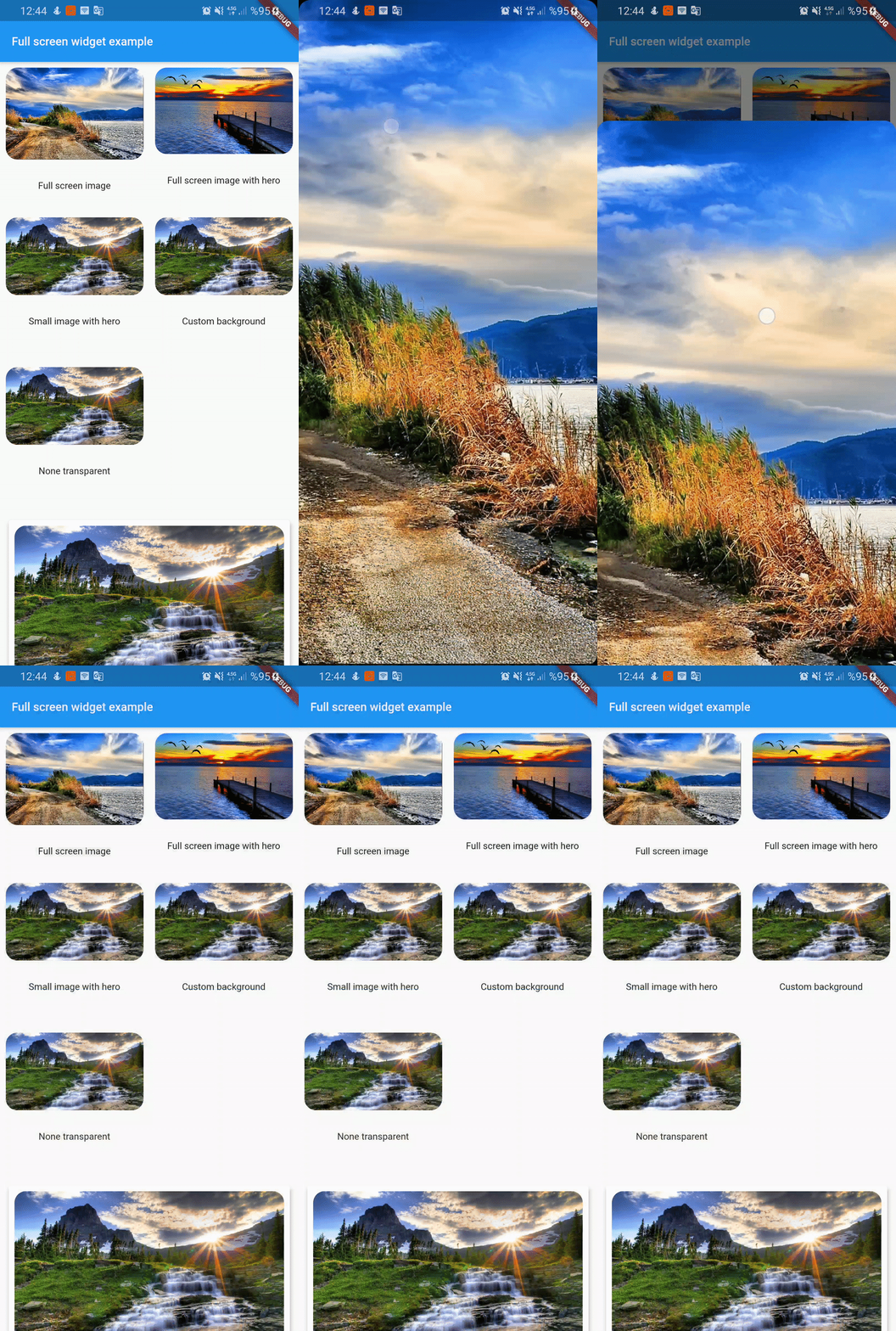
  FullScreenWidget(
        child: ClipRRect(
          borderRadius: BorderRadius.circular(16),
          child: Image.asset(
            "assets/image1.jpg",
            fit: BoxFit.cover,
          ),
        ),
      )
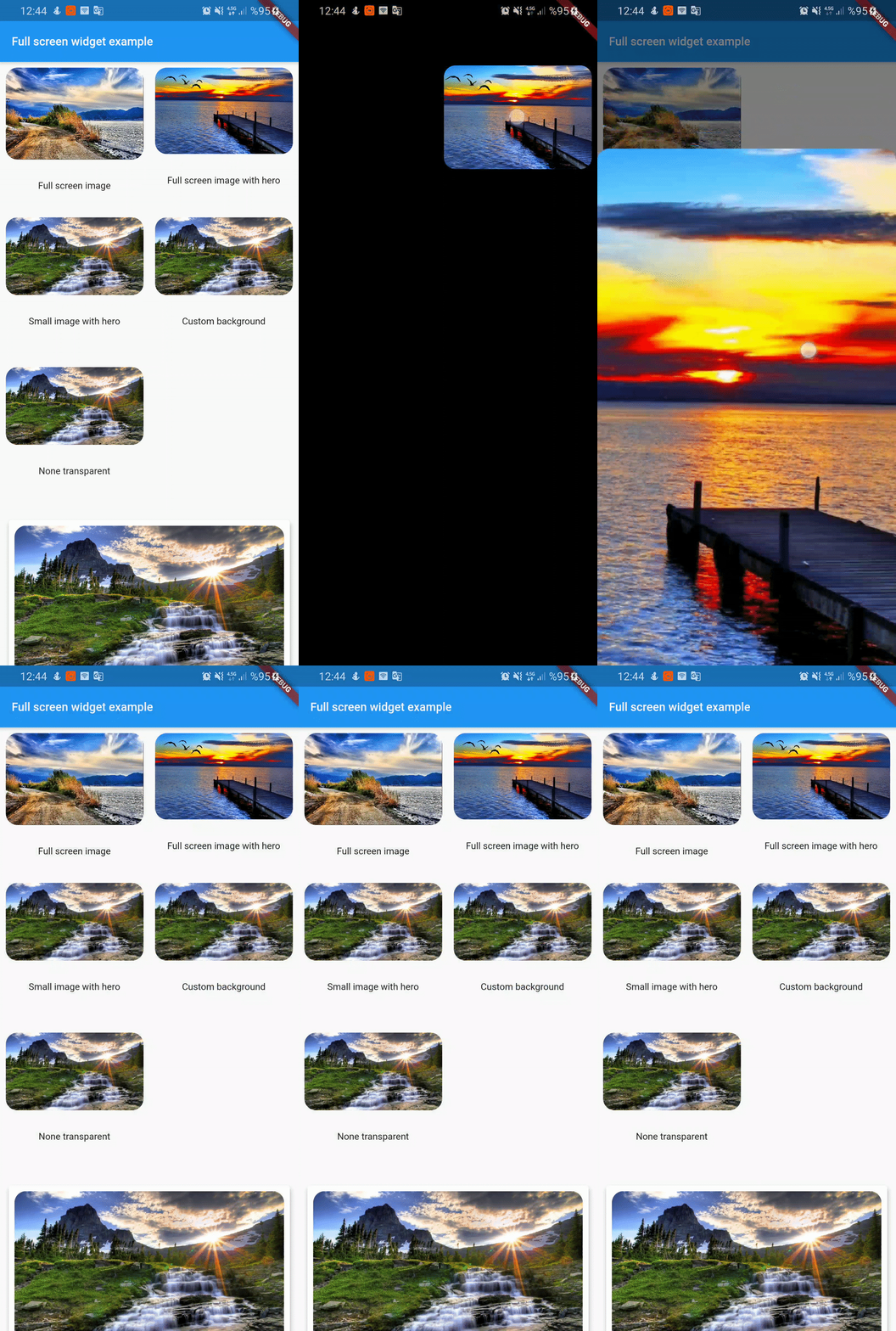
FullScreenWidget(
        child: Hero(
          tag: "customTag",
          child: ClipRRect(
            borderRadius: BorderRadius.circular(16),
            child: Image.asset(
              "assets/image2.jpg",
              fit: BoxFit.cover,
            ),
          ),
        ),
      );
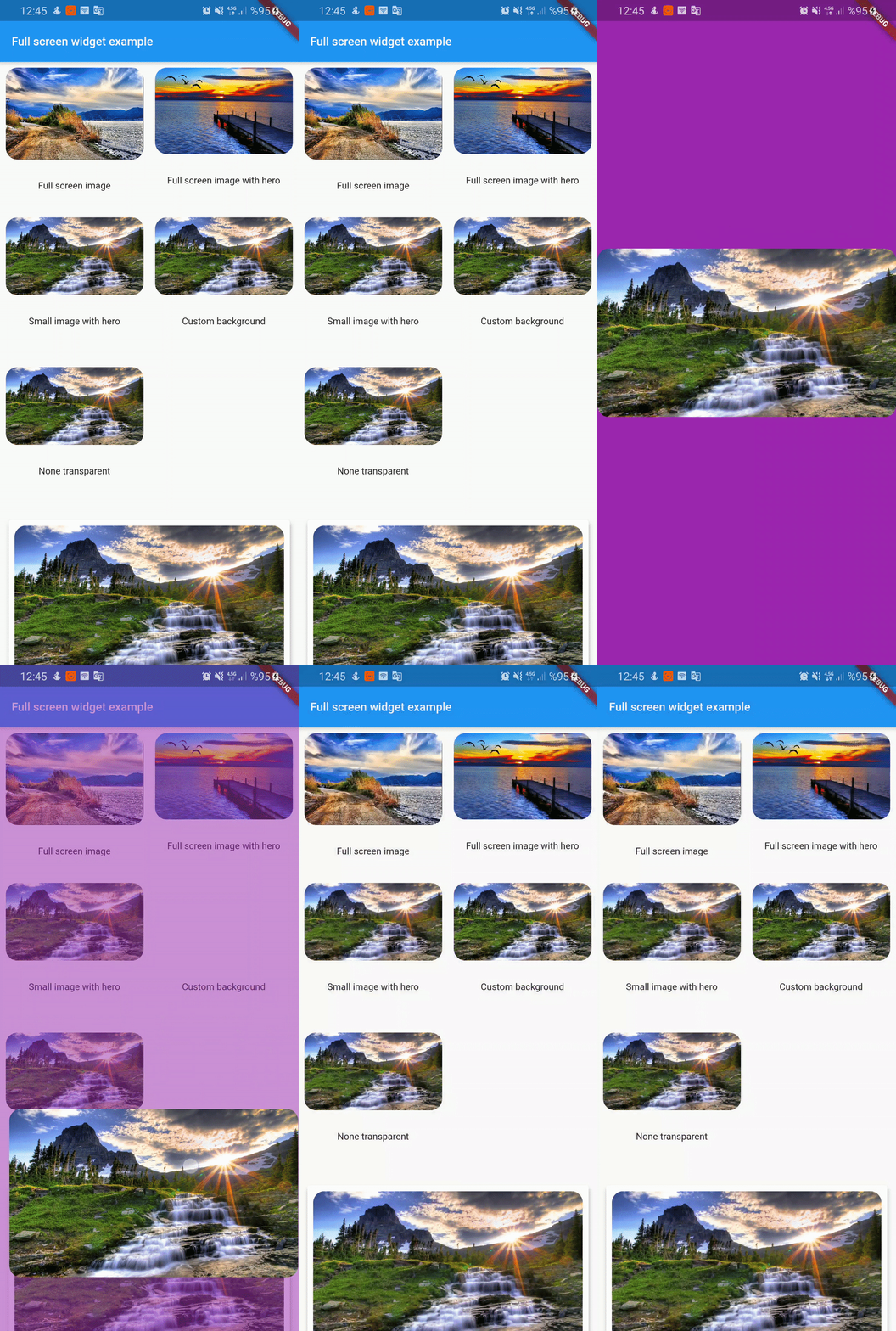
if you don't want widget full screen then use center widget
 FullScreenWidget(
        child: Center(
          child: Hero(
            tag: "smallImage",
            child: ClipRRect(
              borderRadius: BorderRadius.circular(16),
              child: Image.asset(
                "assets/image3.jpg",
                fit: BoxFit.cover,
              ),
            ),
          ),
        ),
      );
FullScreenWidget(
        backgroundColor: Colors.purple,
        child: Center(
          child: Hero(
            tag: "customBackground",
            child: ClipRRect(
              borderRadius: BorderRadius.circular(16),
              child: Image.asset(
                "assets/image3.jpg",
                fit: BoxFit.cover,
              ),
            ),
          ),
        ),
      );
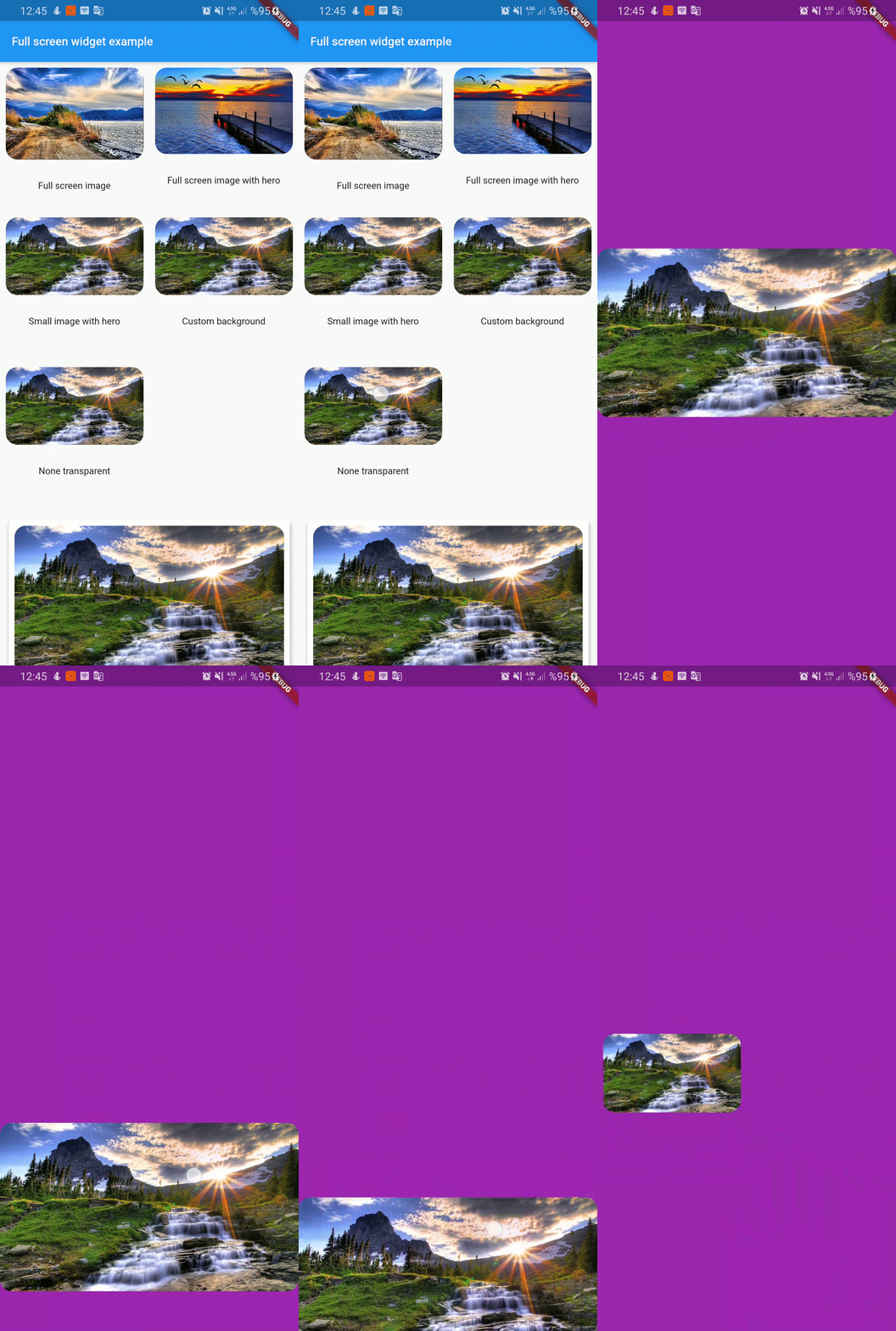
FullScreenWidget(
        backgroundColor: Colors.purple,
        backgroundIsTransparent: false,
        child: Center(
          child: Hero(
            tag: "nonTransparent",
            child: ClipRRect(
              borderRadius: BorderRadius.circular(16),
              child: Image.asset(
                "assets/image3.jpg",
                fit: BoxFit.cover,
              ),
            ),
          ),
        ),
      );
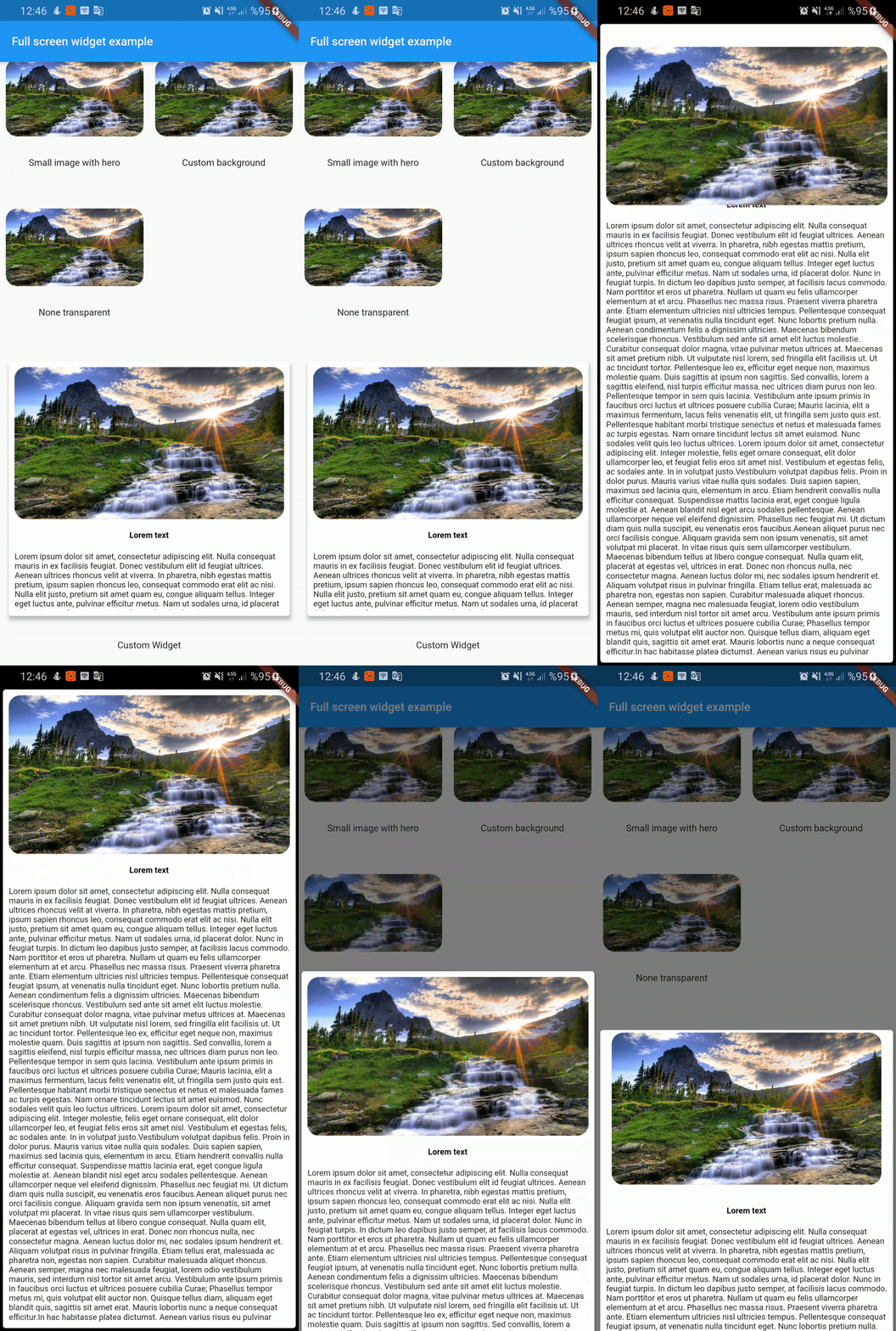
  FullScreenWidget(
        child: SafeArea(
          child: Card(
            elevation: 4,
            child: Container(
              height: 350,
              padding: const EdgeInsets.all(8.0),
              child: Column(
                children: <Widget>[
                  Hero(
                    tag: "customWidget",
                    child: ClipRRect(
                      borderRadius: BorderRadius.circular(16),
                      child: Image.asset(
                        "assets/image3.jpg",
                        fit: BoxFit.cover,
                      ),
                    ),
                  ),
                  SizedBox(
                    height: 16,
                  ),
                  Text('Lorem text',style: TextStyle(color: Colors.black,fontWeight: FontWeight.bold),),
                  SizedBox(
                    height: 16,
                  ),
                  Expanded(
                    child: Text(
                      lorem,
                    ),
                  ),

                ],
              ),
            ),
          ),
        ),
      );
Dependency list 2 items
{"sdk":"flutter"}{"sdk":"flutter"}Start with your use case, compare repository activity, and check the original project before adopting it.
“A repository is the most basic element of GitHub.”
GitHub Docs — About repositories ↗