

 v1.7.2
stream_video_flutter
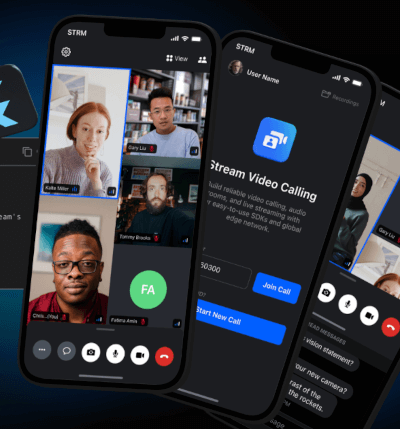
The Official UI package for Stream Video, a service for building video calls, audio rooms, and live-streaming applications.
48Likes 8.8K30-day downloads130Pub points
AndroidiOS
Flutter Video SDK - Build your own video app experience using Dart, Flutter and the Stream Video Messaging API.

English project snapshot. Visit GitHub for the latest content.








This repository contains code for our Dart and Flutter video clients.
We use Melos to manage this repository.
packages folder contains the packages and plugins that the SDK consists of.examples folder holds the samples created using the Flutter Video SDK.docusaurus folder contains the documentation and guides.dogfooding folder contains a complete example app that implements all of the features of the SDK.melos postclean to clean the project.melos bootstrap to fetch dependencies for all projects.melos generate:all to generate the required files.If you see any unexpected behaviour in the repository, feel free to file an issue in the repository.
Video roadmap and changelog is available here
The Flutter specific roadmap is available here.
Start with your use case, compare repository activity, and check the original project before adopting it.
“A repository is the most basic element of GitHub.”
GitHub Docs — About repositories ↗