

v1.0.0+2
social_media_widgets
A new flutter package for collection of common popular social media widgets like instagram story swipe and snapchat screen dismiss
84Likes 630-day downloads40Pub points
Platforms unavailable
GursheeshSingh/social_media_widgets open-source repository details.

English project snapshot. Visit GitHub for the latest content.
A new flutter package for collection of common popular social media widgets
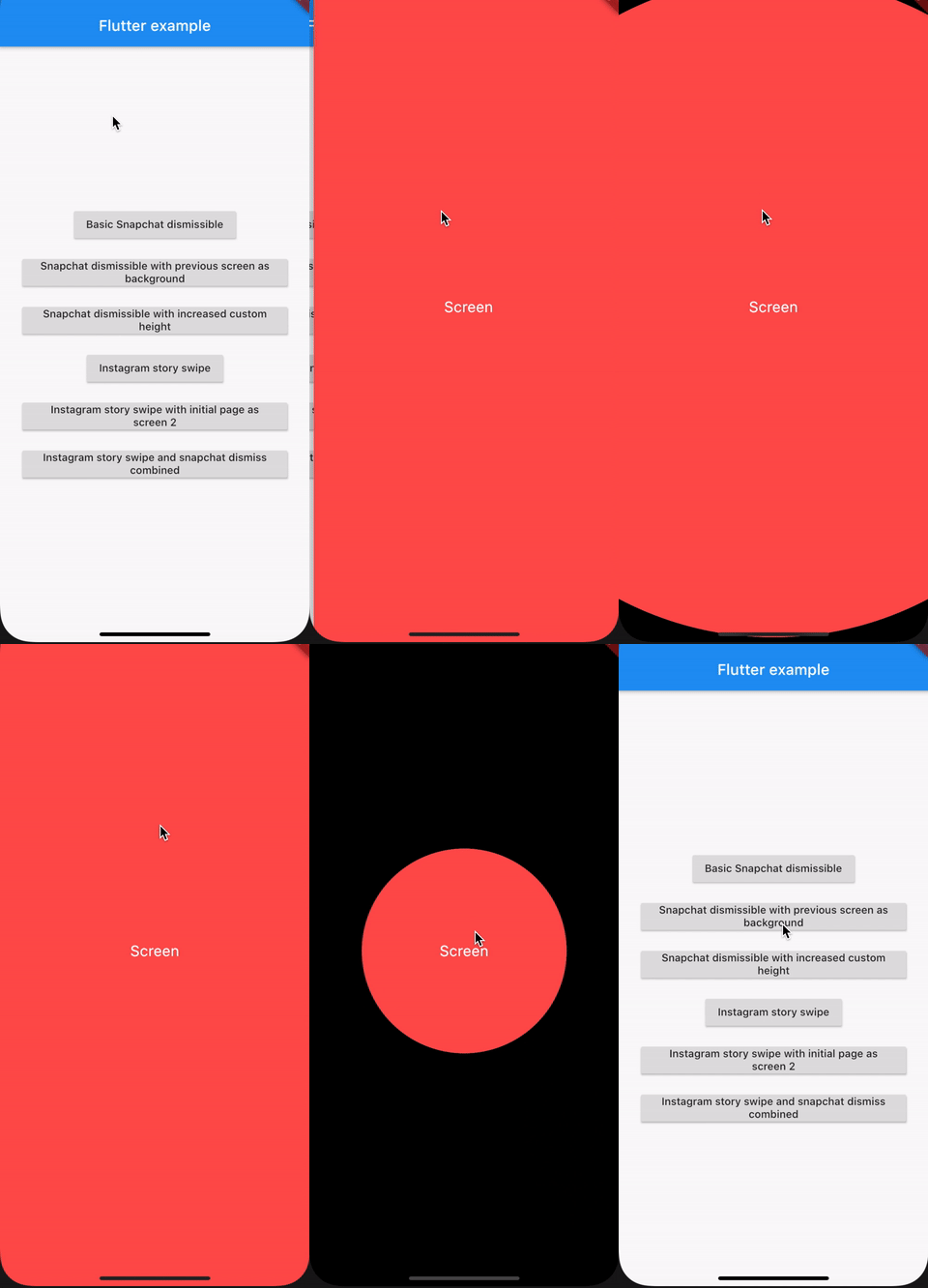
Navigator.push(
  context,
  MaterialPageRoute(
    builder: (context) => SnapchatDismiss(
      child: Screen('Screen', Colors.redAccent),
    ),
  ),
);
Here we are navigating to another screen and applying the snapchat screen dismiss
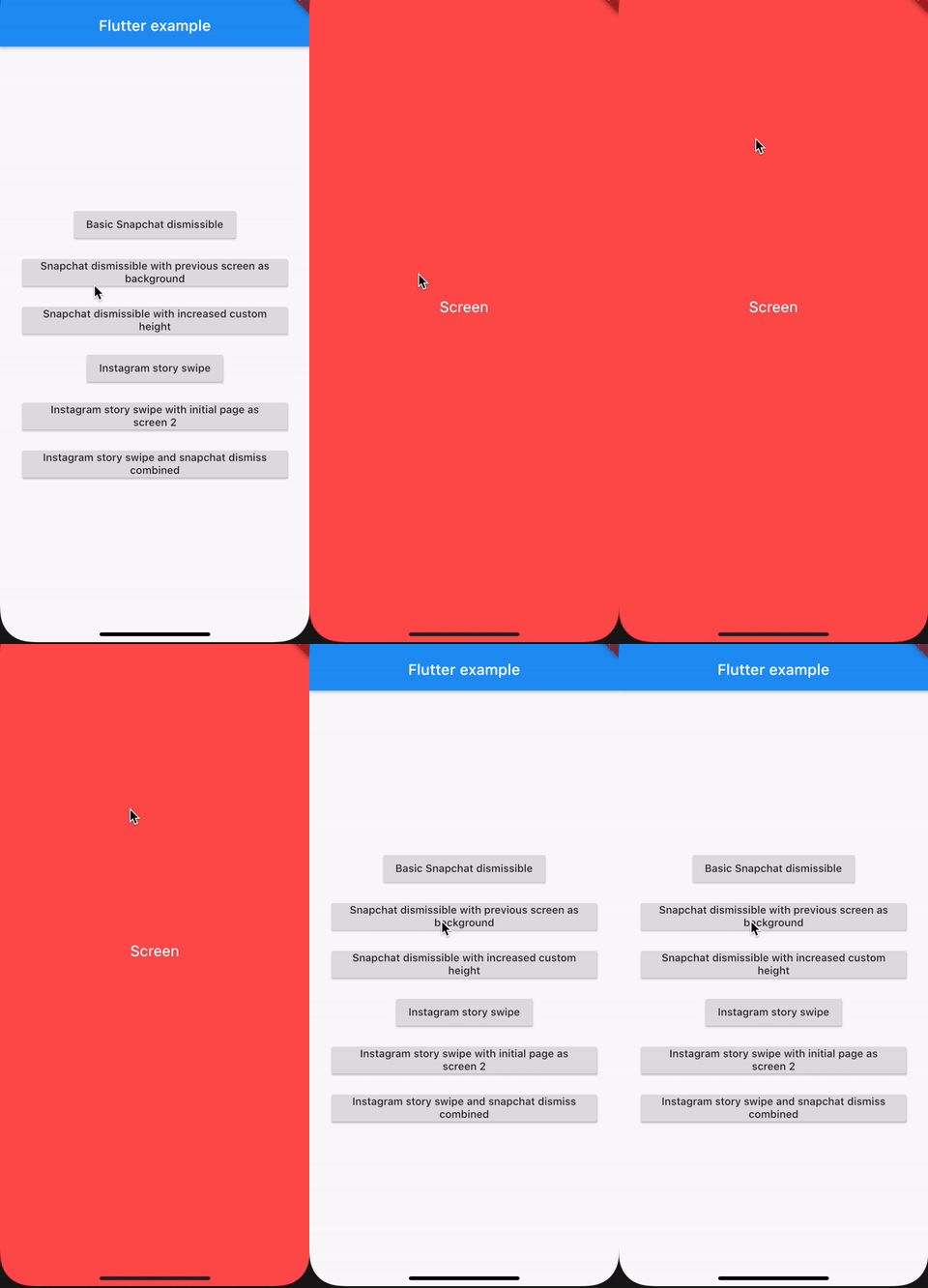
Navigator.push(
  context,
  PageRouteBuilder(
    opaque: false,
    pageBuilder: (_, __, ___) =>
        SnapchatDismiss(child: Screen('Screen', Colors.redAccent),)
  ),
);
Here we are navigating to another screen and applying the snapchat screen dismiss and with the previous screen as background when we dismiss
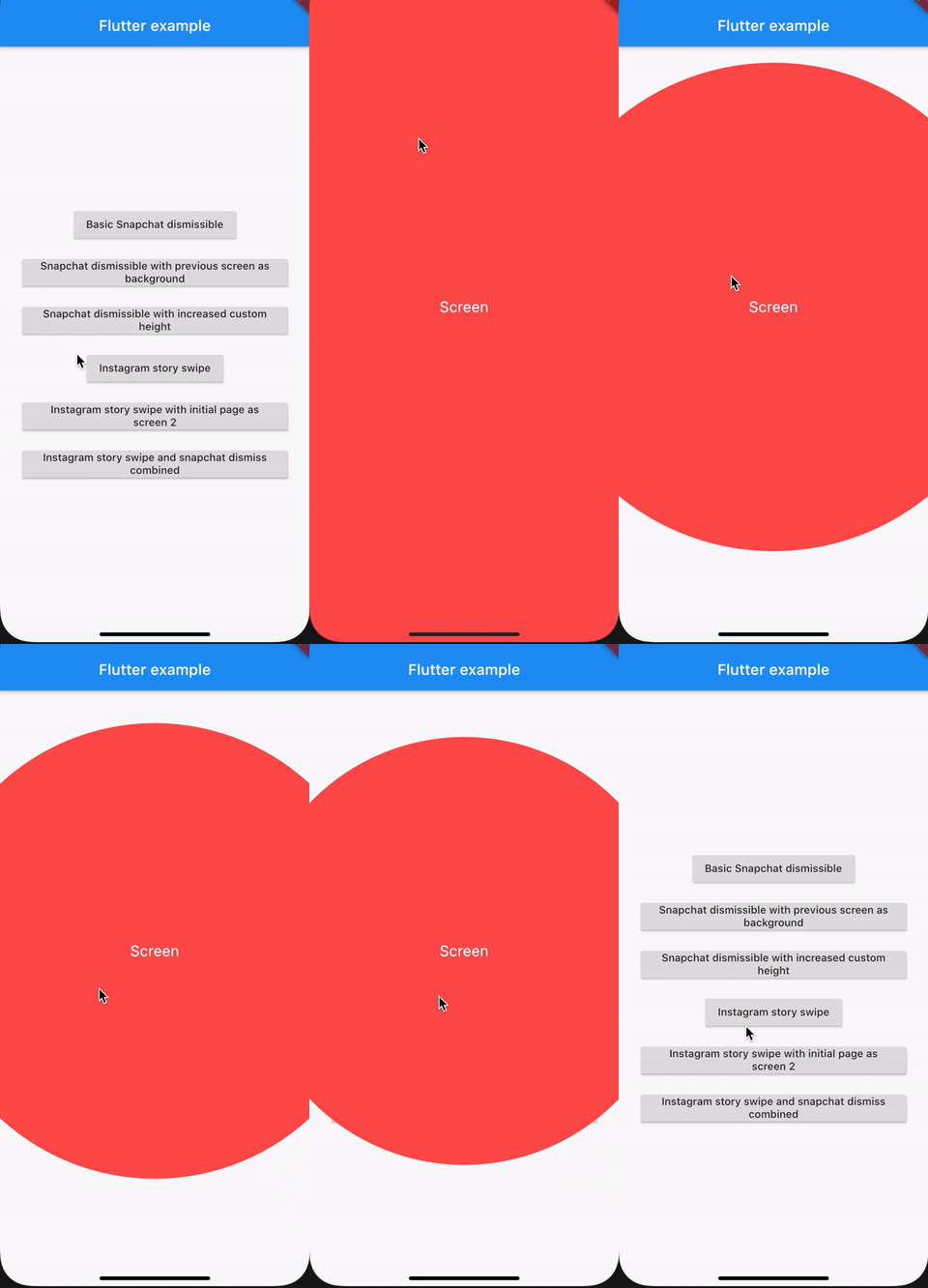
Navigator.push(
  context,
  PageRouteBuilder(
    opaque: false,
    pageBuilder: (_, __, ___) => SnapchatDismiss(
      dismissHeight: 250,
      child: Screen('Screen', Colors.redAccent),
    ),
  ),
);
Here we are navigating to another screen and applying the snapchat screen dismiss and this will require more drag than default to dismiss screen
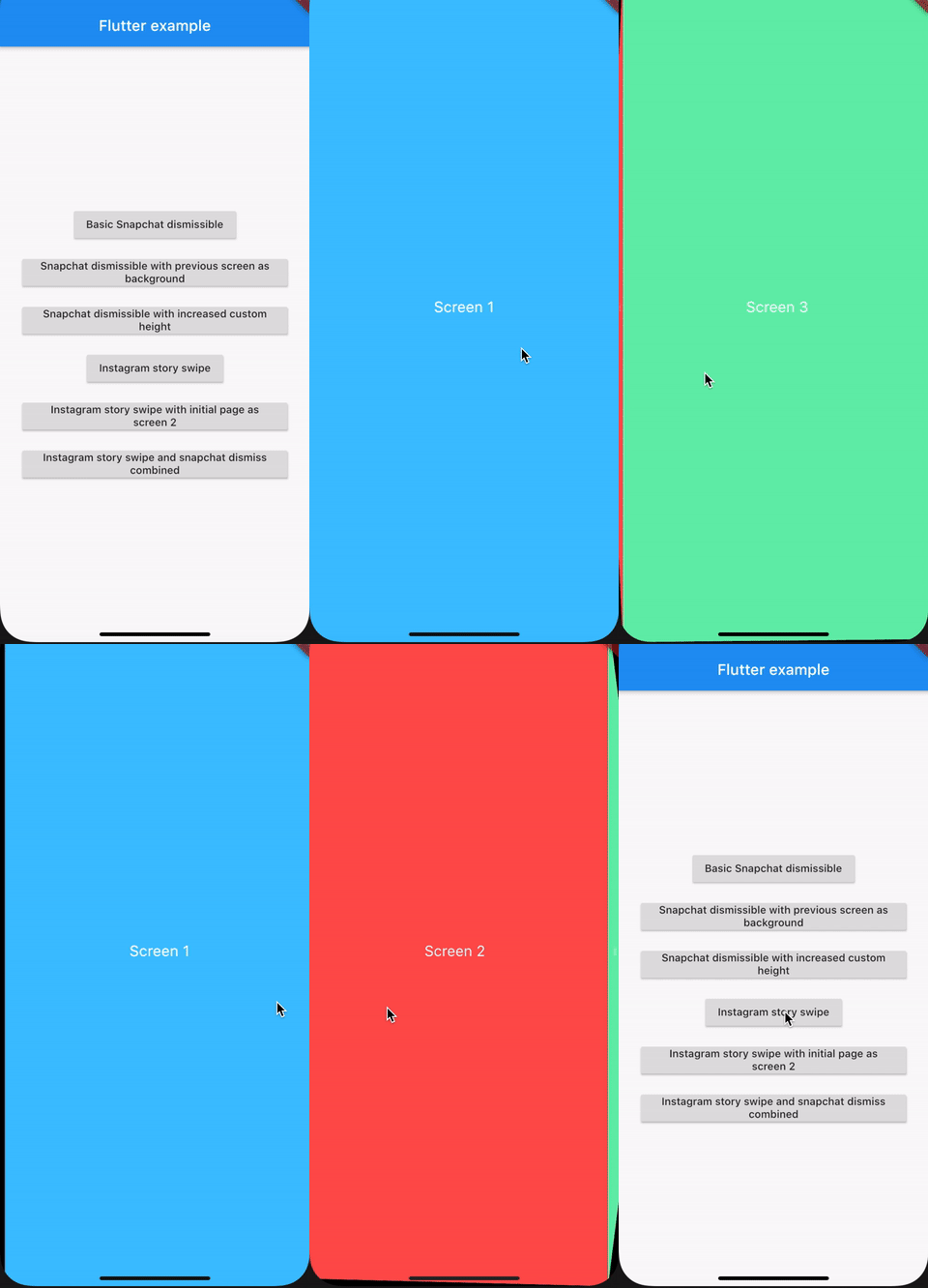
Navigator.push(
  context,
  MaterialPageRoute(
    builder: (context) => InstagramStorySwipe(
      children: <Widget>[
        Screen('Screen 1', Colors.lightBlueAccent),
        Screen('Screen 2', Colors.redAccent),
        Screen('Screen 3', Colors.greenAccent),
      ],
    ),
  ),
);
Navigator.push(
  context,
  MaterialPageRoute(
    builder: (context) => InstagramStorySwipe(
      initialPage: 1,
      children: <Widget>[
        Screen('Screen 1', Colors.lightBlueAccent),
        Screen('Screen 2', Colors.redAccent),
        Screen('Screen 3', Colors.greenAccent),
      ],
    ),
  ),
);
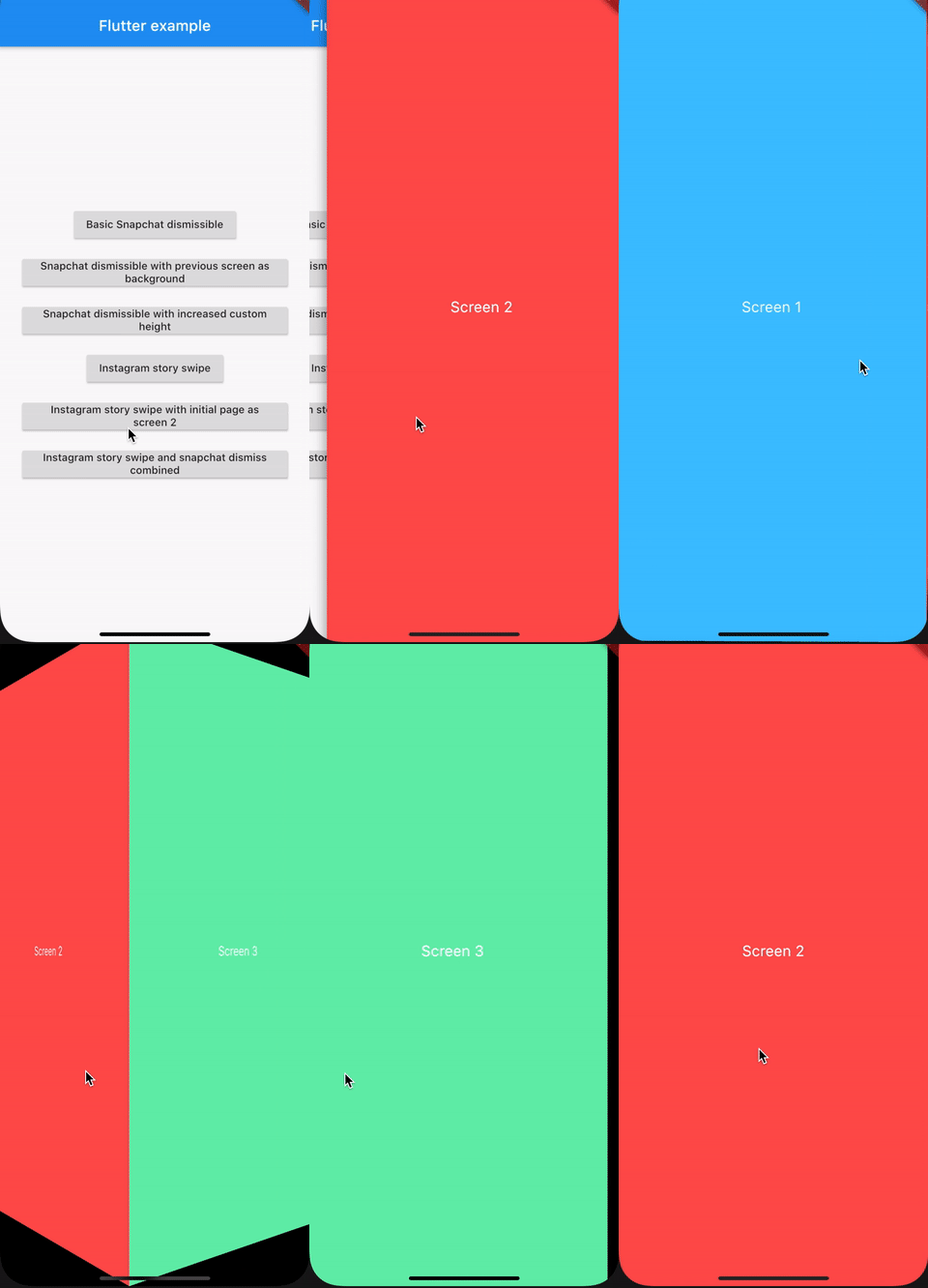
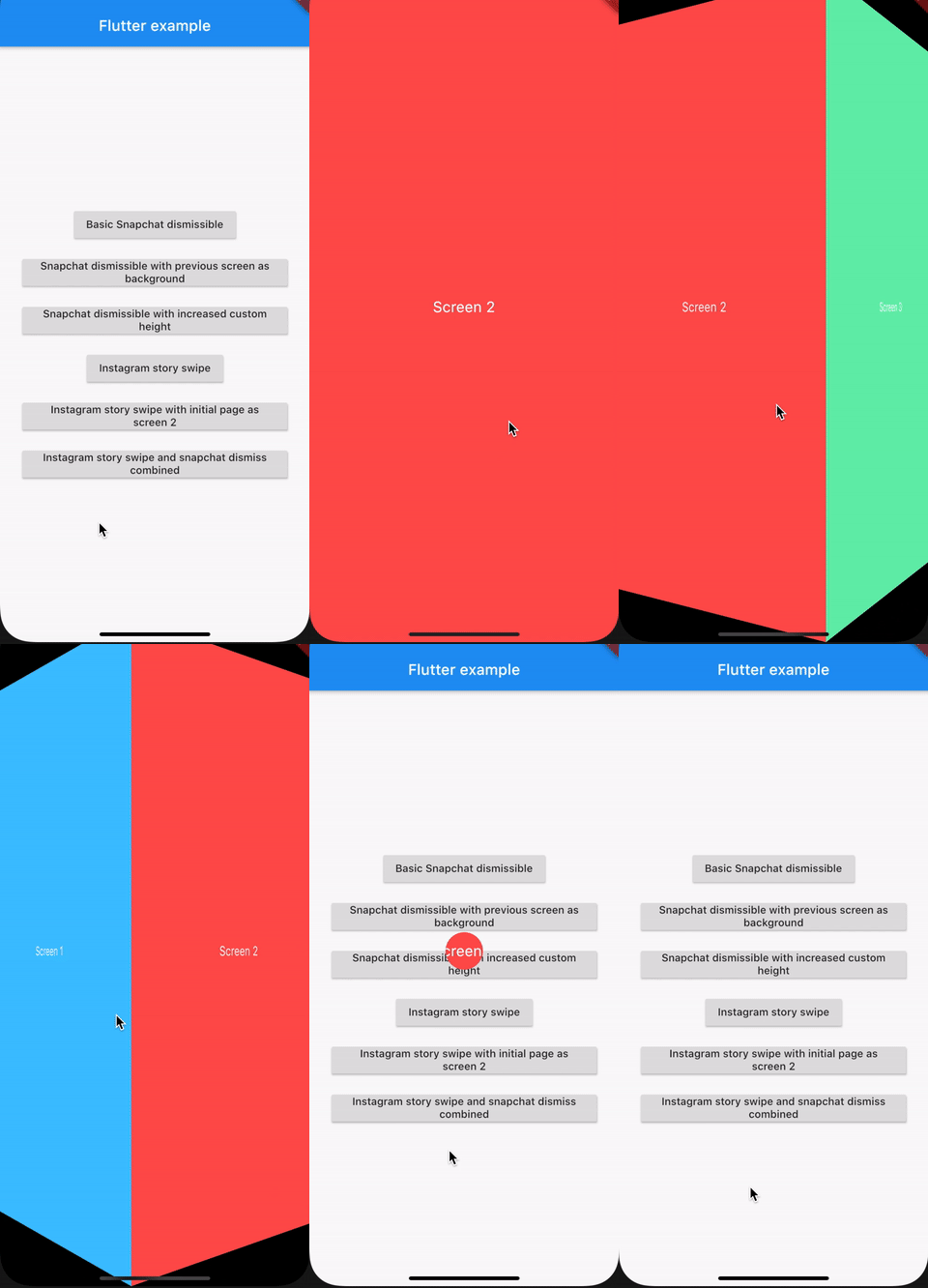
Navigator.push(
  context,
  PageRouteBuilder(
    pageBuilder: (_, __, ___) => SnapchatDismiss(
      child: InstagramStorySwipe(
        initialPage: 1,
        children: <Widget>[
          Screen('Screen 1', Colors.lightBlueAccent),
          Screen('Screen 2', Colors.redAccent),
          Screen('Screen 3', Colors.greenAccent),
        ],
      ),
    ),
  ),
);
Dependency list 2 items
{"sdk":"flutter"}{"sdk":"flutter"}Start with your use case, compare repository activity, and check the original project before adopting it.
“A repository is the most basic element of GitHub.”
GitHub Docs — About repositories ↗