

 v2.1.1
loading_overlay_pro
A new Flutter project with a simple widget wrapper set of loading animations for Flutter projects.
35Likes 44330-day downloads160Pub points
AndroidiOSWebmacOSWindowsLinux
HVLoc/loading_overlay_pro open-source repository details.

English project snapshot. Visit GitHub for the latest content.

A simple widget wrapper set of loading animations for Flutter projects.
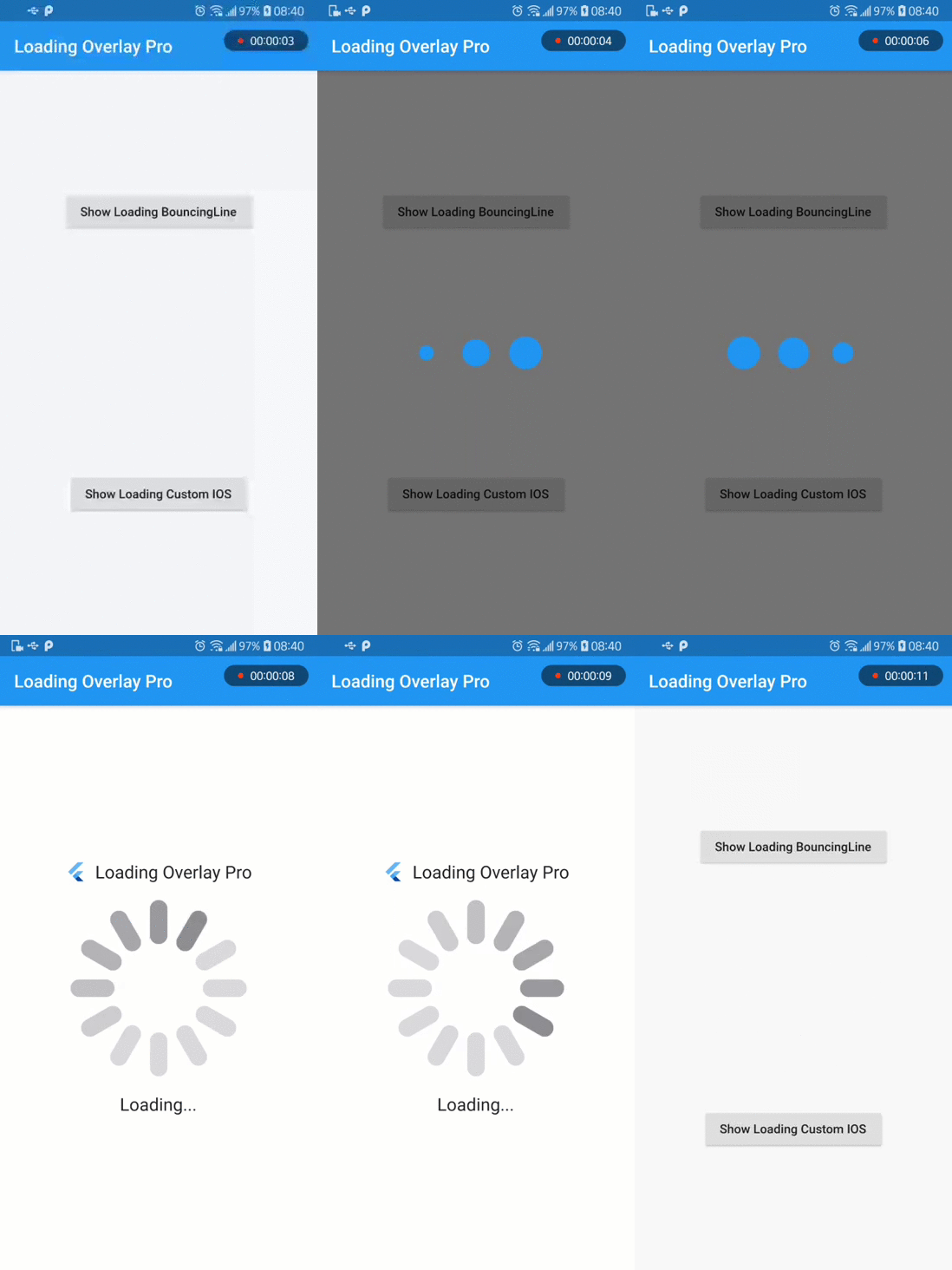
Use animation from loading_animations
Then import the file to your project:
import 'package:loading_overlay_pro/loading_overlay_pro.dart'
Then add the following code:
 LoadingOverlayPro({
    Key key,
    @required this.isLoading,
    @required this.child,
    this.colorBackground = Colors.black54,
    this.progressIndicator = const LoadingBouncingLine.circle(),
  });
Or customize it even more!
LoadingBouncingLine.circle(
  borderColor: Colors.cyan,
  borderSize: 3.0,
  size: 120.0,
  backgroundColor: Colors.cyanAccent,
  duration: Duration(milliseconds: 500),
);
or add header and bottom
      headerLoading: Text("App Name"),
      bottomLoading: Text("Loading..."),
For more customization, please look inside the loading animation files.
Note: all the animations come ready to go just by calling LoadingBouncingLine.square(), for example.
Many basic animations contain .circle() and .square() variations by default.
To run file example, please use flutter 1.19.x or 1.20.x

Dependency list 3 items
{"sdk":"flutter"}^1.0.2{"sdk":"flutter"}Start with your use case, compare repository activity, and check the original project before adopting it.
“A repository is the most basic element of GitHub.”
GitHub Docs — About repositories ↗