


v1.2.0
rotating_widgets
Highly customizable Flutter Package to allow user to convert any widget into a 3D rotate-able widget
15Likes 1830-day downloads30Pub points
Platforms unavailable
Flutter package to build rotating widgets

English project snapshot. Visit GitHub for the latest content.

A simple widget which allows widgets to be turned into rotate-able widgets
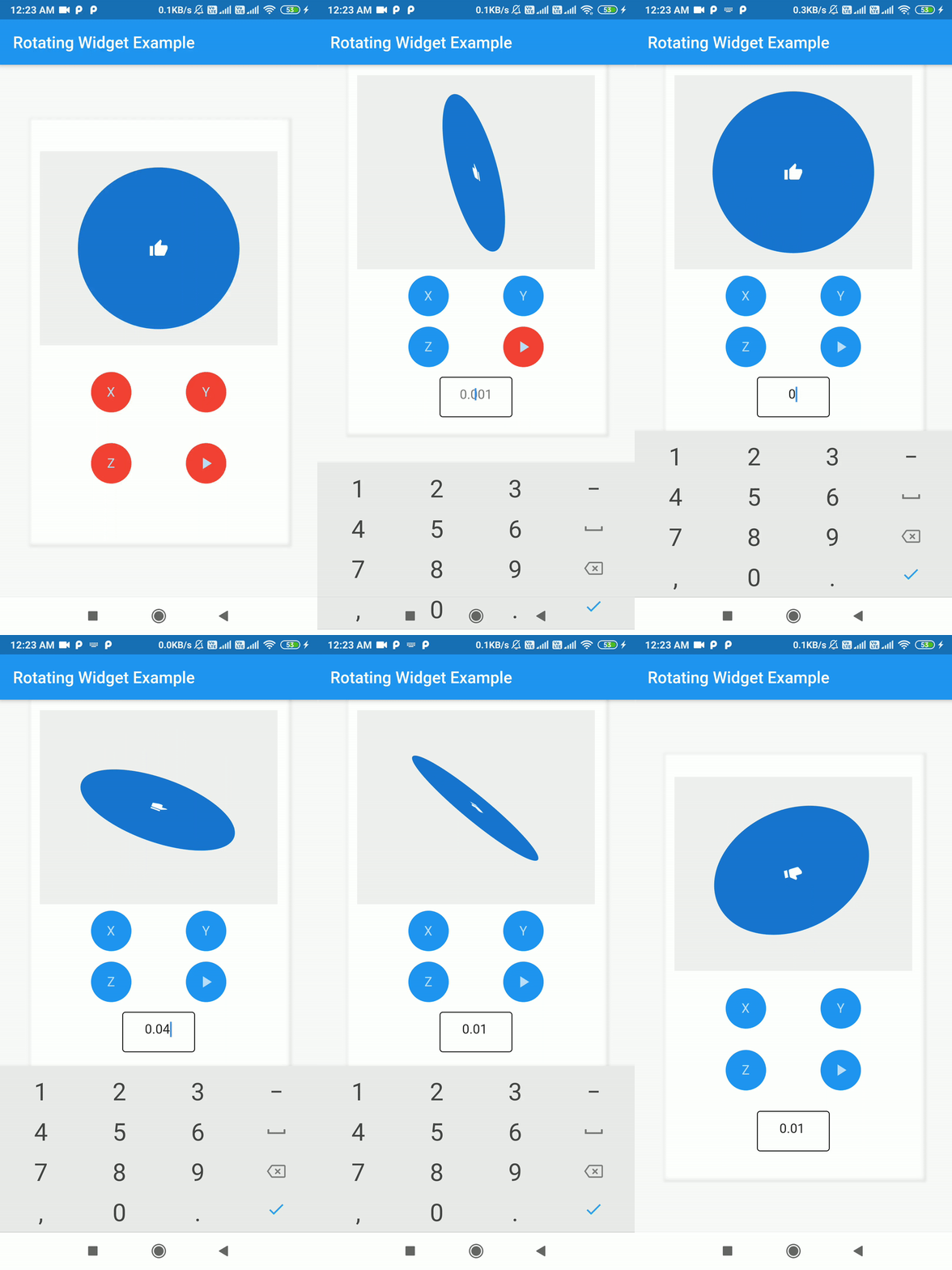
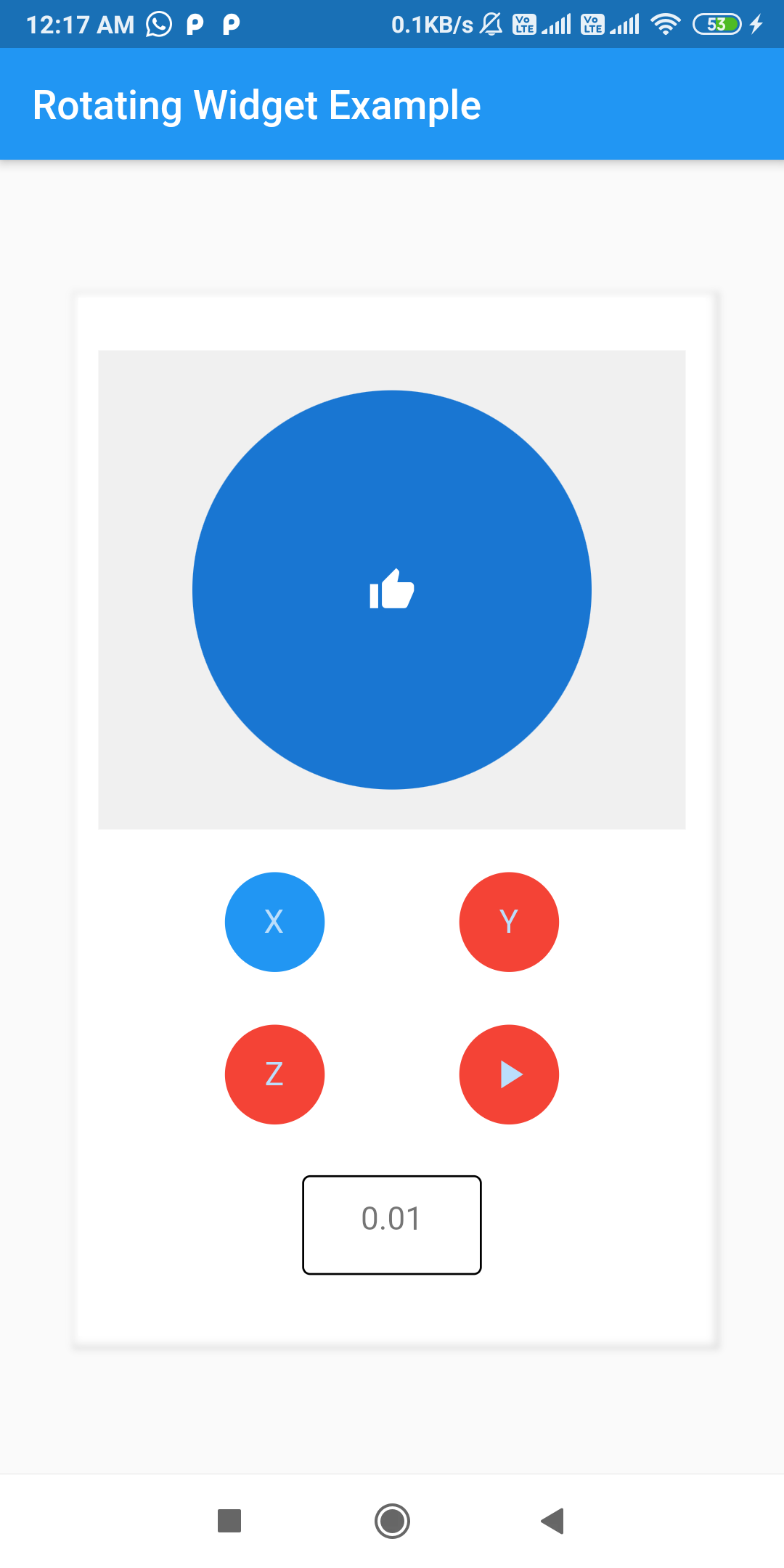
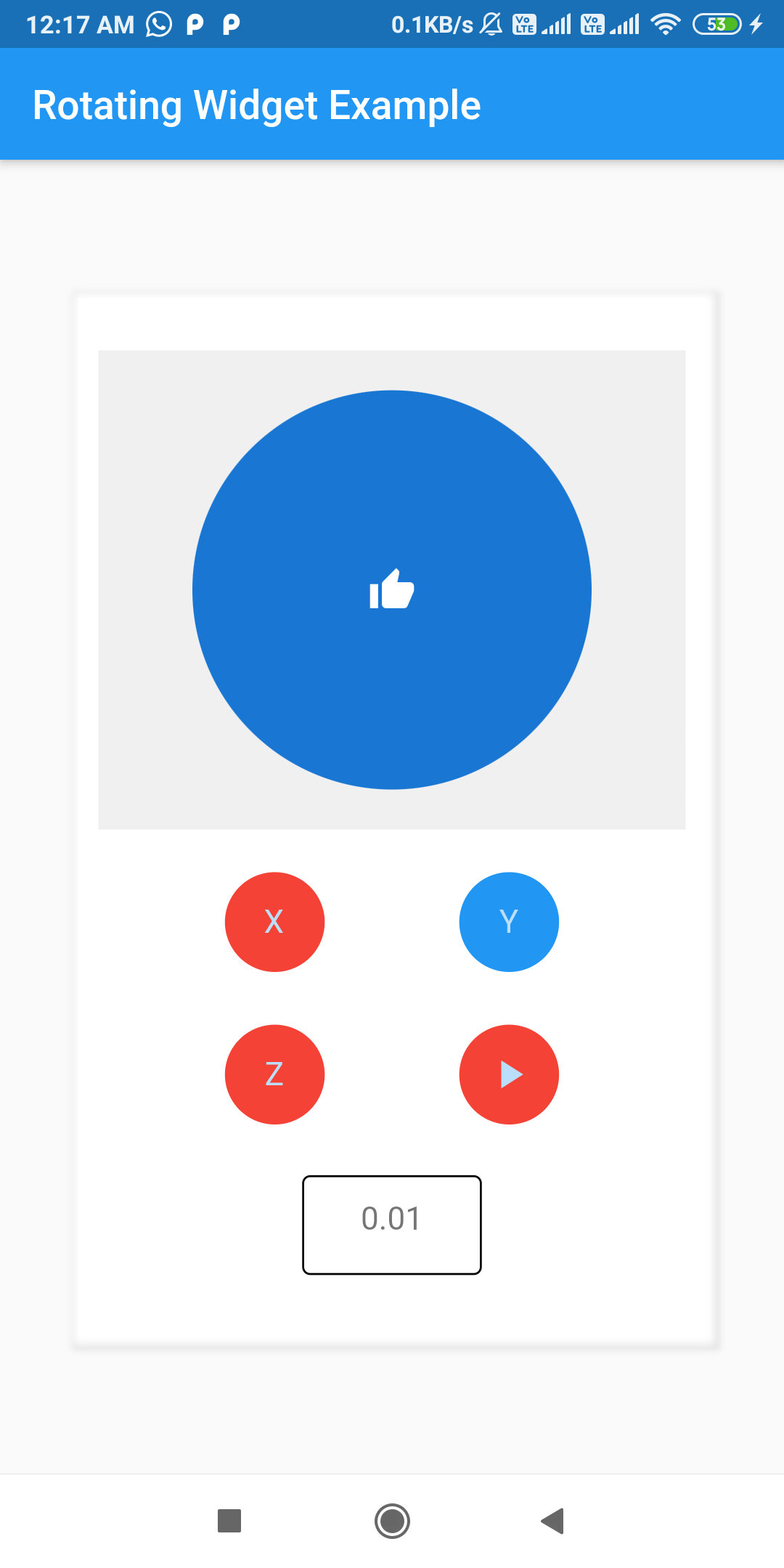
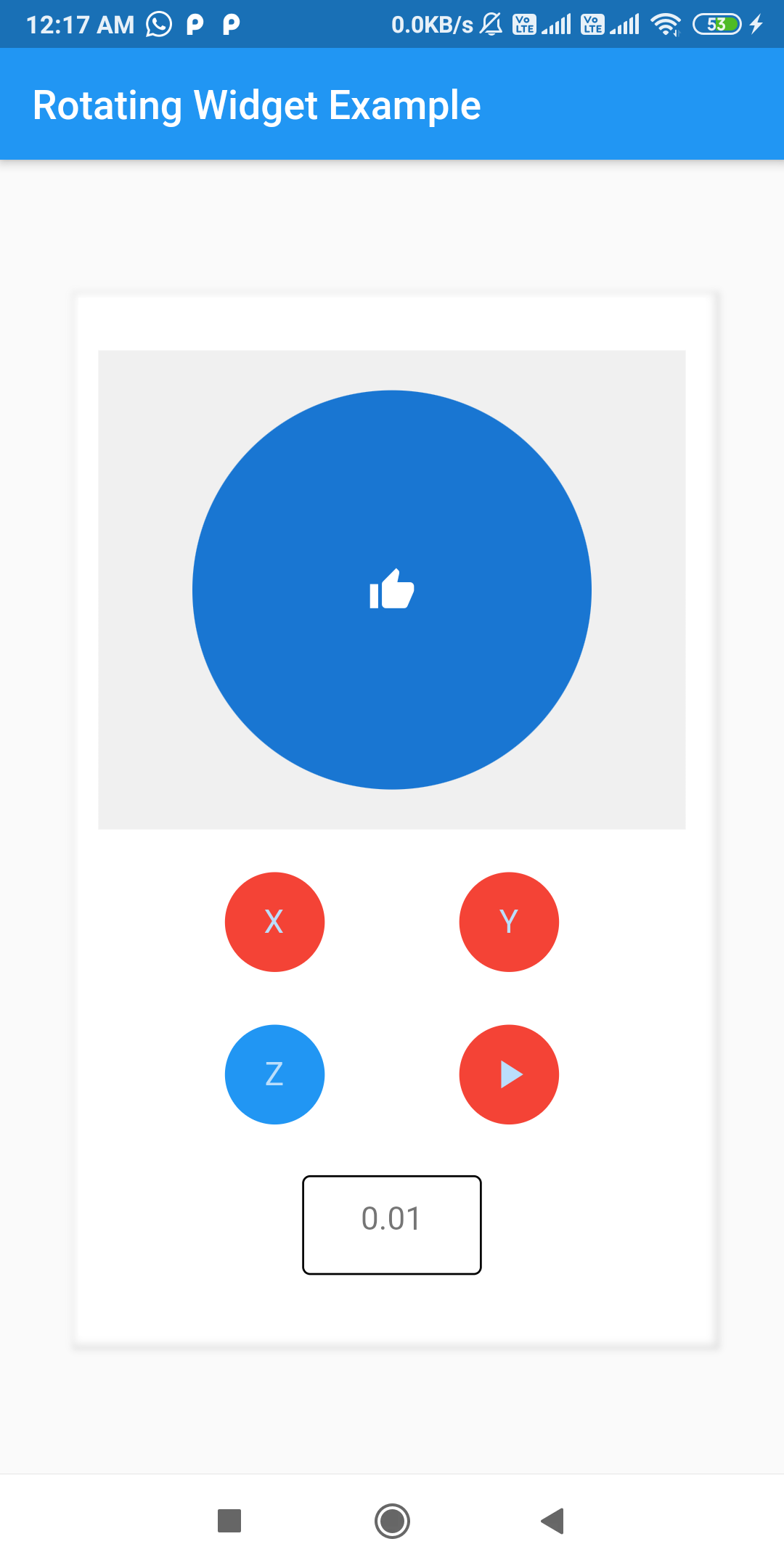
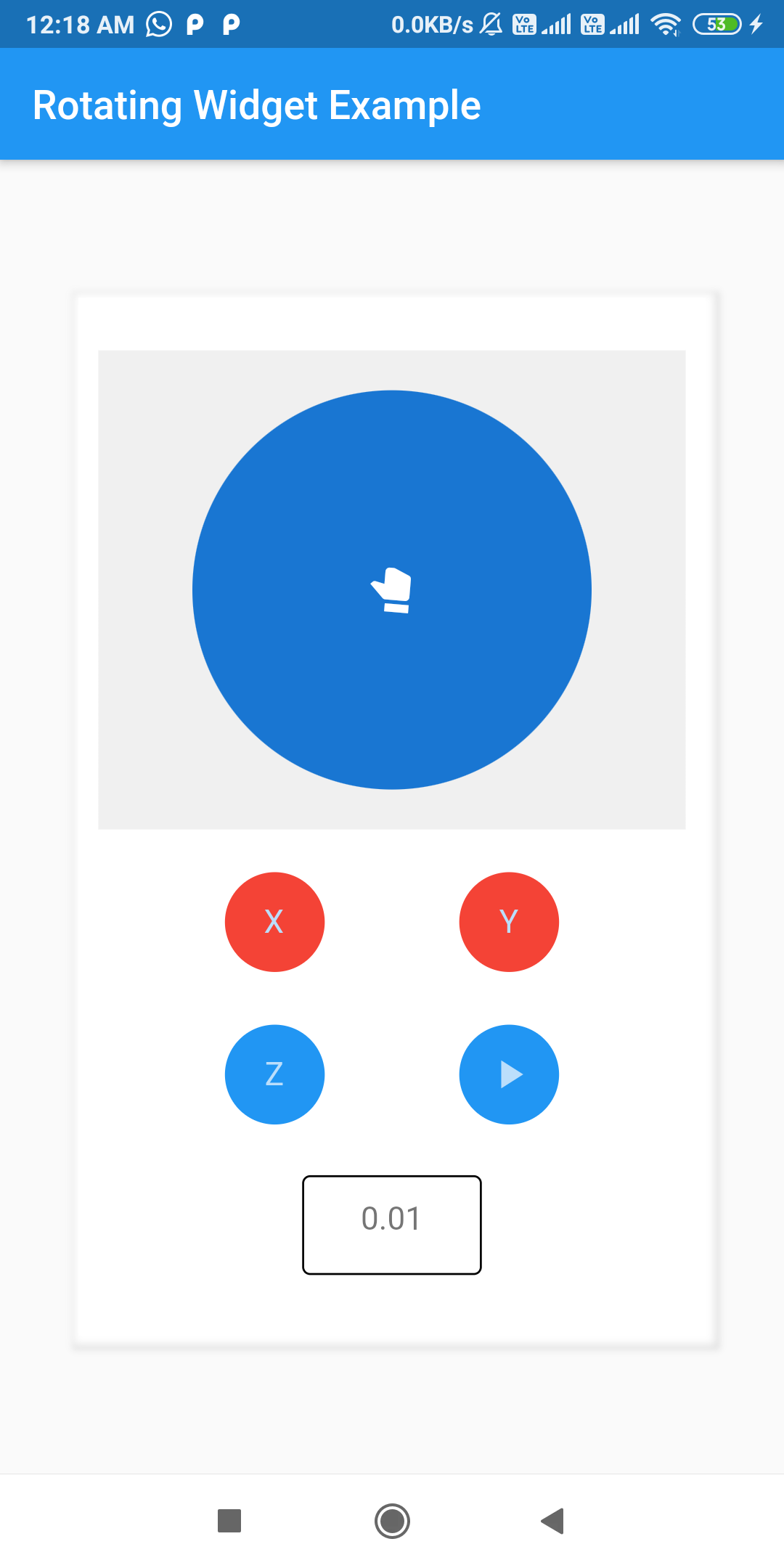
There are several options that allow for more control:
| Properties | Type | Description | Default Value | Required |
|---|---|---|---|---|
child |
Widget |
This is the widget which needs to be made rotate-able | null |
true |
rotateX |
boolean |
true if widget is allowed to rotate along X-Axis |
true |
false |
rotateY |
boolean |
true if widget is allowed to rotate along Y-Axis |
true |
false |
rotateZ |
boolean |
true if widget is allowed to rotate along Z-Axis. Note: This allows circular rotation on 2D plane |
false |
false |
angleRadianX |
double |
The angle by which widget turns across X-Axis, per unit Offset along that axis and if autoplay is false, or per unit duration is autoplay is true |
0.01 |
false |
angleRadianY |
double |
The angle by which widget turns across X-Axis, per unit Offset along that axis and if autoplay is false, or per unit duration is autoplay is true |
0.01 |
false |
angleRadianZ |
double |
The angle by which widget turns across X-Axis, per unit Offset along that axis and if autoplay is false, or per unit duration is autoplay is true |
0.01 |
false |
autoplay |
boolean |
Checks whether widget should rotate automatically or not | false |
false |
duration |
Duration |
The duration between which said child rotates around individual axis by said angle |
Duration(seconds: 1) |
false |
This package can convert any widget into a rotate-able widget including scaffold
Dependency list 2 items
{"sdk":"flutter"}{"sdk":"flutter"}Start with your use case, compare repository activity, and check the original project before adopting it.
“A repository is the most basic element of GitHub.”
GitHub Docs — About repositories ↗