
 v3.0.0
odometer
Highly customizable widgets that you can use for the number transition and the counter animations.
100Likes 70130-day downloads150Pub points
AndroidiOSWebmacOSWindowsLinux
Highly customizable widgets that you can use for the number transition and the counter animations.

{"sdk":"flutter"}^1.5.2English project snapshot. Visit GitHub for the latest content.
Build Status pub stars style: lint
The package which was inspired by the package Odometer js.
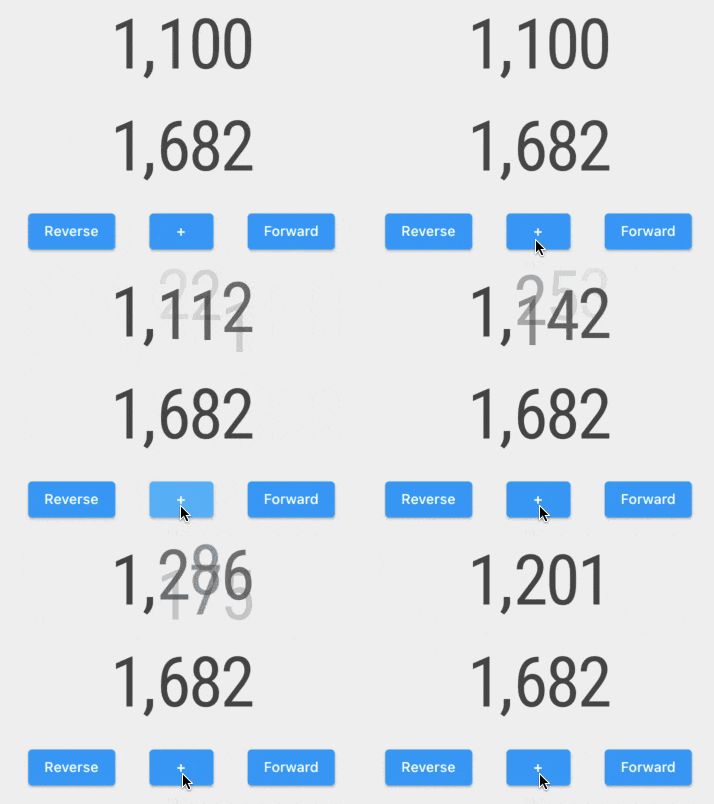
Examples of counter animation customization are made using this package:
Examples Gif
In this package you will find pre-built widgets:
and high modifiable widgets:
The ImplicitlyAnimatedWidget uses the AnimatedOdometer with the sliding and fading digits transitions.
   AnimatedSlideOdometerNumber(
     numberTextStyle: TextStyle(fontSize: 15),
     odometerNumber: OdometerNumber(_counter),
     duration: Duration(seconds: 1))
The ExplicitlyAnimatedWidget uses the OdometerTransition with the sliding and fading digits transitions.
    SlideOdometerTransition(
      numberTextStyle: TextStyle(fontSize: 15),
      odometerAnimation: _odometerAnimation,
      duration: Duration(seconds: 1))
The AnimatedOdometer is based on implicit animation, and the OdometerTransition is based on explicit animation. To customize the odometer, you need to use two OdometerAnimationTransitionBuilders for new and old numbers. You will have access to: