English project snapshot. Visit GitHub for the latest content.
animated_neumorphic
A Flutter package that contains Neumorphismic theme Container.
Getting Started
In the pubspec.yaml of your flutter project, add the following dependency:
dependencies:
  ...
  animated_neumorphic: "^0.1.0"
In your library add the following import:
import 'package:animated_neumorphic/animated_neumorphic.dart' ;
For help getting started with Flutter, view the online documentation .
Usage
For simple button:
class NeumorphicButton extends StatefulWidget final bool isActive;
const NeumorphicButton ({Key key, this .isActive}) : super (key: key);
@override
_NeumorphicButtonState createState () => _NeumorphicButtonState ();
}
class _NeumorphicButtonState extends State <NeumorphicButton > bool _isActive = false ;
@override
Widget build (BuildContext context) {
return GestureDetector (
onTap: () {
setState (() {
_isActive = !_isActive;
});
},
child: AnimatedNeumorphicContainer (
depth: _isActive ? 0.0 : 1.0 ,
color: Color (0xFFF2F2F2 ),
width: 60 ,
height: 60 ,
radius: 16 ,
child: Icon (Icons .access_time),
),
);
}
}
Changelog
Please see the Changelog page to know what's recently changed.
Contributions
Feel free to contribute to this project.
If you find a bug or want a feature, but don't know how to fix/implement it, please fill an issue .pull request .


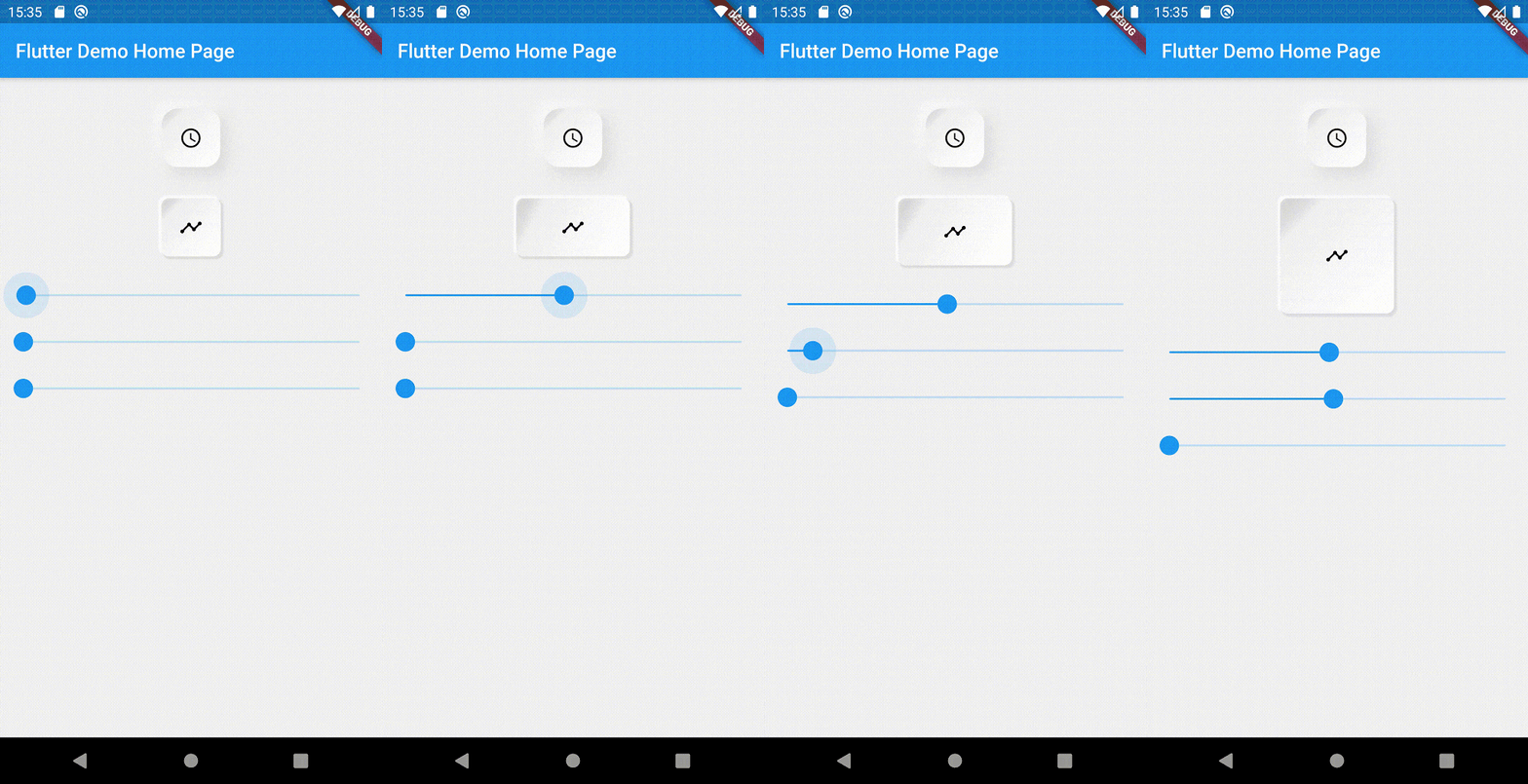 v0.2.0