

 v1.2.0
direct_select_flutter
Direct Select Widget Implementation inspired by https://dribbble.com/shots/3876250-DirectSelect-Dropdown-ux
321Likes 1K30-day downloads160Pub points
AndroidiOSWebmacOSWindowsLinux
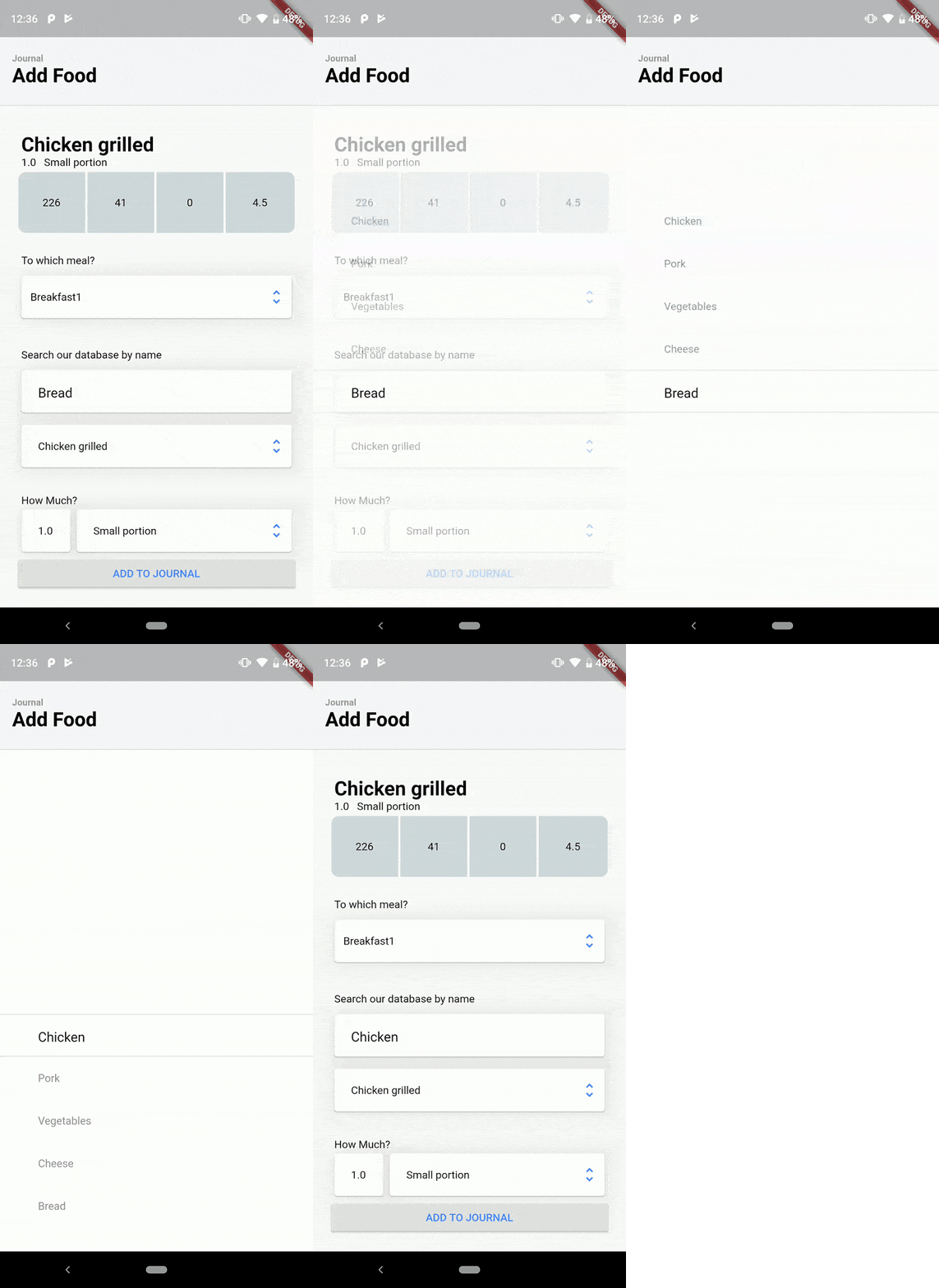
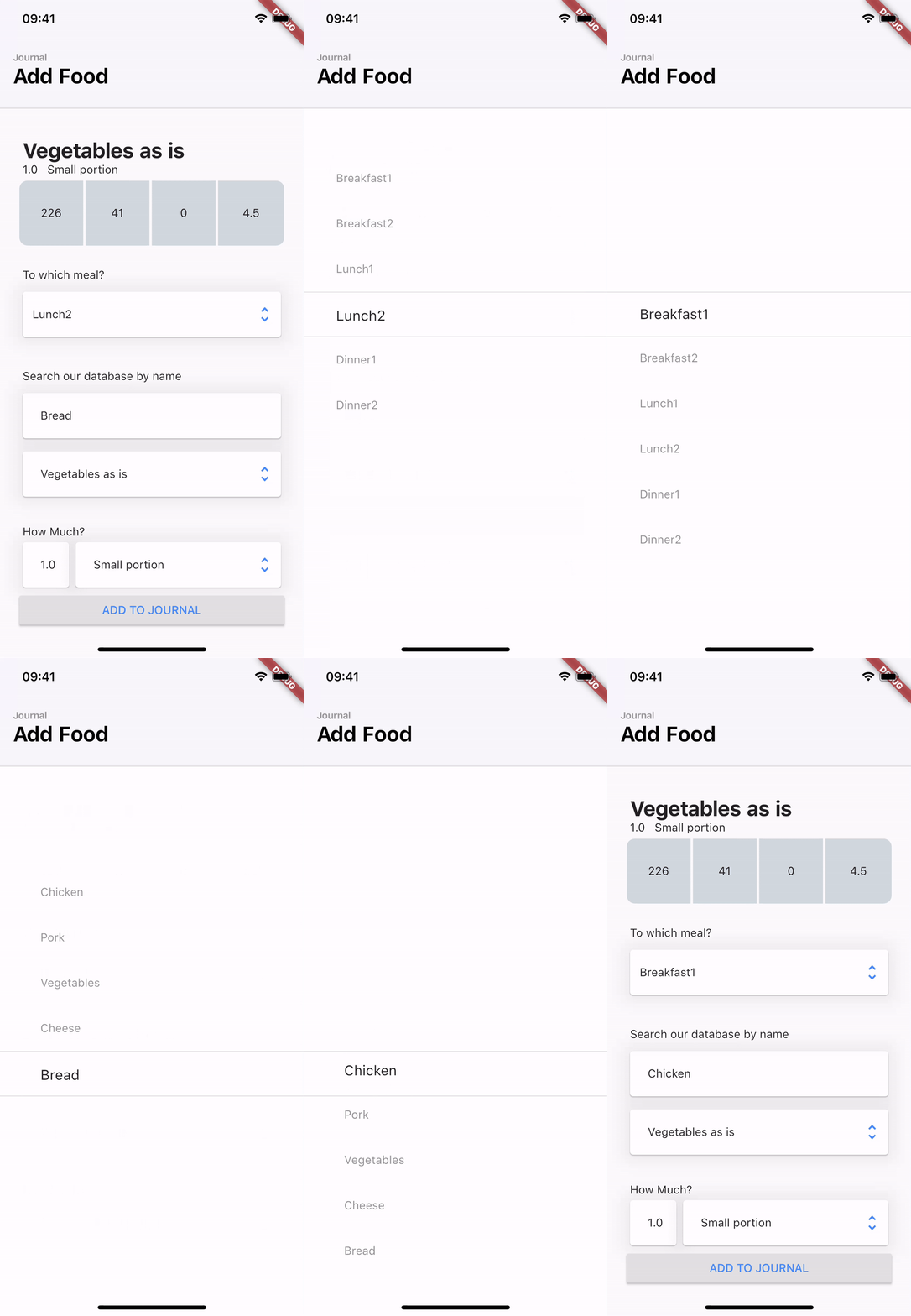
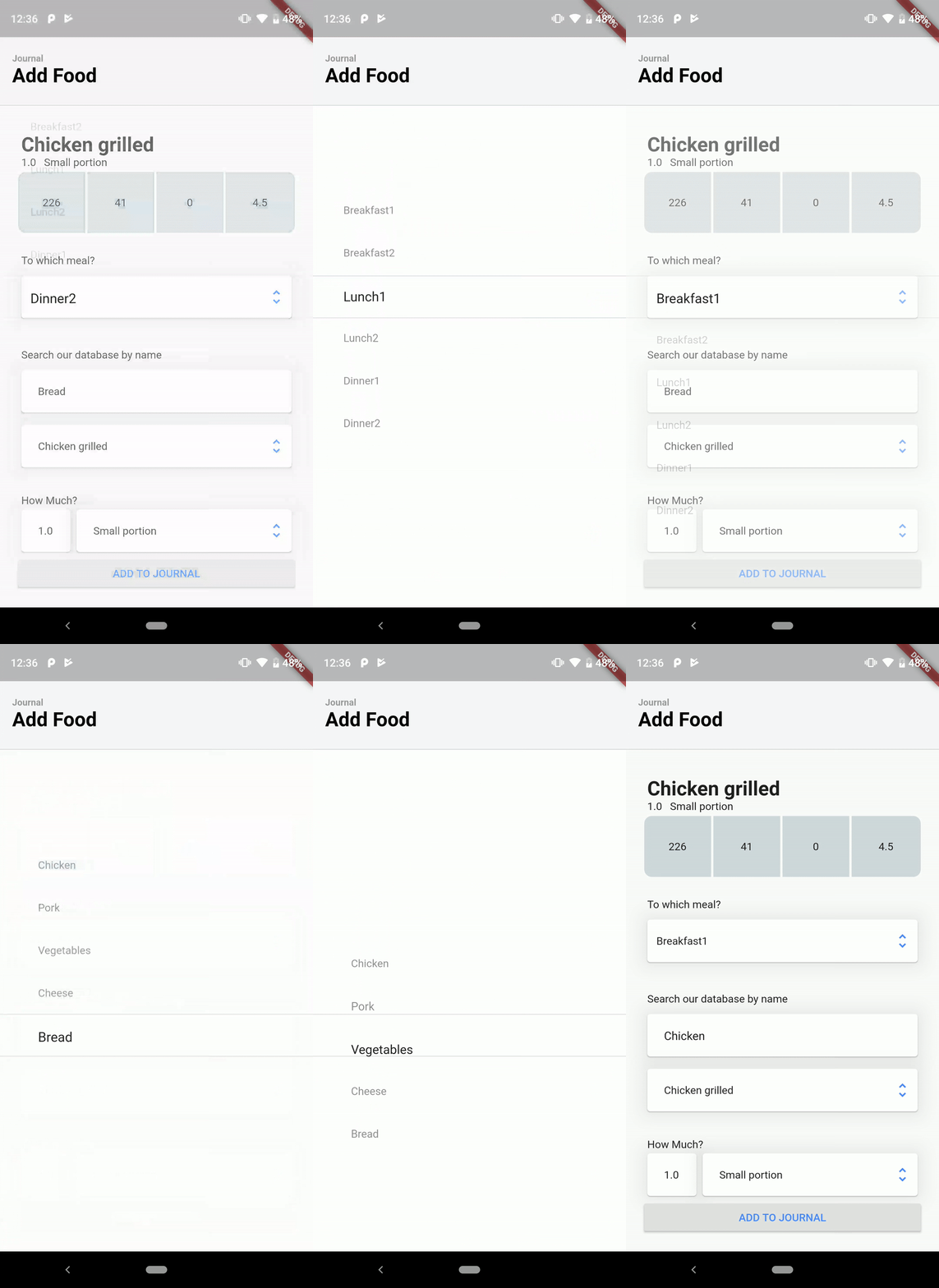
DirectSelect is a selection widget with an ethereal, full-screen modal popup displaying the available choices when the widget is interact with. https://dribbble.com/shots/3876250-DirectSelect-Dropdown-ux

English project snapshot. Visit GitHub for the latest content.
DirectSelect is a selection widget with an ethereal, full-screen modal popup displaying the available choices when the widget is interact with. Inspired by dribble shot.
Made in lanars.com.


Create DirectSelectList and fill it with items using itemBuilder
    final dsl = DirectSelectList<String>(
        values: _cities,
        defaultItemIndex: 3,
        itemBuilder: (String value) => getDropDownMenuItem(value),
        focusedItemDecoration: _getDslDecoration(),
        onItemSelectedListener: (item, index, context) {
          Scaffold.of(context).showSnackBar(SnackBar(content: Text(item)));
        });
Create items like this
  DirectSelectItem<String> getDropDownMenuItem(String value) {
    return DirectSelectItem<String>(
        itemHeight: 56,
        value: value,
        itemBuilder: (context, value) {
          return Text(value);
        });
  }
Create decorations for focused items
  _getDslDecoration() {
   return BoxDecoration(
     border: BorderDirectional(
       bottom: BorderSide(width: 1, color: Colors.black12),
       top: BorderSide(width: 1, color: Colors.black12),
     ),
   );
 }
Create DirectSelectContainer and fill it with your data
Scaffold(
      appBar: appBar,
      body: DirectSelectContainer(
        child: Padding(
          padding: const EdgeInsets.all(16.0),
          child: Column(
            mainAxisSize: MainAxisSize.min,
            verticalDirection: VerticalDirection.down,
            children: <Widget>[
              SizedBox(height: 150.0),
              Padding(
                padding: const EdgeInsets.all(8.0),
                child: Column(
                  children: <Widget>[
                    Container(
                      alignment: AlignmentDirectional.centerStart,
                      margin: EdgeInsets.only(left: 4),
                      child: Text("City"),
                    ),
                    Padding(
                      padding: const EdgeInsets.fromLTRB(0, 8, 0, 0),
                      child: Card(
                        child: Row(
                          mainAxisSize: MainAxisSize.max,
                          children: <Widget>[
                            Expanded(
                                child: Padding(
                                    child: DirectSelectList<String>(
                                                     values: _cities,
                                                     defaultItemIndex: 3,
                                                     itemBuilder: (String value) => getDropDownMenuItem(value),
                                                     focusedItemDecoration: _getDslDecoration(),
                                                     onItemSelectedListener: (item, index, context) {
                                                       Scaffold.of(context).showSnackBar(SnackBar(content: Text(item)));
                                                     }),
                                    padding: EdgeInsets.only(left: 12))),
                            Padding(
                              padding: EdgeInsets.only(right: 8),
                              child: Icon(
                                Icons.unfold_more,
                                color: Colors.black38,
                              ),
                            )
                          ],
                        ),
                         ),
                    ),
                  ],
                ),
              ),
            ],
          ),
        ),
      ),
    );
Dependency list 2 items
{"sdk":"flutter"}{"sdk":"flutter"}Start with your use case, compare repository activity, and check the original project before adopting it.
“A repository is the most basic element of GitHub.”
GitHub Docs — About repositories ↗