
 v3.4.0
top_snackbar_flutter
Top snack bar package was created for nice and convenient way to inform users about what happened.
530Likes 39.3K30-day downloads160Pub points
AndroidiOSWebmacOSWindowsLinux
Modern UI snackbar widget

{"sdk":"flutter"}{"sdk":"flutter"}English project snapshot. Visit GitHub for the latest content.
Made in lanars.com.
If you need to show the user some information in a nice way, you can use this package. The API is as simple
as API for regular Material method showDialog. If you need to use your own widget to display, you
can pass it into showTopSnackBar function.
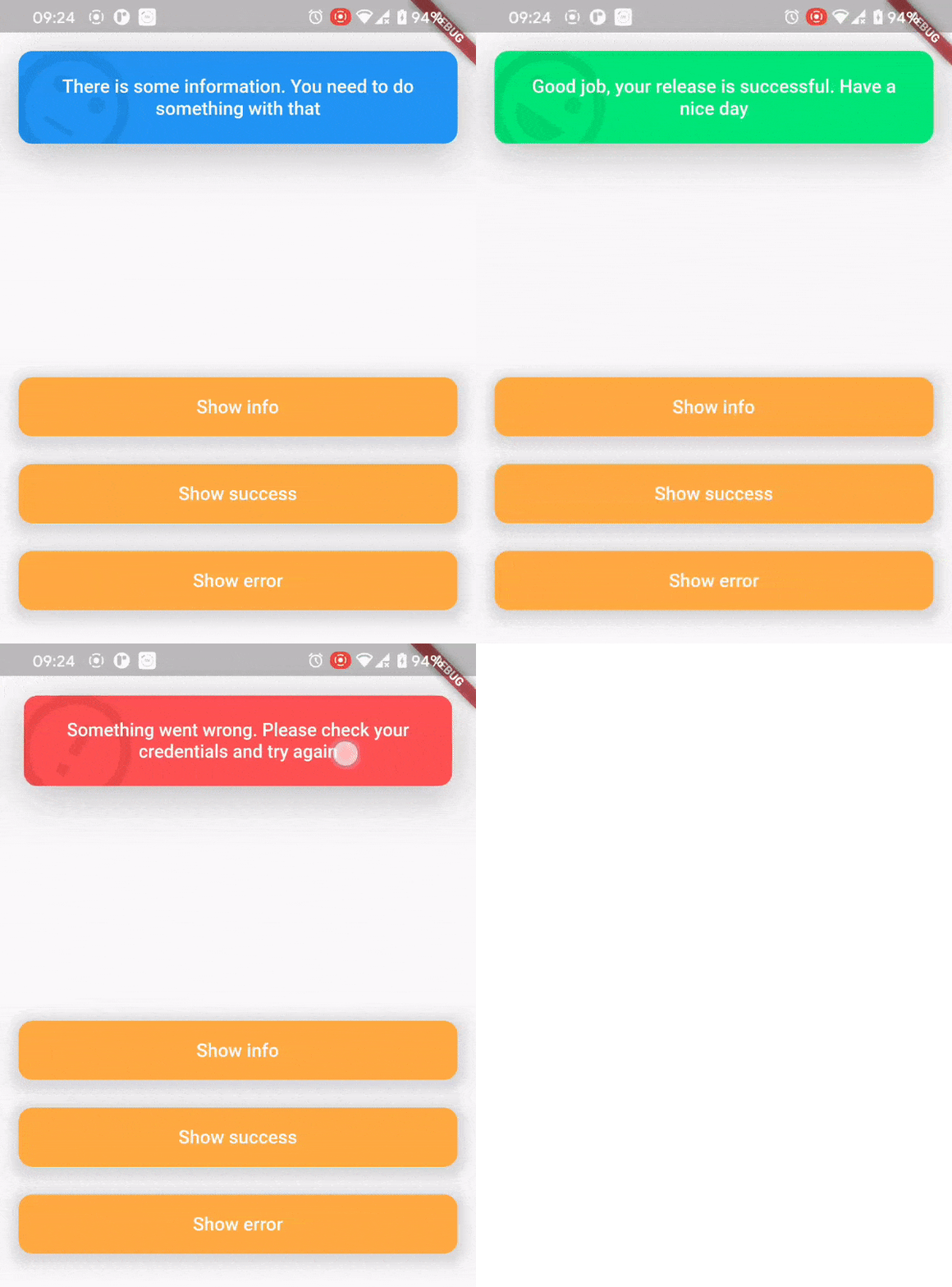
In order to show a CustomSnackBar you need to call a showTopSnackBar function. You can pass there any widget you want but we have a CustomSnackBar for example.
showTopSnackBar(
    Overlay.of(context),
    CustomSnackBar.success(
      message:
          "Good job, your release is successful. Have a nice day",
    ),
);
showTopSnackBar(
    Overlay.of(context),
    CustomSnackBar.info(
      message:
          "There is some information. You need to do something with that",
    ),
);
showTopSnackBar(
    Overlay.of(context),
    CustomSnackBar.error(
      message:
          "Something went wrong. Please check your credentials and try again",
    ),
);
There is a usage example demo example/main.dart
AnimationController localAnimationController;
TapBounceContainer(
    onTap: () {
        showTopSnackBar(
            Overlay.of(context),
            CustomSnackBar.info(
              message: "Persistent SnackBar",
            ),
            persistent: true,
            onAnimationControllerInit: (controller) =>
              localAnimationController = controller,
        );
    },
    child: buildButton(context, "Show persistent SnackBar"),
),
TapBounceContainer(
    onTap: () => localAnimationController.reverse(),
    child: buildButton(context, "Dismiss"),
),