

 v4.1.3
bot_toast
A really easy to use flutter toast library.Easy to use and feature rich.
1KLikes 247K30-day downloads160Pub points
AndroidiOSWebmacOSWindowsLinux
A very easy-to-use flutter popup library. Including toast, loading, etc.

English project snapshot. Visit GitHub for the latest content.
A really easy to use flutter toast library!

In the true sense of Toast, you can call it whenever you need it, without any restrictions!
Feature-rich, support for displaying notifications, text, loading, attachments, etc. Toast
Support for popping up various custom Toasts, or you can pop up any Widget as long as it meets the requirements of the flutter code.
API is simple and easy to use
Pure flutter implementation
Supports global configuration
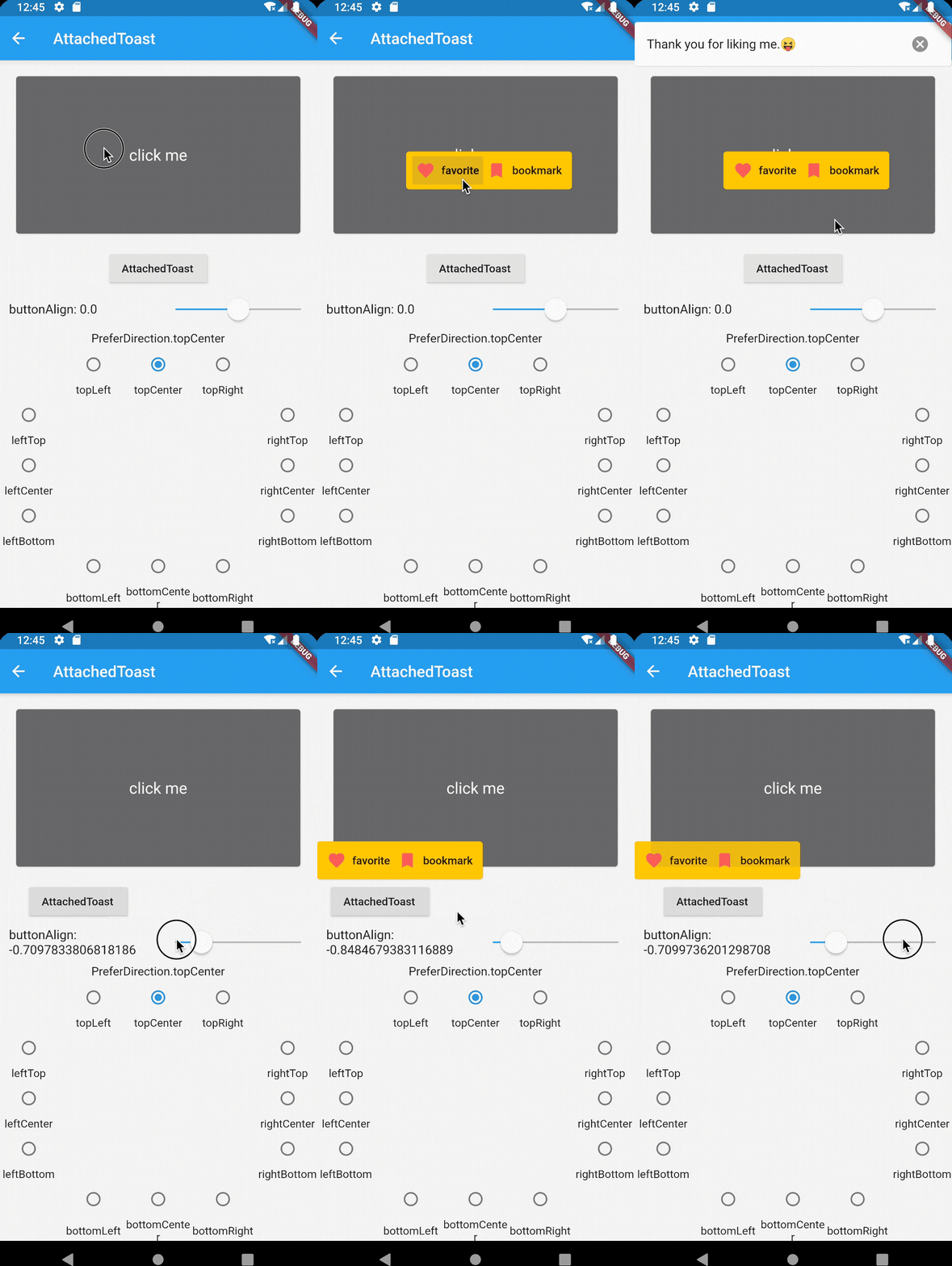
Online demo (Web effects may be biased, the actual effect is subject to the mobile phone)
| Notification | Attached | CustomAnimation |
|---|---|---|
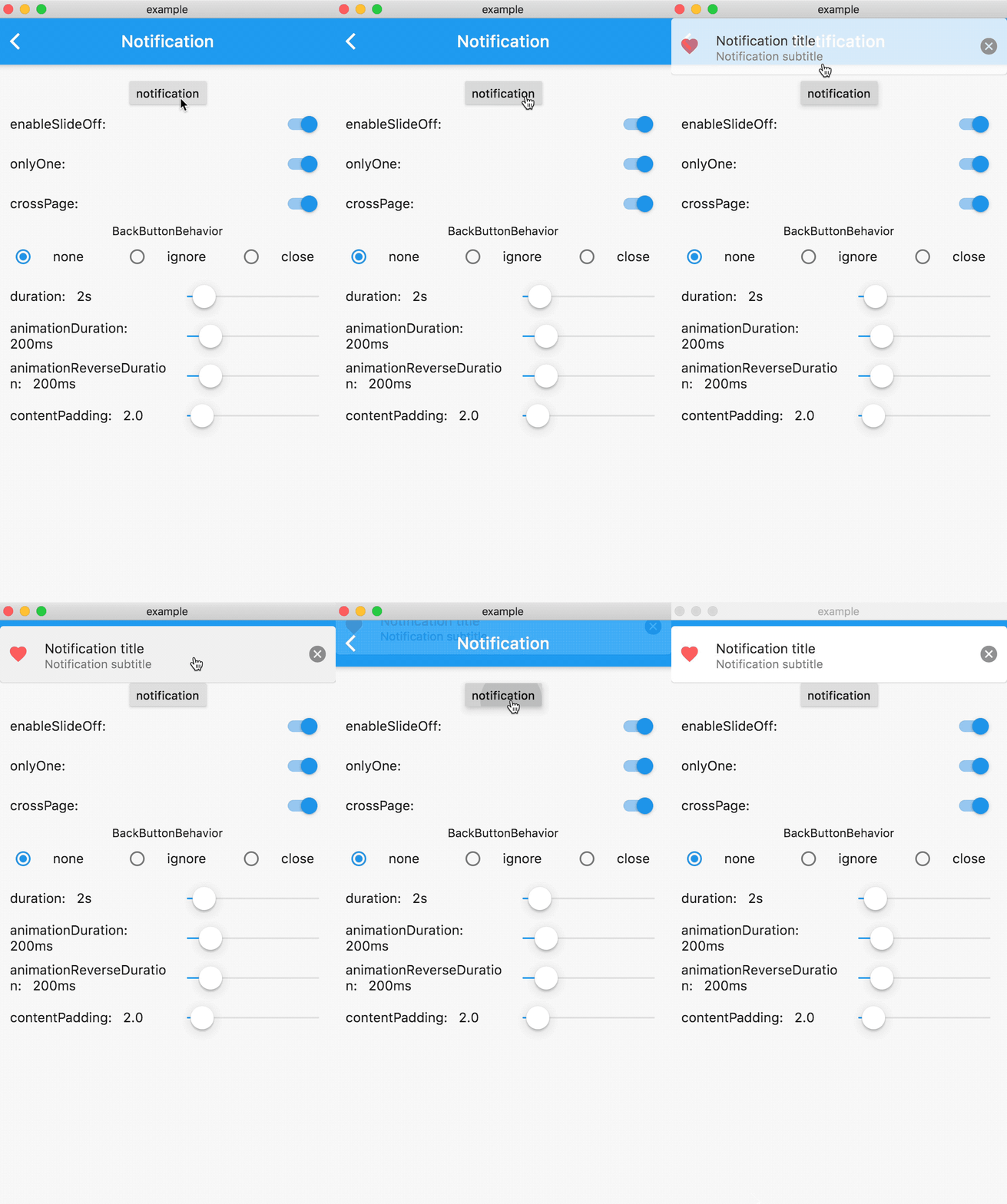 |
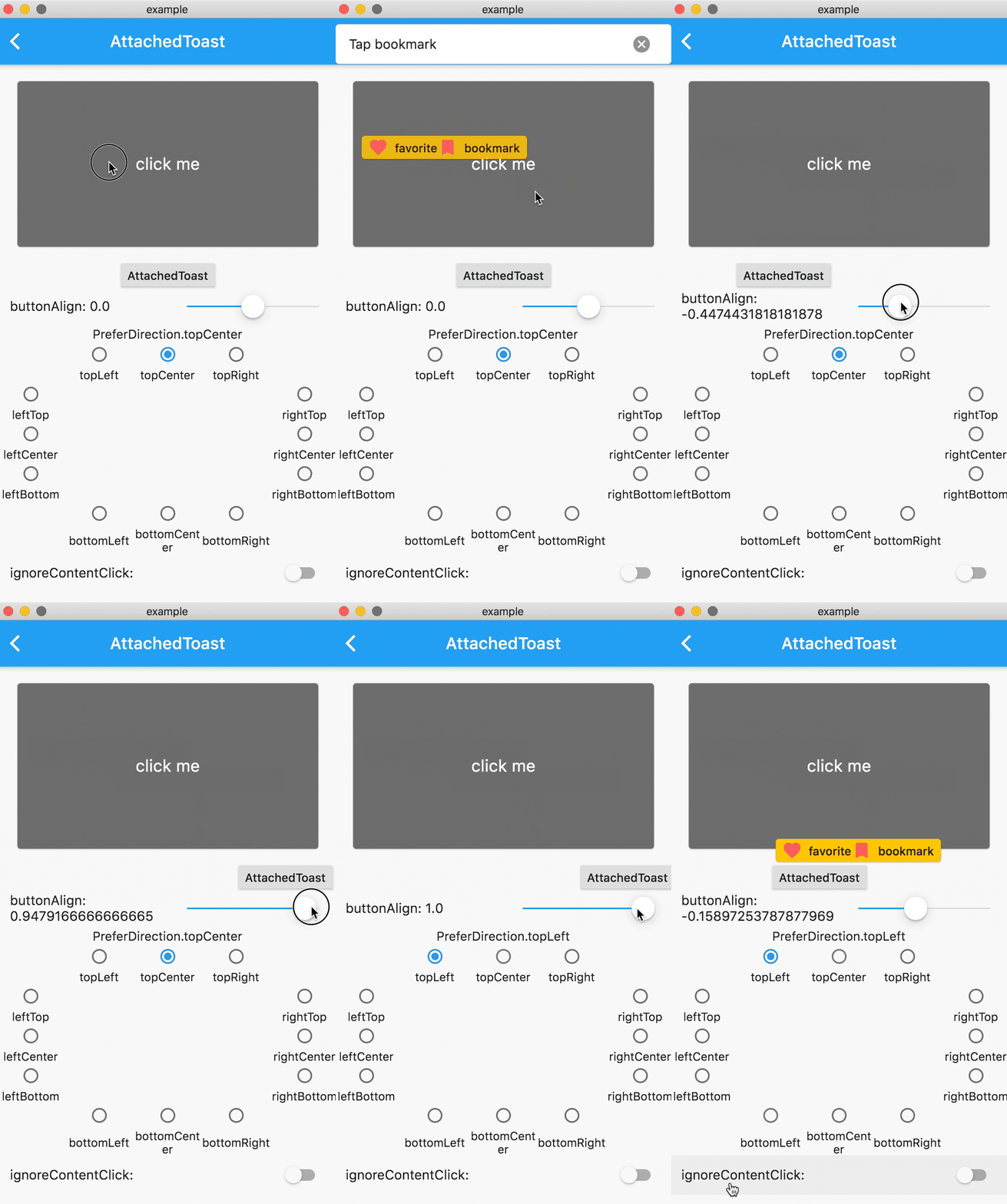 |
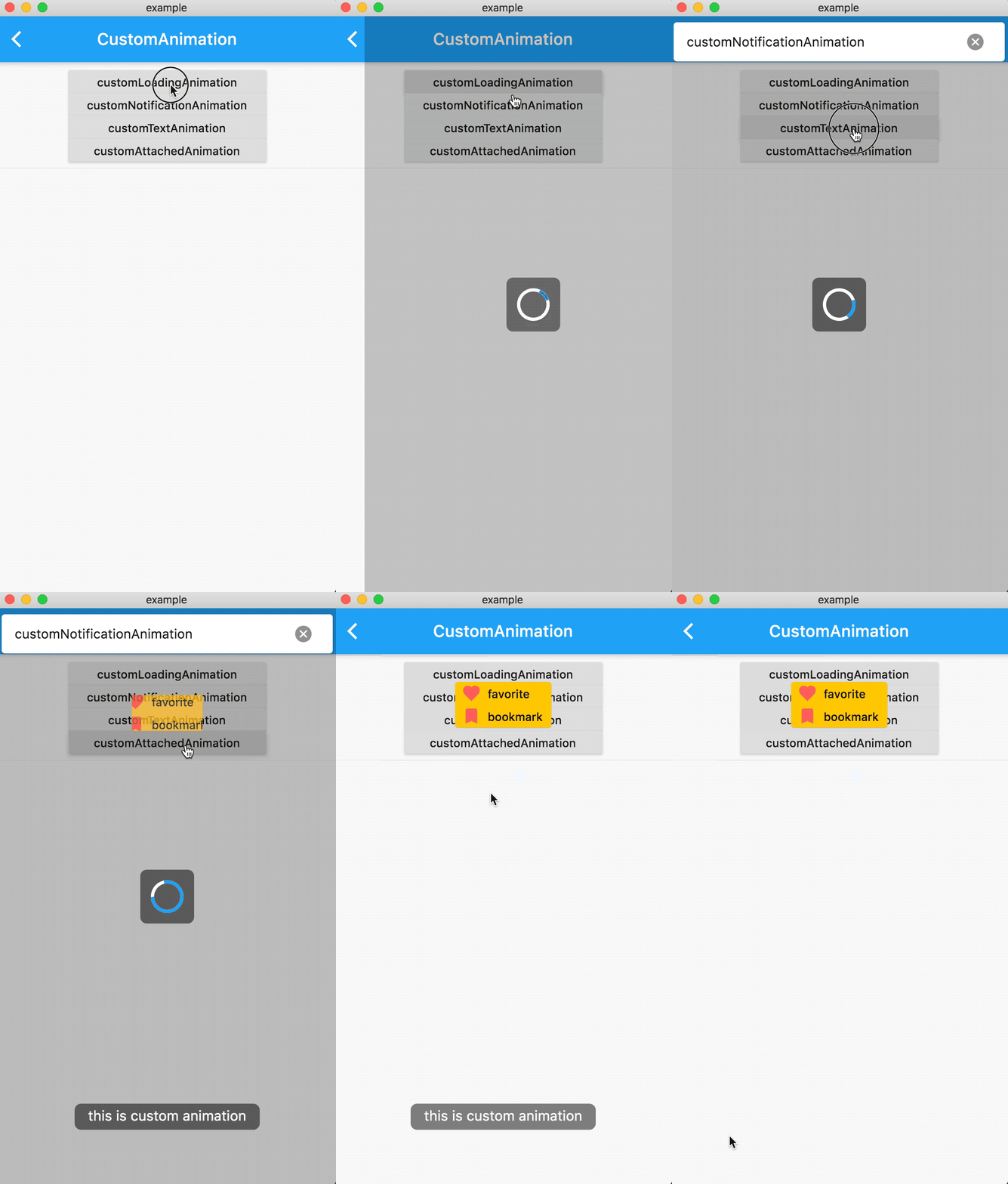 |
| Loading | Text | CustomWidget |
|---|---|---|
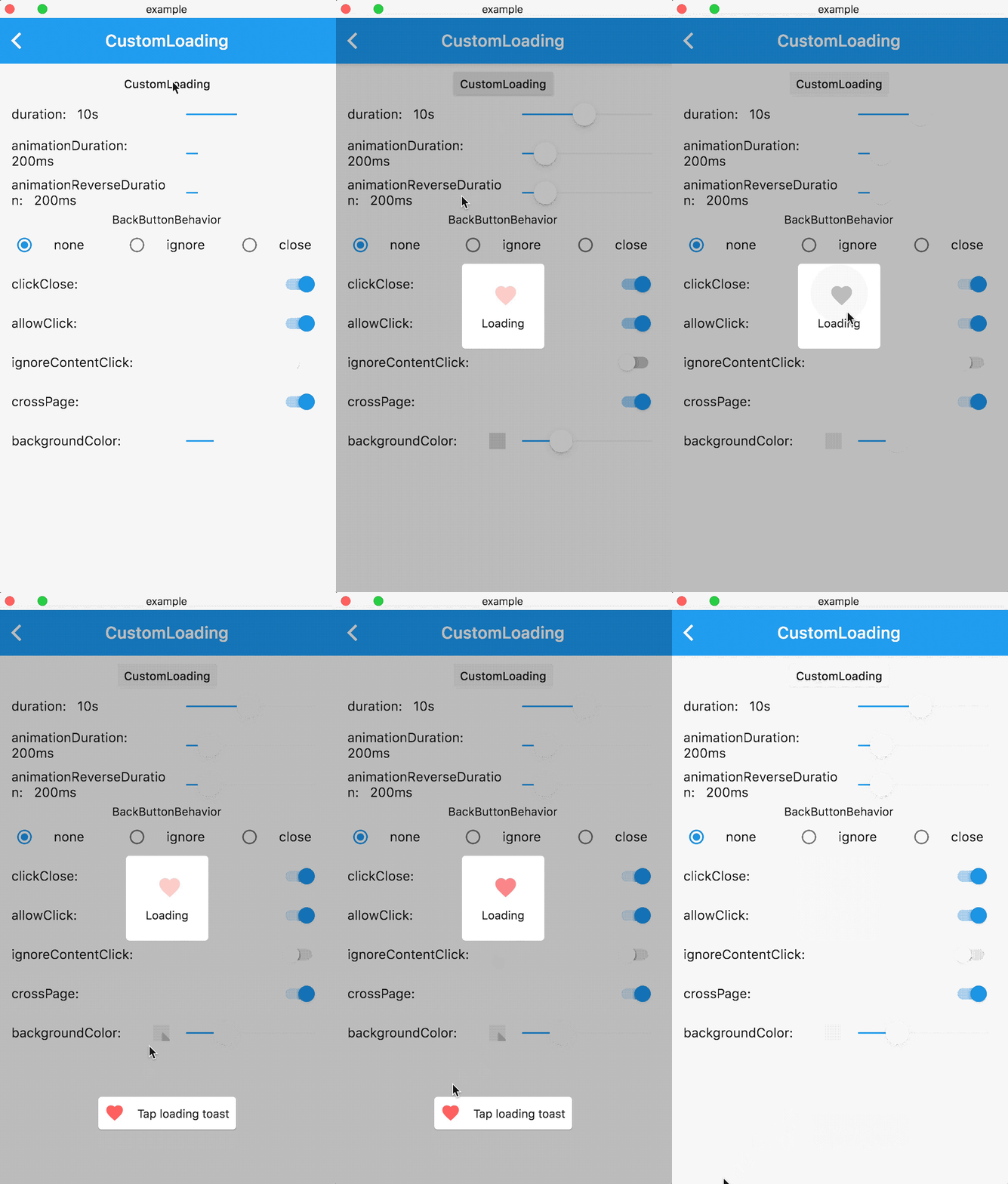 |
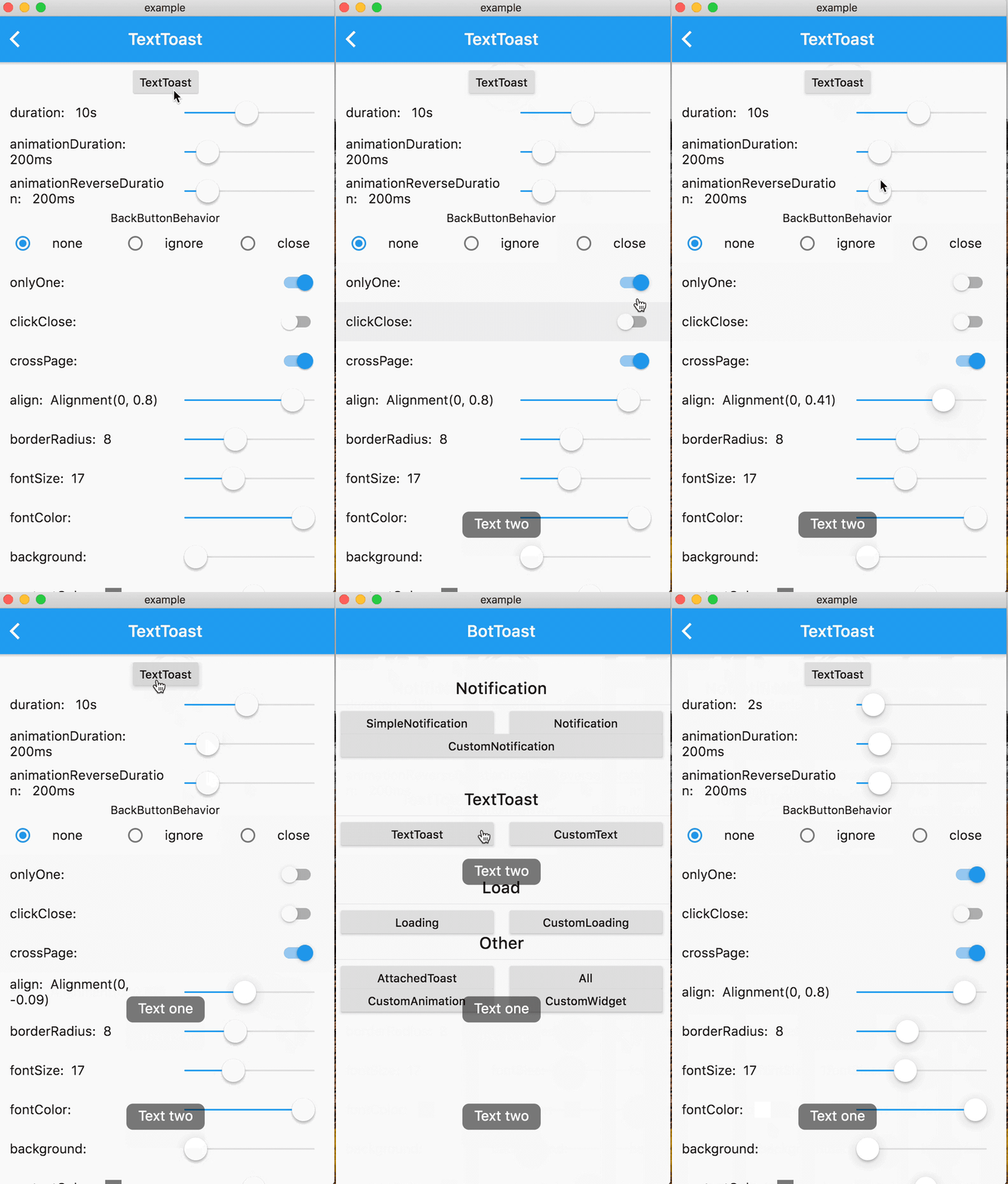 |
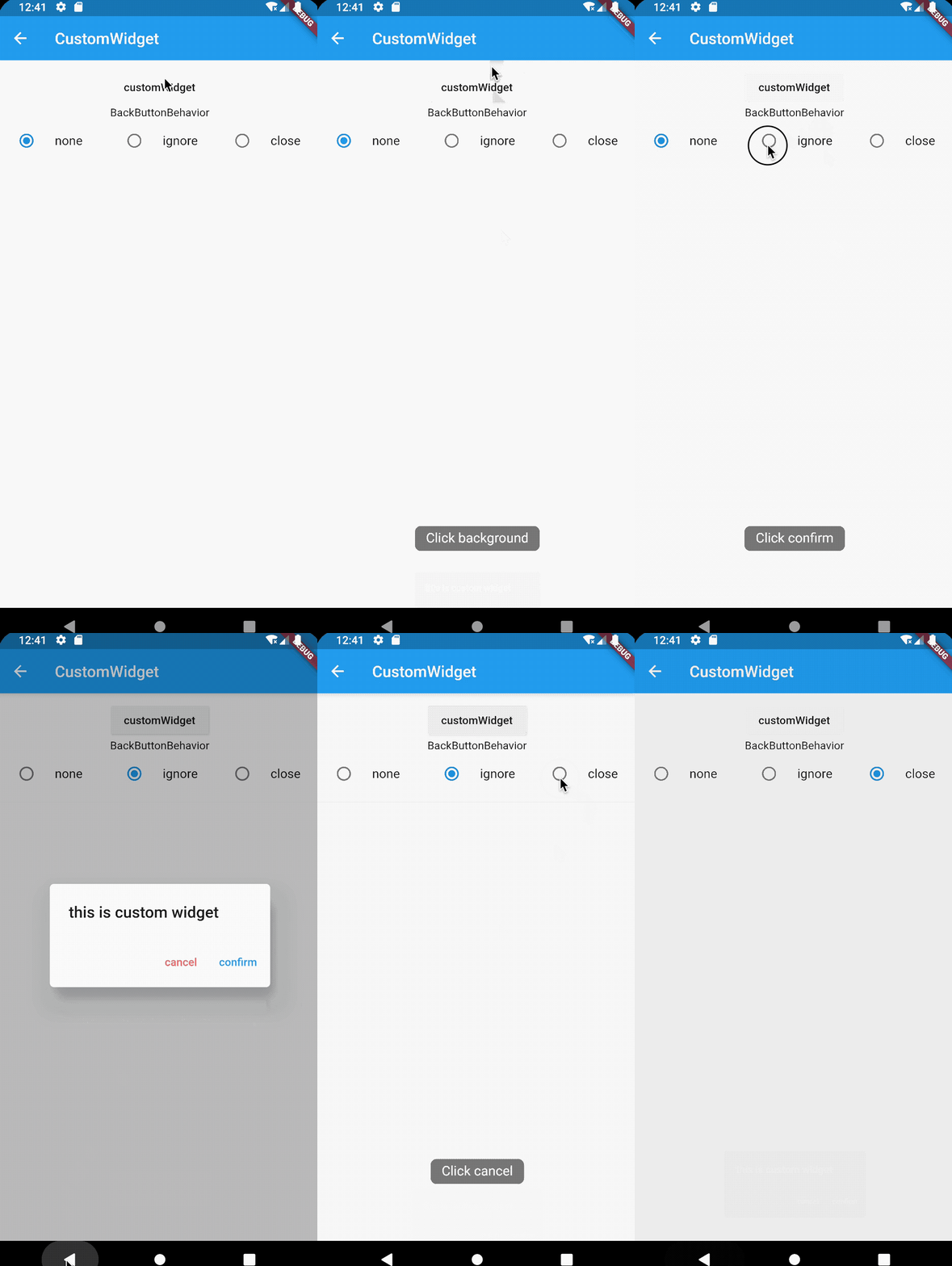 |
dependencies:
   bot_toast: ^4.1.0 #null safety
import 'package:bot_toast/bot_toast.dart';
MaterialApp(
      title: 'BotToast Demo',
      builder: BotToastInit(), //1. call BotToastInit
      navigatorObservers: [BotToastNavigatorObserver()], //2. registered route observer
      home: XxxxPage(),
  )
or
//Warning: Don't arbitrarily adjust the position of calling the BotToastInit function
final botToastBuilder = BotToastInit();  //1. call BotToastInit
MaterialApp(
      title: 'BotToast Demo',
      builder: (context, child) {
        child = myBuilder(context,child);  //do something
        child = botToastBuilder(context,child);
        return child;
      },
      navigatorObservers: [BotToastNavigatorObserver()], //2. registered route observer
      home: XxxxPage(),
  )
var cancel = BotToast.showText(text:"xxxx");  //popup a text toast;
...
cancel();  //close
var cancel = BotToast.showSimpleNotification(title: "init"); // popup a notification toast;
...
cancel();  //close
var cancel = BotToast.showLoading(); //popup a loading toast
...
cancel();  //close
//popup a attachments toast
var cancel = BotToast.showAttachedWidget(
    attachedBuilder: (_) => Card(
          child: Padding(
            padding: const EdgeInsets.all(8.0),
            child: Icon(
              Icons.favorite,
              color: Colors.redAccent,
            ),
          ),
        ),
    duration: Duration(seconds: 2),
    target: Offset(520, 520));
...
cancel();  //close
//custom api
var cancel = BotToast.showCustomNotification(...)
var cancel = BotToast.showCustomText(...)
var cancel = BotToast.showCustomLoading(...)
var cancel = BotToast.showAnimationWidget(...)
...
cancel();  //close
/// For example: Globally change the animation duration for standard notifications to 1 second.
BotToast.defaultOption.notification.animationDuration = const Duration(seconds: 1);

/// For more default options, refer to the following configurations:
/// [BotToast.defaultOption.simpleNotification] corresponds to the default values of [showSimpleNotification].
/// [BotToast.defaultOption.notification] corresponds to the default values of [showNotification].
/// [BotToast.defaultOption.customNotification] corresponds to the default values of [showCustomNotification].
/// [BotToast.defaultOption.text] corresponds to the default values of [showText].
/// [BotToast.defaultOption.customText] corresponds to the default values of [showCustomText].
/// [BotToast.defaultOption.loading] corresponds to the default values of [showLoading].
/// [BotToast.defaultOption.customLoading] corresponds to the default values of [showCustomLoading].
/// [BotToast.defaultOption.attached] corresponds to the default values of [showAttachedWidget].
/// [BotToast.defaultOption.animation] corresponds to the default values of [showAnimationWidget].
/// [BotToast.defaultOption.enhanced] corresponds to the default values of [showEnhancedWidget].
Reimplemented the underlying initialization logic, the code is simpler and more general, and no longer depends on Navigator
Modify the initialization method
change:
//2.x.x version initialization method
BotToastInit(
  child:MaterialApp(
      title: 'BotToast Demo',
      navigatorObservers: [BotToastNavigatorObserver()],
      home: XxxxPage(),
  )
);
to:
//3.x.x version initialization method
MaterialApp(
      title: 'BotToast Demo',
      builder: BotToastInit(),
      navigatorObservers: [BotToastNavigatorObserver()],
      home: XxxxPage(),
  )
Dependency list 2 items
{"sdk":"flutter"}{"sdk":"flutter"}Start with your use case, compare repository activity, and check the original project before adopting it.
“A repository is the most basic element of GitHub.”
GitHub Docs — About repositories ↗