
 v1.2.1
banner_carousel
A Widget horizontal scrollable list with indicator and animations.
147Likes 58830-day downloads150Pub points
AndroidiOSWebmacOSWindowsLinux
Package Flutter to Banner Carousel
English project snapshot. Visit GitHub for the latest content.
BannerCarousel is a custom widget that builds a FullScreen carousel or not, with animation on the indicators.

banners - List of BannerModelanimation - boolean for indicator animation - Default trueindicatorBottom - indicator is below carousel - Default trueshowIndicator - show indicator - Default trueheight - Default double 150initialPageviewportFractionborderRadius - Default 5marginactiveColordisableColorcustomizedIndicators - Accepts a IndicatorModel modelonPageChangedonTapcustomizedBanners - List of WidgetspaceBetween - DoublepageController - PageControllerBannerModelIndicatorModelList<BannerModel> listBanners = [
BannerModel(pathImage: banner1, id: "1"),
BannerModel(pathImage: banner2, id: "2"),
BannerModel(pathImage: banner3, id: "3"),
BannerModel(pathImage: banner4, id: "4"),
];
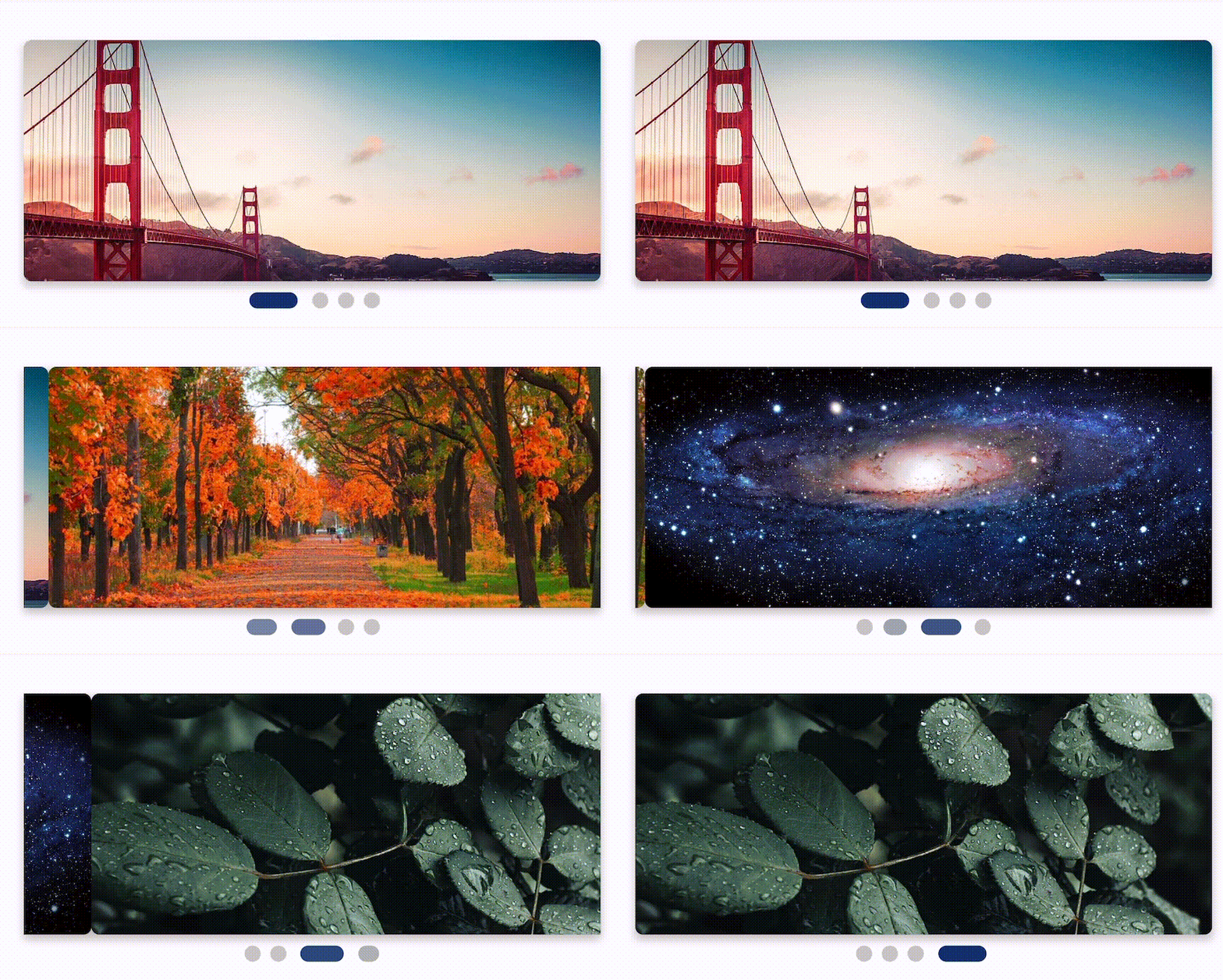
BannerCarousel(banners: listBanners)

 BannerCarousel.fullScreen(
    banners: listBanners,
    animation: false,
 );
BannerCarousel(
  banners: listBanners,
  customizedIndicators: IndicatorModel.animation(width: 20, height: 5, spaceBetween: 2, widthAnimation: 50),
  height: 120,
  activeColor: Colors.amberAccent,
  disableColor: Colors.white,
  animation: true,
  borderRadius: 10,
  width: 250,
  indicatorBottom: false,
),

BannerCarousel(
   animation: false,
   viewportFraction: 0.60,
   showIndicator: false,
   customizedBanners: [
        Container(
           decoration: BoxDecoration(
              border: Border.all(color: Colors.black,width: 2),),
              child: Image.network(BannerImages.banner1)),
        Container(
             margin: EdgeInsets.symmetric(horizontal: 20),
             decoration: BoxDecoration(
                  boxShadow: [
                     BoxShadow(
                        color: Colors.black.withOpacity(0.25),
                        spreadRadius: 0,
                        blurRadius: 4,
                        offset: Offset(0, 3),
                      ),
                    ],
               ),
              child: Image.network(BannerImages.banner2)),
         Container(
             margin: EdgeInsets.symmetric(horizontal: 20),
             decoration: BoxDecoration(
             border: Border.all(
                    color: Colors.green,
                    width: 3,
                  ),
                  borderRadius: BorderRadius.circular(50),
              image: DecorationImage(
              image: NetworkImage(
                        'https://flutter.github.io/assets-for-api-docs/assets/widgets/owl-2.jpg'),
              fit: BoxFit.cover,
              ),
           ),
       ),
    ],
),
BannerCarousel(
  banners: listBanners,
  onTap: (id) => print(id),
)

Dependency list 2 items
{"sdk":"flutter"}{"sdk":"flutter"}Start with your use case, compare repository activity, and check the original project before adopting it.
“A repository is the most basic element of GitHub.”
GitHub Docs — About repositories ↗