

v1.1.1
sticky_footer_scrollview
A Flutter Widget that is scrollable with a sticky footer either stick to the bottom of screen of the end of the scroll body.
24Likes 1.2K30-day downloads160Pub points
AndroidiOSWebmacOSWindowsLinux
A Flutter Widget that is scrollable with a sticky footer either stick to the bottom of screen of the end of the scroll body.

English project snapshot. Visit GitHub for the latest content.

A Flutter Widget that is scrollable with a sticky footer either stick to the bottom of screen of the end of the scroll body.
This package using SingleScrollView and CustomMultiChildLayout to acheive a scrollable widget with a sticky footer. This allow a dynamic height of child widgets in scroll body.
At the same time, because of the SingleScrollView with Column approach, this is not recommended to use with lots of child widgets for performance reason. You may simiply test with the example to see whether it is fit for your case.
This shows Widget's full customizations:
StickyFooterScrollView({
    this.footer,
    @required this.itemBuilder,
    @required this.itemCount,
    this.scrollController,
})
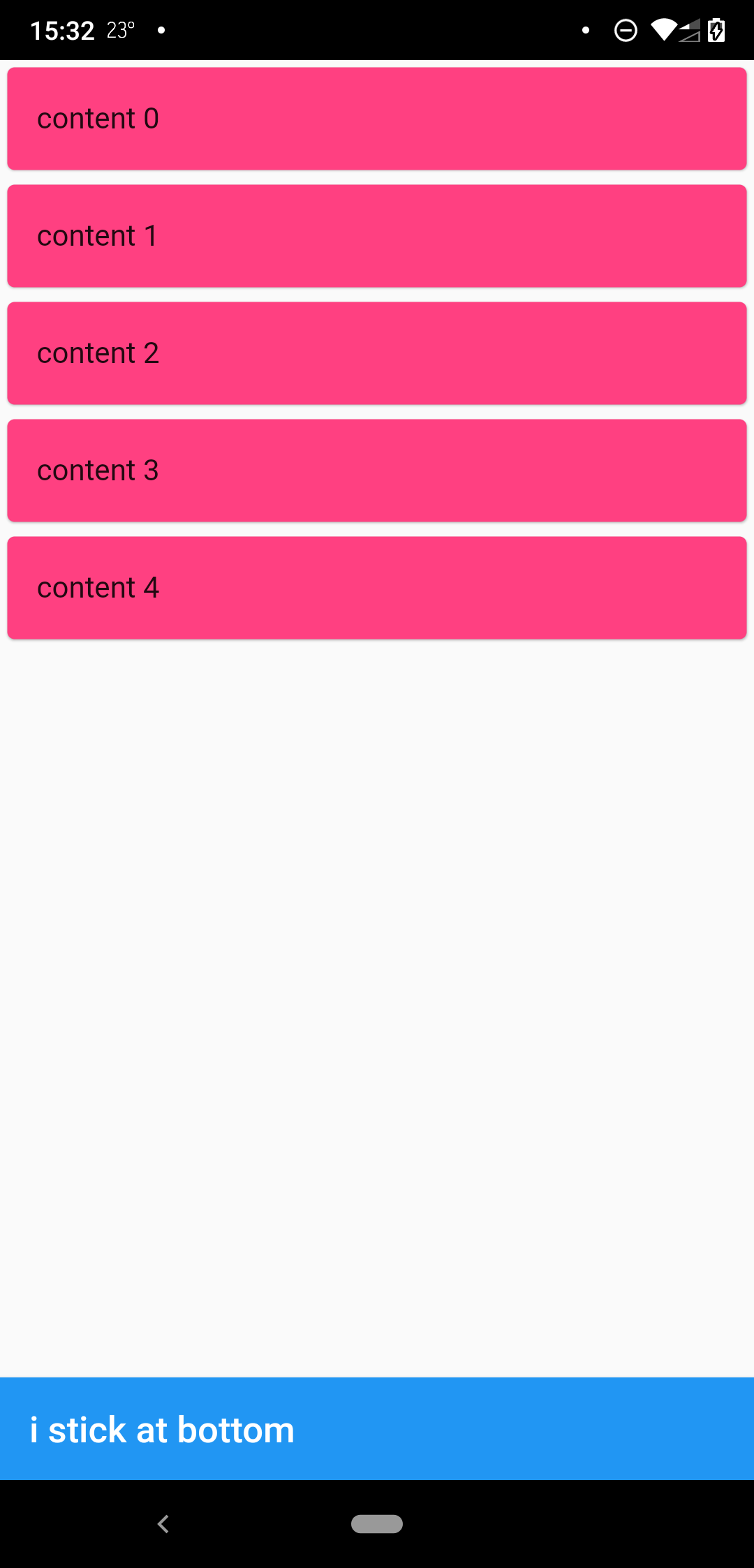
when scrollbody is shorter than the avialble widget height
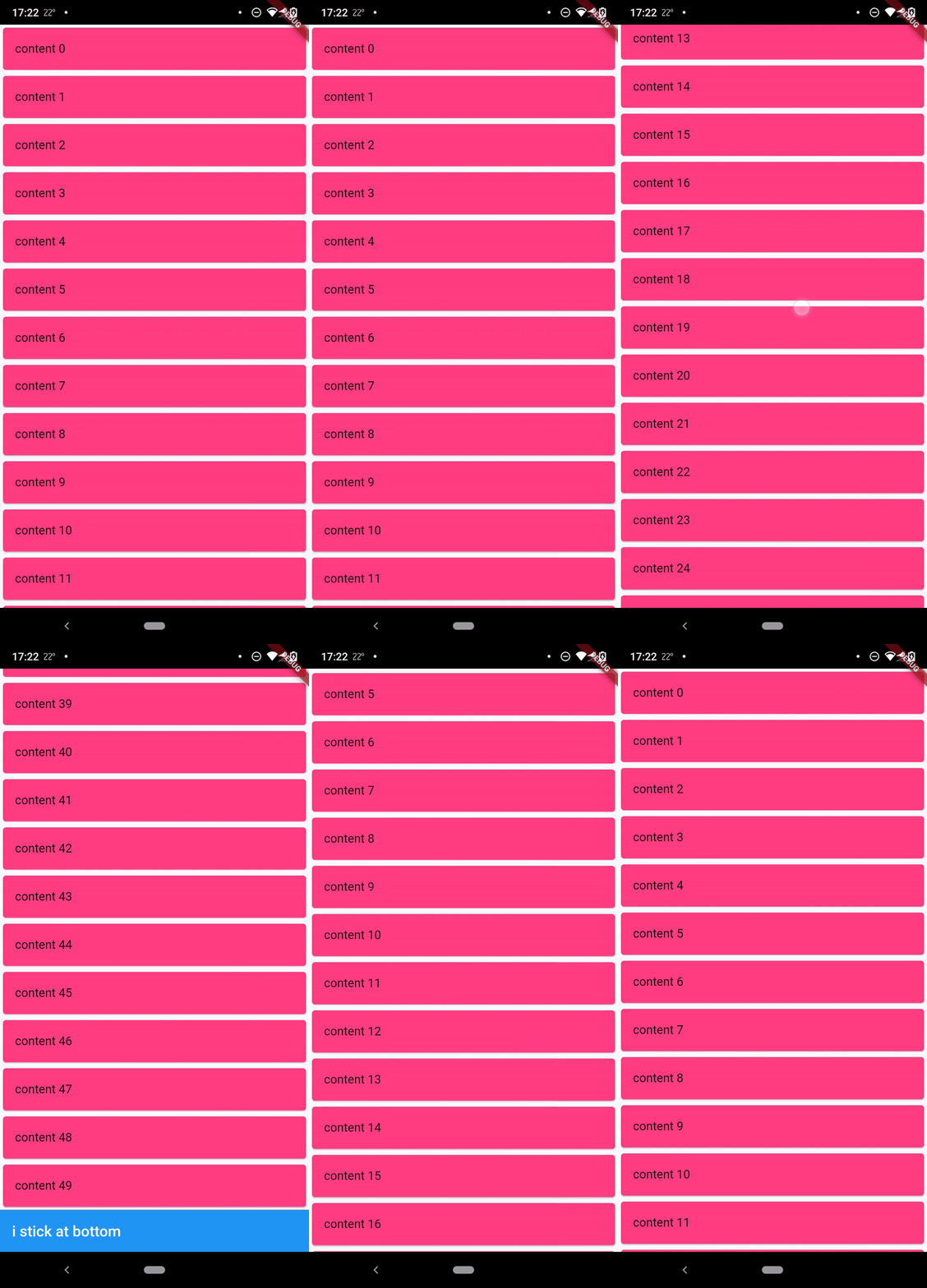
when scrollbody is longer than the avialble widget height
@override
  Widget build(BuildContext context) {
    return SafeArea(
      child: Scaffold(
        body: StickyFooterScrollView(
          itemCount: 50,
          itemBuilder: (context, index) {
            return Card(
              child: ListTile(
                title: Text('content $index'),
              ),
              color: Colors.pinkAccent,
            );
          },
          footer: AppBar(
            title: Text('i stick at bottom'),
          ),
        ),
      ),
    );
  }
MIT
Dependency list 2 items
{"sdk":"flutter"}{"sdk":"flutter"}Start with your use case, compare repository activity, and check the original project before adopting it.
“A repository is the most basic element of GitHub.”
GitHub Docs — About repositories ↗