
 v2.0.0
animated_rotation
An implicit animation widget for rotation. Just provide the angle and the widget will rotate over time.
26Likes 82230-day downloads160Pub points
AndroidiOSWebmacOSWindowsLinux
An implicit animation widget for rotation
English project snapshot. Visit GitHub for the latest content.

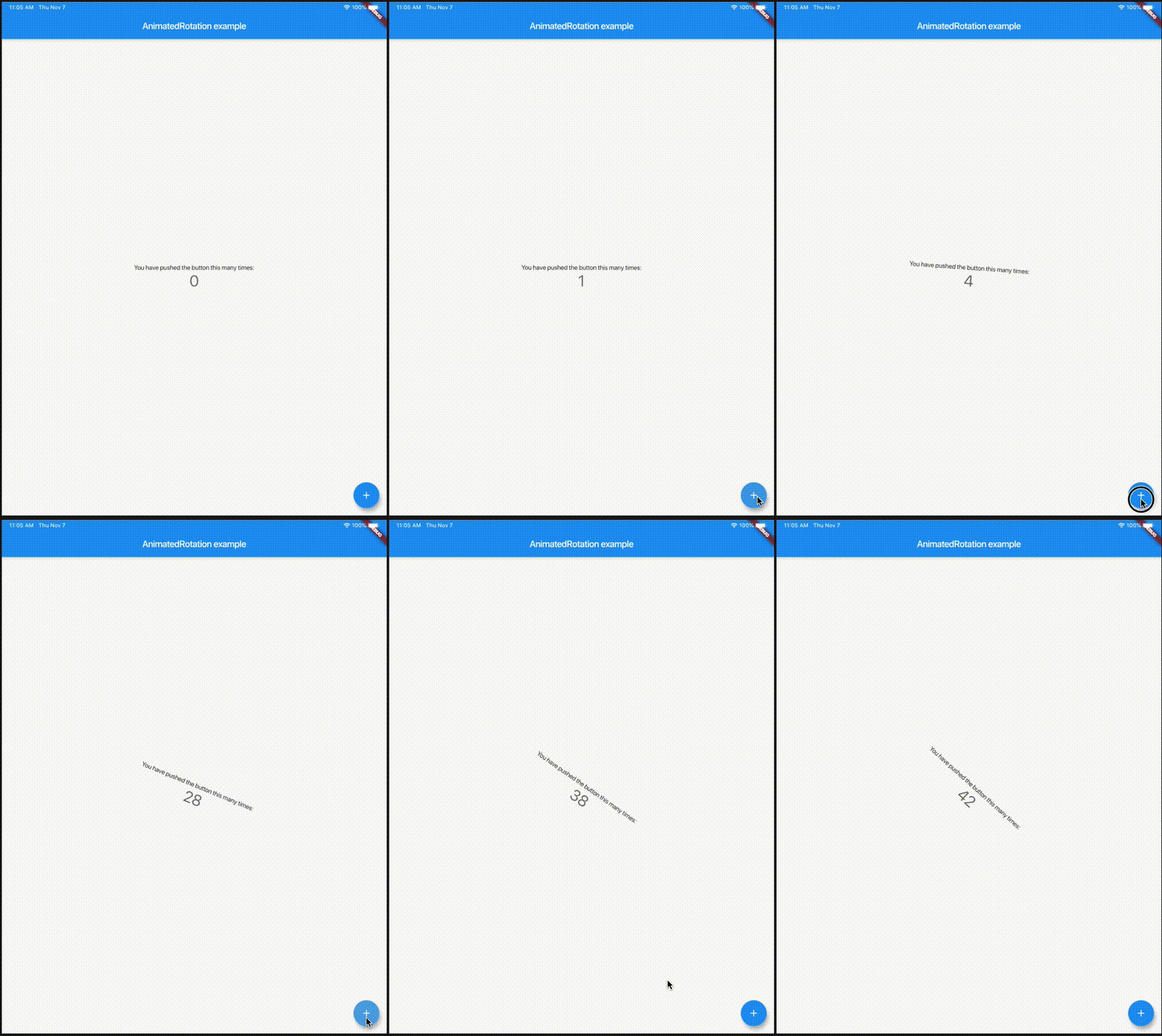
An implicitly animated version of RotationTransition which automatically transitions the rotation over time when the provided angle changes.
Check it out on DartPad
Get it from pub. Add the dependency to your pubspec.yaml
dependencies:
  animated_rotation: ^1.0.0
Run flutter pub get in your root folder after saving the pubspec.yaml file
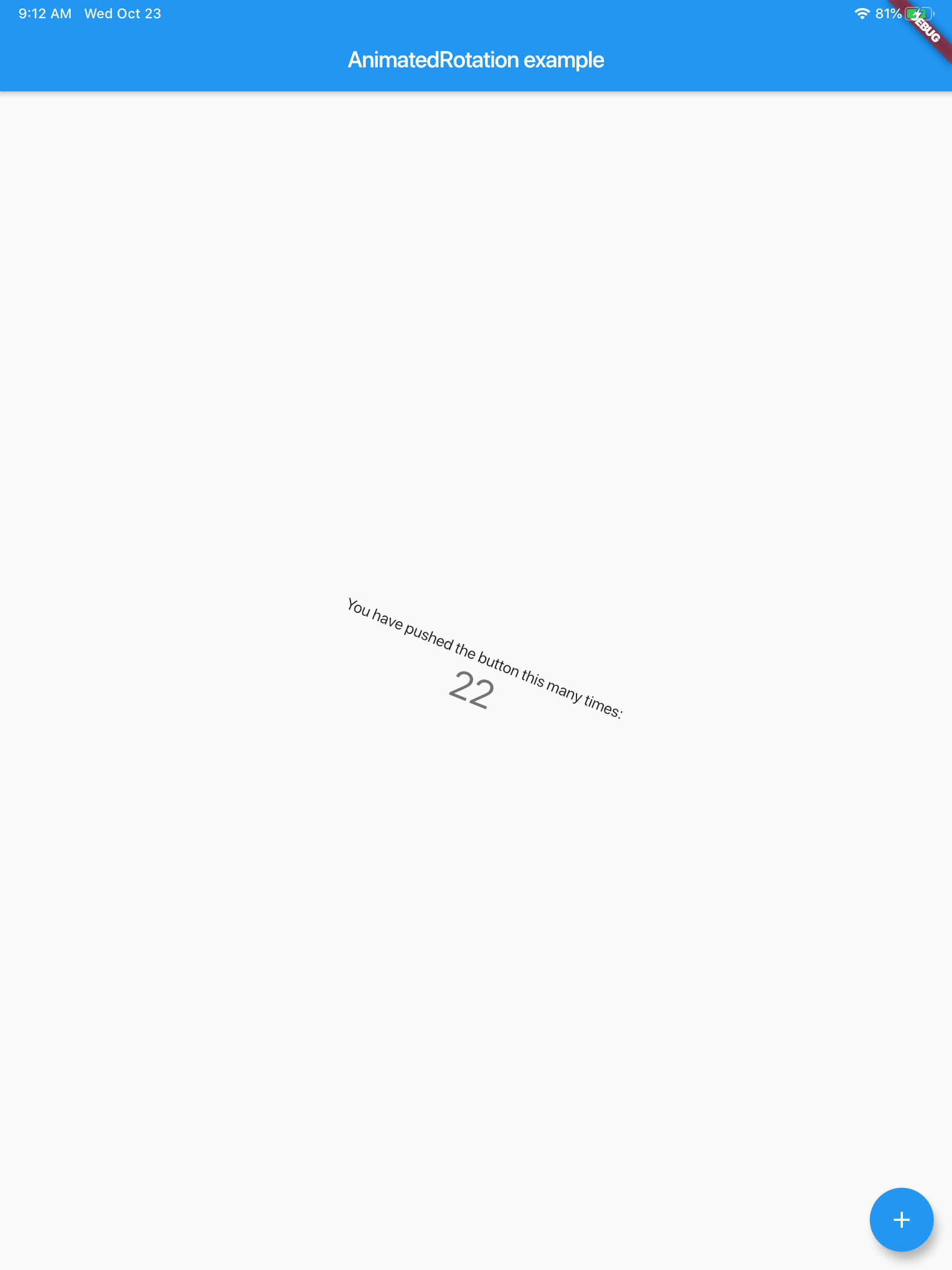
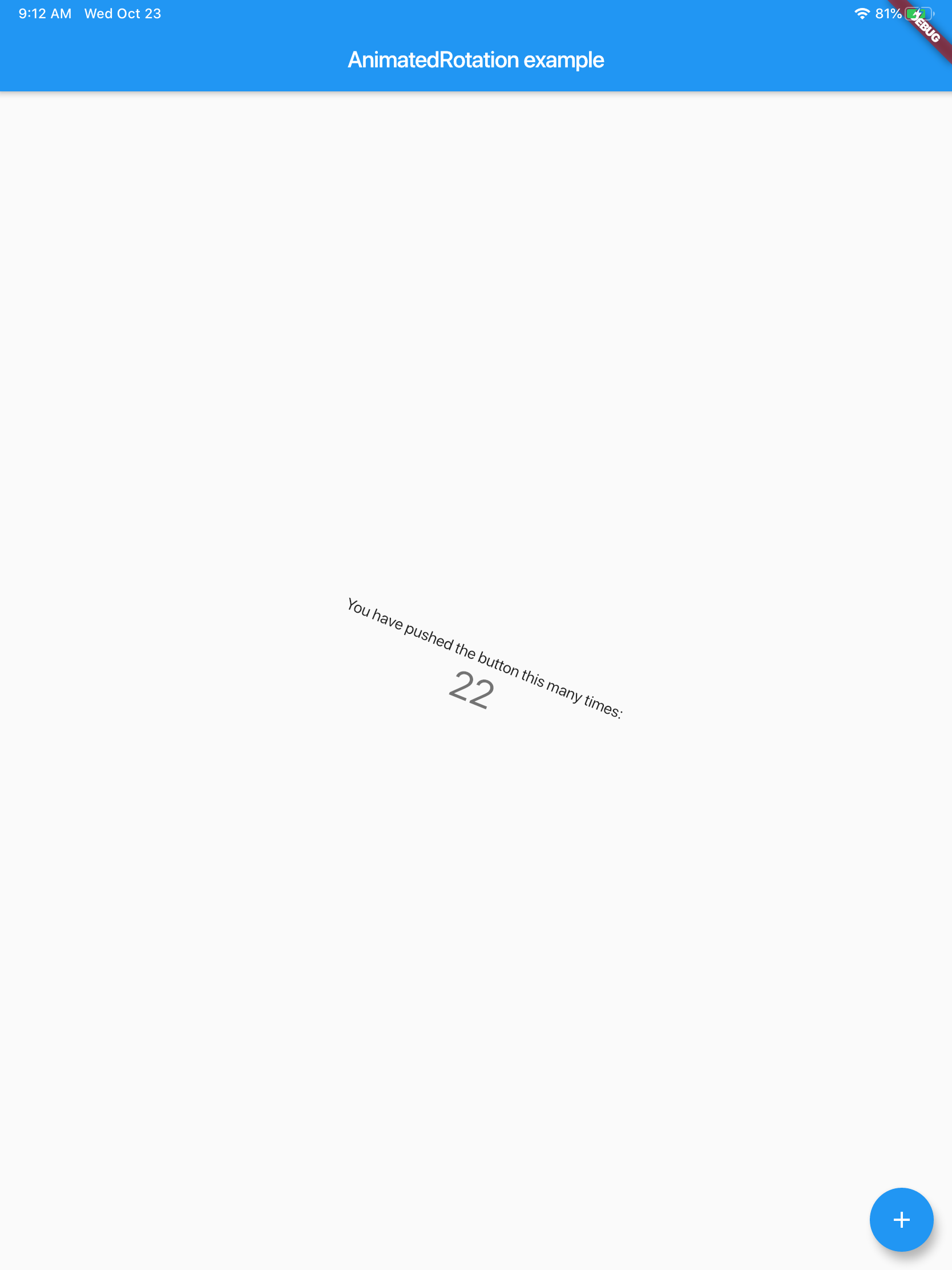
Here is an example of the counter app with text rotating based on the count
import 'package:animated_rotation/animated_rotation.dart';
import 'package:flutter/material.dart';

void main() => runApp(MyHomePage());

class MyHomePage extends StatefulWidget {
  @override
  _MyHomePageState createState() => _MyHomePageState();
}

class _MyHomePageState extends State<MyHomePage> {
  int _counter = 0;

  @override
  Widget build(BuildContext context) {
    return MaterialApp(
      home: Scaffold(
        appBar: AppBar(
          title: Text("AnimatedRotation example"),
        ),
        body: Center(
          child: AnimatedRotation(
            angle: _counter,
            child: Column(
              mainAxisAlignment: MainAxisAlignment.center,
              children: <Widget>[
                Text(
                  'You have pushed the button this many times:',
                ),
                Text(
                  '$_counter',
                  style: Theme.of(context).textTheme.display1,
                ),
              ],
            ),
          ),
        ),
        floatingActionButton: FloatingActionButton(
          onPressed: () {
            setState(() {
              _counter++;
            });
          },
          tooltip: 'Increment',
          child: Icon(Icons.add),
        ),
      ),
    );
  }
}

Dependency list 2 items
{"sdk":"flutter"}{"sdk":"flutter"}Start with your use case, compare repository activity, and check the original project before adopting it.
“A repository is the most basic element of GitHub.”
GitHub Docs — About repositories ↗