Search packages, repositories and app categories

GitHub repositoryMohamedAbd0/time_picker_spinner

time_picker_spinner

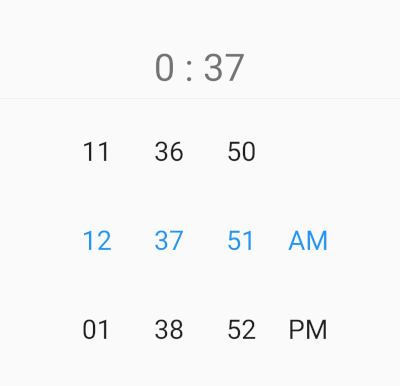
Time Picker with spinner instead of a default material time picker. This widget works with 12 or 24 hour format and custom interval mode, and this package allow localization ar and en.

time_picker_spinner project cover
Stars
2
Forks
5
Last push (UTC)
Jan 13, 2025
Project status
Active

Original README

English project snapshot. Visit GitHub for the latest content.

time_picker_spinner

Time Picker with spinner instead of a default material time picker. This widget works with 12 or 24 hour format and custom interval mode, and this package allow localization ar and en.

Pub Version

Demo gif

image

Installation

  1. Add this to your package's pubspec.yaml file:
dependencies:
  time_picker_spinner: any
  1. Get the package using your IDE's GUI or via command line with
$ pub get
  1. Import the time_picker_spinner.dart file in your app
import 'package:time_picker_spinner/time_picker_spinner.dart';

Features

  • This widget works with 12.
  • This widget works with 24.
  • allow localization ar and en.

Usage

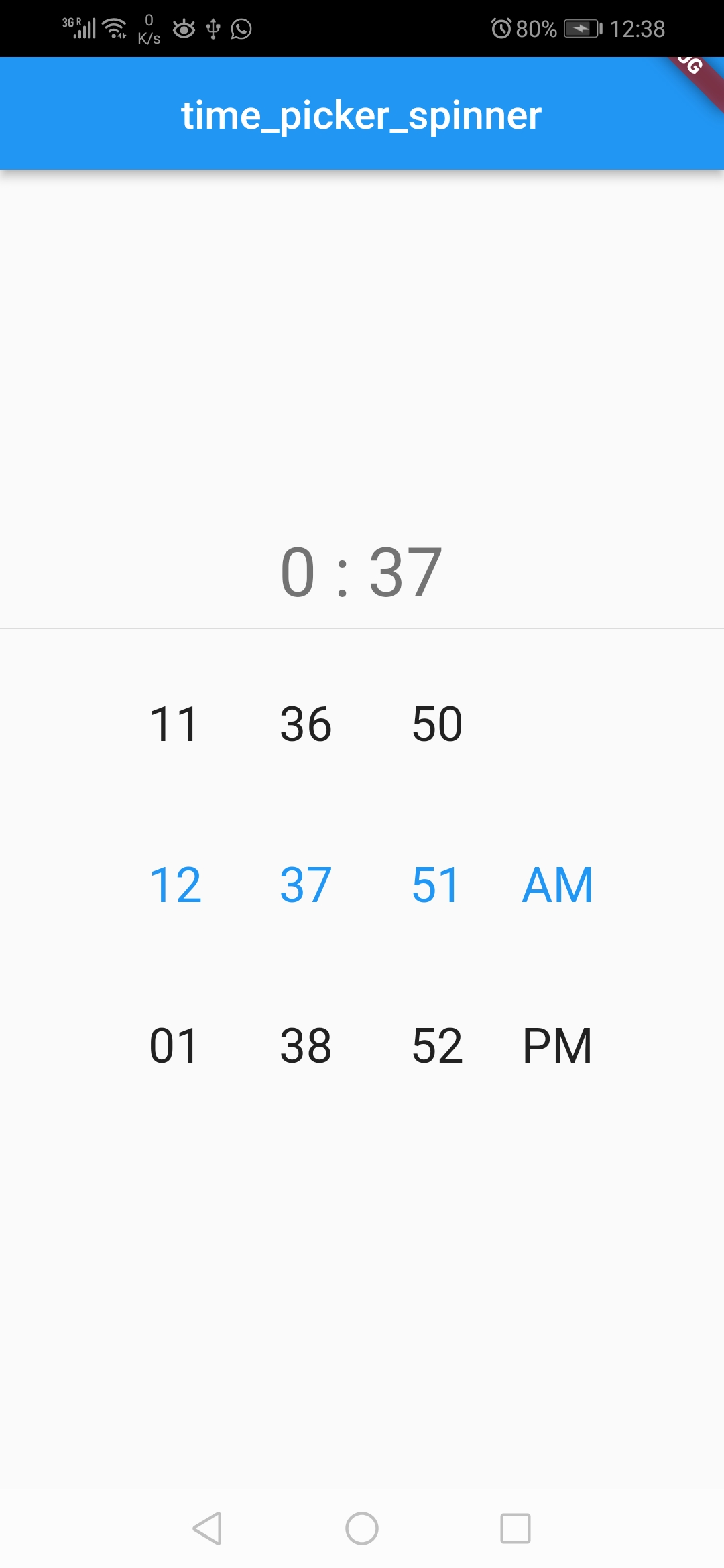
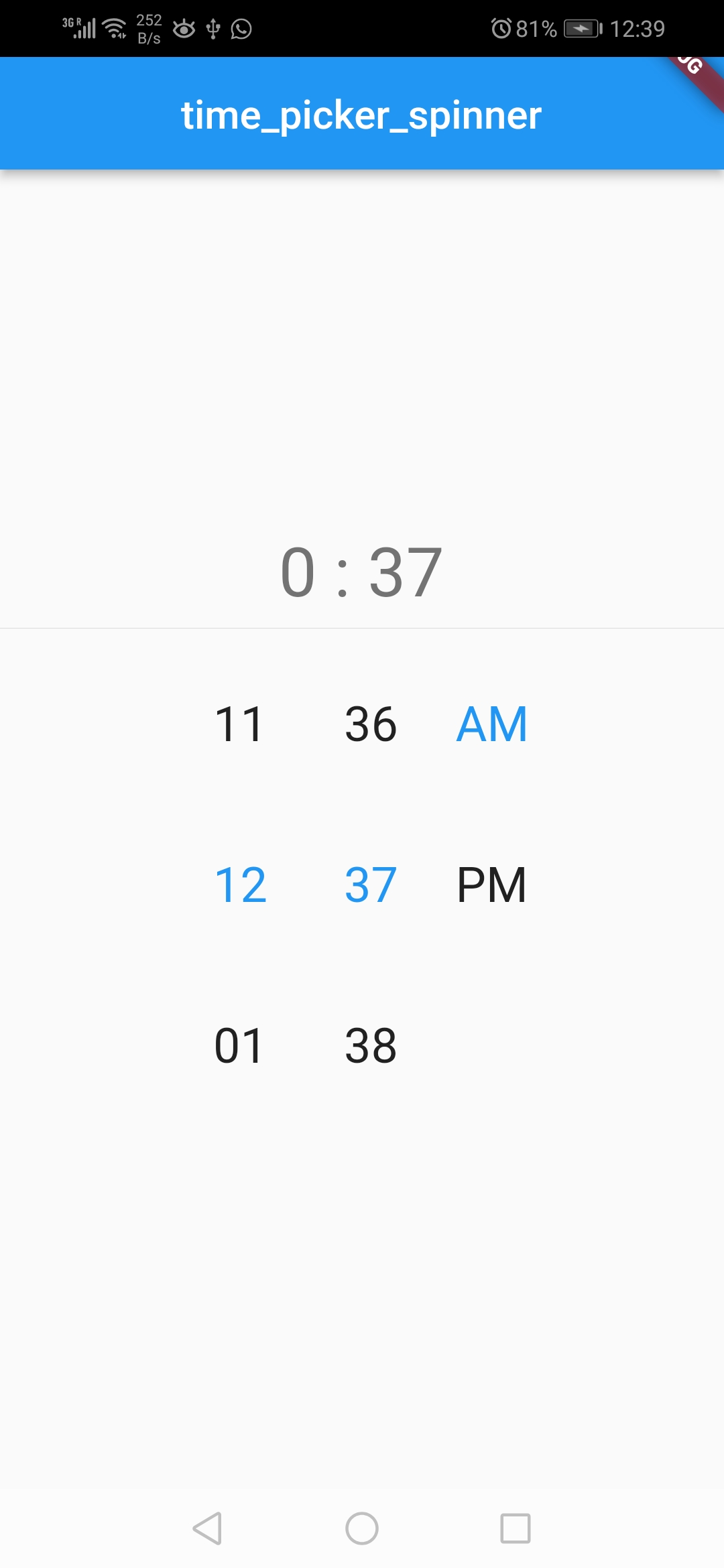
EN
en short en long

image | image

TimePickerSpinner(
              locale: const Locale('en', ''),
              time: dateTime,
              is24HourMode: false,
              isShowSeconds: true,
              itemHeight: 80,
              normalTextStyle: const TextStyle(
                fontSize: 24,
              ),
              highlightedTextStyle:
                  const TextStyle(fontSize: 24, color: Colors.blue),
              isForce2Digits: true,
              onTimeChange: (time) {
                setState(() {
                  dateTime = time;
                });
              },
            )
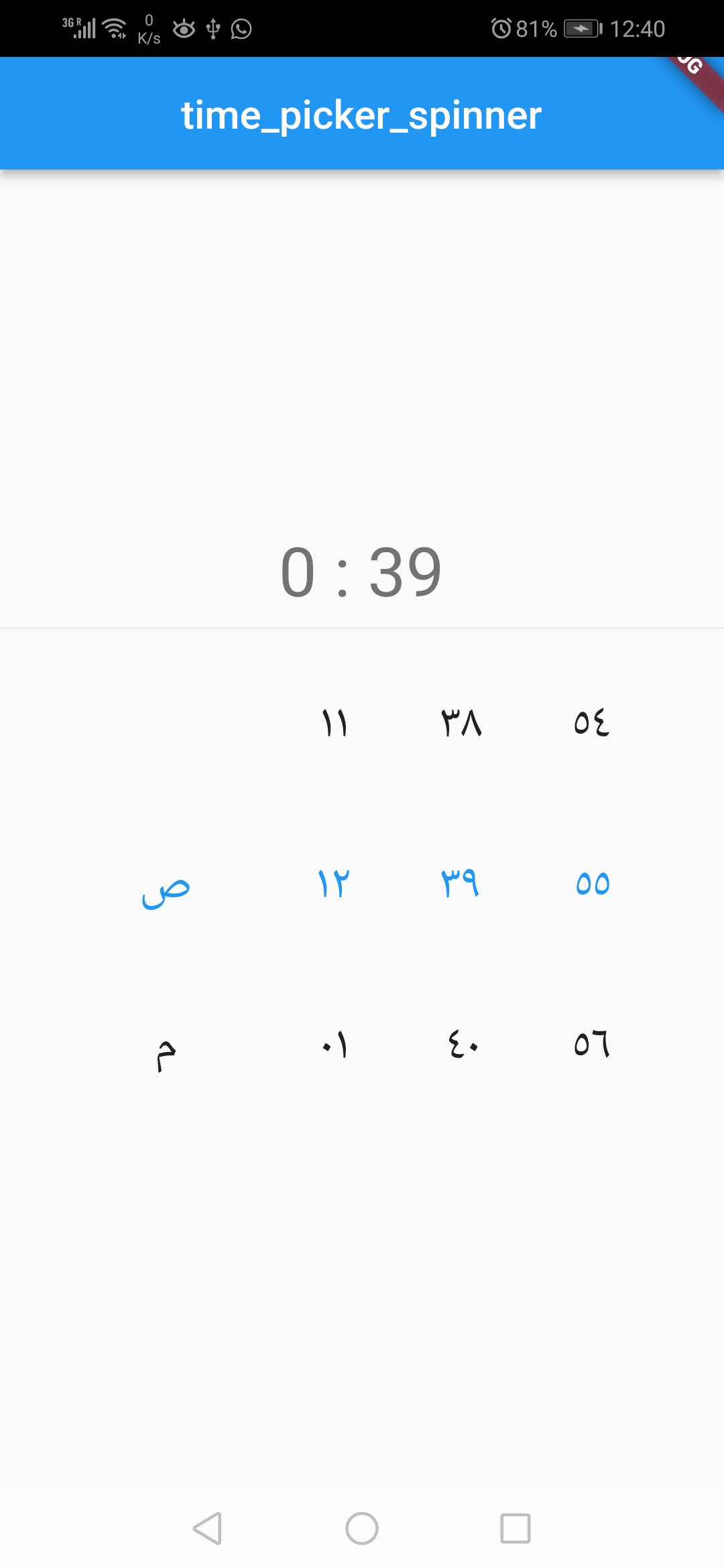
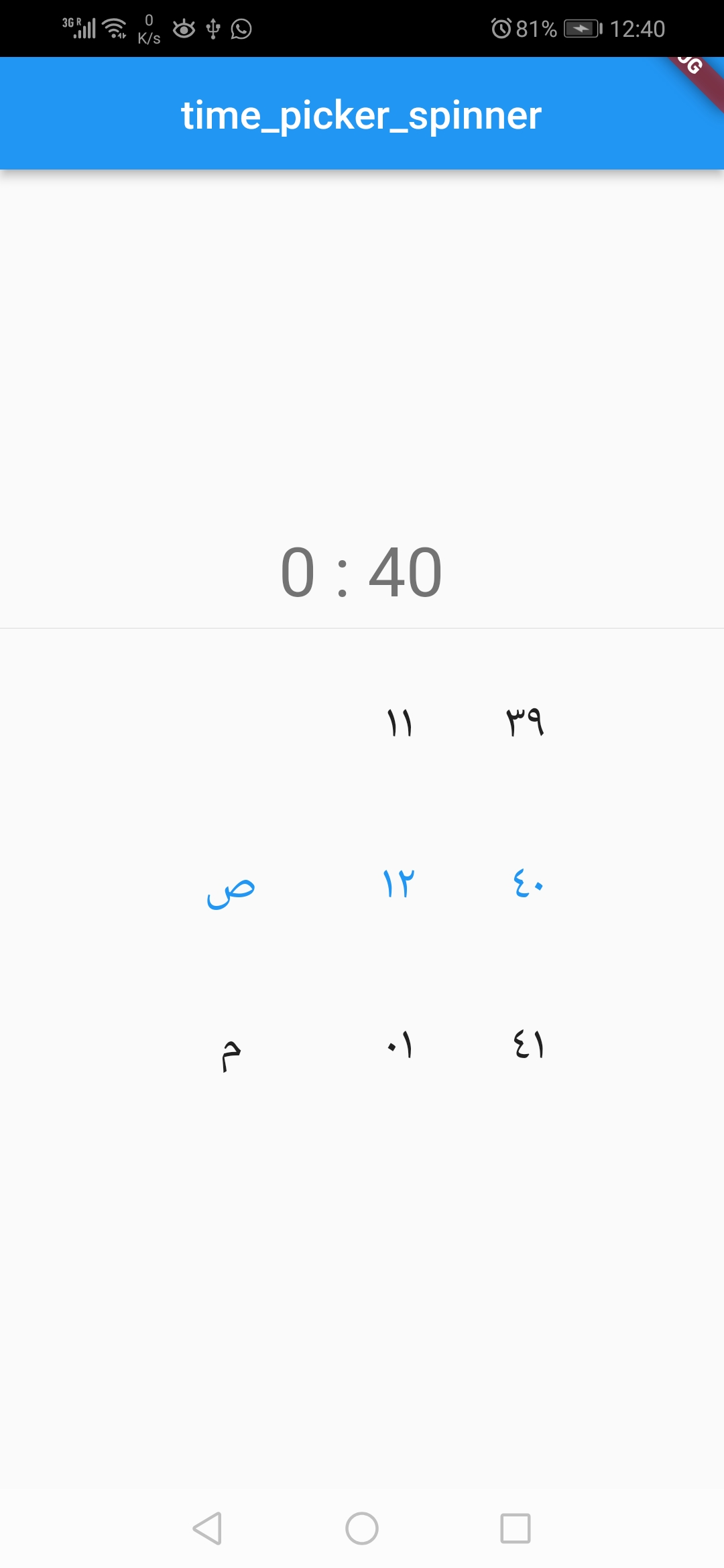
Ar
ar short ar long

image | image

TimePickerSpinner(
              locale: const Locale('ar', ''),
              time: dateTime,
              is24HourMode: false,
              isShowSeconds: true,
              itemHeight: 80,
              normalTextStyle: const TextStyle(
                fontSize: 24,
              ),
              highlightedTextStyle:
                  const TextStyle(fontSize: 24, color: Colors.blue),
              isForce2Digits: true,
              onTimeChange: (time) {
                setState(() {
                  dateTime = time;
                });
              },
            )

Props

props types defaultValues
time DateTime Current Time [ DateTime.now() ]
minutesInterval int 1
secondsInterval int 1
is24HourMode bool true
isShowSeconds bool false
highlightedTextStyle TextStyle false
normalTextStyle TextStyle false
itemHeight double 60.0
itemWidth double 45.0
spacing double 20.0
alignment AlignmentGeometry Alignment.centerRight
isForce2Digits bool false
onTimeChange TimePickerCallback
locale bool en
 Mohamed Abdo Elnashar GitHub avatar
GitHub author

Mohamed Abdo Elnashar ↗

Senior Flutter Developer I am a software engineer with 7+ years of experience, interested in mobile applications for more than 6 years, studying for a master's

Dscale.ioDubai, UAE
LanguagesC++DartCMakeSwiftCHTMLKotlinObjective-C

Packages published by this repository

Dependencies used

Dependency list 3 items

  • flutter{"sdk":"flutter"}
  • flutter_testDevelopment{"sdk":"flutter"}
  • flutter_lintsDevelopment—

How do I choose a repository?

Start with your use case, compare repository activity, and check the original project before adopting it.

  1. Search by repository name, owner or description, then narrow the results by topic.
  2. Compare stars, forks and recent pushes. Stars show community interest, not a guarantee of quality.
  3. Read the README, license and issues on GitHub before using a project.

Sources and maintenance

“A repository is the most basic element of GitHub.”

GitHub Docs — About repositories ↗