

 v2.0.4
flutter_animated_button
A flutter package project which contains a collection of cool and beautiful button animations.
306Likes 1.4K30-day downloads150Pub points
AndroidiOSWebmacOSWindowsLinux
A flutter package project which contains a collection of cool and beautiful button animations. :rocket:

English project snapshot. Visit GitHub for the latest content.


Add this to your package's pubspec.yaml file:
dependencies:
  flutter_animated_button: <latest_version>
Now in your Dart code, you can use:
import 'package:flutter_animated_button/flutter_animated_button.dart';
Your contribution will help improve the plugin

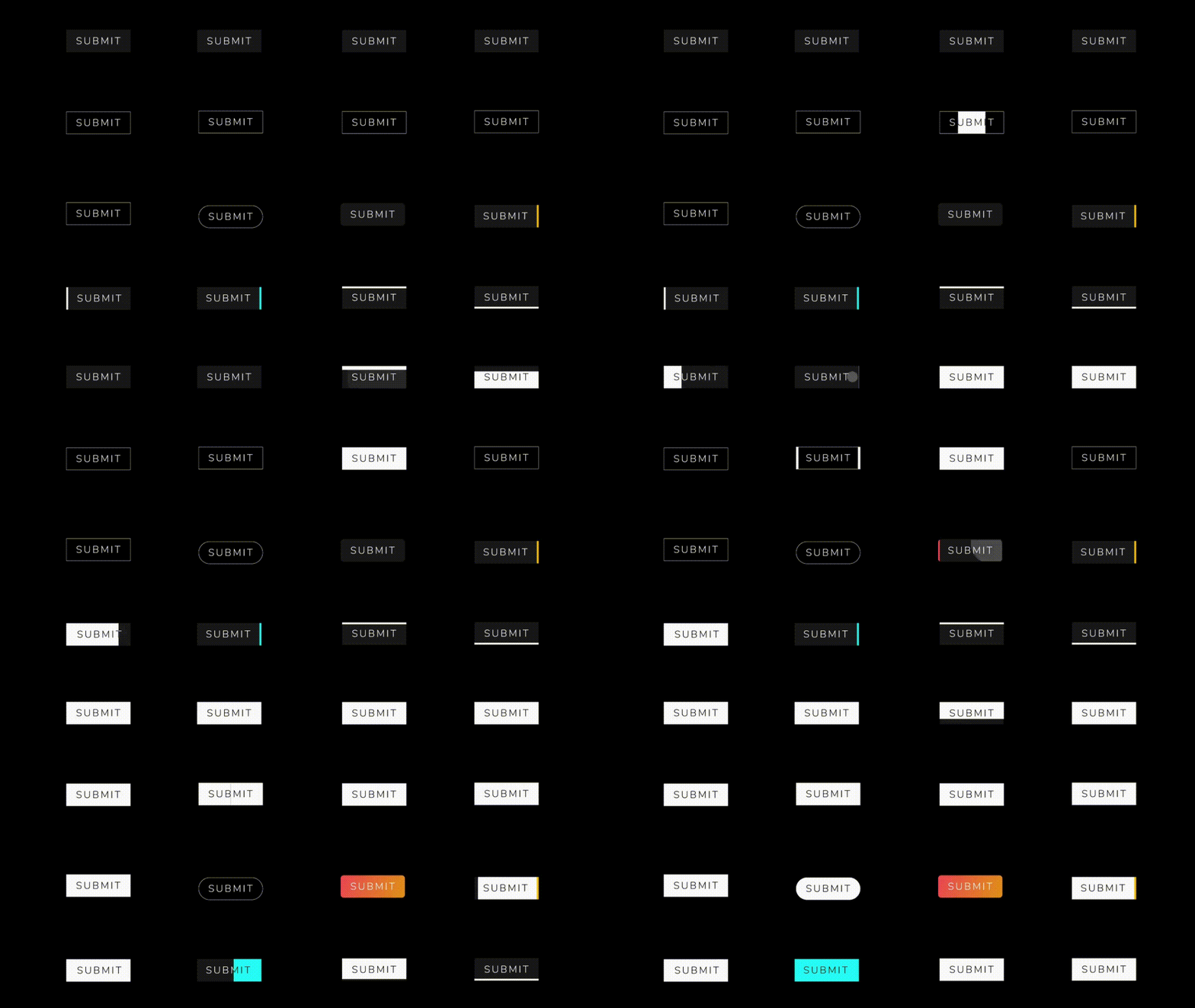
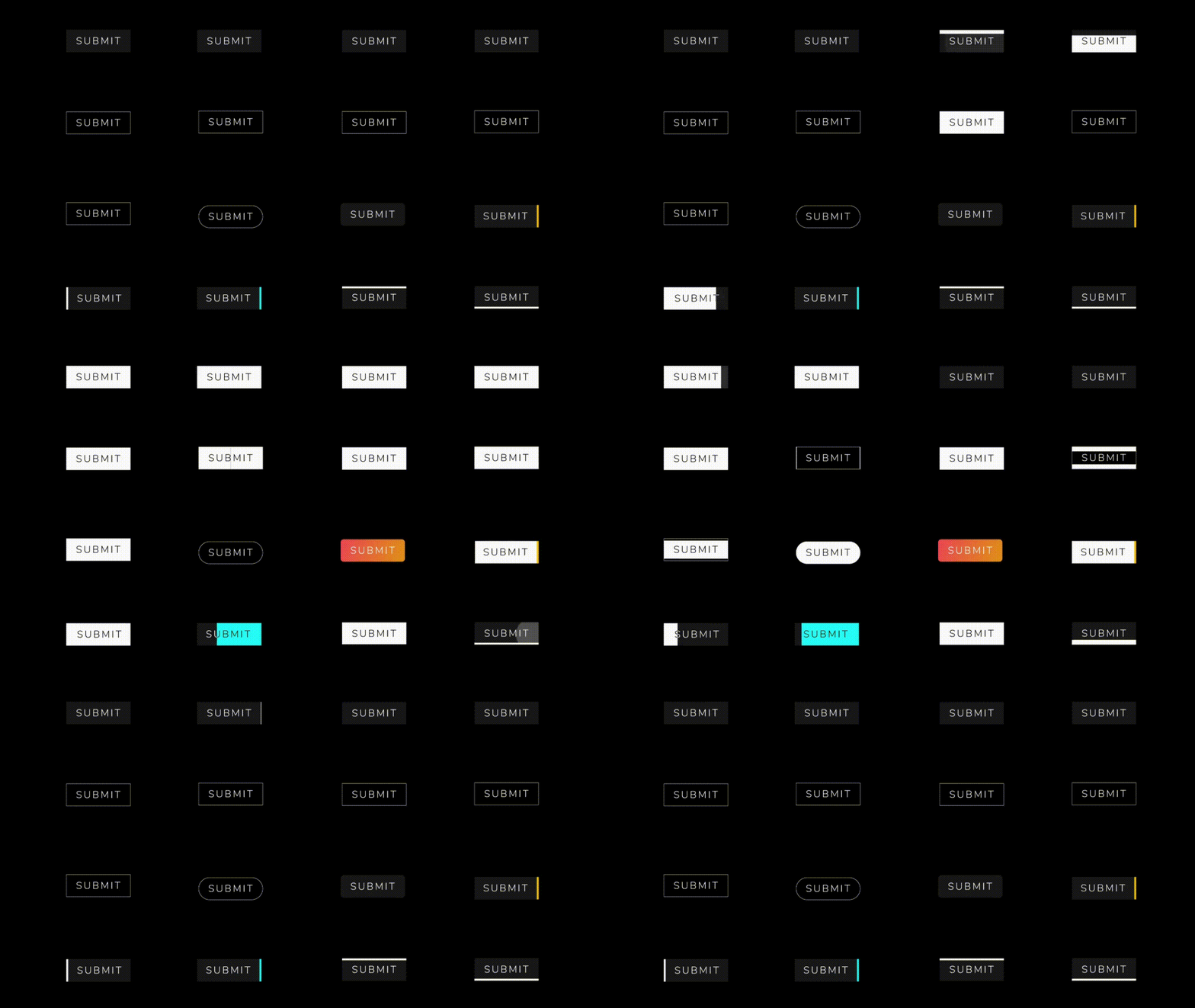
You can override the animationDuration of animation of the button by setting its duration in each AnimatedButton class, also you can get animationController for animation status and animation value during the animation. You can change text style, selected textColor and background color of button by textStyle,selectedTextColor,backgroundColor and selectedBackgroundColor. If you want revert animation when button already select then you can do it by isReverse property.
 AnimatedButton(
                width: 200,
                text: 'SUBMIT',
                selectedTextColor: Colors.black,
                transitionType: TransitionType.BOTTOM_TO_TOP,
                textStyle: TextStyle(
                    fontSize: 28,
                    letterSpacing: 5,
                    color: Colors.deepOrange,
                    fontWeight: FontWeight.w300),
              )
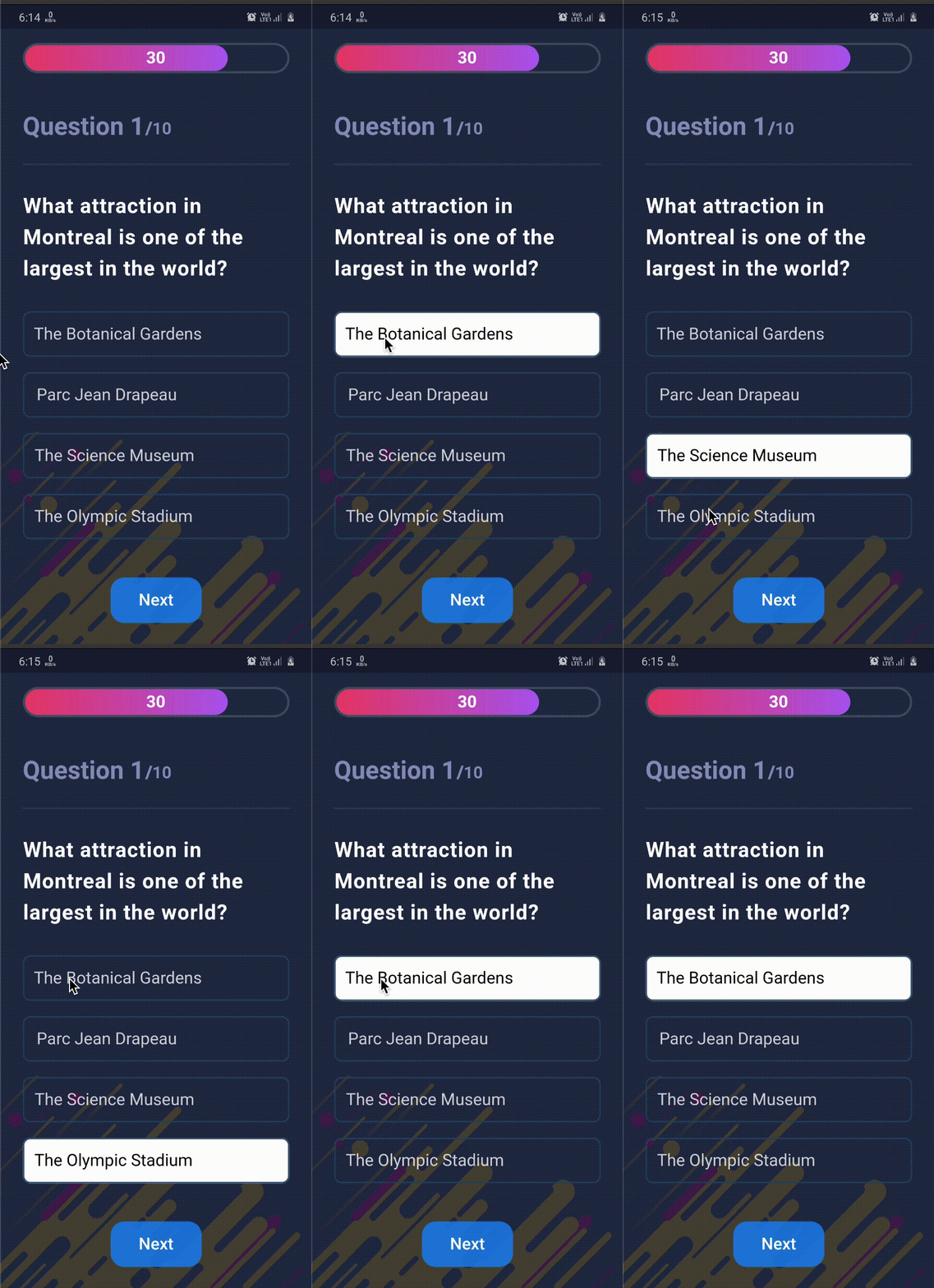
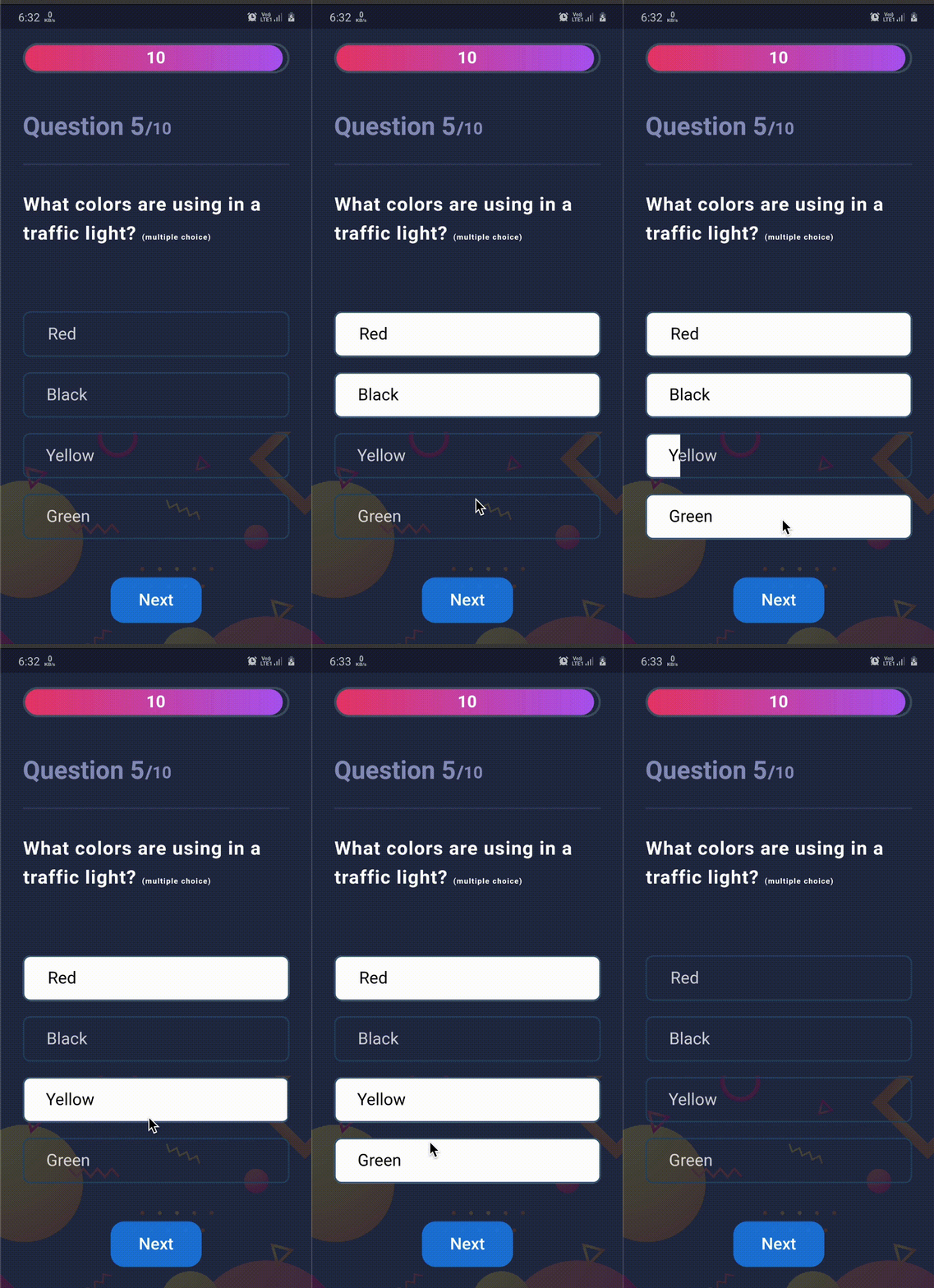

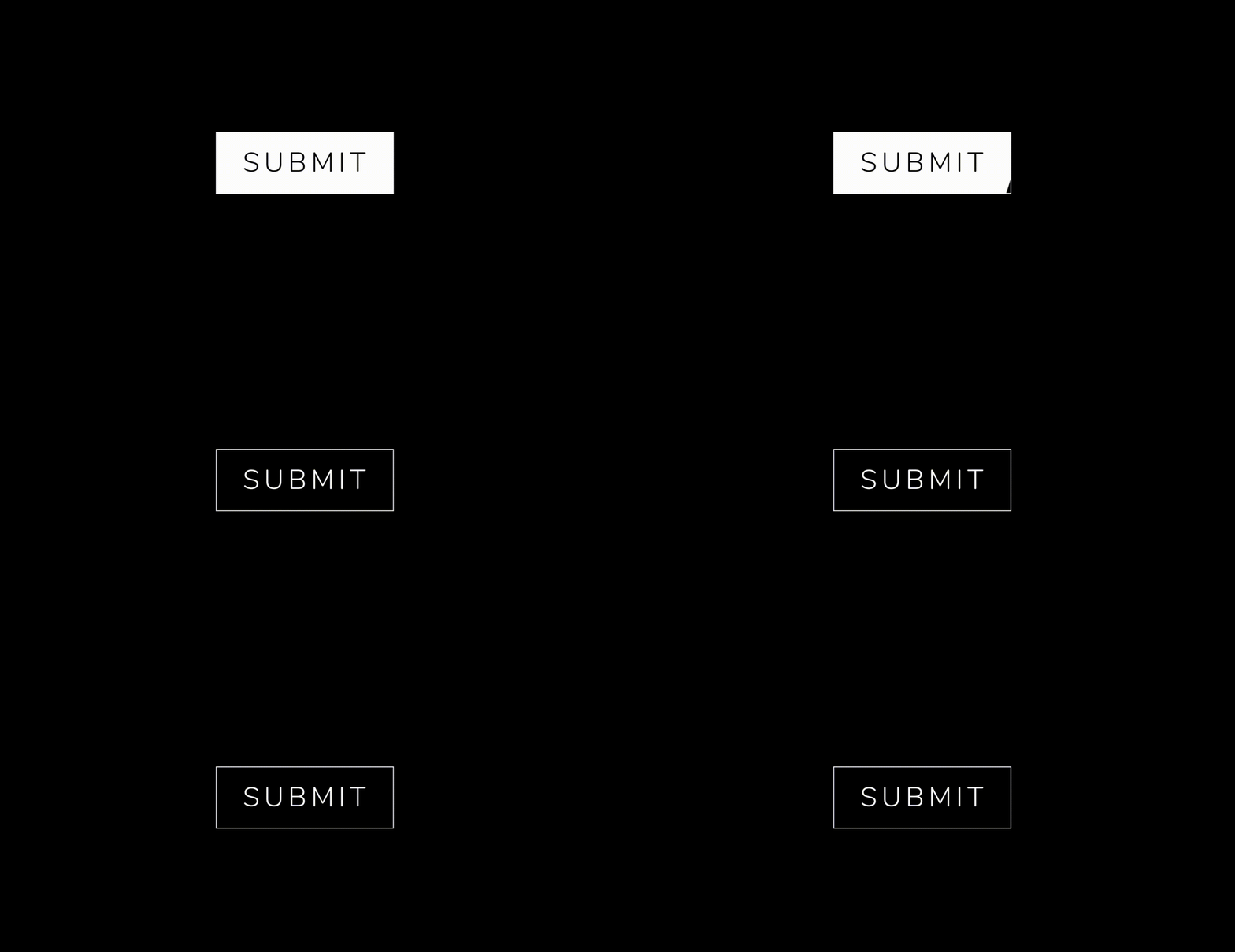 .
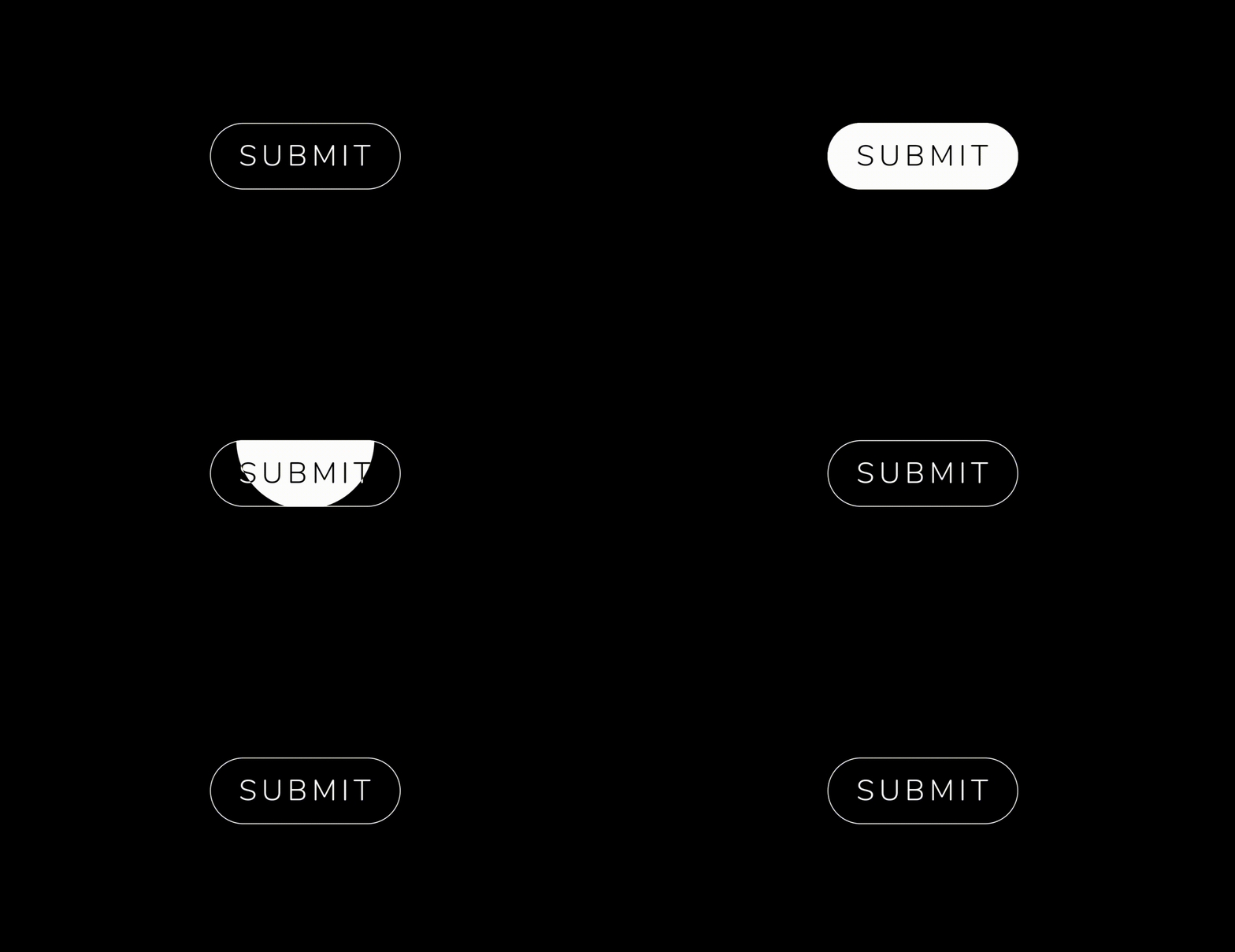 .


  AnimatedButton(
              height: 70,
              width: 200,
              text: 'SUBMIT',
              isReverse: true,
              selectedTextColor: Colors.black,
              transitionType: TransitionType.BOTTOM_TO_TOP,
              textStyle: GoogleFonts.nunito(
                  fontSize: 28,
                  letterSpacing: 5,
                  color: Colors.white,
                  fontWeight: FontWeight.w300),
            ),

  AnimatedButton(
             height: 70,
             width: 200,
             text: 'SUBMIT',
             isReverse: true,
             selectedTextColor: Colors.black,
             transitionType: TransitionType.LEFT_TO_RIGHT,
             textStyle: submitTextStyle,
             backgroundColor: Colors.black,
             borderColor: Colors.white,
             borderRadius: 0,
             borderWidth: 2,
           ),

    AnimatedButton(
              height: 70,
              width: 200,
              text: 'SUBMIT',
              isReverse: true,
              selectedTextColor: Colors.black,
              transitionType: TransitionType.LEFT_TO_RIGHT,
              textStyle: submitTextStyle,
              backgroundColor: Colors.black,
              borderColor: Colors.white,
              borderRadius: 50,
              borderWidth: 2,
            ),

  AnimatedButton.strip(
              width: 200,
              height: 70,
              text: 'SUBMIT',
              isReverse: true,
              selectedTextColor: Colors.black,
              stripTransitionType: StripTransitionType.LEFT_TO_RIGHT,
              selectedBackgroundColor: Colors.white,
              textStyle: GoogleFonts.nunito(
                  fontSize: 28,
                  letterSpacing: 5,
                  color: Colors.white,
                  fontWeight: FontWeight.w300),
            ),
| LEFT_TO_RIGHT | CENTER_LR_IN | LEFT_TOP_ROUNDER | RIGHT_TOP_ROUNDER | CENTER_ROUNDER |
| RIGHT_TO_LEFT | CENTER_TB_IN | LEFT_CENTER_ROUNDER | RIGHT_CENTER_ROUNDER | - |
| TOP_TO_BOTTOM | CENTER_LR_OUT | LEFT_BOTTOM_ROUNDER | TOP_CENTER_ROUNDER | - |
| BOTTOM_TO_TOP | CENTER_TB_OUT | RIGHT_BOTTOM_ROUNDER | BOTTOM_CENTER_ROUNDER | - |
| LEFT_TO_RIGHT |
| RIGHT_TO_LEFT |
| TOP_TO_BOTTOM |
| BOTTOM_TO_TOP |
If you encounter any problems feel free to open an issue. If you feel the library is missing a feature, please raise a ticket on GitHub and I'll look into it. Pull request are also welcome.
MIT License
Dependency list 2 items
{"sdk":"flutter"}{"sdk":"flutter"}Start with your use case, compare repository activity, and check the original project before adopting it.
“A repository is the most basic element of GitHub.”
GitHub Docs — About repositories ↗