

v0.0.3
progress_indicator_button
A simple button which can transform and show a progress indicator.
20Likes 3330-day downloads30Pub points
Platforms unavailable
A button that can transform to a progress indicator.

English project snapshot. Visit GitHub for the latest content.


A simple button that gives you the possibility to transform into a circular one and shows a progress indicator.
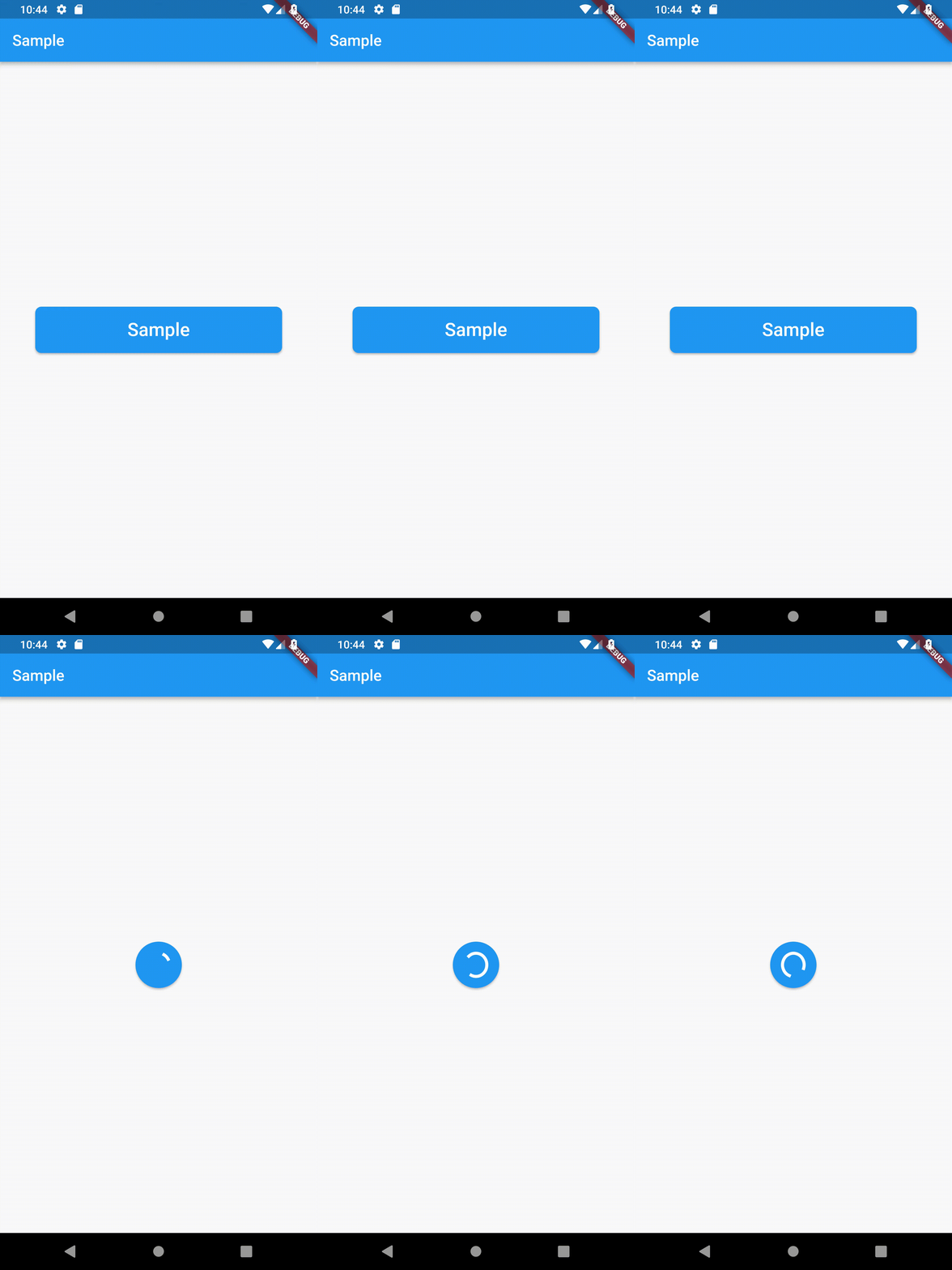
Container(
    width: 200,
    height: 60,
    child: ProgressButton(
        borderRadius: BorderRadius.all(Radius.circular(8)),
        strokeWidth: 2,
        child: Text(
            "Sample",
            style: TextStyle(
                color: Colors.white,
                fontSize: 24,
            ),
        ),
        onPressed: (AnimationController controller) {
            if (controller.isCompleted) {
                controller.reverse();
            } else {
                controller.forward();
            }
        },
    ),
),
Please check the sample folder for a simple implementation.
Please see the Changelog page to know what's recently changed.
Feel free to contribute to this project.
If you find a bug or want a feature, but don't know how to fix/implement it, please fill an issue.
If you fixed a bug or implemented a new feature, please send a pull request.
This project is licensed under the MIT License - see the LICENSE.md file for details
Dependency list 2 items
{"sdk":"flutter"}{"sdk":"flutter"}Start with your use case, compare repository activity, and check the original project before adopting it.
“A repository is the most basic element of GitHub.”
GitHub Docs — About repositories ↗