

v1.3.2
sliding_panel
The most customisable bottom sliding panel you can find on pub.dev. Just as you want it!
100Likes 1.1K30-day downloads40Pub points
Platforms unavailable
A Flutter slidable widget that provides an easy to use configuration. Highly customisable. Just as you want it!

English project snapshot. Visit GitHub for the latest content.
The most customisable bottom sliding panel you can find on pub.dev. Just as you want it!
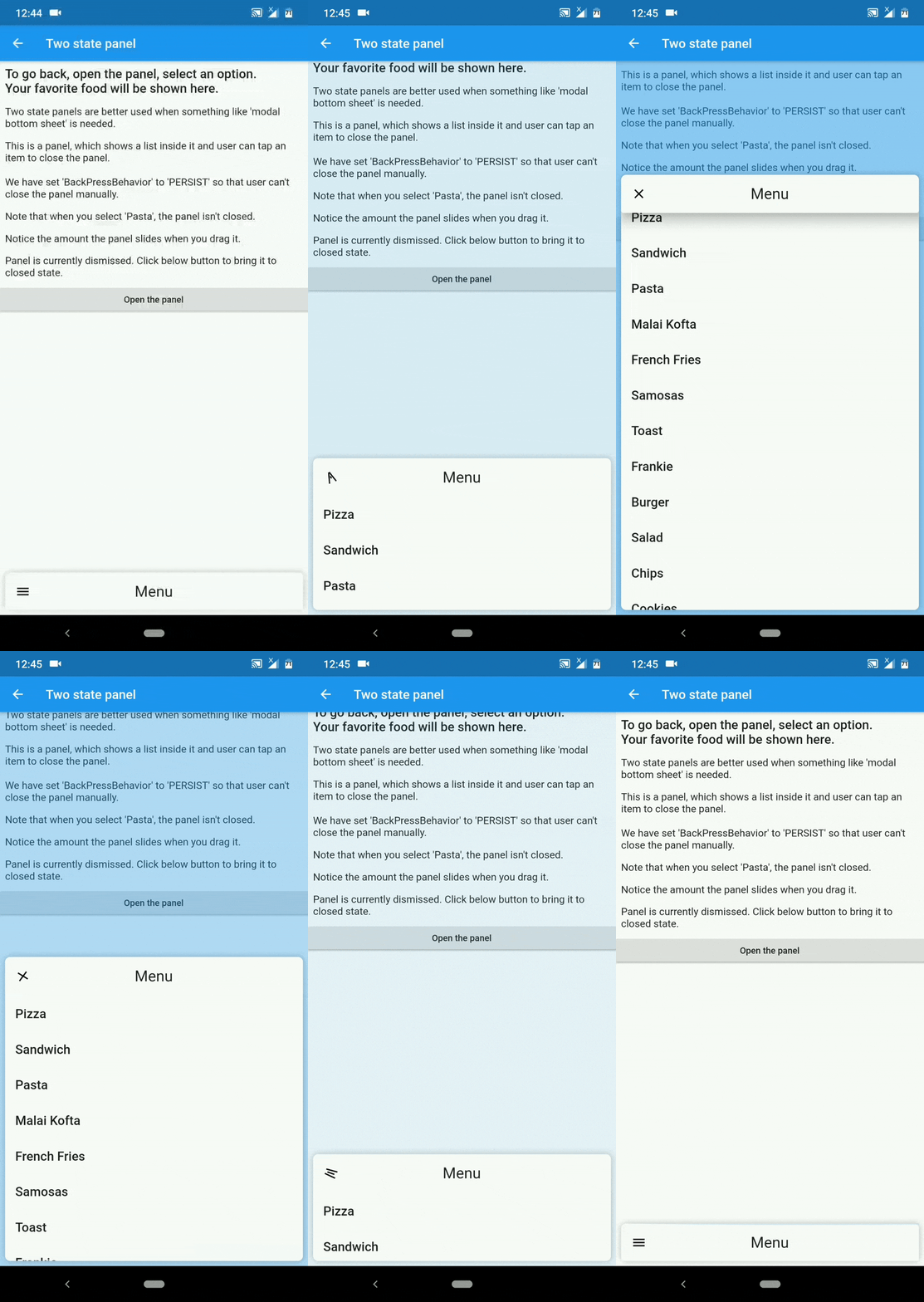
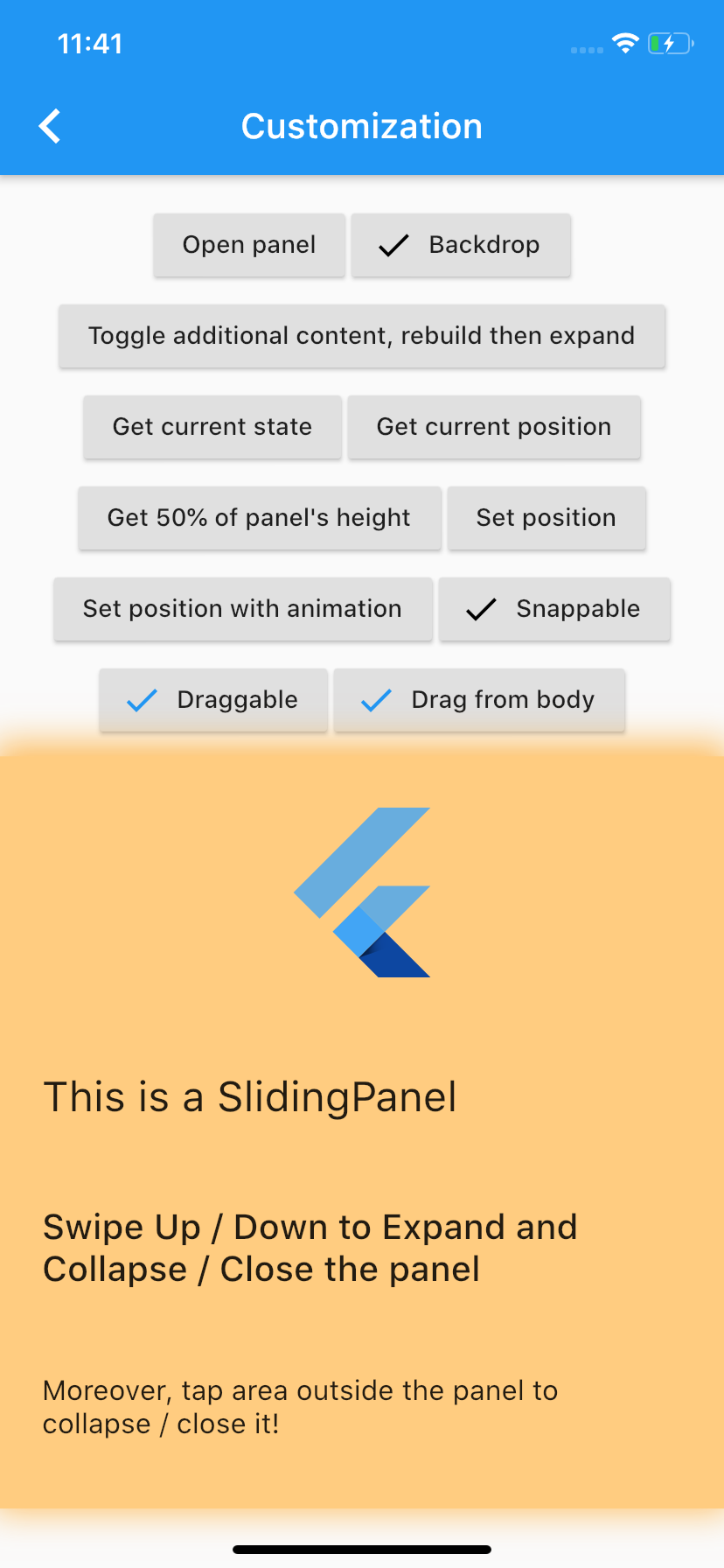
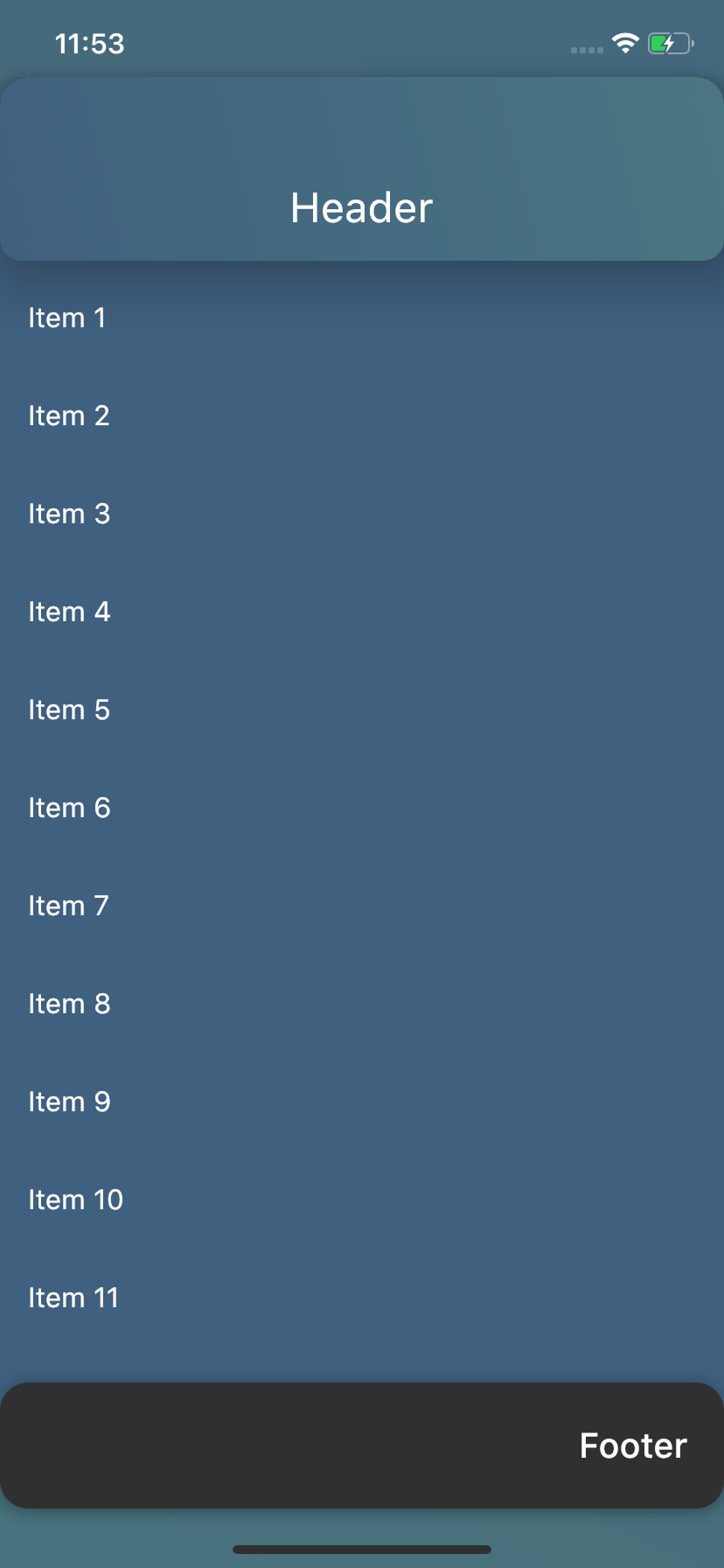
| Take control | Customize the way you want | Various purposes |
|---|---|---|
 |
 |
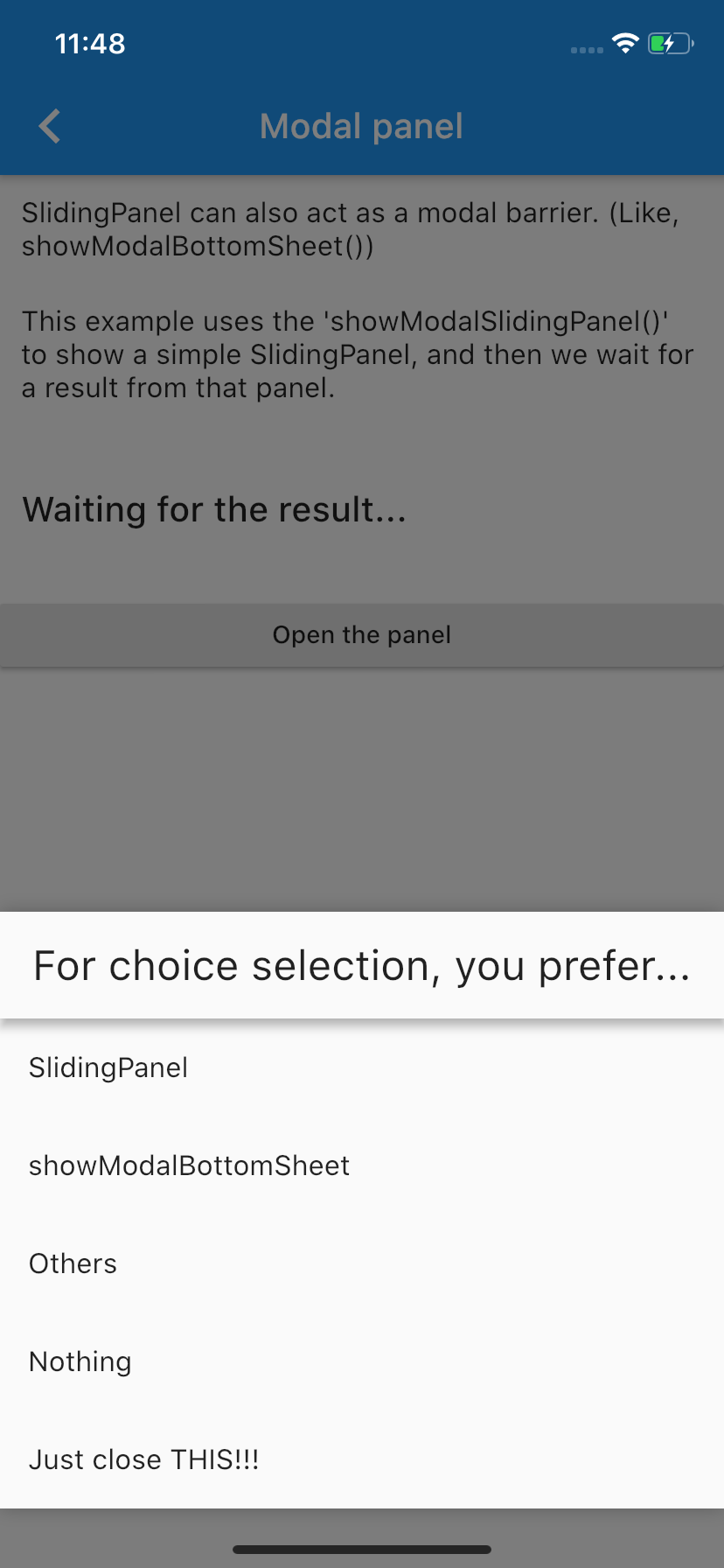 |
showModalBottomSheet() from Flutter to make user choices.DraggableScrollableSheet() and put scrollable content inside the panel.Please visit the Wiki to see how you can get this working.
You can always hit the :+1: button and :star: it.
Still not enough??? paypal.me.
v0.5.0 and 0.7.0:The latest stable release (v1.0.1) has landed with many improvements. There are some breaking changes, too. For that, visit the Migration guide.
v0.2.0 and v0.1.0 users :worried:From version 0.5.0, we have a LOADS of breaking :boom: changes, which means that simply updating the package won't give you all the bells and whistles of new version. :pensive: For updating guide, please go to the Migration guide.
Dependency list 3 items
{"sdk":"flutter"}^1.14.11{"sdk":"flutter"}Start with your use case, compare repository activity, and check the original project before adopting it.
“A repository is the most basic element of GitHub.”
GitHub Docs — About repositories ↗