
Stemly
Stemly is an AI-powered STEM learning platform that transforms scanned diagrams into interactive physics simulations and comprehensive study notes. Built with Flutter CustomPainter for real-time rendering, FastAPI backend, LangChain orchestration, Google Gemini AI, MongoDB database, and Firebase authentication with Google sign-in.

- Stars
- 7
- Forks
- 3
- Last push (UTC)
- Feb 21, 2026
- Project status
- Active
Original README
English project snapshot. Visit GitHub for the latest content.
Stemly
Scan. Analyze. Visualize. Study.
An AI-powered STEM learning platform that transforms diagrams and problems into interactive simulations, study notes, and smart quizzes.





The Problem
Students struggle to visualize abstract STEM concepts from textbooks and static diagrams. Traditional tools offer either theory OR visuals, rarely both in an interactive, personalized way.
Our Solution
Scan any physics problem with your phone, and Stemly instantly generates:
- AI Visualiser — Real-time, parameter-driven physics simulations with interactive sliders
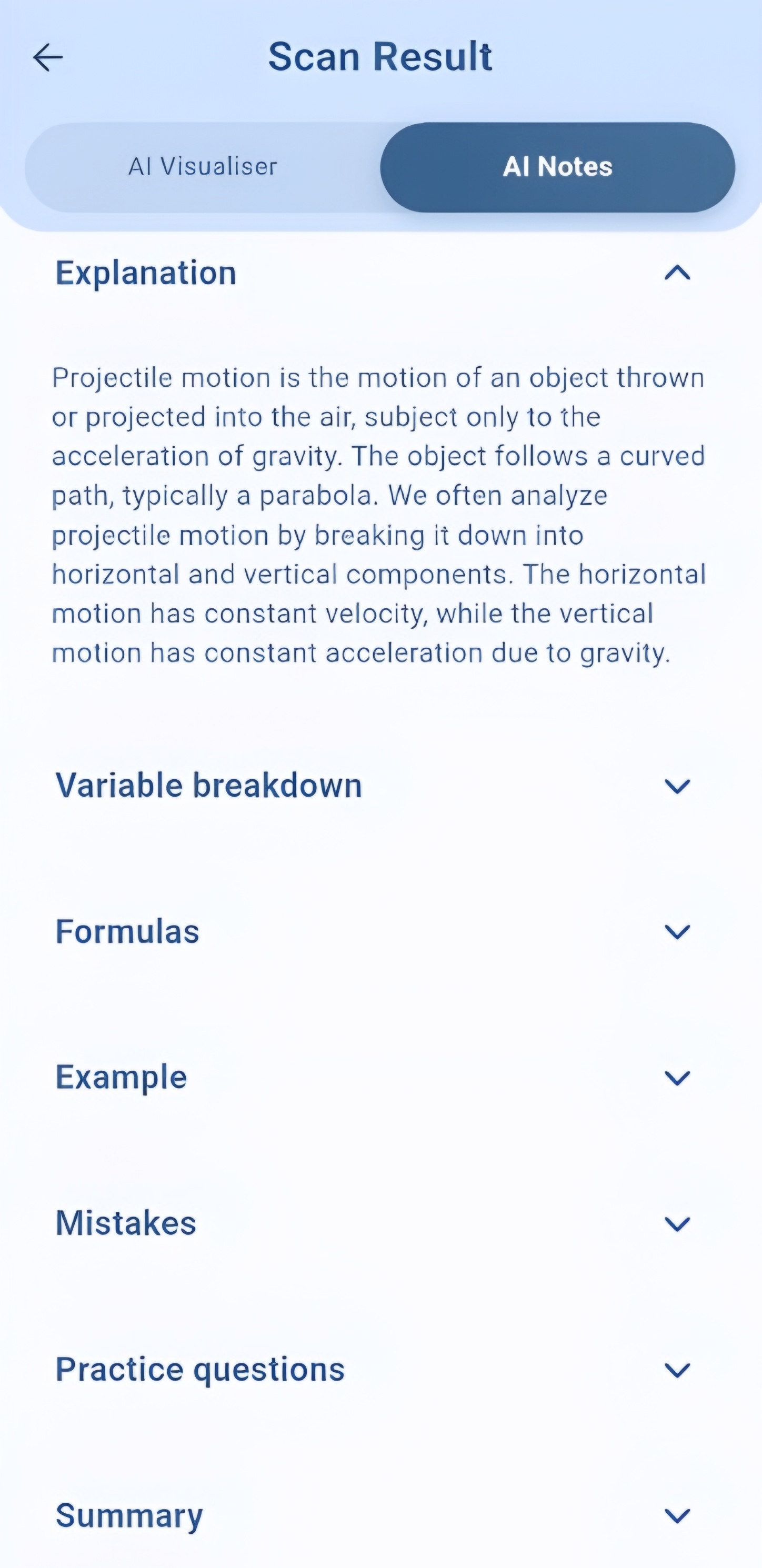
- AI Notes — Comprehensive study notes with formulas, examples, and resources
- Smart Quizzes — Auto-generated MCQs to test understanding immediately
- AI Tutor — Chat with Gemini, GPT-4o, Grok, or Llama 3 for personalized help
Demo
| Welcome | Scan & Loading | Main Interface |
|---|---|---|
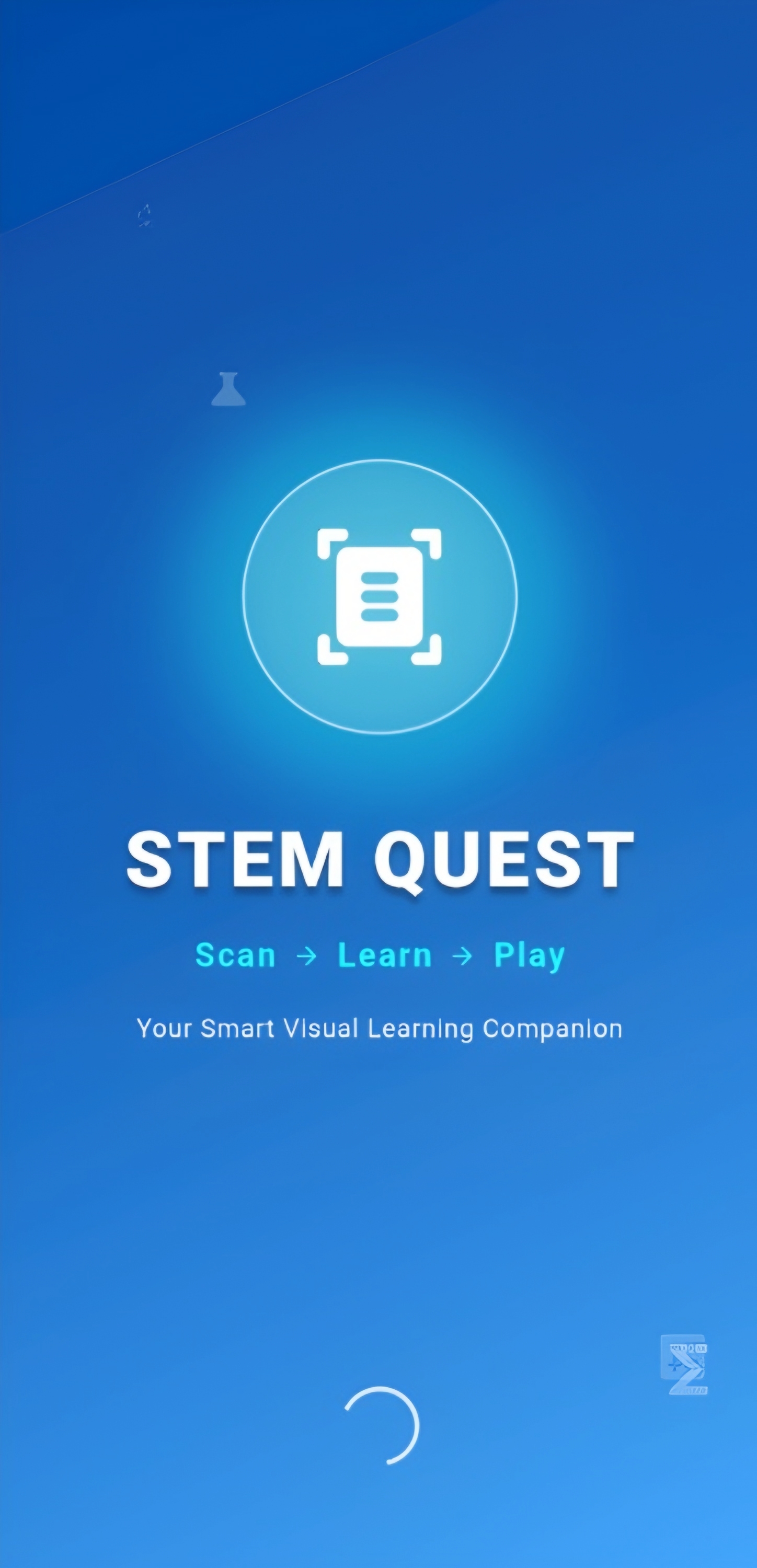 |
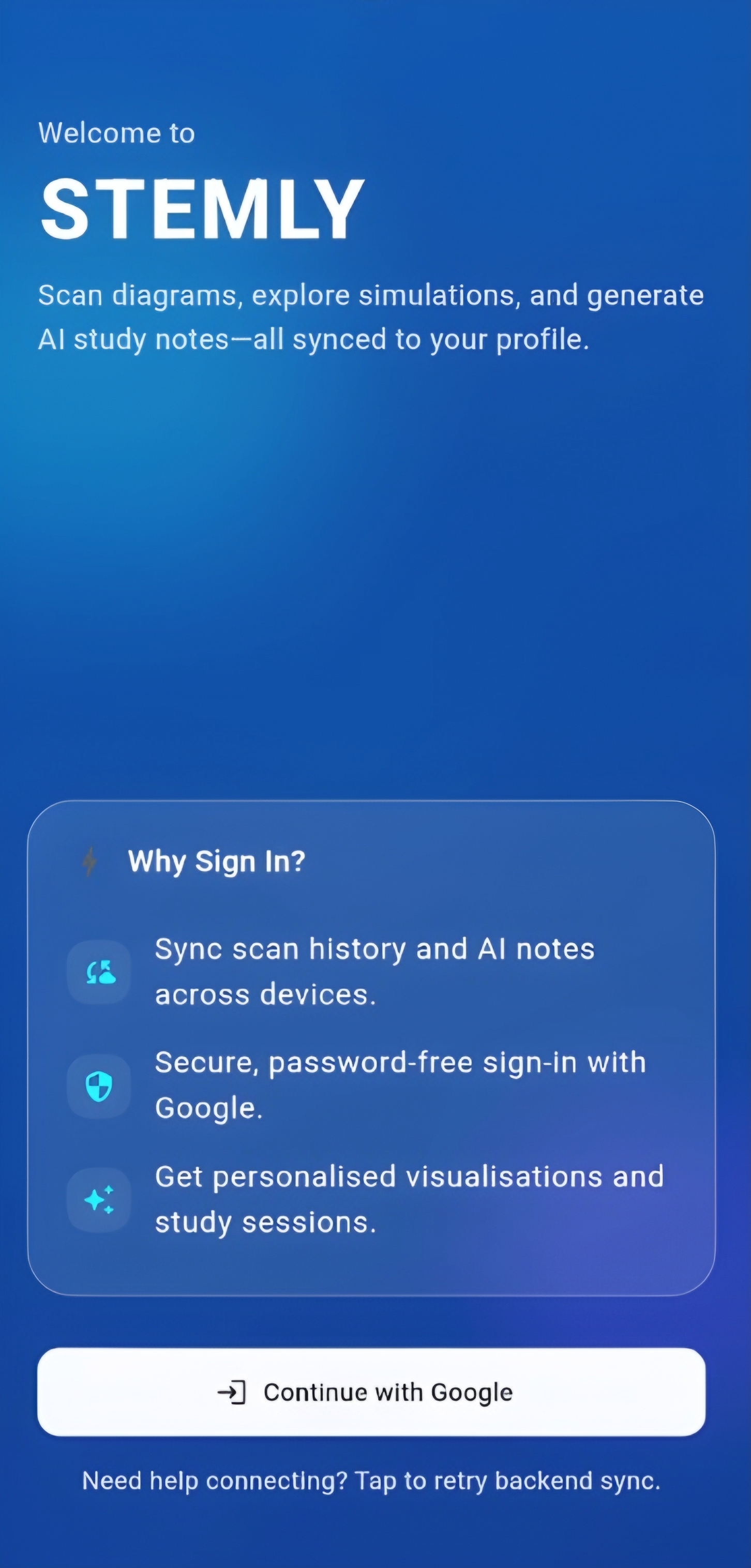 |
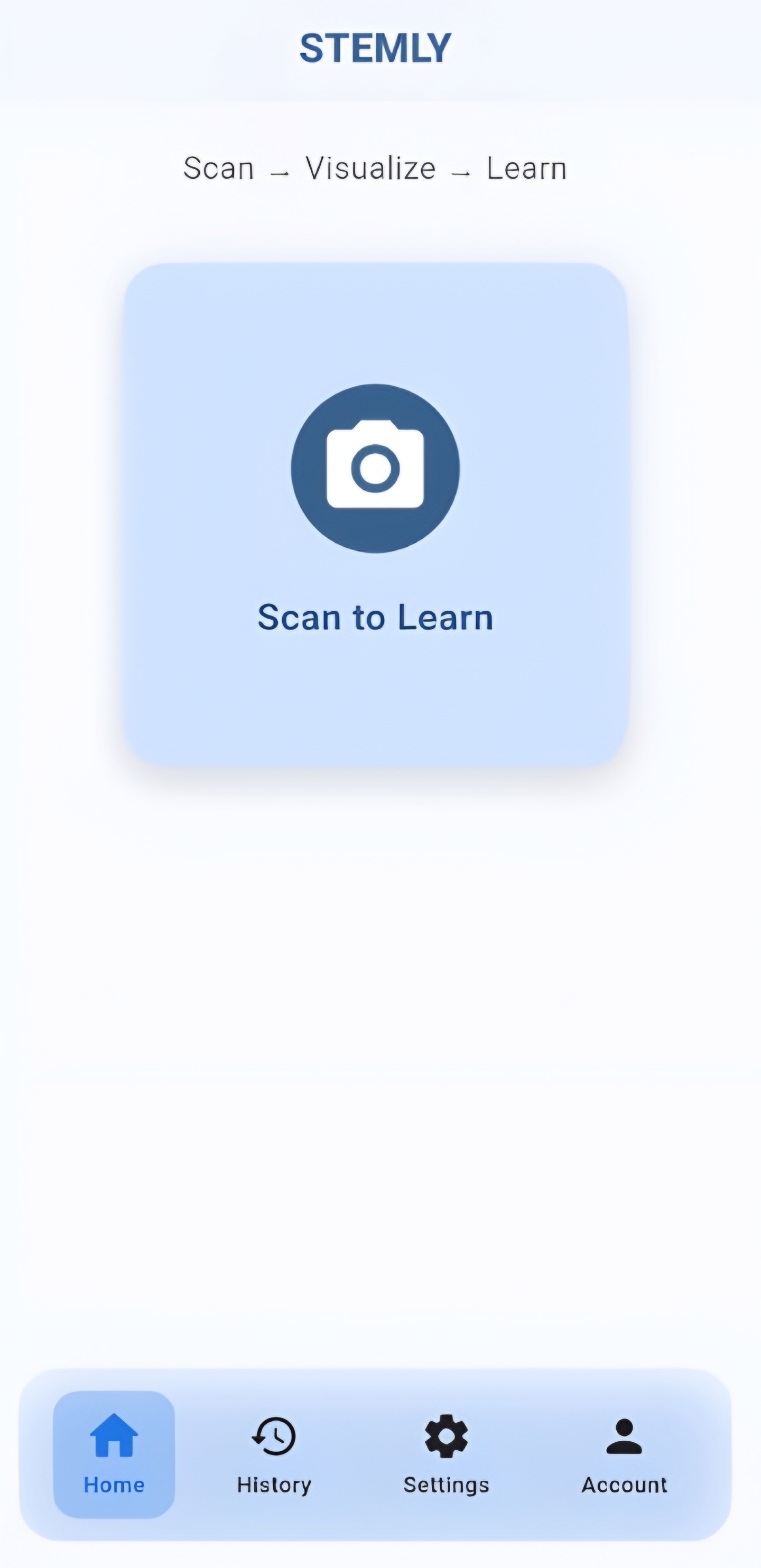 |
| AI Visualiser | AI Notes | Settings |
|---|---|---|
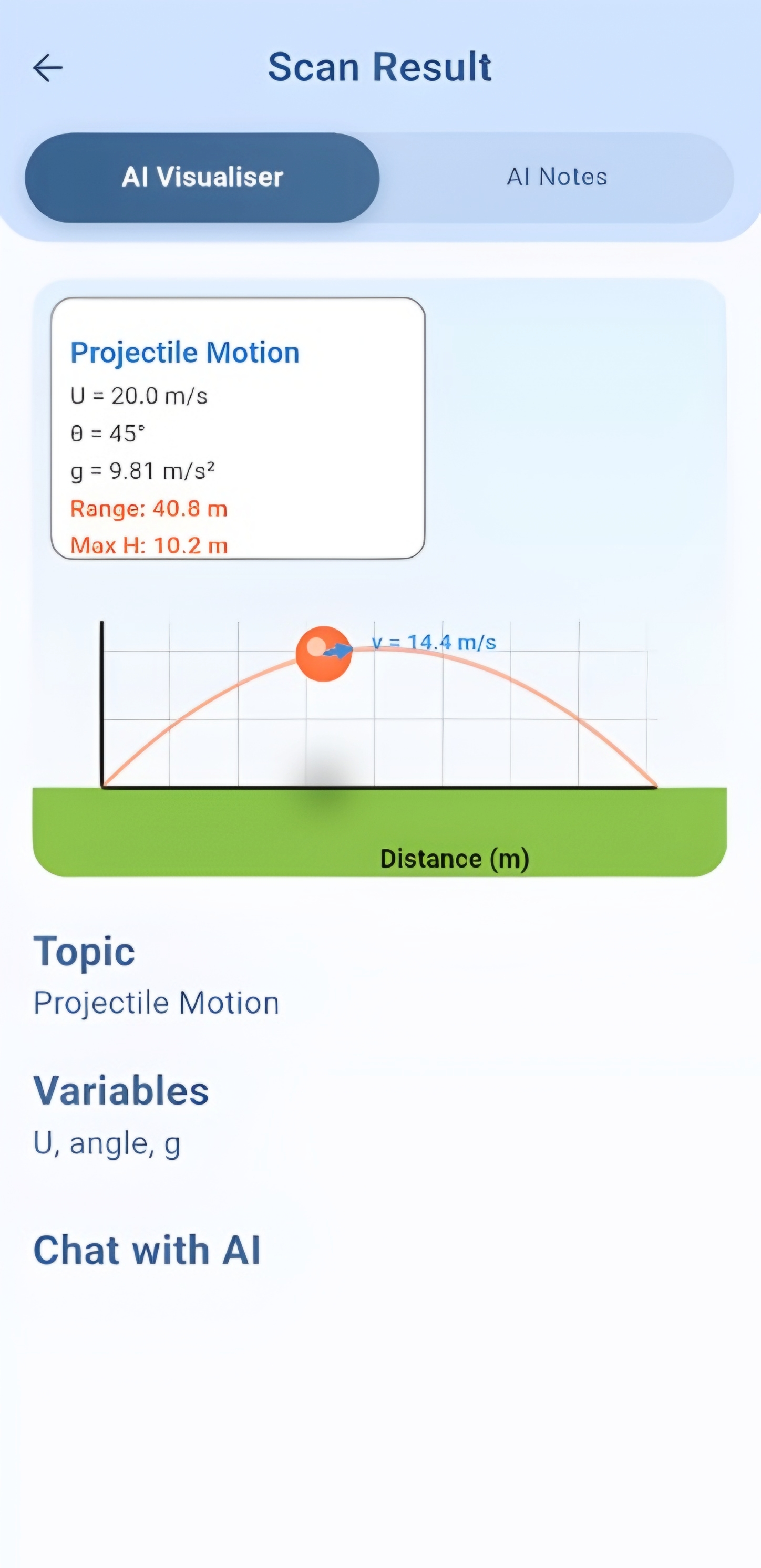 |
 |
 |
Features
AI Visualiser — Not Just a Video
A real-time physics engine with:
- Interactive control via sliders (velocity, angle, gravity, resistance)
- Natural language control — ask "What if gravity was 0?" and watch it update
- Live graphs (velocity-time, position-time, acceleration-time)
- 9+ simulations: Projectile Motion, SHM, Optics, Kinematics, Free Fall, and more
AI Notes — Study Smarter
Generated specifically for each scanned problem:
- Concept breakdowns with simple explanations
- Key formulas with physical meanings
- Step-by-step worked examples
- Curated resources from across the web
Smart Quizzes
- Instantly generated from your scanned content
- Multiple-choice with detailed explanations
- Score tracking and feedback
Multi-Provider AI Tutor
Choose your preferred AI model:
- Google Gemini (default)
- xAI Grok
- OpenAI GPT-4o
- Groq Llama 3
Architecture
graph TD
    User[Flutter App] -->|REST API| API[FastAPI Backend]
    API -->|Auth| Firebase[Firebase Auth]
    API -->|Data| DB[(MongoDB)]
    API -->|Vision + Text| Gemini[Google Gemini 2.5 Flash]

    subgraph Client
        User
        OCR[Google ML Kit OCR]
        VIS[Physics Engine]
    end

    subgraph AI
        Gemini
    end
| Layer | Technology |
|---|---|
| Frontend | Flutter 3.x, Dart, Provider, CustomPaint (60 FPS rendering) |
| Backend | FastAPI, Python 3.10+, Uvicorn, Pydantic |
| AI | Google Gemini 2.5 Flash (vision + text + JSON mode) |
| Database | MongoDB Atlas (async via Motor) |
| Auth | Firebase Authentication (Google Sign-In, email/password) |
| Deployment | Vercel (backend), APK/IPA (frontend) |
See ARCHITECTURE.md for detailed component diagrams, data flows, and the scan-to-simulation pipeline.
Quick Start
Prerequisites
- Flutter 3.x+ and Dart SDK 3.10.1+
- Python 3.10+
- API keys: Google Gemini + Firebase + MongoDB Atlas
Setup
git clone https://github.com/SH-Nihil-Mukkesh-25/Stemly.git
cd Stemly

# Backend
cd backend
python -m venv .venv && source .venv/bin/activate  # Windows: .venv\Scripts\activate
pip install -r requirements.txt
cp .env.example .env   # Fill in your API keys
uvicorn main:app --reload

# Flutter (in a new terminal)
cd stemly_app
flutter pub get
flutter run
For detailed instructions (platform-specific, Docker, etc.), see the Setup Guide.
Documentation
| Document | Description |
|---|---|
| Architecture | System design, component diagrams, data flows |
| API Reference | Complete REST API documentation with examples |
| Setup Guide | Getting API keys, platform setup, Docker |
| Development Guide | Git workflow, testing, debugging, adding simulations |
| Contributing | How to contribute, code style, PR process |
| FAQ | Common questions answered |
| Roadmap | Where Stemly is headed |
Roadmap
See docs/ROADMAP.md for the full roadmap.
- Next: Wave simulations, circuit builder, chemistry support, offline mode
- Later: Web deployment, multi-language support, classroom mode, AR features
- Vote: React on issues to prioritize features
Contributing
We welcome contributions from everyone — especially students and first-time open-source contributors!
- Read the Contributing Guide
- Look for
good first issuelabels - Set up your environment with the Setup Guide
- Pick an issue and submit a PR
Team
Stemly was built by Team Mugiwara Coders — CS students from Amrita Vishwa Vidyapeetham, Coimbatore.
| Name | Role | GitHub |
|---|---|---|
| P Dakshin Raj | Frontend & Flutter Lead | @Dakshin10 |
| SH Nihil Mukkesh | Backend & AI Lead | @SH-Nihil-Mukkesh-25 |
| SHRE RAAM P J | Content & Ideation | @SHRE-RAAM-P-J |
| Vibin Ragav S | Testing | @VibinR-code |
Contributors
Community
- Questions? Open a discussion or ask an issue
- Found a bug? Report it
- Have an idea? Request a feature
- Security issue? See
SECURITY.md
License
Stemly is open-source under the MIT License.

SH Nihil Mukkesh ↗
Categories
How do I choose a repository?
Start with your use case, compare repository activity, and check the original project before adopting it.
- Search by repository name, owner or description, then narrow the results by topic.
- Compare stars, forks and recent pushes. Stars show community interest, not a guarantee of quality.
- Read the README, license and issues on GitHub before using a project.
Sources and maintenance
“A repository is the most basic element of GitHub.”
GitHub Docs — About repositories ↗
- SH-Nihil-Mukkesh-25/Stemly · GitHub ↗
- GitHub Docs — Saving repositories with stars ↗
- Directory maintained by Ducafecat ↗