

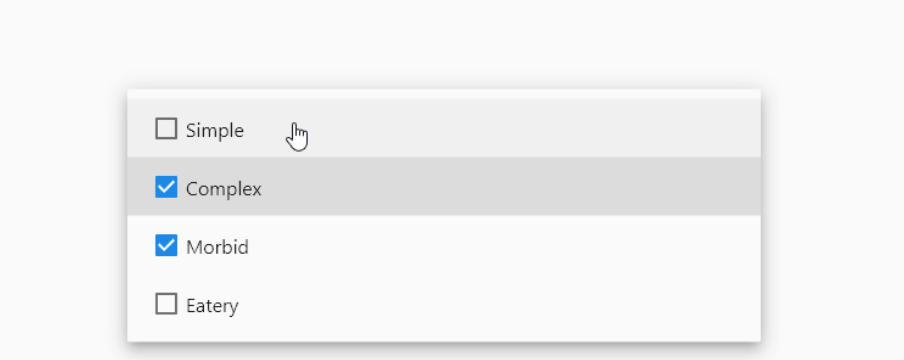
 v0.1.1
multiselect
A simple multiselect dropdown. It provide a concise way to create a Multi Selct ComboBox/SelectBox
120Likes 7.4K30-day downloads150Pub points
AndroidiOSWebmacOSWindowsLinux
A simple DropDown widget with multiselect enabled by default

English project snapshot. Visit GitHub for the latest content.
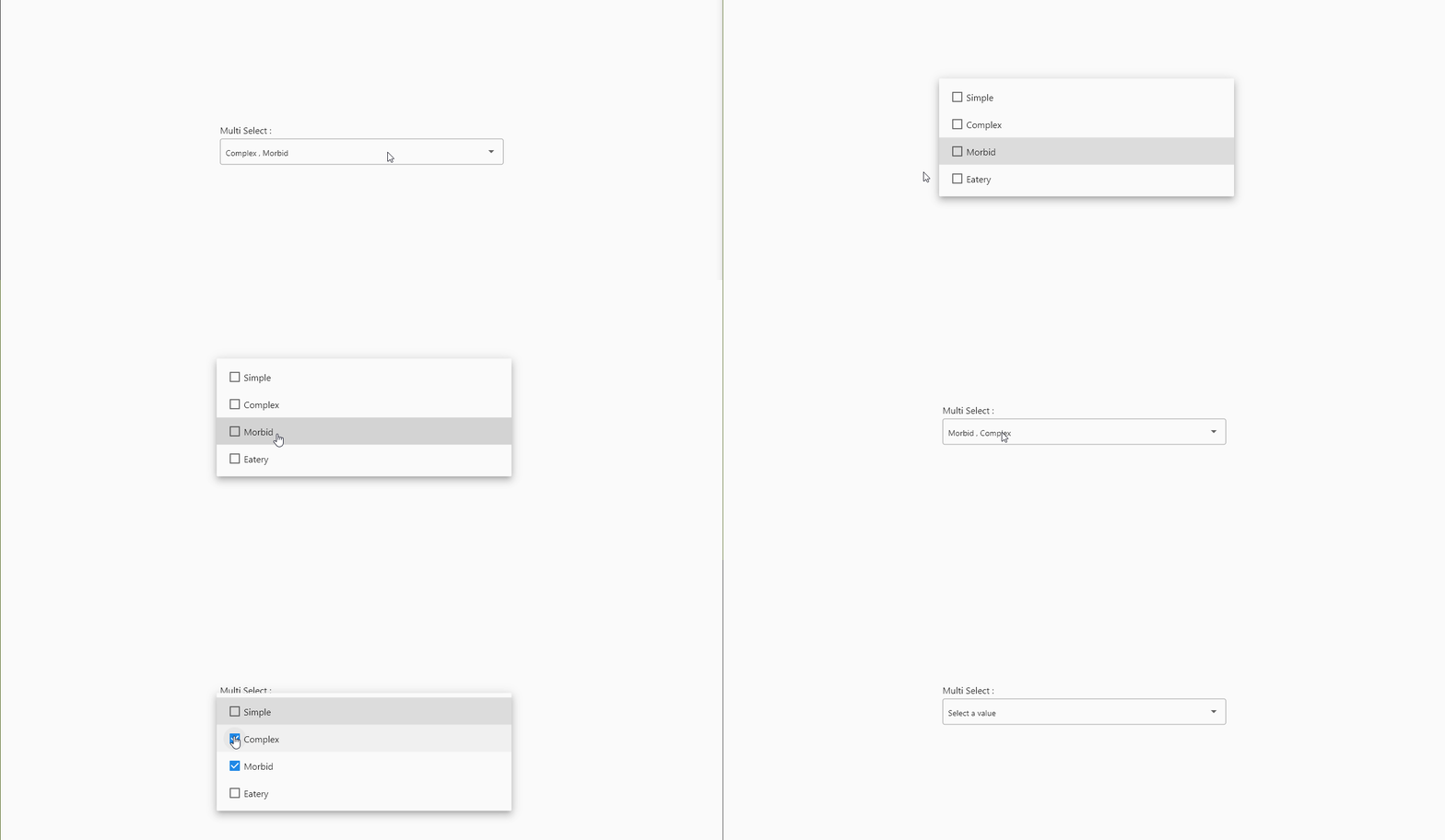
add it to pubspec.yaml
dependencies:
  flutter:
    sdk: flutter
  multiselect: # use latest version
import it
// Imports all Widgets included in [multiselect] package
import 'package:multiselect/multiselect.dart';
Add the DropDownMultiSelect widget to your build method
// Import multiselct
import 'package:multiselect/multiselect.dart';


class Home extends StatefulWidget {
  const Home({Key? key}) : super(key: key);

  @override
  _HomeState createState() => _HomeState();
}

class _HomeState extends State<Home> {

  List<String> selected = [];

  @override
  Widget build(BuildContext context) {
    return Scaffold(
        body: Center(
      child: Padding(
        padding: const EdgeInsets.all(20.0),
        // DropDownMultiSelect comes from multiselect
        child: DropDownMultiSelect(
          onChanged: (List<String> x) {
            setState(() {
              selected =x;
            });
          },
          options: ['a' , 'b' , 'c' , 'd'],
          selectedValues: selected,
          whenEmpty: 'Select Something',
        ),
      ),
    ));
  }
}
And that is it. You will have a working multiselect DropDown with no effort at all.
PS: multiselect is planned to be a collection of multi-select widgets. I will add other functionality based on the needs of the community
Dependency list 3 items
{"sdk":"flutter"}^6.4.0{"sdk":"flutter"}Start with your use case, compare repository activity, and check the original project before adopting it.
“A repository is the most basic element of GitHub.”
GitHub Docs — About repositories ↗