

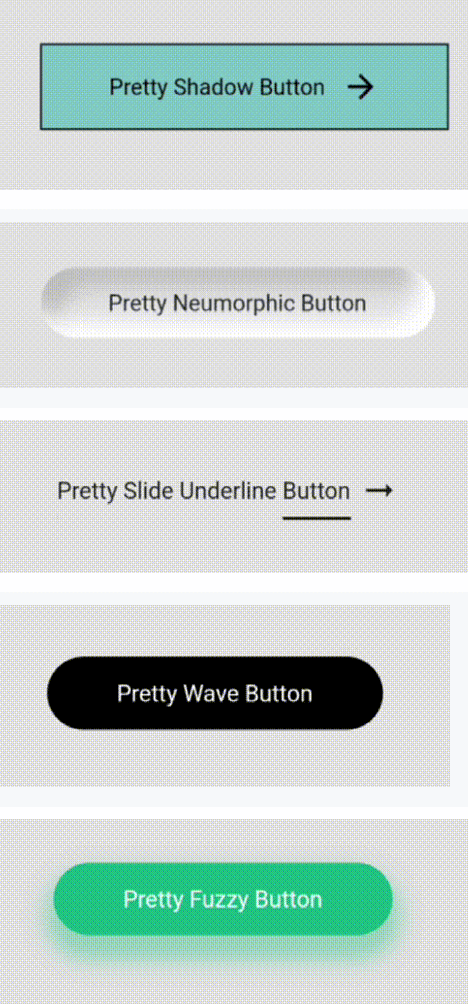
 v0.0.2
pretty_animated_buttons
A collection of fancy animated buttons package
91Likes 49330-day downloads130Pub points
AndroidiOSWebmacOSWindowsLinux
A collection of ready-to-use smoothly animated pretty buttons written in Flutter

English project snapshot. Visit GitHub for the latest content.
| Index | Pretty Buttons | Example |
|---|---|---|
| 1 | Pretty Shadow Button | 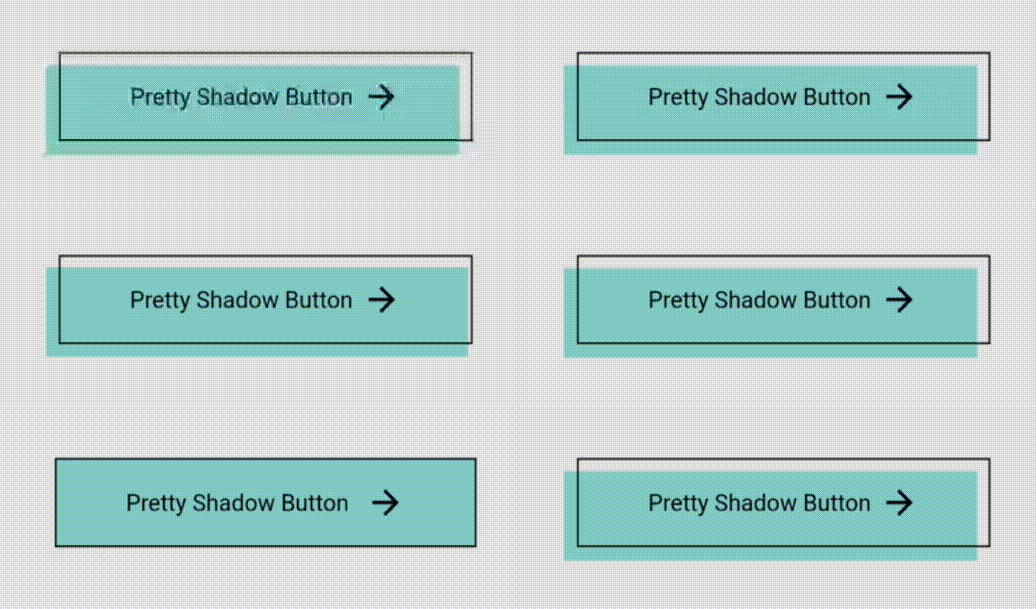 |
| 2 | Pretty Neumorphic Button | 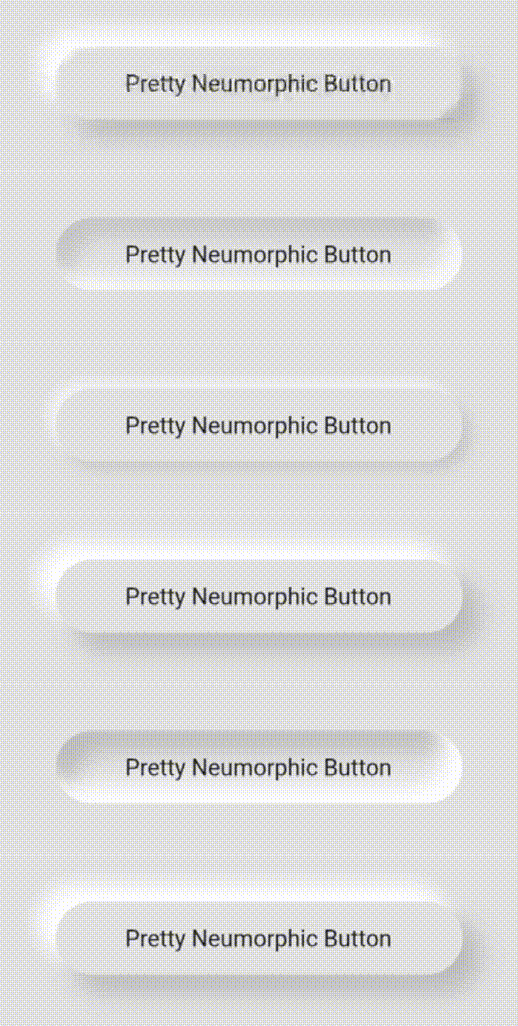 |
| 3 | Pretty Slide Underline Button | 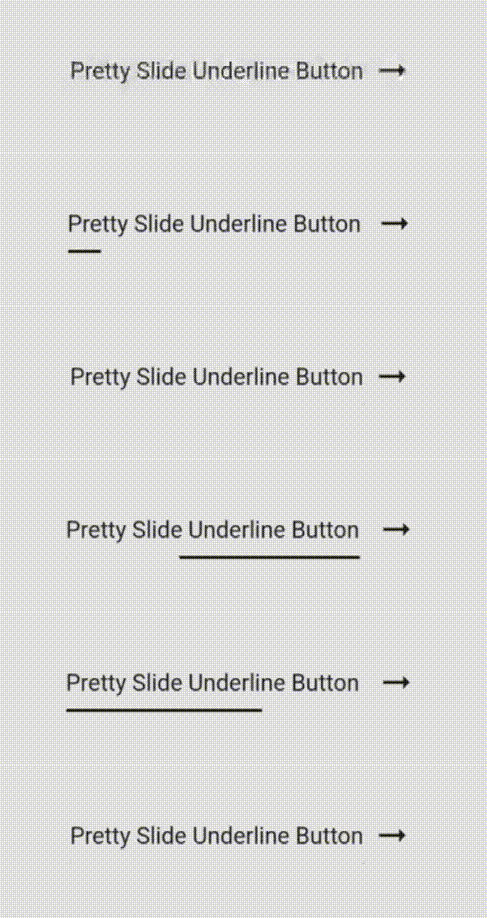 |
| 4 | Pretty Wave Button | 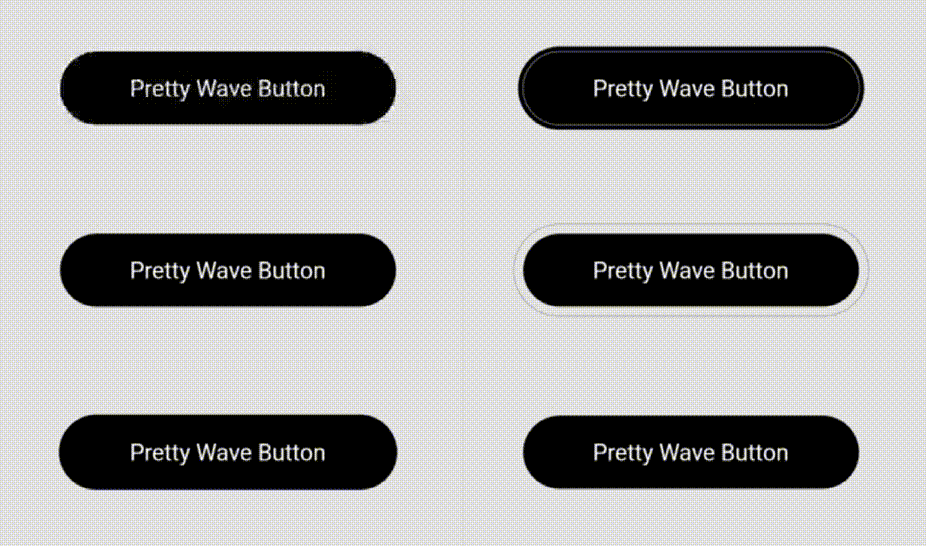 |
| 5 | Pretty Fuzzy Button | 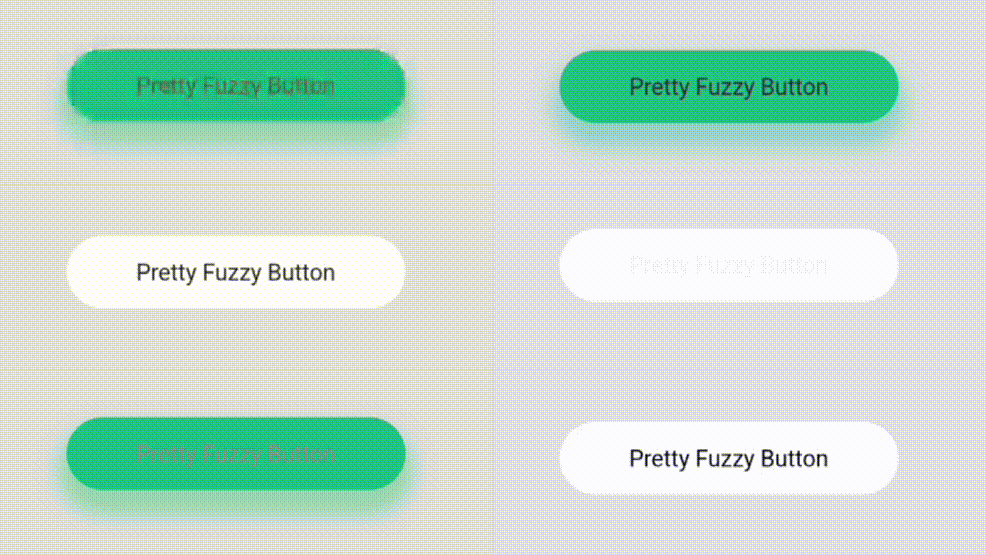 |
| 6 | Pretty Slide Icon Button |  |
| 7 | Pretty Slide Up Button | 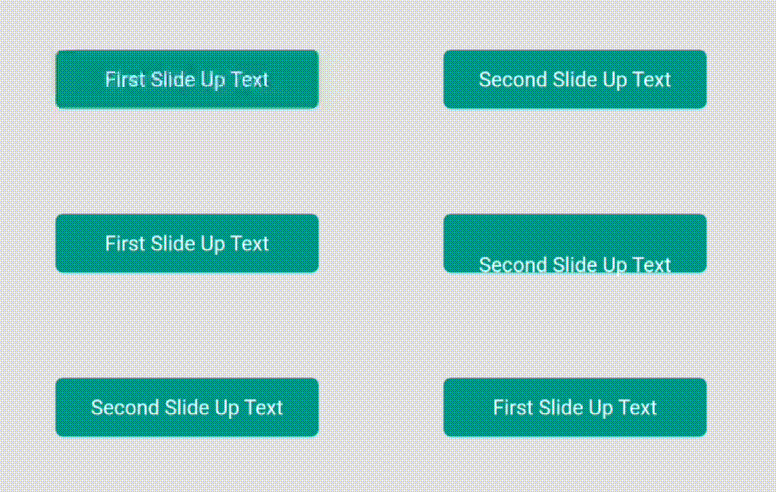 |
| 8 | Pretty Color Slide Button | 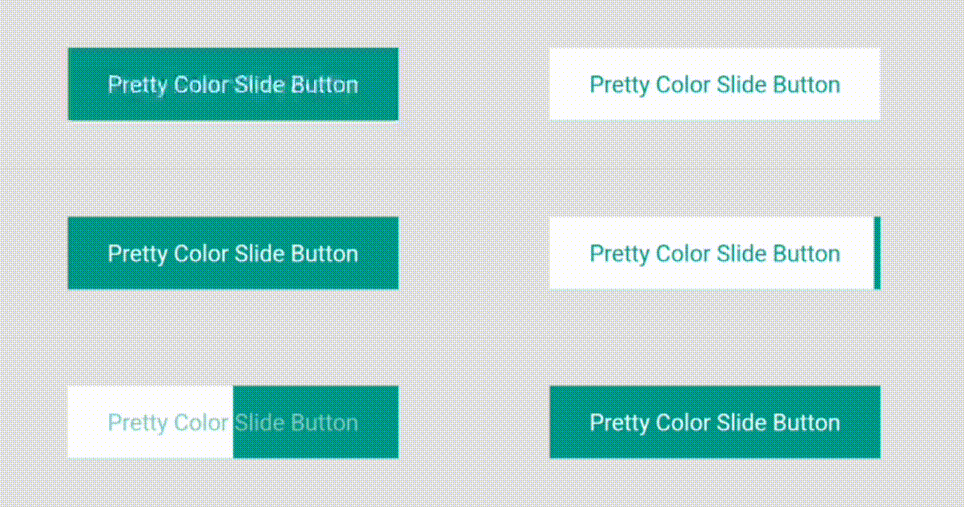 |
| 9 | Pretty Skew Button | 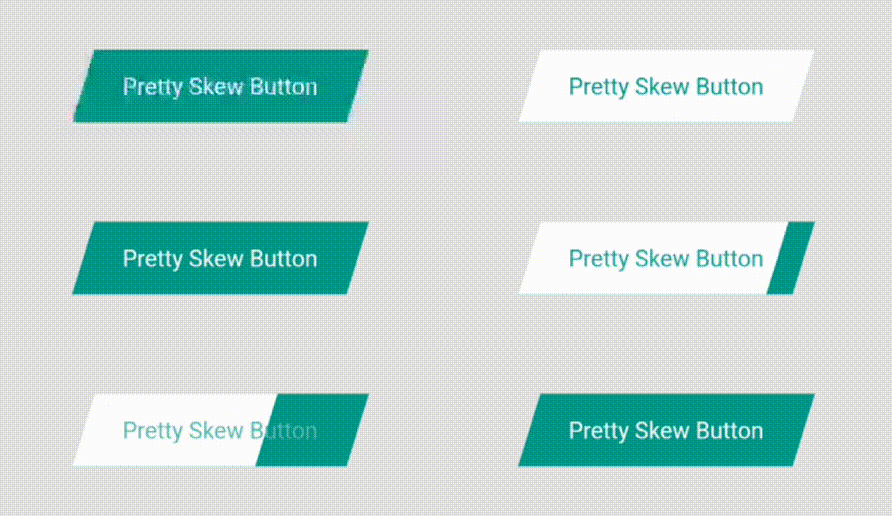 |
| 10 | Pretty Border Button | 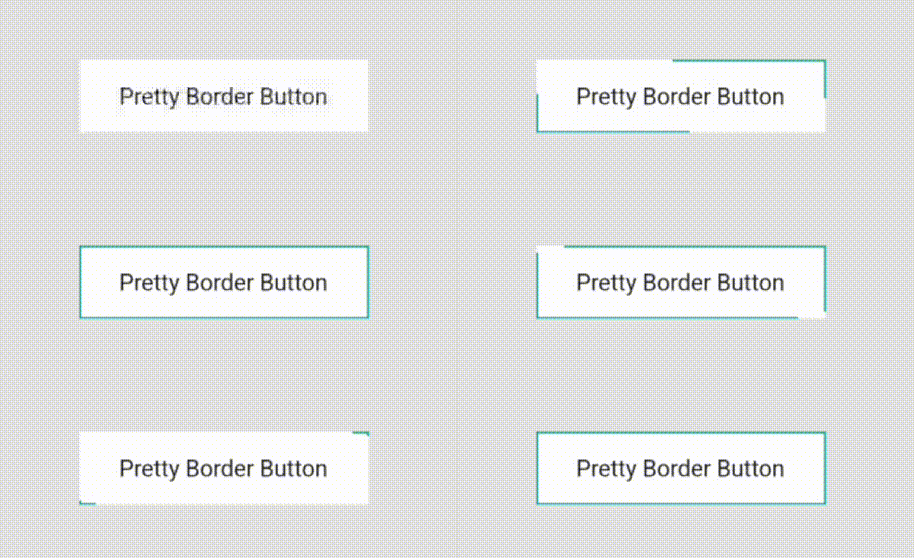 |
| 11 | Pretty Bar Button | 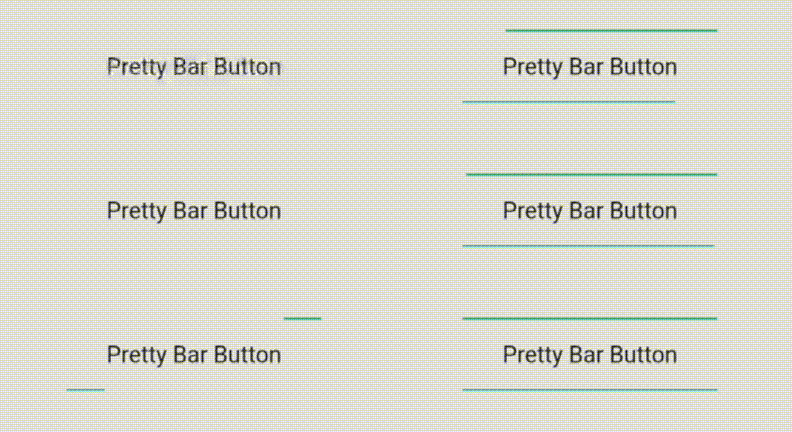 |
| 12 | Pretty Capsule Button | 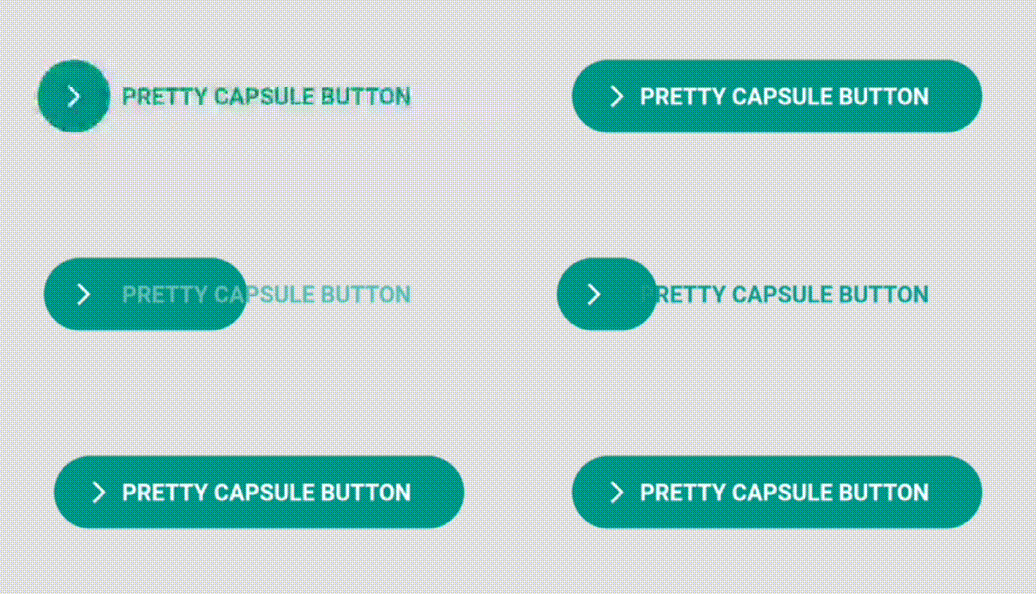 |
The usage is pretty simple. Just use the button's name in Pascal Case.
Eg. For Pretty Shadow Button, use like this.
    PrettyShadowButton(
      label: "Pretty Shadow Button",
      onPressed: () {},
      icon: Icons.arrow_forward,
      shadowColor: Colors.green,
    ),
You can play around with tons of parameters.
PrettySlideIconButton has two icon slide positions - left or right.
From left to right slide,
slidePosition: SlidePosition.left,
From right to left slide,
slidePosition: SlidePosition.right,
PrettyColorSlideButton has special parameter for sliding direction which is position parameter.
For left to right slide,
position: SlidePosition.left
For right to left slide,
position: SlidePosition.right
For top to bottom slide,
position: SlidePosition.top
For bottom to top slide,
position: SlidePosition.bottom
PrettySkewButton also has left & right slide positions which can be tweaked via skewPosition parameter.
For left to right slide,
skewPosition: SkewPositions.left,
For right to left slide,
skewPosition: SkewPositions.right,
🚧🏗️ The project is under development.
Feel free to try this out and give it a ⭐.
More button suggestions are warmly welcome!.
Dependency list 4 items
{"sdk":"flutter"}^2.0.3{"sdk":"flutter"}^2.0.0Start with your use case, compare repository activity, and check the original project before adopting it.
“A repository is the most basic element of GitHub.”
GitHub Docs — About repositories ↗