

 v1.5.0
parallax_rain
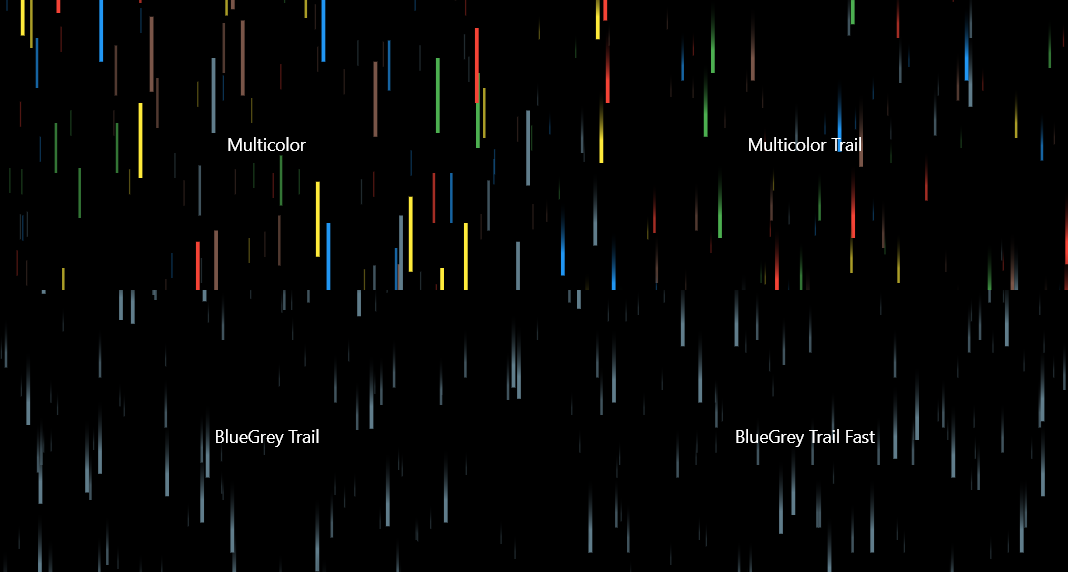
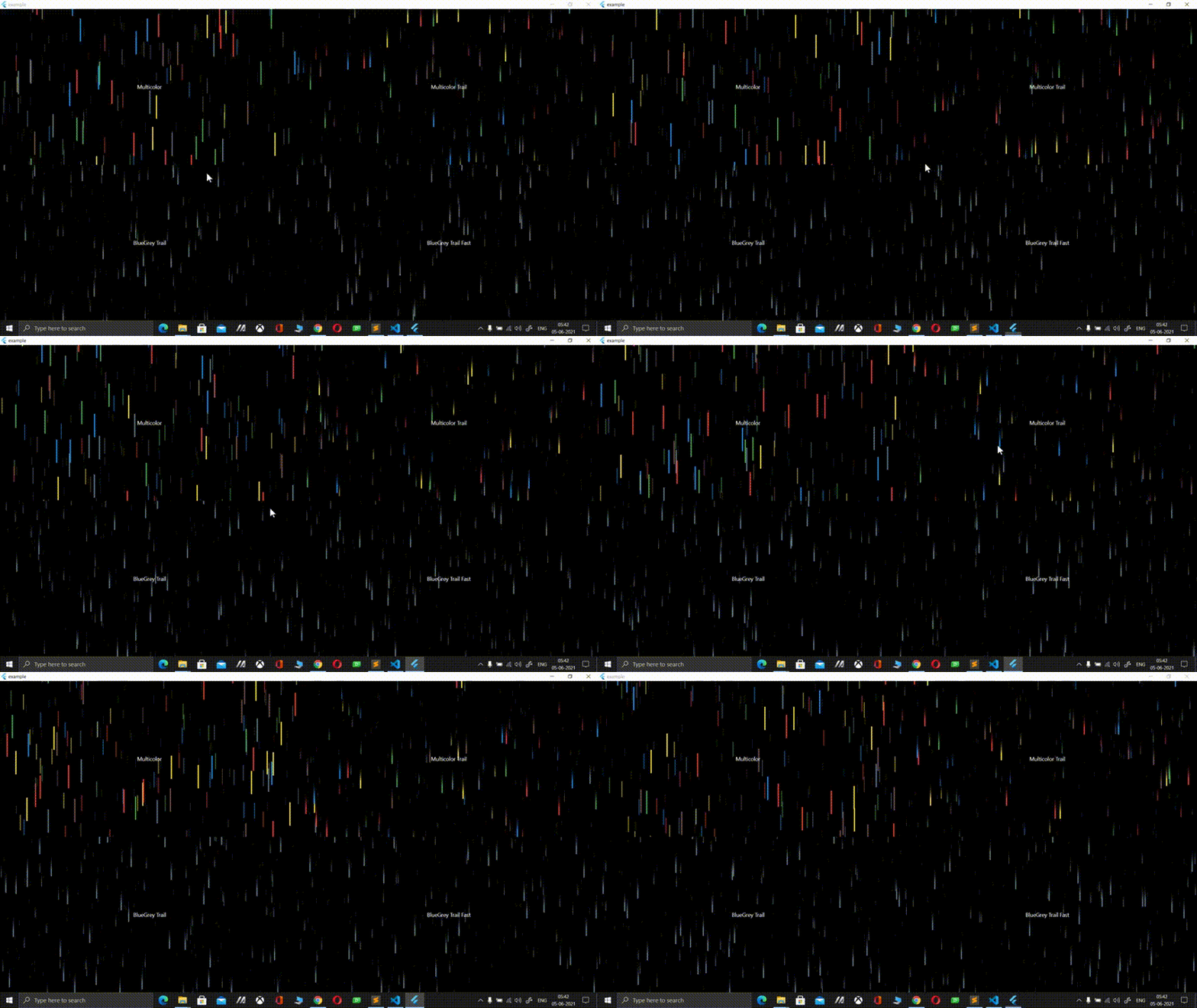
Use this package to create cool 3D rain effects. Customize with multiple colors, different raindrop speeds, drop trail effects and more!
88Likes 16730-day downloads160Pub points
AndroidiOSWebmacOSWindowsLinux
A Flutter package to create cool 3D rain effects. Customize with multiple colors, different raindrop speeds, drop trail effects and more!

English project snapshot. Visit GitHub for the latest content.


Create a cool 3D rain effect, with plenty of customization!
Add this to your package's pubspec.yaml file:
dependencies:
    parallax_rain:
You can install packages from the command line:
$ pub get
..
Alternatively, your editor might support pub. Check the docs for your editor to learn more.
Now in your Flutter code, you can use:
import 'package:parallax_rain/parallax_rain.dart';
If you want to give YourWidget a 3D rain background, simple wrap it with the ParallaxRain widget, with YourWidget as the child parameter. You can also have the rain effect in the foreground, use multiple drop colors, adjust the speed, add trails to your drops and lots more!
For example:
ParallaxRain(
    dropColors: [
        Colors.red,
        Colors.green,
        Colors.blue,
        Colors.yellow,
        Colors.brown,
        Colors.blueGrey
    ],
    child: Text(
        "Multicolor",
    ),
),
A full example can be found in the example directory
Visit my LinkedIn at https://www.linkedin.com/in/zaca
I'm also the author of the Flutter glass package that allows you to convert any flutter widget into a glass/frosted glass version of itself, check it out at https://pub.dev/packages/glass
Dependency list 2 items
{"sdk":"flutter"}{"sdk":"flutter"}Start with your use case, compare repository activity, and check the original project before adopting it.
“A repository is the most basic element of GitHub.”
GitHub Docs — About repositories ↗