

v2.0.2
acr_cloud_sdk
This is an unofficial ACR Cloud SDK to recognize sound and music influtter
31Likes 17930-day downloads130Pub points
AndroidiOSmacOS
🎵 🎶 ACR Cloud SDK For flutter

English project snapshot. Visit GitHub for the latest content.
** This is an unofficial SDK for flutter
Automatic content recognition (ACR) is an identification technology to recognise content played on a media device or present in a media file. This enables users quickly obtain detailed information about the content they have just experienced without any text based input or search efforts.
ACR can help users deal with multimedia more effective and make applications more intelligent. More info.
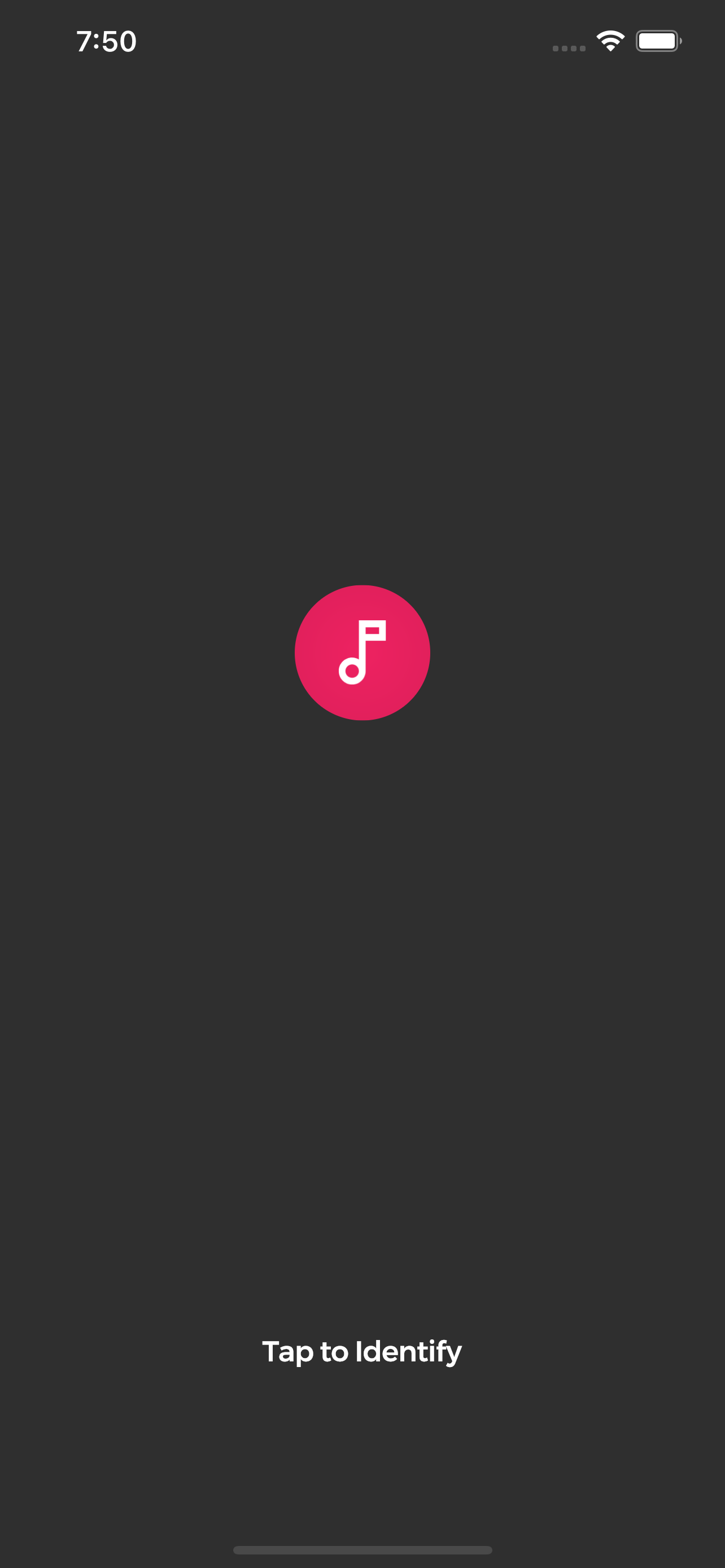
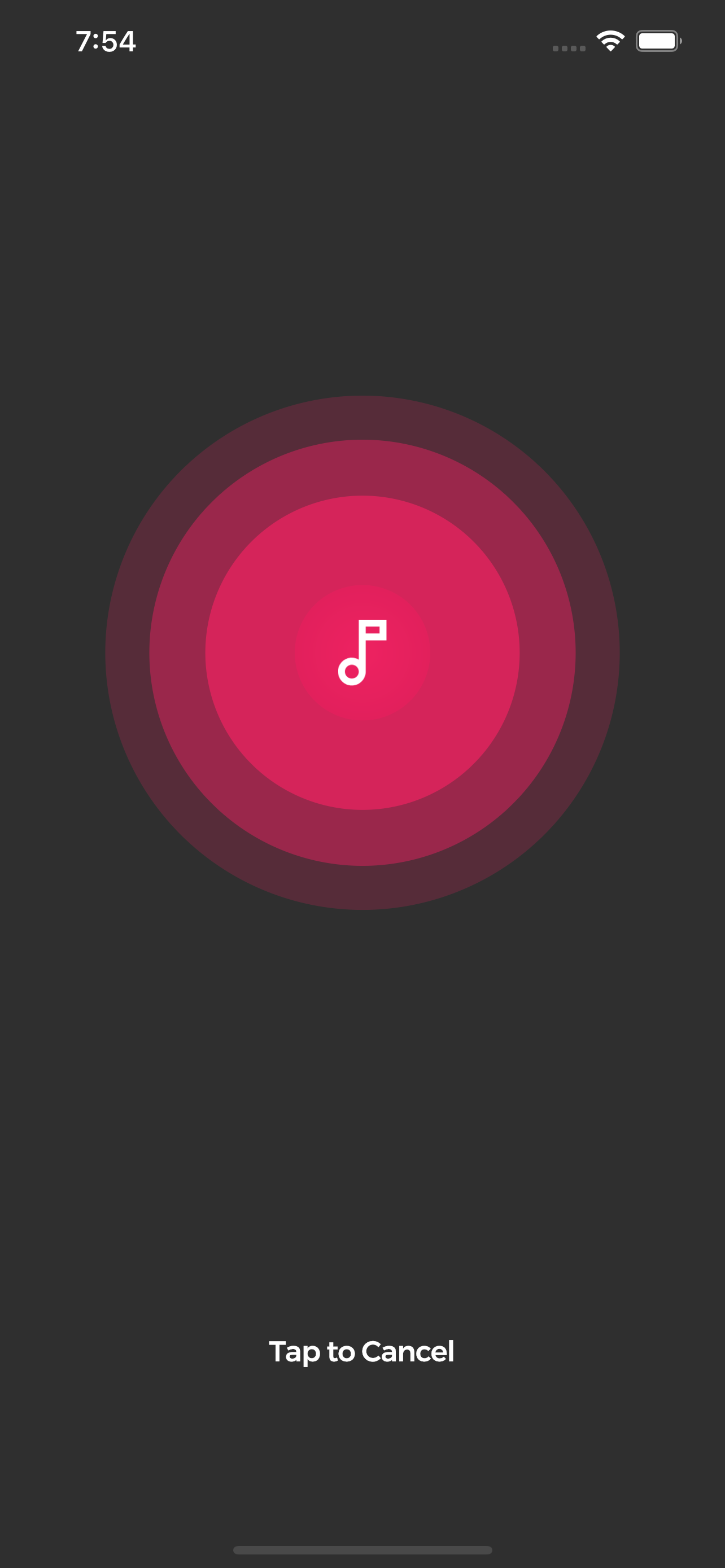
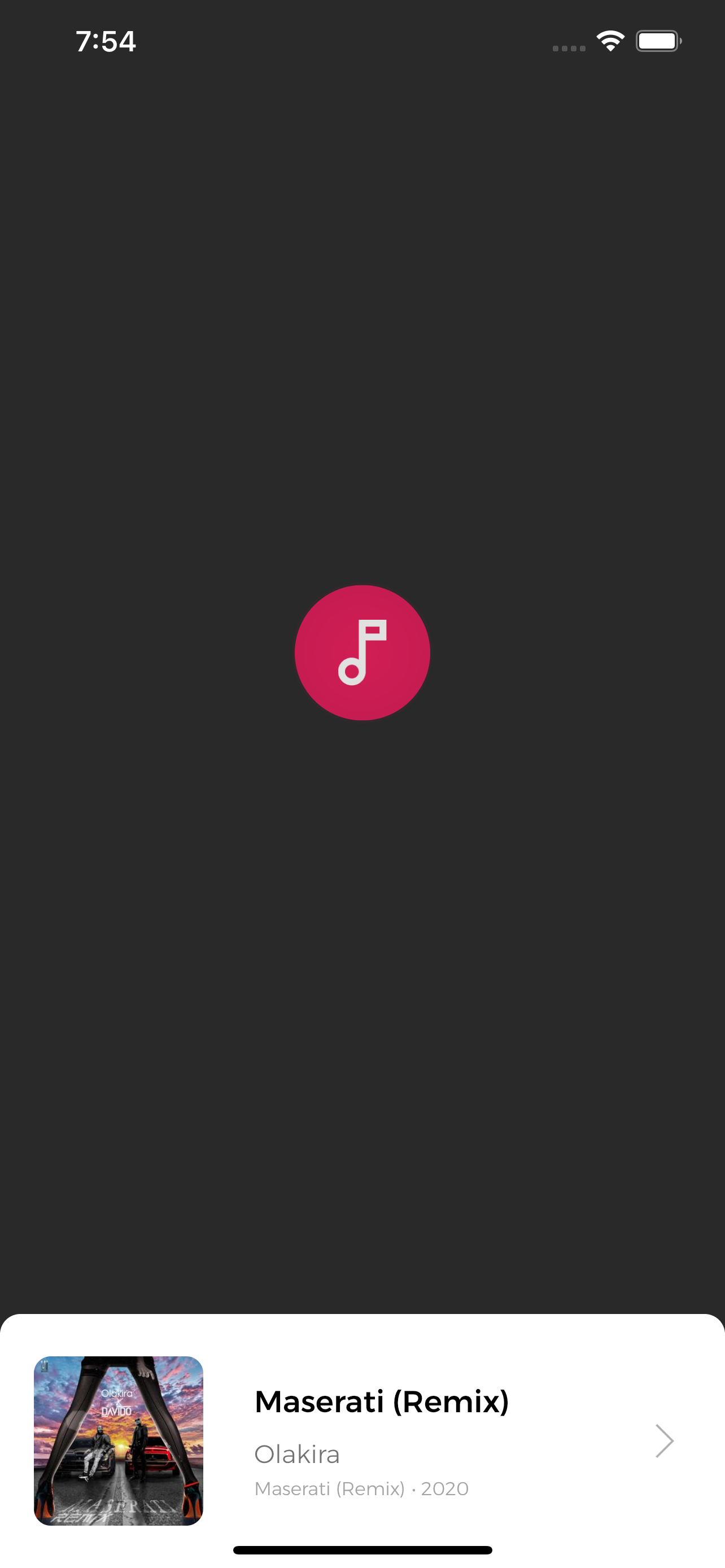
  final AcrCloudSdk arc = AcrCloudSdk();

      arc..init(
          host: '', // obtain from https://www.acrcloud.com/
          accessKey: '', // obtain from https://www.acrcloud.com/
          accessSecret: '', // obtain from https://www.acrcloud.com/
          setLog: false,
        )..songModelStream.listen(searchSong);

  void searchSong(SongModel song) async {
      print(song); // Recognized song data
  }
Initialize sdk and listen for song recognition events.
bool started = await arc.start();
bool started = await arc.stop();
Lots of PR's would be needed to improve this plugin. So lots of suggestions and PRs are welcome.
Dependency list 4 items
{"sdk":"flutter"}^10.2.0{"sdk":"flutter"}anyStart with your use case, compare repository activity, and check the original project before adopting it.
“A repository is the most basic element of GitHub.”
GitHub Docs — About repositories ↗