


 v0.2.4
m_toast
Custom Toast for flutter, easily create toast with one line of code.
40Likes 12030-day downloads140Pub points
AndroidiOSWebmacOSWindowsLinux
abdulmanafpfassal/mtoast open-source repository details.

English project snapshot. Visit GitHub for the latest content.

Toast Library for Flutter
- Android
- IOS
- Android
- Linux
- MacOS
- Windows
In order to add m_toast to your project add this line to your pubspec.yaml file
# add this line to your dependencies
m_toast: ^0.2.4
import 'package:m_toast/m_toast.dart';
ShowMToast toast = ShowMToast(context);

toast.successToast(message: "
Hello
"
);
toast.errorToast(message: "
Hello
"
);
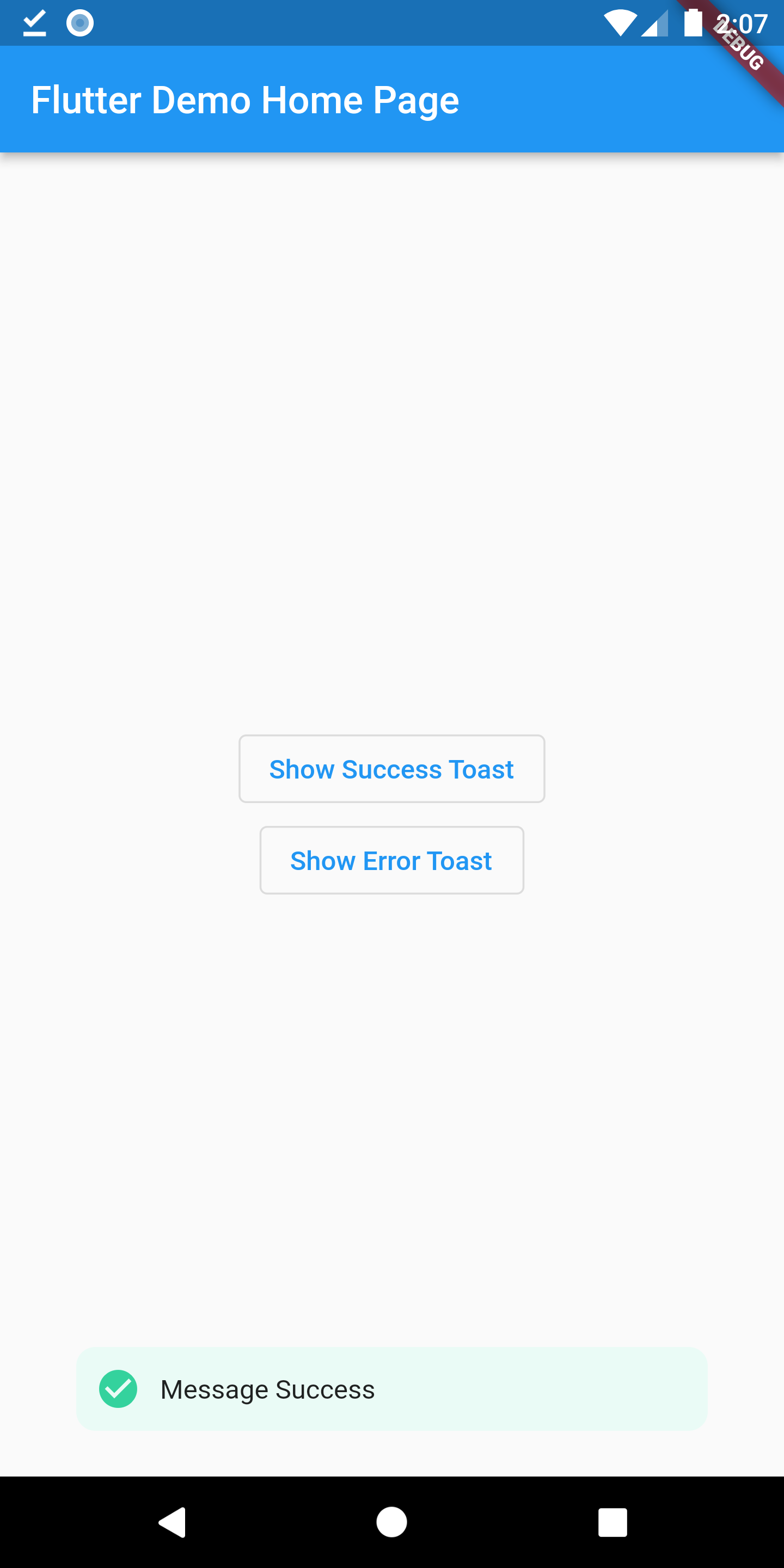
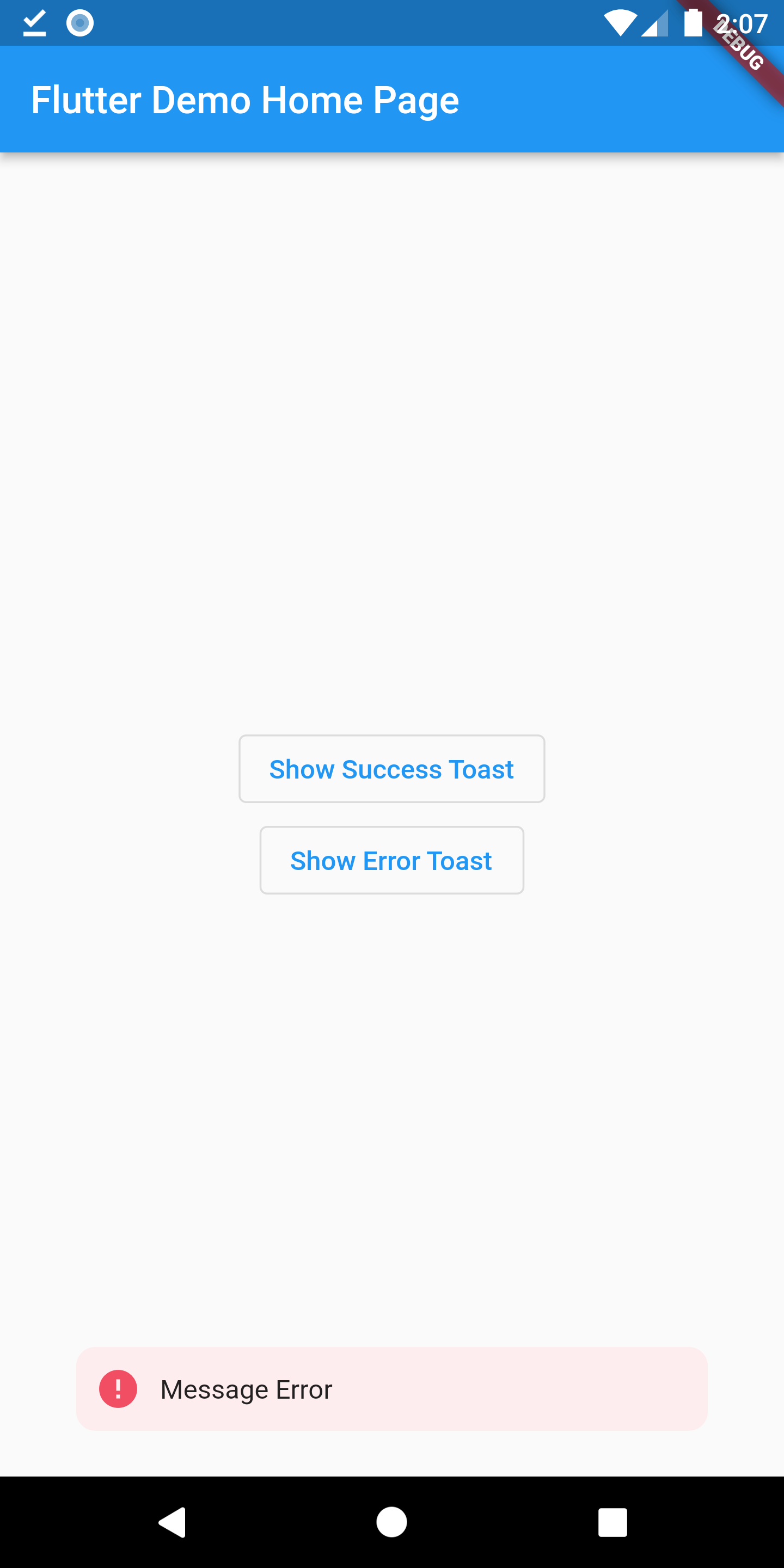
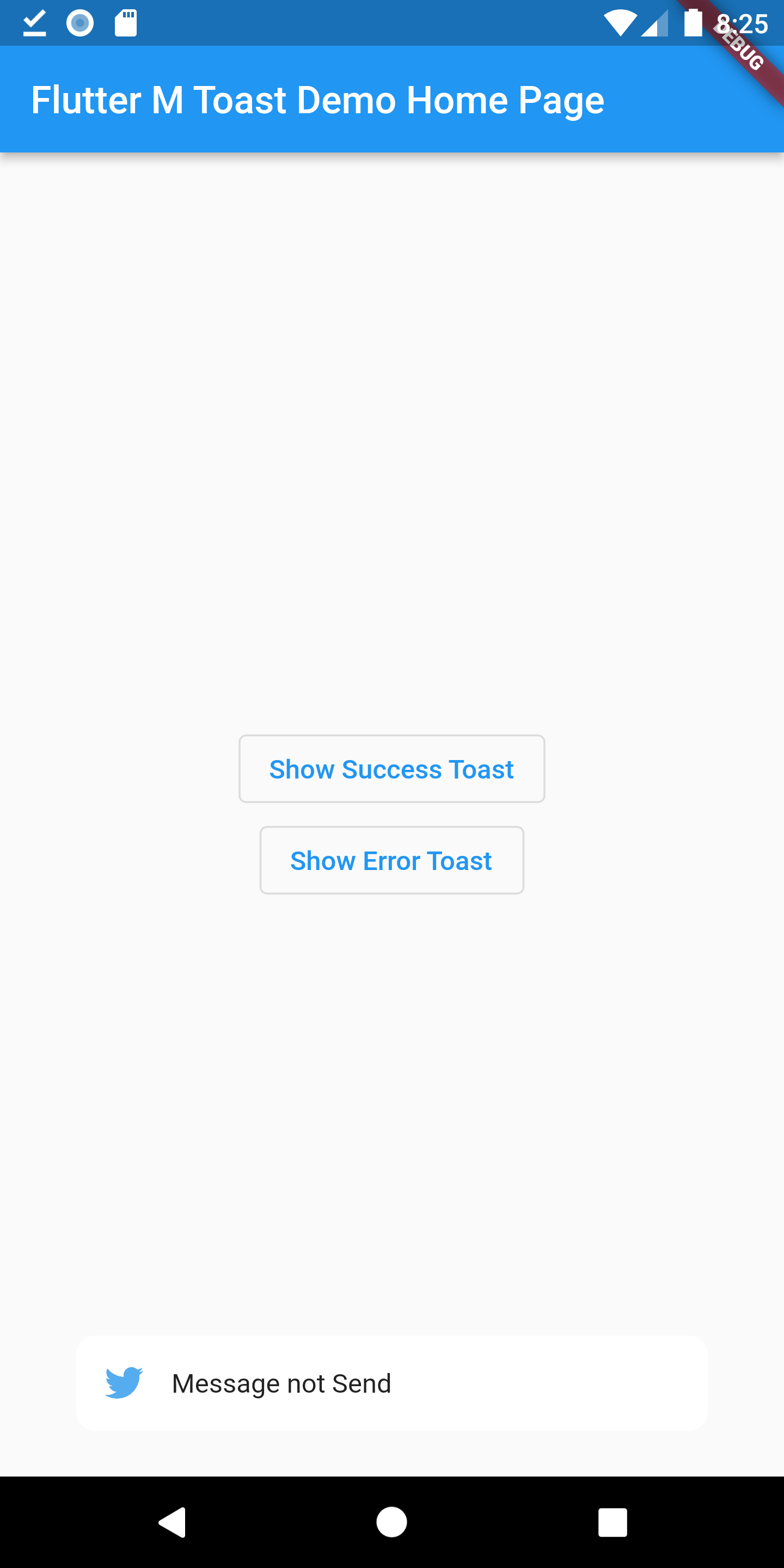
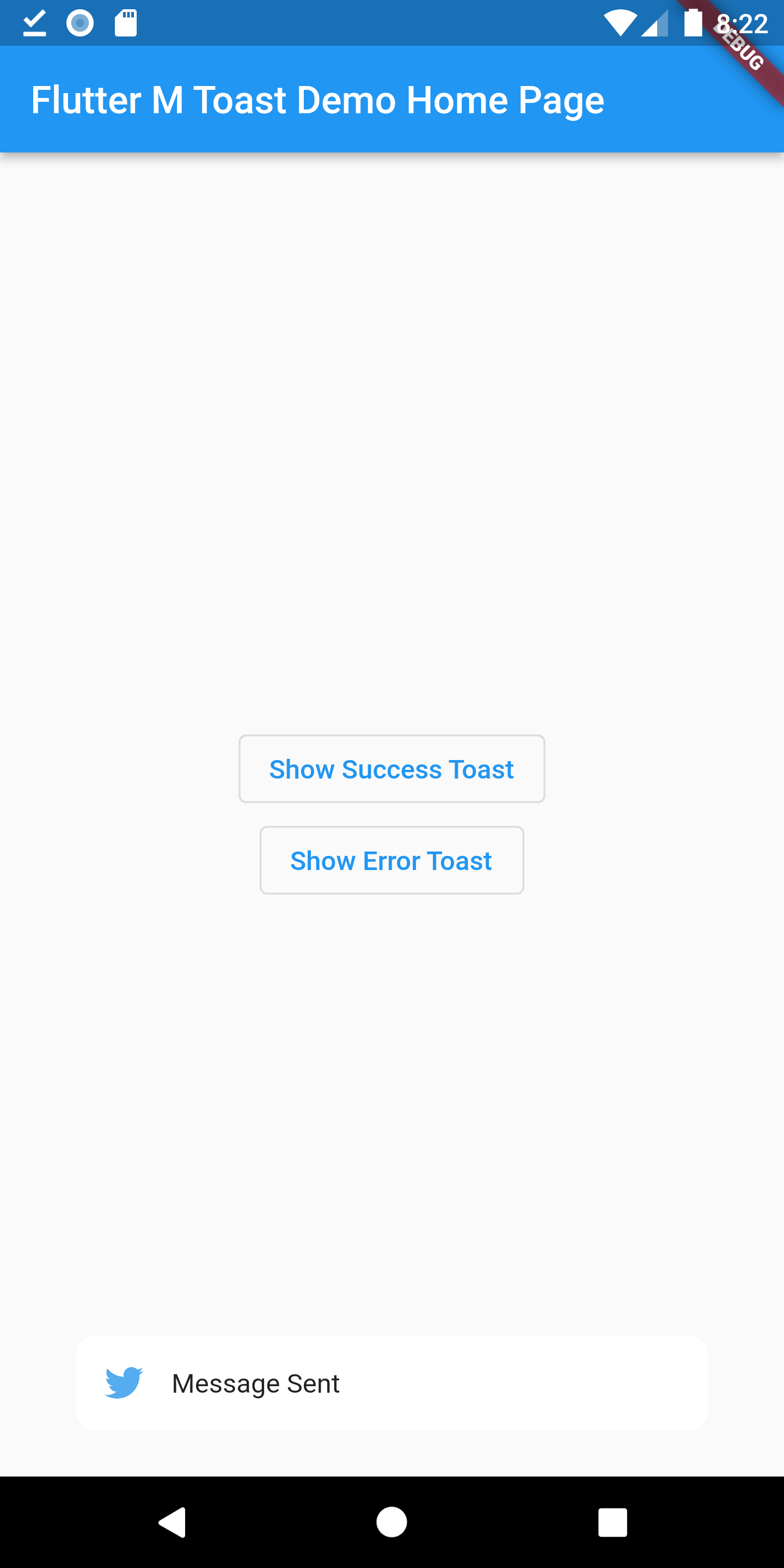
MToast have default style, and you also can custom style or other behavior.
| name | type | need | desc |
|---|---|---|---|
| message | String | required | Toast message |
| textColor | Color | optional | Color of text(toast message) |
| backgroundColor | Color | optional | backgroundColor |
| alignment | ToastPosition | required | |
| iconColor | Color | optional | If Color is not given the icon will adapt the default color |
| icon | IconData | optional | Icon in Toast |
| image | AssetImage | optional | Image instead of Icon |
| duration | int | optional | Duration should be given in milliseconds(for eg duration: 1500) |
| elevation | double | optional | Elevation(0.0) |
| width | double | optional | width |
Of course the project is open source, and you can contribute to it repository link
Dependency list 2 items
{"sdk":"flutter"}{"sdk":"flutter"}Start with your use case, compare repository activity, and check the original project before adopting it.
“A repository is the most basic element of GitHub.”
GitHub Docs — About repositories ↗