
Animated-Tesla-Car-App-using-Flutter
abuanwar072/Animated-Tesla-Car-App-using-Flutter open-source repository details.

- Stars
- 201
- Forks
- 76
- Last push (UTC)
- Dec 3, 2021
- Project status
- Active
Original README
English project snapshot. Visit GitHub for the latest content.
Animated Tesla App Conect using Flutter
Watch it on YouTube
Packages we are using:
- flutter_svg: link
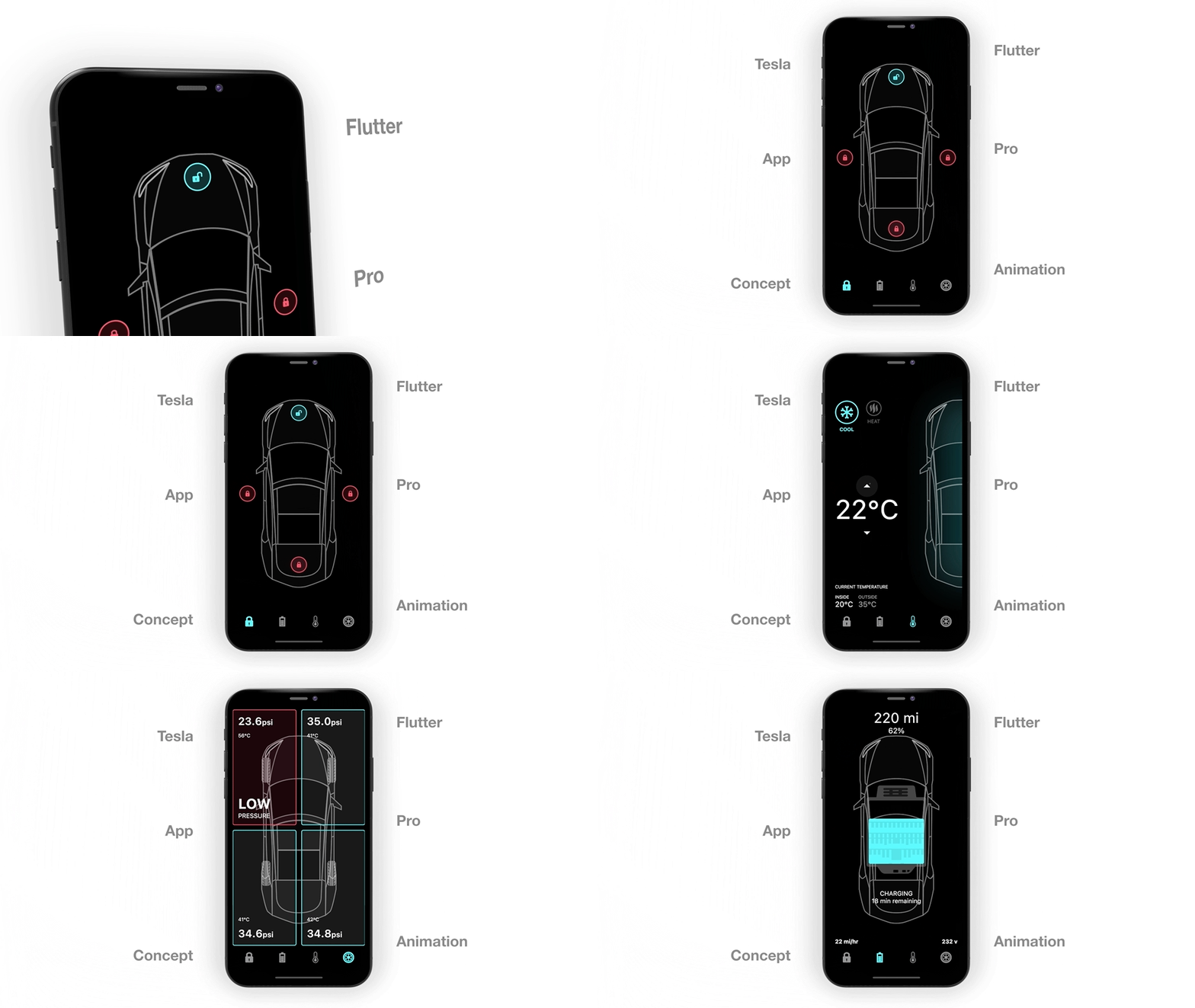
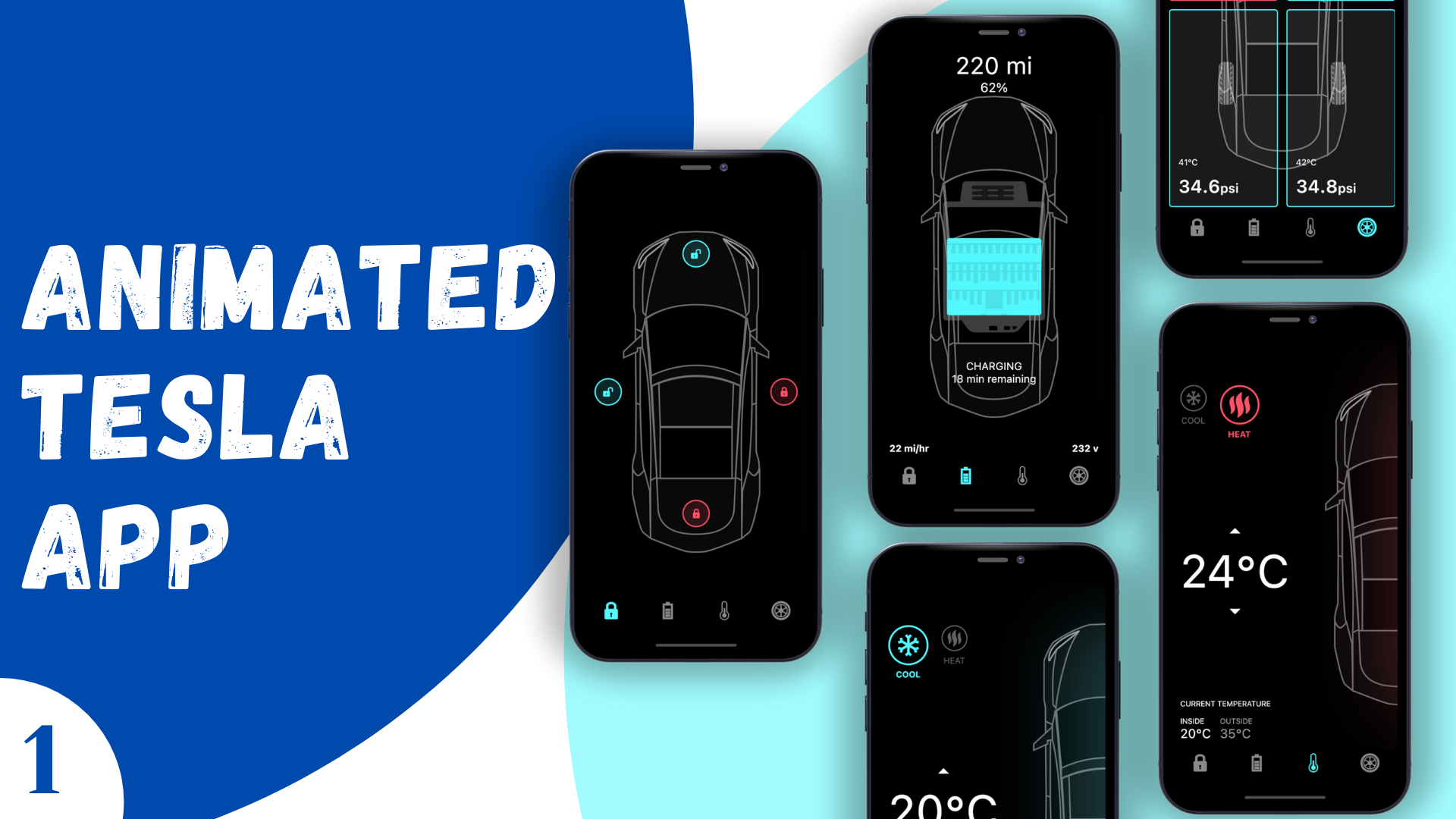
This video is for those who want to master Flutter animation. In total there will be four episodes and this is the first one, where you will learn how to create an animated tesla car app using Flutter that works both android and iOS. Users can unlock any door, check battery status also control the air cooler temperature and check the psi of the tires.
In this hole tutorial, we will cover how to use ImplicitlyAnimatedWidge and how to use multiple AnimationController on AnimatedBuilder. How to change curve, also update the AnimatedBuilder with notifyListeners method, and more!
Animated Tesla App Conect Final UI

Abu Anwar ↗
Categories
Dependencies used
Dependency list 4 items
- flutter
{"sdk":"flutter"} - cupertino_icons
^1.0.2 - flutter_svg
^0.22.0 - flutter_testDevelopment
{"sdk":"flutter"}
Rankings
How do I choose a repository?
Start with your use case, compare repository activity, and check the original project before adopting it.
- Search by repository name, owner or description, then narrow the results by topic.
- Compare stars, forks and recent pushes. Stars show community interest, not a guarantee of quality.
- Read the README, license and issues on GitHub before using a project.
Sources and maintenance
“A repository is the most basic element of GitHub.”
GitHub Docs — About repositories ↗