
app_tutorial
Package for creating onboarding flows for your app to explain the features of the app in a seamless ways to you users.

- Stars
- 3
- Forks
- 10
- Last push (UTC)
- Jun 10, 2024
- Project status
- Active
Original README
English project snapshot. Visit GitHub for the latest content.
Flutter App Onboarding
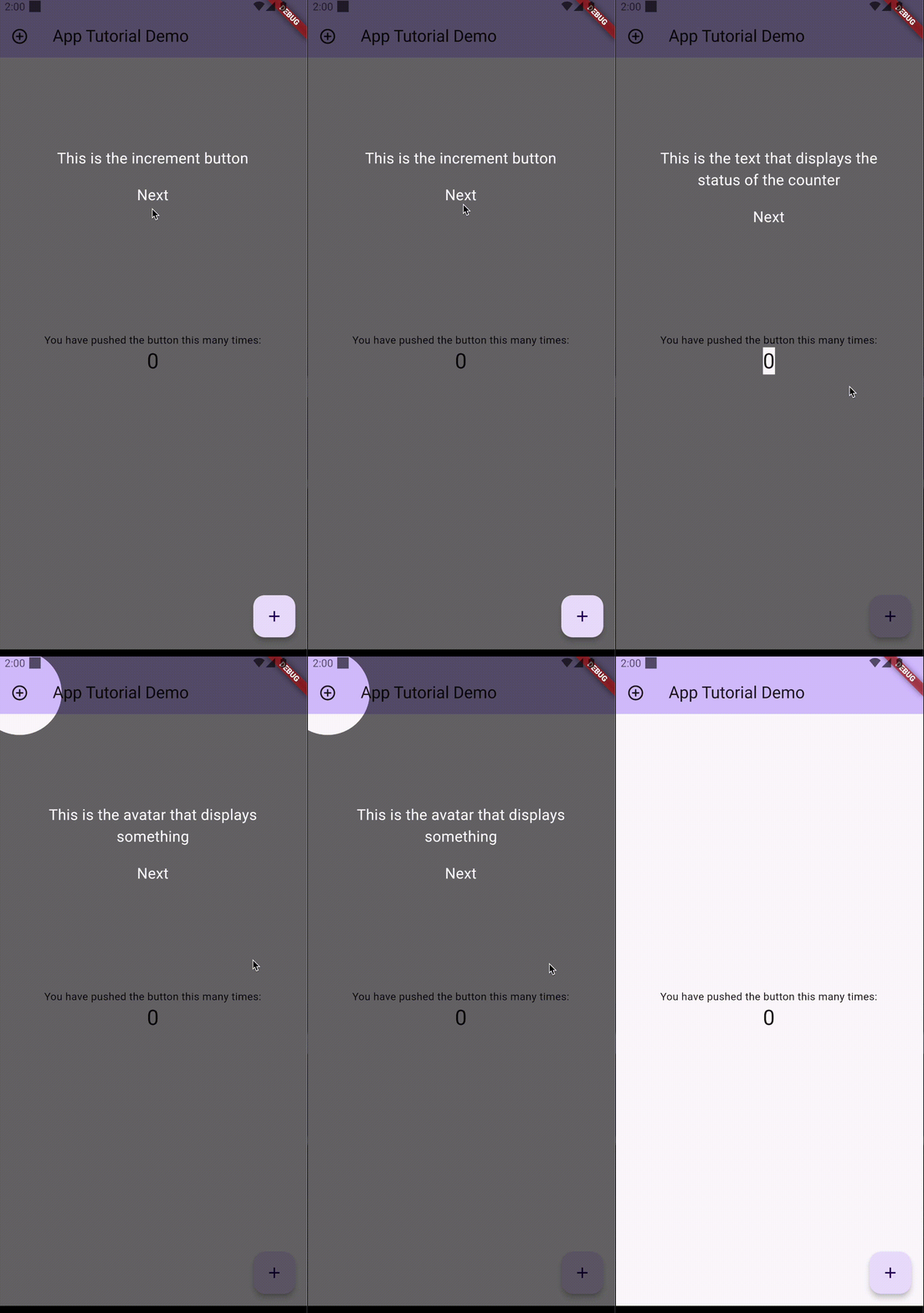
Usage
Import the package into your pubspec.yaml
dependencies:
  app_tutorial: ^currentVersion
View the example project to see how to use the package.
Properties:
TutorialItem
| Property | Description | Type | Required | Default value |
|---|---|---|---|---|
| globalKey | The Global Key of the component you want to focus on | GlobalKey |
yes |
/ |
| child | Widget to show on the screen when this item is active | Widget |
yes |
/ |
| color | Color of the overlay | Color? |
no |
Color.fromRGBO(0, 0, 0, 0.6) |
| borderRadius | Radius of the border of the higlighted item | Radius |
no |
Radius.circular(10.0) |
| radius | Radius of the ShapeFocus.oval shape |
double? |
no |
null |
| shapeFocus | Shape of the focus element | ShapeFocus.oval, ShapeFocus.square, ShapeFocus.roundedSquare |
no |
ShapeFocus.roundedSquare |
Tutorial
show()- the show () method, receives three parameters, the context, list of tutorial items you created and the onTutorialComplete callback.
Tutorial.showTutorial(context, items, onTutorialComplete: () {
  // Code to be executed after the tutorial ends
  print('Tutorial is complete!');
});
skipAll()- the skipAll() method receives the context parameter and ends the onboarding process
Tutorial.skipAll(context);
This package is a separated fork of this package.

GitHub author
Aiken Tine Ahac ↗
LanguagesDartSwiftKotlinObjective-C
Dependencies used
Dependency list 2 items
- flutter
{"sdk":"flutter"} - flutter_testDevelopment
{"sdk":"flutter"}
How do I choose a repository?
Start with your use case, compare repository activity, and check the original project before adopting it.
- Search by repository name, owner or description, then narrow the results by topic.
- Compare stars, forks and recent pushes. Stars show community interest, not a guarantee of quality.
- Read the README, license and issues on GitHub before using a project.
Sources and maintenance
“A repository is the most basic element of GitHub.”
GitHub Docs — About repositories ↗
- aikenahac/app_tutorial · GitHub ↗
- GitHub Docs — Saving repositories with stars ↗
- Directory maintained by Ducafecat ↗