

 v2.0.0
timer_builder
A widget that rebuilds itself on scheduled, periodic, or dynamically generated time events.
168Likes 14.8K30-day downloads150Pub points
AndroidiOSWebmacOSWindowsLinux
A Flutter widget that rebuilds itself on scheduled, periodic, or dynamically generated time events.

English project snapshot. Visit GitHub for the latest content.
A widget that rebuilds itself on scheduled, periodic, or dynamically generated time events.
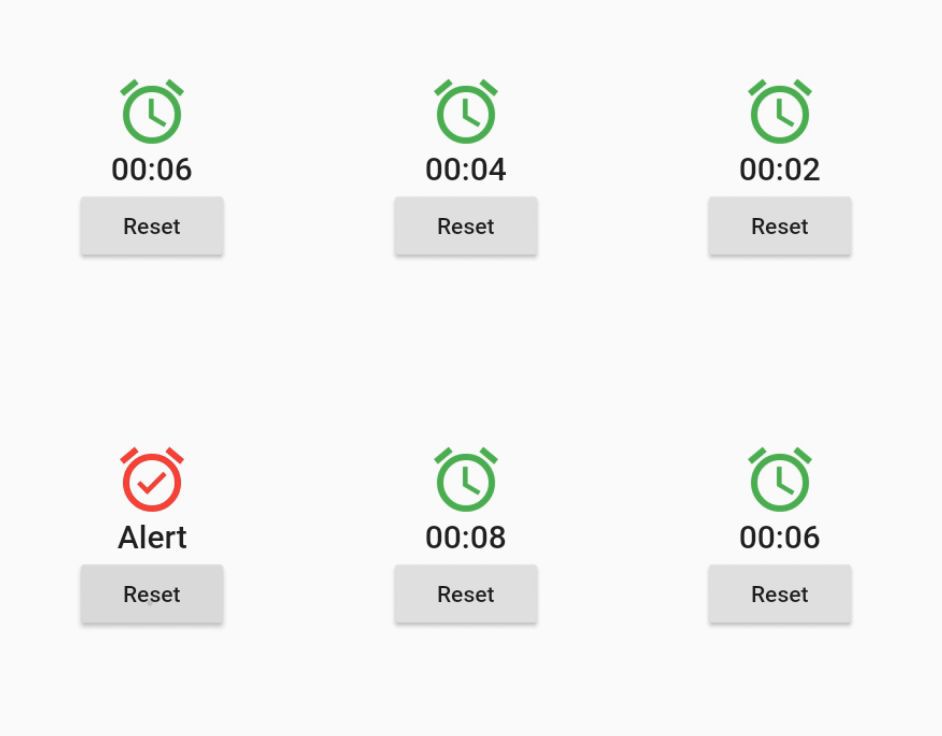
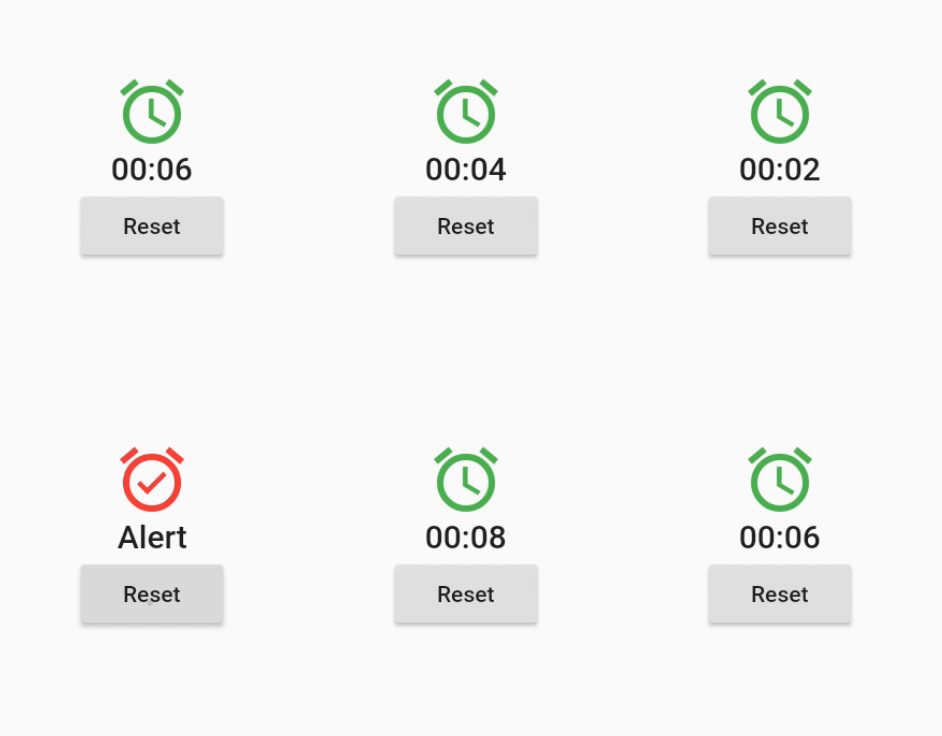
Here are some use cases for this widget:
import 'package:timer_builder/timer_builder.dart';

class ClockWidget extends StatelessWidget {

  @override
  Widget build(BuildContext context) {
    return TimerBuilder.periodic(Duration(seconds: 1),
      builder: (context) {
        return Text("${DateTime.now()}");
      }
    );
  }

}
import 'package:timer_builder/timer_builder.dart';

class StatusIndicator extends StatelessWidget {

  final DateTime startTime;
  final DateTime endTime;

  StatusIndicator(this.startTime, this.endTime);

  @override
  Widget build(BuildContext context) {
    return TimerBuilder.scheduled([startTime, endTime],
      builder: (context) {
        final now = DateTime.now();
        final started = now.compareTo(startTime) >= 0;
        final ended = now.compareTo(endTime) >= 0;
        return Text(started ? ended ? "Ended": "Started": "Not Started");
      }
    );
  }

}
Dependency list 2 items
{"sdk":"flutter"}{"sdk":"flutter"}Start with your use case, compare repository activity, and check the original project before adopting it.
“A repository is the most basic element of GitHub.”
GitHub Docs — About repositories ↗