Search packages, repositories and app categories

GitHub repositorydanger-ahead/simple_chips_input

simple_chips_input

Flutter chips. Demo: https://simplechipsinput.vercel.app

simple_chips_input project cover
Stars
15
Forks
11
Last push (UTC)
Jun 26, 2025
Project status
Active

Original README

English project snapshot. Visit GitHub for the latest content.

simple_chips_input

Features 🚀

The working screen captures might be outdated.
Please refer to the demo: https://simplechipsinput.vercel.app
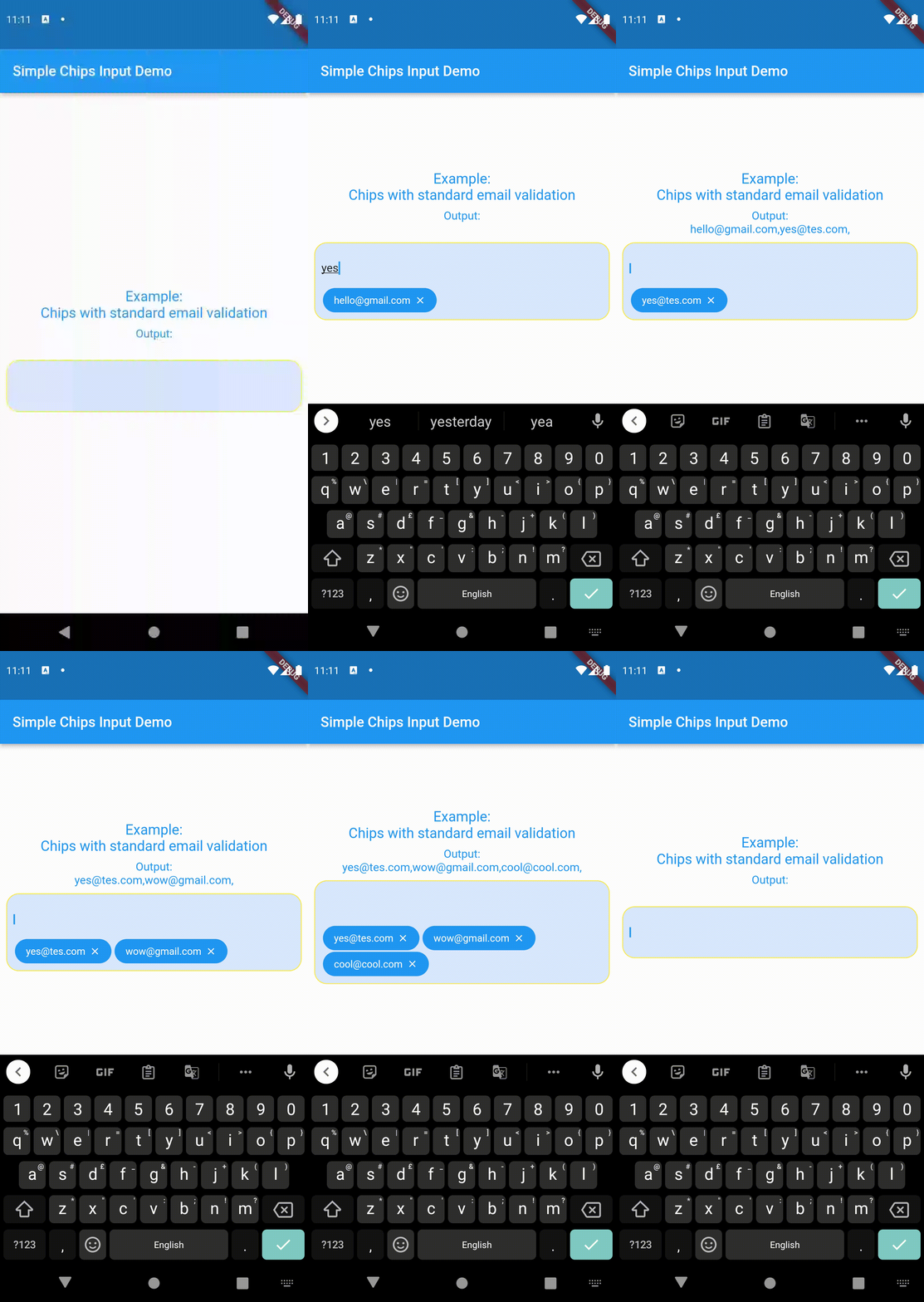
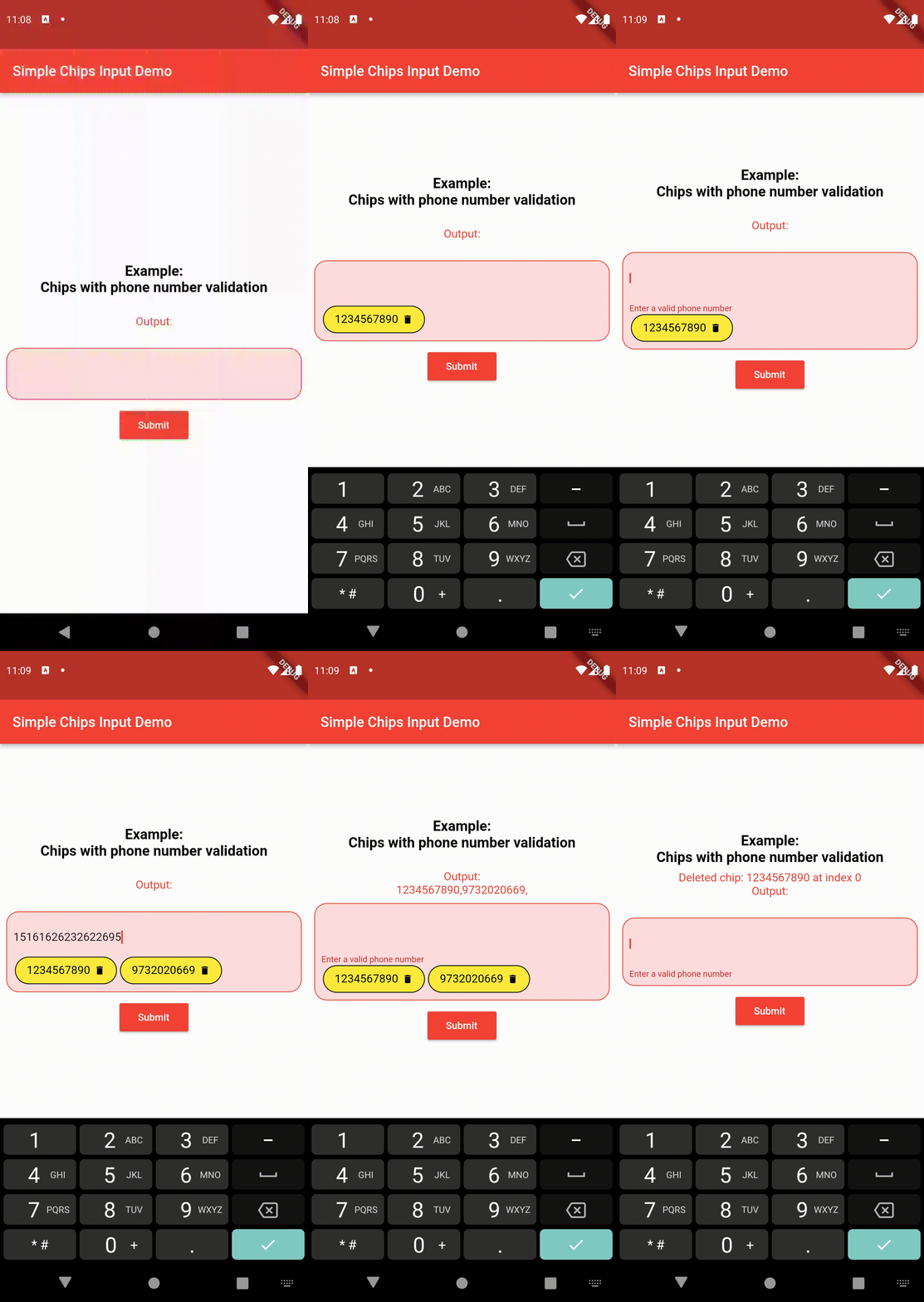
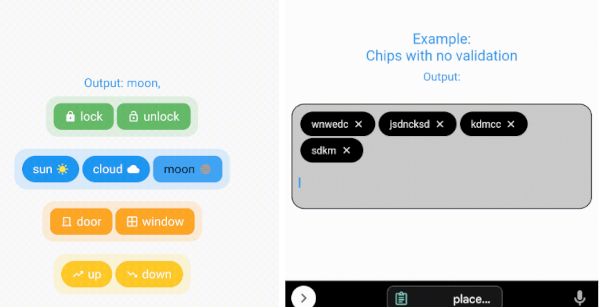
  • Create chips from user's text input and get the value after form submission.
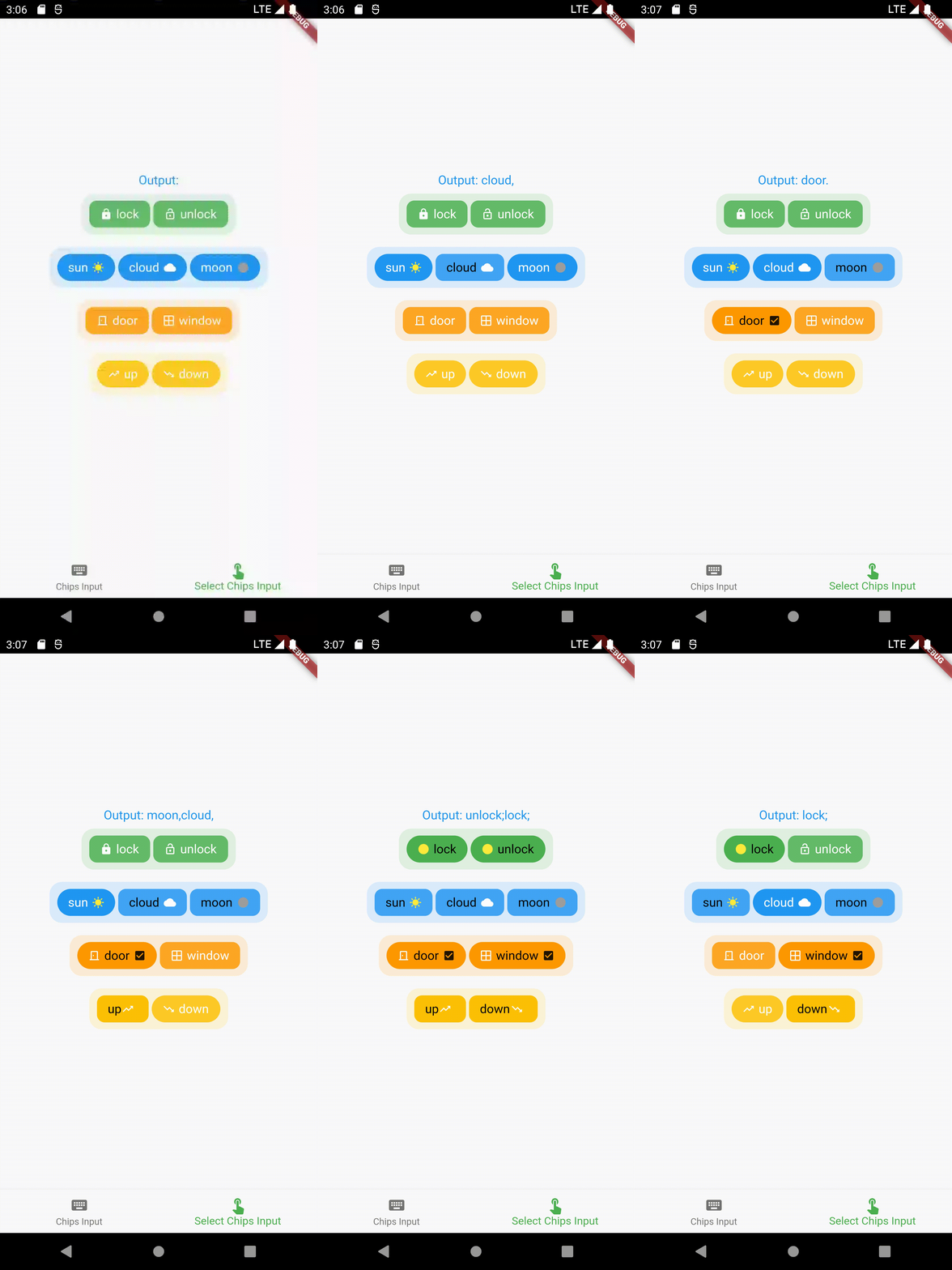
  • Select chips and get the values of the selection.
  • Select only one chip at a time and get the value (acts as a toggle/radio button).
  • Ability to keep some/all/none pre-selected chips (that can be later changed according to user input).
  • Full customisability of the chips - keeping prefix/suffix icons (that can be changed when a particular chip is selected).
  • Full customisability of the chips design - change the background color, border color, text color, etc of the chips (can be two sets of designs - one for selected chips and one for unselected chips).
  • Much more!

Contents 📚

  • Create chips from user's text input and get the value after form submission. Read the API reference for full documentation.
  • Select pre-defined chips to get the value of selected chips. Read the API reference for full documentation.

Importing the package ⬇️

import 'package:simple_chips_input/simple_chips_input.dart';
import 'package:simple_chips_input/select_chips_input.dart';
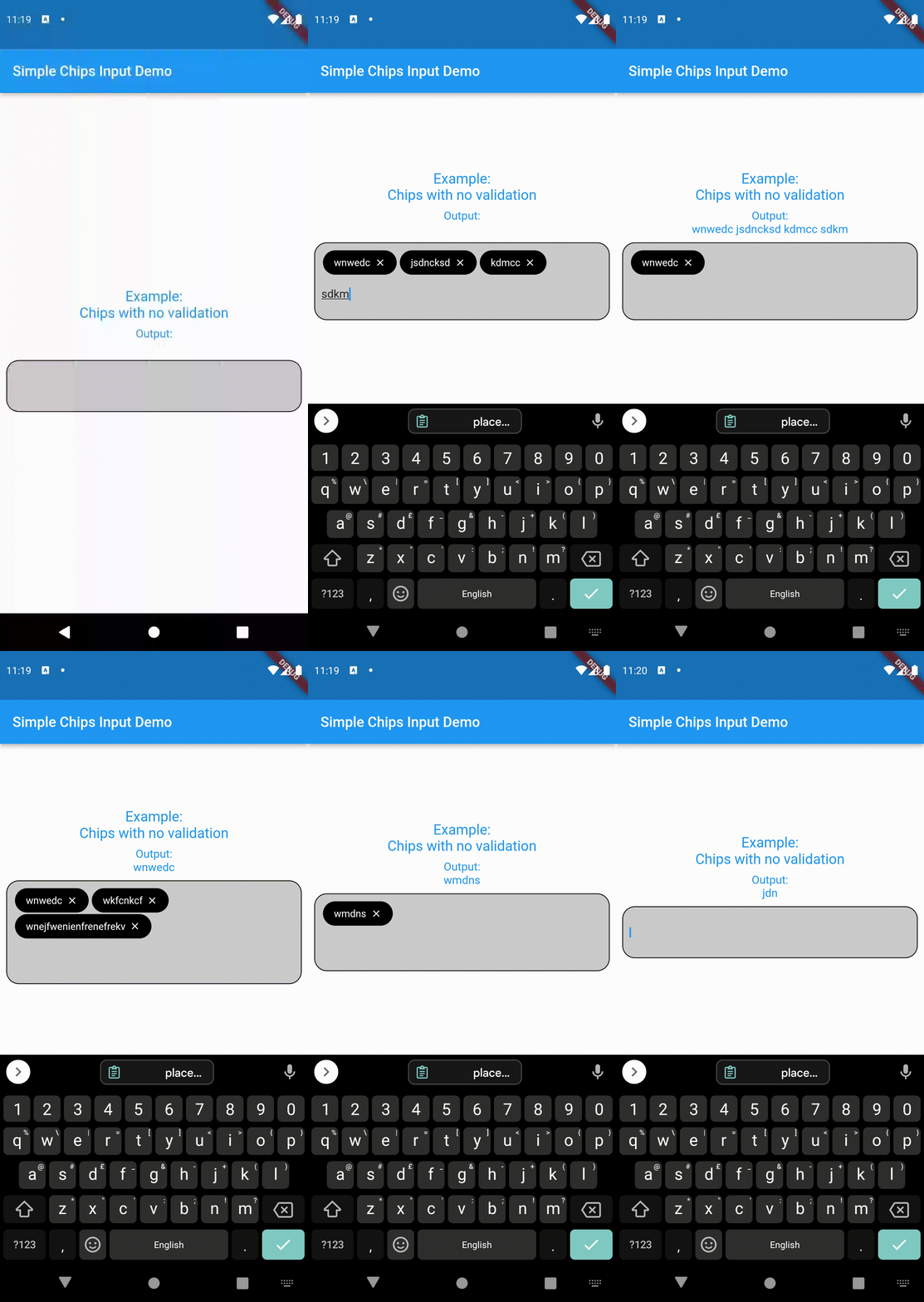
Working ⚙️

For example usage, refer pub.dev example
Author

@danger-ahead

shourya shikhar GitHub avatar
GitHub author

shourya shikhar ↗

@smallcase KolkataOfficial website ↗
LanguagesDartC++CMakeHTMLCSwiftKotlinObjective-C

Categories

Packages published by this repository

Dependencies used

Dependency list 3 items

  • flutter{"sdk":"flutter"}
  • flutter_testDevelopment{"sdk":"flutter"}
  • flutter_lintsDevelopment^2.0.0

How do I choose a repository?

Start with your use case, compare repository activity, and check the original project before adopting it.

  1. Search by repository name, owner or description, then narrow the results by topic.
  2. Compare stars, forks and recent pushes. Stars show community interest, not a guarantee of quality.
  3. Read the README, license and issues on GitHub before using a project.

Sources and maintenance

“A repository is the most basic element of GitHub.”

GitHub Docs — About repositories ↗