


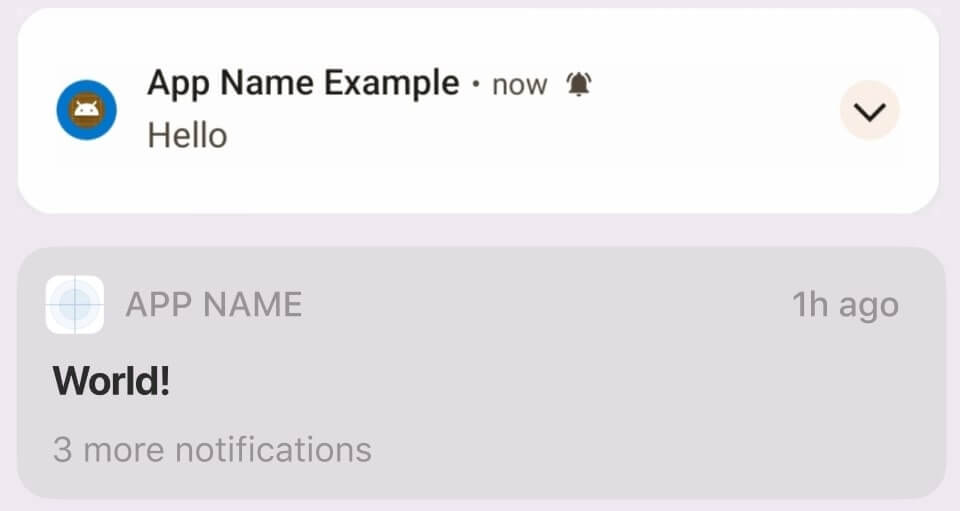
 v1.2.6
easy_notifications
A Flutter plugin for handling local notifications with enhanced security and privacy features. Supports Android, iOS and Web platforms with rich customization options.
51Likes 11830-day downloads130Pub points
AndroidiOSWeb
Flutter package for creating simple notifications.

English project snapshot. Visit GitHub for the latest content.






A secure and privacy-focused Flutter plugin for handling local notifications with enhanced features and SOC 2 compliance considerations. Supports Android, iOS, Web platforms.
Add this to your package's pubspec.yaml file:
dependencies:
  easy_notifications: ^1.2.5
Add the following permissions to your AndroidManifest.xml:
<uses-permission android:name="android.permission.RECEIVE_BOOT_COMPLETED"/>
<uses-permission android:name="android.permission.SCHEDULE_EXACT_ALARM" />
<uses-permission android:name="android.permission.POST_NOTIFICATIONS"/>
This plugin depends on flutter_local_notifications, which requires Android core
library desugaring. Add this to your app's android/app/build.gradle.kts:
android {
  //...
  compileOptions {
    isCoreLibraryDesugaringEnabled = true
  }
}

dependencies {
  coreLibraryDesugaring("com.android.tools:desugar_jdk_libs:2.1.4")
}
(build.gradle instead of build.gradle.kts? See the
Android docs
for the Groovy syntax.)
Add the following keys to your Info.plist:
<key>UIBackgroundModes</key>
<array>
    <string>fetch</string>
    <string>remote-notification</string>
</array>
To enable web notifications, you need to add the following script to your index.html file:
<script>
  if ('Notification' in window) {
    Notification.requestPermission().then(permission => {
      if (permission === 'granted') {
        console.log('Notification permission granted.');
      }
    });
  }
</script>
// Initialize the plugin
await EasyNotifications.init();

// Show a simple notification
await EasyNotifications.show(
  title: 'Hello!',
  body: 'This is a notification',
);

// Show notification with image and custom style
await EasyNotifications.show(
  title: 'Styled Notification',
  body: 'With custom appearance',
  style: NotificationStyle(
    backgroundColor: '#FFFFFF',
    titleColor: '#000000',
    padding: const EdgeInsets.all(16),
  ),
);

// Schedule a notification
await EasyNotifications.schedule(
  title: 'Reminder',
  body: 'Time for your meeting!',
  scheduledDate: DateTime.now().add(Duration(hours: 1)),
);
EasyNotifications.showMessage(
  title: 'New Message',
  body: 'You have a new notification',
  id: 1001, // Optional custom ID
);
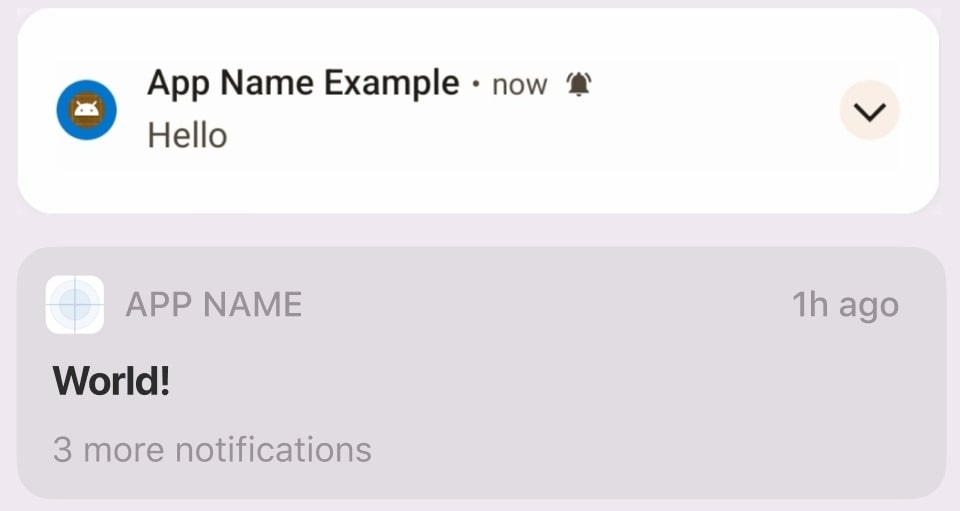
hide(), updateMessage(), and scheduleMessage()flutter_local_notificationsWe welcome contributions! Please see our contributing guide.
MIT License - see LICENSE for details.
Dependency list 19 items
{"sdk":"flutter"}{"sdk":"flutter"}^0.10.0^18.0.1^2.1.5^1.9.0^2.1.8^11.3.1^11.2.2^3.0.6^1.3.0^2.2.2^4.9.0{"sdk":"flutter"}^3.0.1^5.4.4^1.24.9^2.4.8^6.7.1Start with your use case, compare repository activity, and check the original project before adopting it.
“A repository is the most basic element of GitHub.”
GitHub Docs — About repositories ↗