

 v3.0.0
keyboard_dismisser
A simple Flutter package to hide the keyboard when performing a gesture outside of it.
247Likes 31.8K30-day downloads160Pub points
AndroidiOSWebmacOSWindowsLinux
A simple Flutter package to hide the keyboard when performing a gesture outside of it.

English project snapshot. Visit GitHub for the latest content.
A simple Flutter package to hide the keyboard when performing a gesture outside of it.

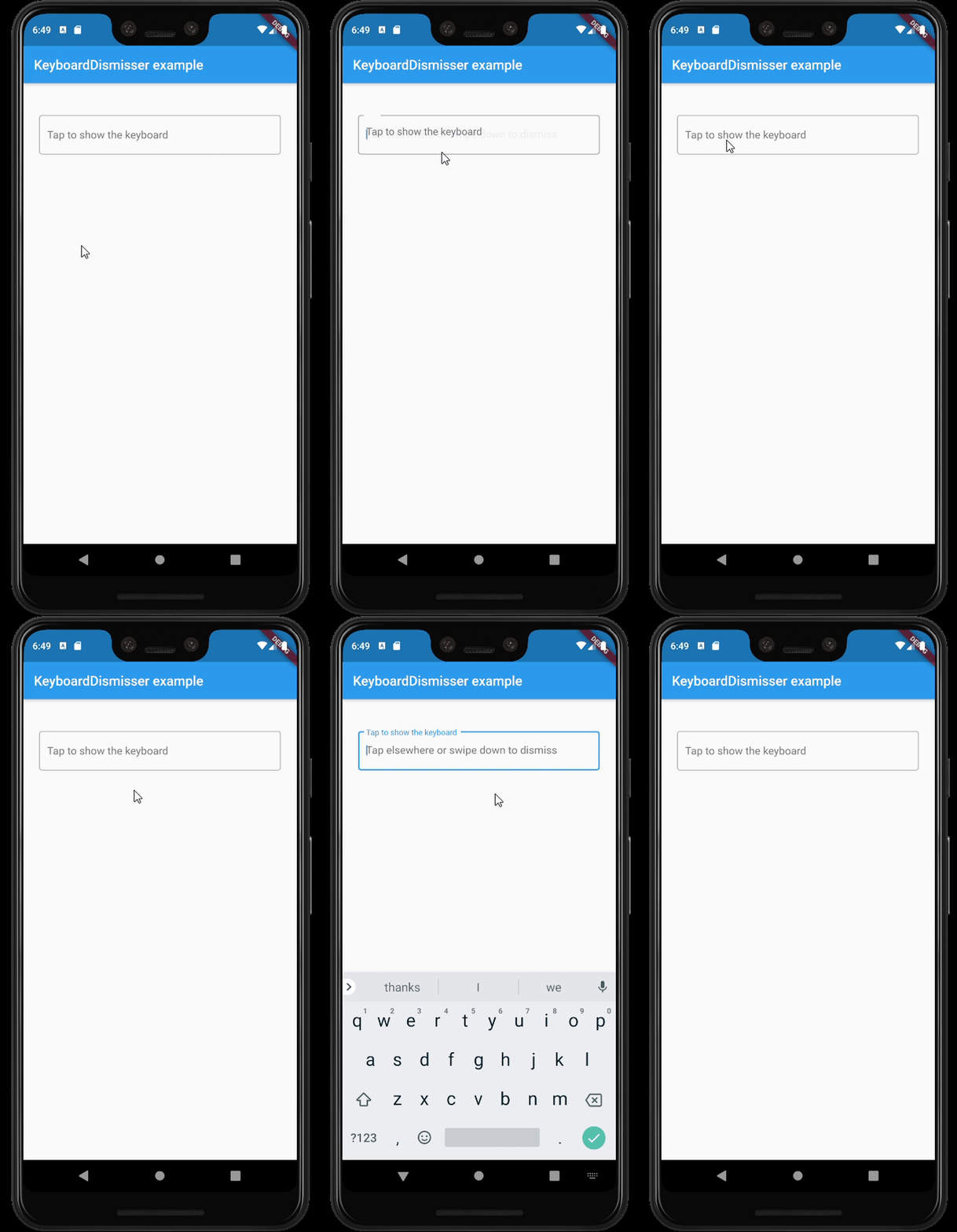
GestureDetector.This package exposes a KeyboardDismisser stateless widget. You can wrap your widget with it, and
your widget will be able to dismiss the keyboard when performing a gesture.
    Widget build(BuildContext context) => KeyboardDismisser(
        child: Scaffold(
            body: ...,
        ),
      );
KeyboardDismisser takes a gestures parameter, which is a list of GestureType enum cases. This
way, you can pass any gesture you like for the keyboard dismissal. By default, KeyboardDismisser
will dismiss the keyboard when tapping outside of it, but it handles several gestures at the
same time.
    Widget build(BuildContext context) => KeyboardDismisser(
        gestures: [GestureType.onTap, GestureType.onPanUpdateDownDirection],
        child: Scaffold(
            body: ...,
        ),
      );
In the pubspec.yaml of your flutter project, add the following dependency:
dependencies:
  keyboard_dismisser: "^[LATEST_VERSION]"
Then run $ flutter pub get. In your library, add the following import:
import 'package:keyboard_dismisser/keyboard_dismisser.dart';
Diego Rogel - GitHub
Check the Changelog page to see what's recently changed.
This project is licensed under the MIT License - see the LICENSE file for details.
Dependency list 2 items
{"sdk":"flutter"}{"sdk":"flutter"}Start with your use case, compare repository activity, and check the original project before adopting it.
“A repository is the most basic element of GitHub.”
GitHub Docs — About repositories ↗