FLUTTER ECOSYSTEM

eopeter/flutter_dialpad

A Phone Dialpad for your Flutter Application

flutter_dialpad project cover
Stars
24
Forks
39
Last push (UTC)
Jan 11, 2024
Project status
Active
Emmanuel Oche GitHub avatar
GITHUB User

Emmanuel Oche ↗

I never stop learning...

@eopeterBuffalo, NYOfficial website ↗
LanguagesDartRubyHTMLShellSwiftKotlinObjective-C

Packages published by this repository

Dependencies used

Dependency list 4 items
  • flutter{"sdk":"flutter"}
  • flutter_dtmf^3.0.0
  • flutter_masked_text2{"git":{"url":"https://github.com/cybex-dev/flutter_masked_text","ref":"156f63b77d23148d9f1544230e3201ab6172f470"}}
  • flutter_testDevelopment{"sdk":"flutter"}

Original README

English project snapshot. Visit GitHub for the latest content.

Expand / collapse project README

flutter_dialpad

A phone dialer widget that can be added to any Flutter Application to enable the ability to dial a number. This could be combined with a VoIP application to enable placing calls.

This is a purely Dart widget with no dependency on Android or iOS except for the flutter_dtmf package it uses for DTMF tone generation on pressing a button. You can turn it off by setting enableDtmf: false

Getting Started

@override  
  Widget build(BuildContext context) {  
    return Scaffold(  
      backgroundColor: Colors.black,  
      body: SafeArea(  
        child:  
            DialPad(  
                // temporarily disabled  
                // enableDtmf: true,  
                outputMask: "(000) 000-0000",  
                backspaceButtonIconColor: Colors.red,  
                makeCall: (number){  
                    print(number);  
                }  
            )  
        ),  
    );  
  }  

Pre-built UIs

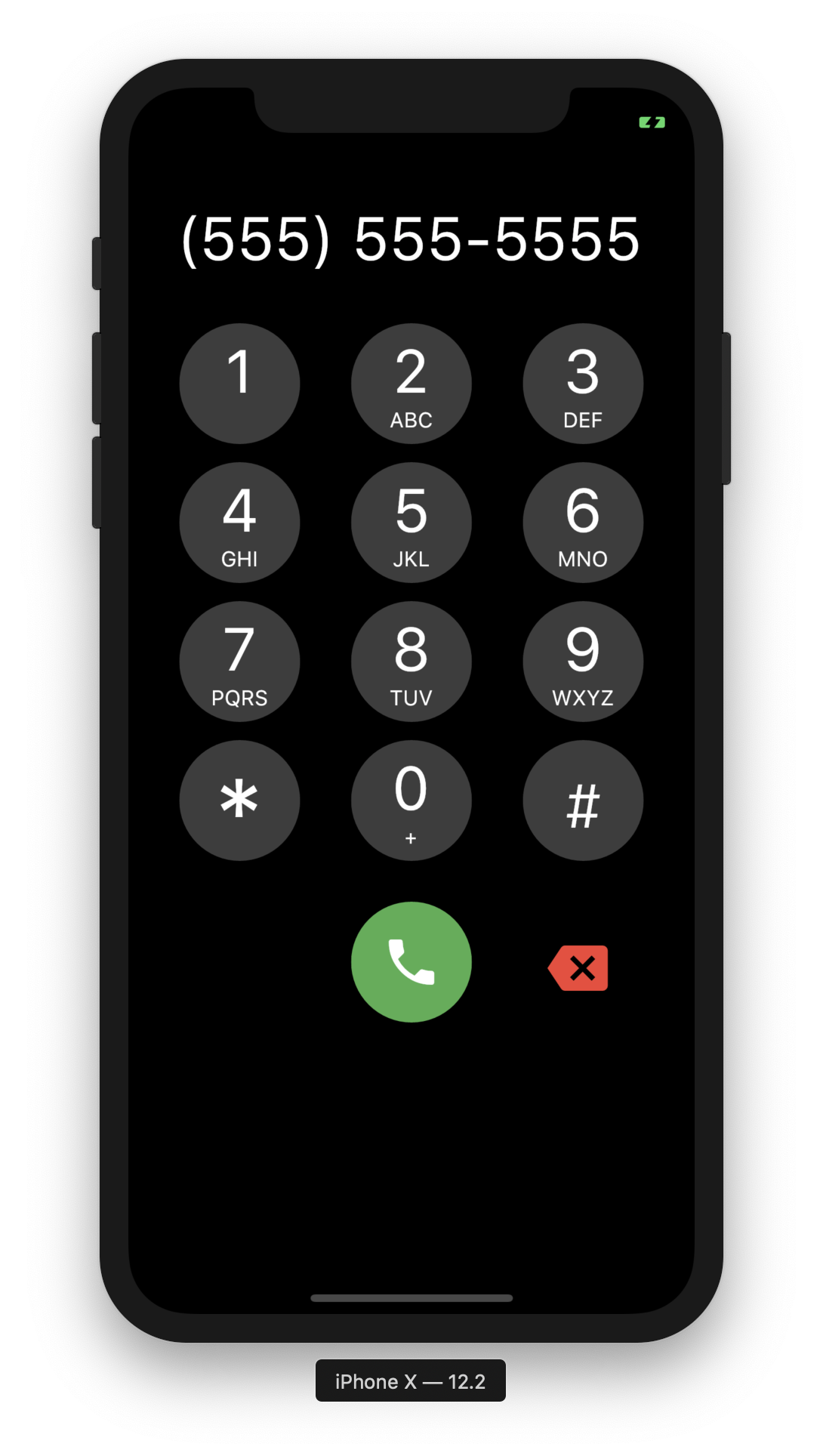
Support has been added for custom UIs, using Dialpad.ios for iOS style keypad or DialPad.metro metro theme. Additional customization is available with many different options.

UI Scaling

A few considerations:

ScalingType

DialPad supports dynamic scaling of UI. Using either a ScalingType.fixed approach will use preset text & icon sizes. If you are using flutter_web_frame with some window constraints, you may wish to use ScalingType.height. For most cases ScalingType.min should suffice.

ScalingSize

Scaling Size provides an easy way to specify the scalar multiplier for the scaling calculation. Instead of using a predefined value of e.g. 0.001, the ScalingSize.small is now used. Customization for buttons allows making the dial button large with a small backspace button.

Scalable

If you wish to add your own Scalable button, feel free to create a widget with Scalable to make use of the rescale function.

Clamping

Scaled UI elements may become extremely small, using minScalingSize and maxScalingSize you can clamp the scaling to a percentage of the original size. This is useful for ensuring the UI is still usable.

Screenshots

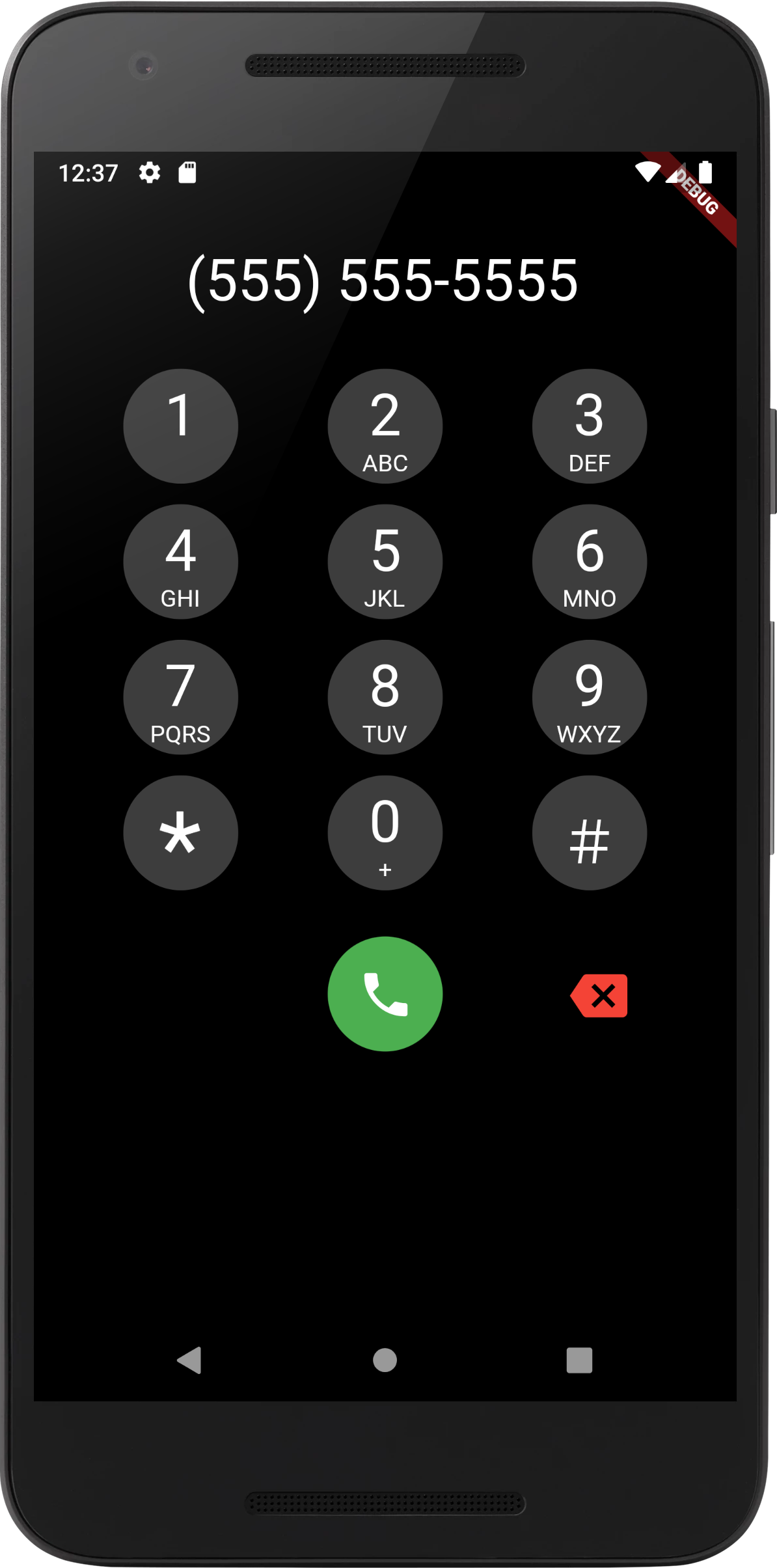
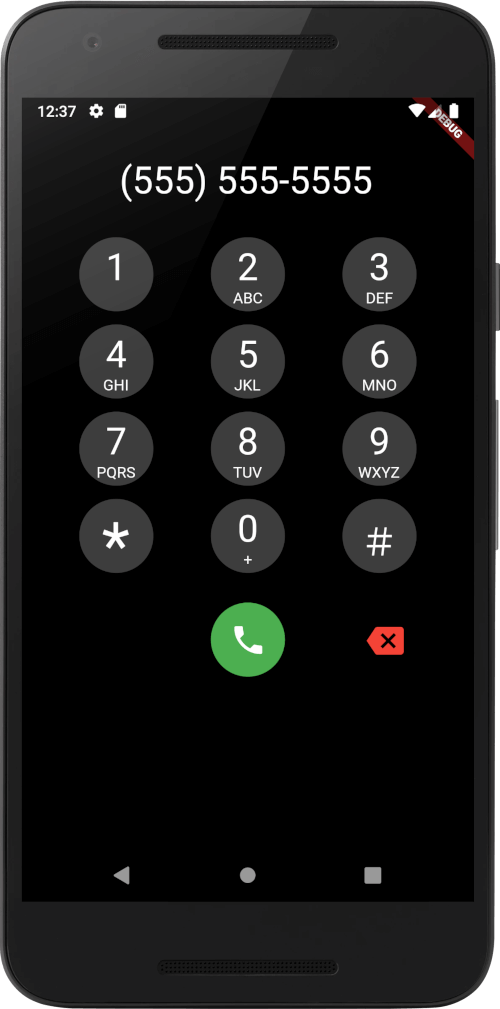
iOS Screenshot Android Screenshot

To Do

[Done] Add DTMF Tones

  • Shrink Ouput to Fit
  • Support for Local Numbers in Text Input Mask