
 v1.0.0
opencv_4
A flutter package project which contains a collection of OpenCV modules.
102Likes 8030-day downloads130Pub points
AndroidiOS
fgsoruco/opencv_4 open-source repository details.
English project snapshot. Visit GitHub for the latest content.
This package contains the implementation of OpenCV modules, the version used is 4.3.0 for both Android and iOS platforms.



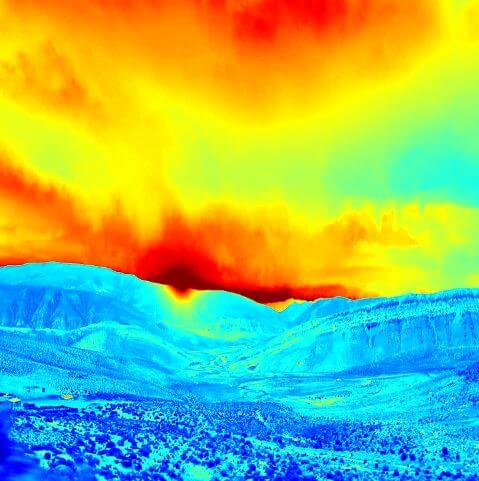
Cv2.ctvColorCv2.COLOR_BGR2GRAYAdd this to your package's pubspec.yaml file:
dependencies:
  opencv_4: ^1.0.0
You can install packages from the command line:
with Flutter:
$ flutter pub get
Now in your Dart code, you can use:
import 'package:opencv_4/opencv_4.dart';
android (folder) -> app (folder) -> build.gradledefaultConfig {
...
minSdkVersion 21
...
}
Nullsafety If you are going to test the example you need to configure pubspect.yamlenvironment:
sdk: ">=2.12.0 <3.0.0"
Cv2: Class that contains the implementation of OpenCV modules
CVPathFrom: Allows you to configure the path to process the images
URL (static constant) configure opencv for web imagesGALLERY_CAMERA (static constant) configure opencv for images obtained from the image_picker packageASSETS (static constant) configure opencv for flutter images in pubspect.yaml --> assets/test.jpg
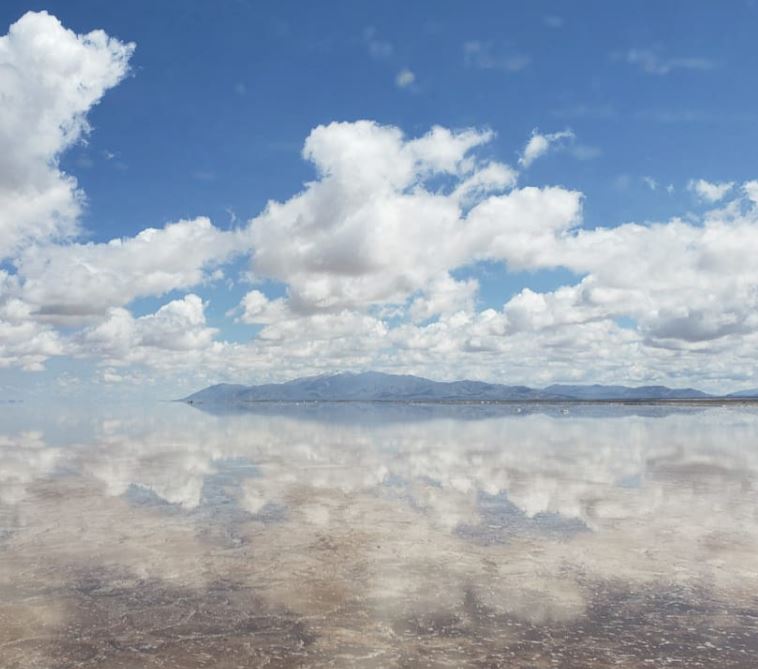
Some examples
Must be called within a async function
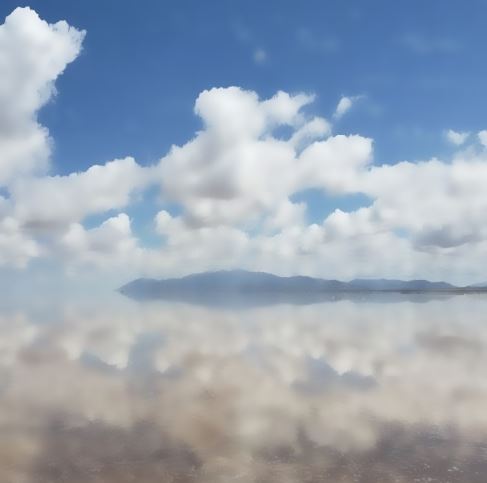
Uint8List _byte = await Cv2.bilateralFilter(
        pathFrom: CVPathFrom.ASSETS,
        pathString: 'assets/Test.JPG',
        diameter: 20,
        sigmaColor: 75,
        sigmaSpace: 75,
        borderType: Cv2.BORDER_DEFAULT,
      );

      setState(() {
        _byte;
      });
Show result in an image widget
Image.memory(
      _byte,
      width: 300,
      height: 300,
      fit: BoxFit.fill,
    )
Note: If you want to process an image from the web you must configure pathFrom: CVPathFrom.URL replace in pathString with a URL, for example. pathString: 'https://mir-s3-cdn-cf.behance.net/project_modules/fs/313f8e114930481.6044f05fcd866.jpeg'
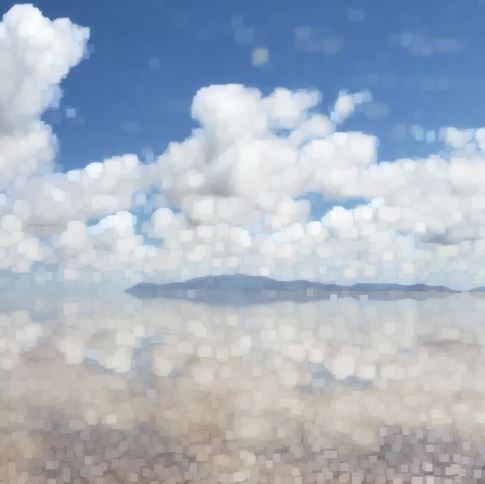
Uint8List _byte = await Cv2.dilate(
        pathFrom: CVPathFrom.ASSETS,
        pathString: 'assets/Test.JPG',
        kernelSize: [3, 3],
      );

      setState(() {
        _byte;
      });
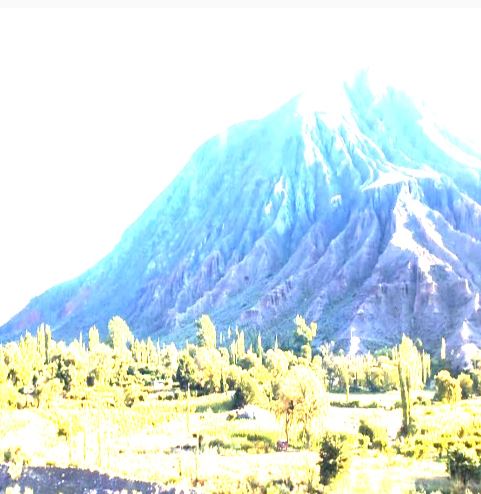
Uint8List _byte = await Cv2.filter2D(
        pathFrom: CVPathFrom.URL,
        pathString:
          'https://mir-s3-cdn-cf.behance.net/project_modules/max_1200/634dba114930481.6044f05fcb2dd.jpeg',
        outputDepth: -1,
        kernelSize: [2, 2],
      );

      setState(() {
        _byte;
      });
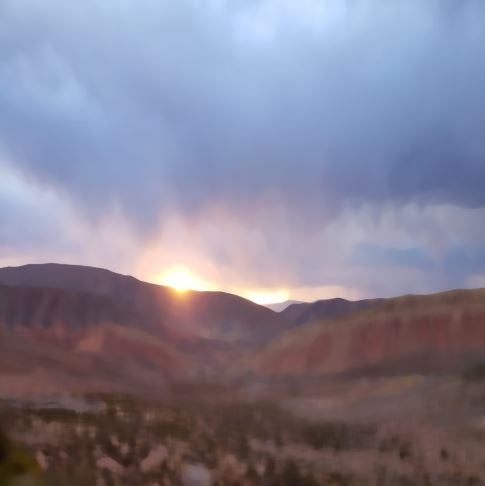
Uint8List _byte = await Cv2.medianBlur(
        pathFrom: CVPathFrom.URL,
        pathString:
          'https://mir-s3-cdn-cf.behance.net/project_modules/max_1200/16fe9f114930481.6044f05fca574.jpeg',
        kernelSize: 19,
      );

      setState(() {
        _byte;
      });
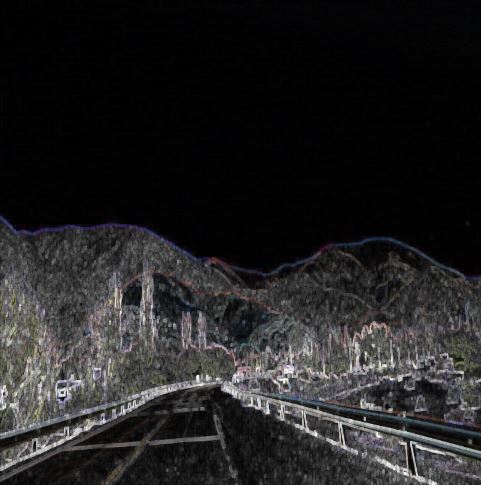
Uint8List _byte = await Cv2.morphologyEx(
        pathFrom: CVPathFrom.URL,
        pathString:
          'https://mir-s3-cdn-cf.behance.net/project_modules/fs/c7da51114930481.6044f05fcc76a.jpeg',
        operation: Cv2.MORPH_TOPHAT,
        kernelSize: [5, 5],
      );

      setState(() {
        _byte;
      });
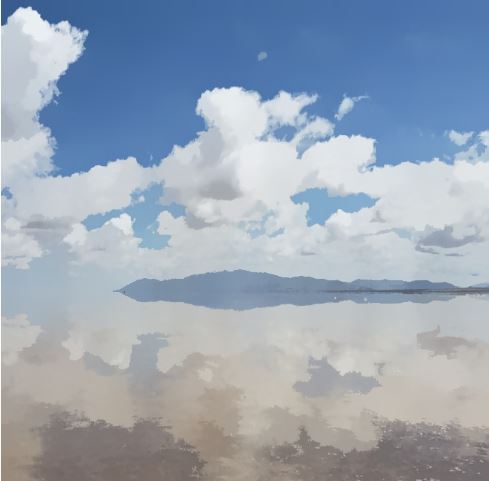
Uint8List _byte = await Cv2.pyrMeanShiftFiltering(
        pathFrom: CVPathFrom.ASSETS,
        pathString: 'assets/Test.JPG',
        spatialWindowRadius: 20,
        colorWindowRadius: 20,
      );

      setState(() {
        _byte;
      });
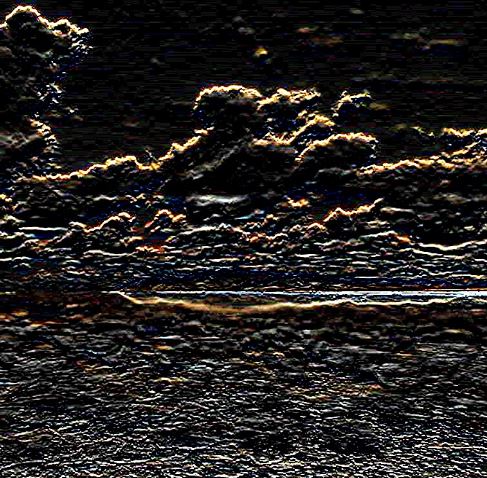
Uint8List _byte = await Cv2.scharr(
        pathFrom: CVPathFrom.ASSETS,
        pathString: 'assets/Test.JPG',
        depth: Cv2.CV_SCHARR,
        dx: 0,
        dy: 1,
      );

      setState(() {
        _byte;
      });
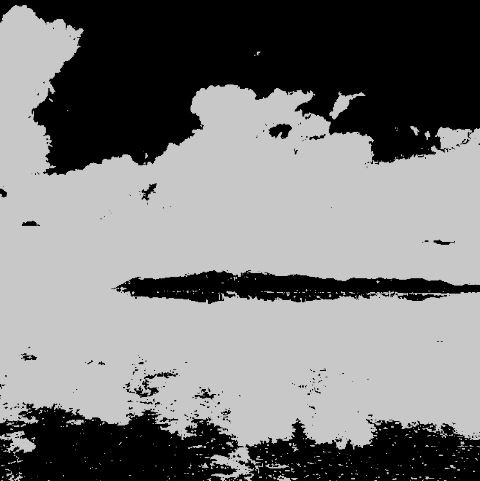
Uint8List _byte = await Cv2.threshold(
        pathFrom: CVPathFrom.ASSETS,
        pathString: 'assets/Test.JPG',
        thresholdValue: 150,
        maxThresholdValue: 200,
        thresholdType: Cv2.THRESH_BINARY,
      );

      setState(() {
        _byte;
      });
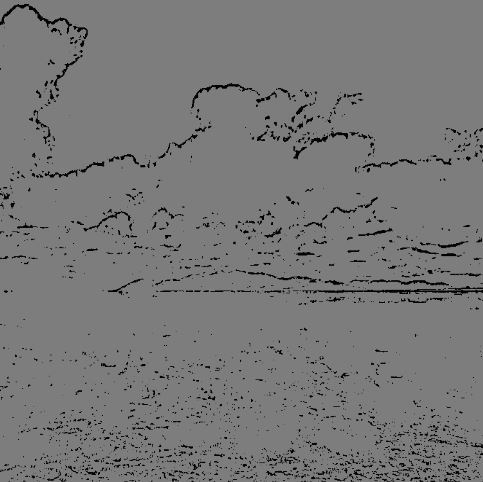
Uint8List _byte = await Cv2.adaptiveThreshold(
        pathFrom: CVPathFrom.ASSETS,
        pathString: 'assets/Test.JPG',
        maxValue: 125,
        adaptiveMethod: Cv2.ADAPTIVE_THRESH_MEAN_C,
        thresholdType: Cv2.THRESH_BINARY,
        blockSize: 11,
        constantValue: 12,
      );

      setState(() {
        _byte;
      });
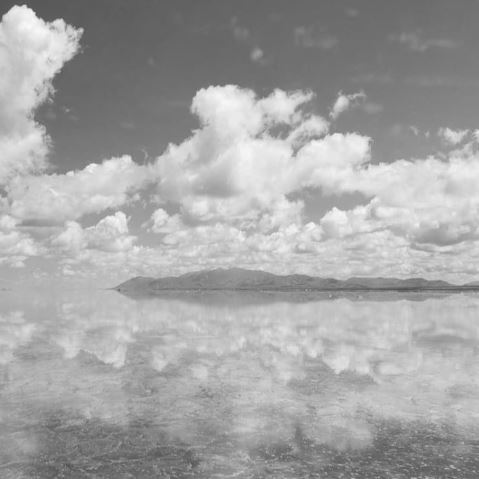
Uint8List _byte = await Cv2.cvtColor(
        pathFrom: CVPathFrom.ASSETS,
        pathString: 'assets/Test.JPG',
        outputType: Cv2.COLOR_BGR2GRAY,
      );

      setState(() {
        _byte;
      });
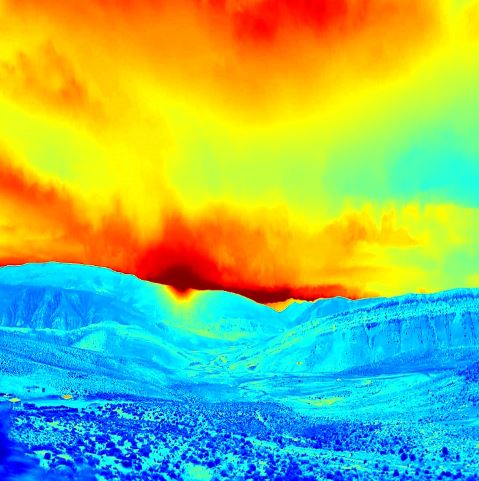
Uint8List _byte = await Cv2.applyColorMap(
        pathFrom: CVPathFrom.URL,
        pathString:
          'https://mir-s3-cdn-cf.behance.net/project_modules/max_1200/16fe9f114930481.6044f05fca574.jpeg?raw=true',
        colorMap: Cv2.COLORMAP_JET,
      );

      setState(() {
        _byte;
      });
Please file feature requests and bugs at the issue tracker.
BTC: bc1qhy5uer94d4xvp2wgtfg5l6s6jk8gwj6d0ufqvhBNB: bnb17z7dqeeyrkhq2l9mx6p3hg6ewvshrpkqqzcpr9ETH: 0xb76D1F1f97eBf5B2096D5449cB3DDD2096CCB4b3
Dependency list 3 items
{"sdk":"flutter"}^3.0.1{"sdk":"flutter"}Start with your use case, compare repository activity, and check the original project before adopting it.
“A repository is the most basic element of GitHub.”
GitHub Docs — About repositories ↗