

 v0.6.0
gauge_indicator
An animated, highly customizable, open source, Flutter gauge widget.
217Likes 21.2K30-day downloads160Pub points
AndroidiOSWebmacOSWindowsLinux
gonuit/gauge_indicator open-source repository details.

English project snapshot. Visit GitHub for the latest content.
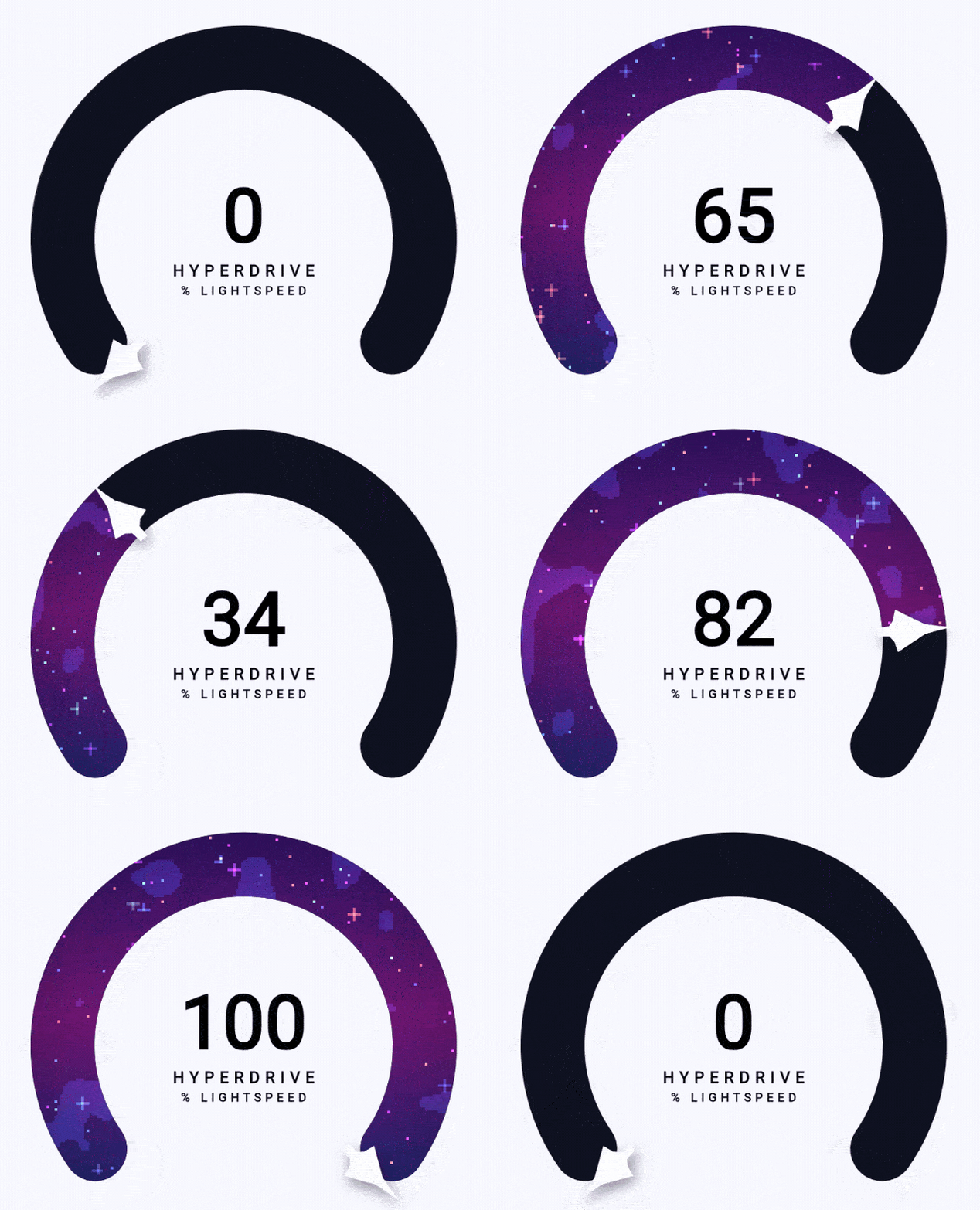
Animated, highly customizable, open-source Flutter gauge indicator widget.
Click any thumbnail to open it in the hosted playground. Source for each lives in example/lib/examples/.
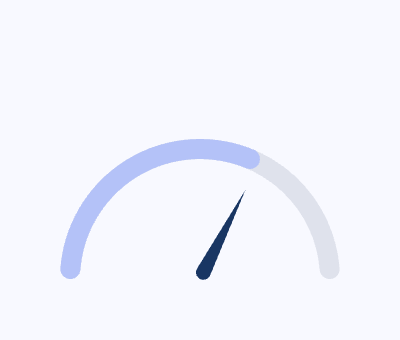 Getting started |
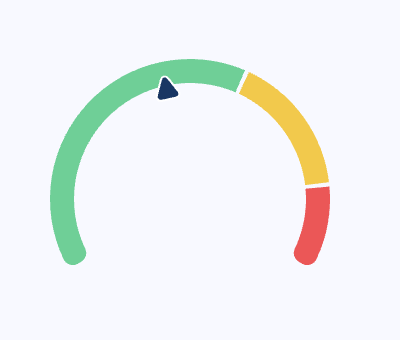 Zones |
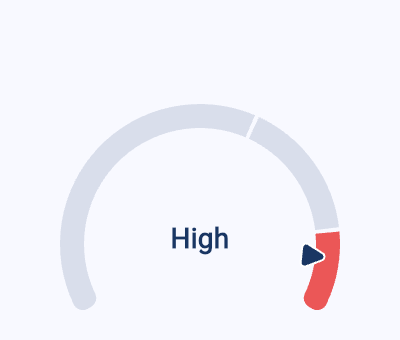 Active zone |
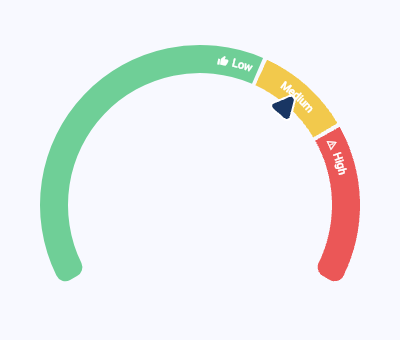 Zone labels |
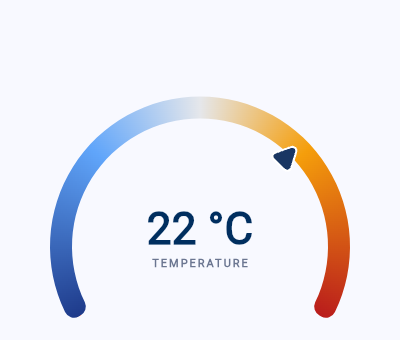 Thermometer |
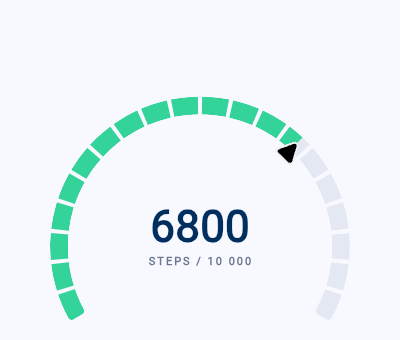 Step goal |
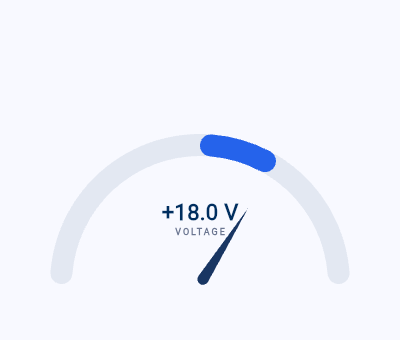 Voltmeter |
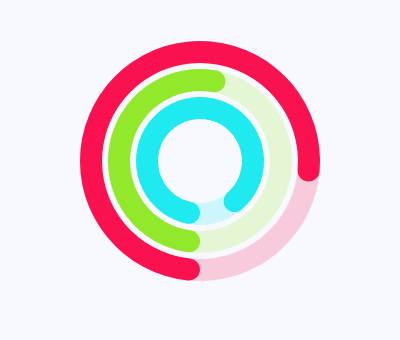 Activity rings |
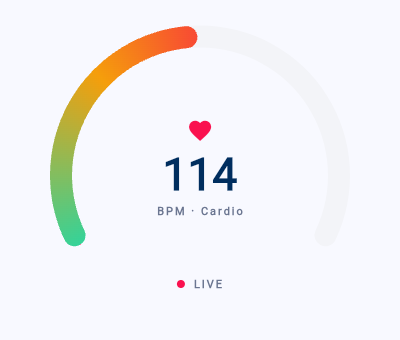 Live heart rate |
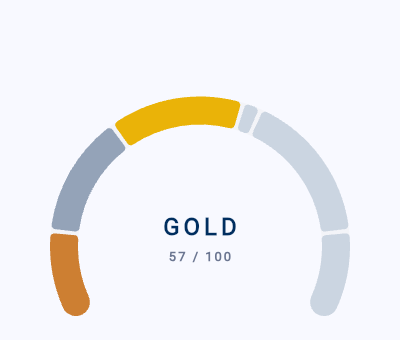 Rank progression |
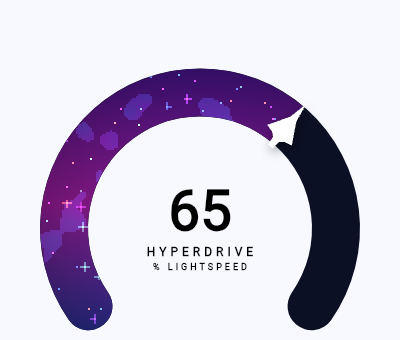 Progress bar shader |
Install:
flutter pub add gauge_indicator
Drop an AnimatedRadialGauge (or RadialGauge) into your tree, sized by its parent:
import 'package:gauge_indicator/gauge_indicator.dart';

SizedBox(
  width: 280,
  height: 200,
  child: AnimatedRadialGauge(
    duration: const Duration(milliseconds: 800),
    value: 65,
    axis: const GaugeAxis(min: 0, max: 100),
  ),
)
Pointers, progress bars, zones, gradients, and labels are all opt-in via the GaugeAxis config — see the gallery above for working setups.
Dependency list 3 items
{"sdk":"flutter"}^5.0.0{"sdk":"flutter"}Start with your use case, compare repository activity, and check the original project before adopting it.
“A repository is the most basic element of GitHub.”
GitHub Docs — About repositories ↗