


 v2.3.1
siri_wave
A Flutter package that lets you create visually stunning Siri-style waveforms.
160Likes 5.5K30-day downloads150Pub points
AndroidiOSWebmacOSWindowsLinux
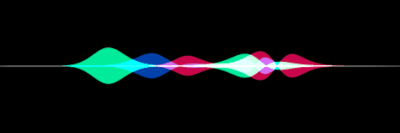
Create beautiful waveforms like in Siri.

English project snapshot. Visit GitHub for the latest content.



Create visually stunning waveforms similar to those found in Siri.
Inspired from the siriwave library.
Check out the live demo here.

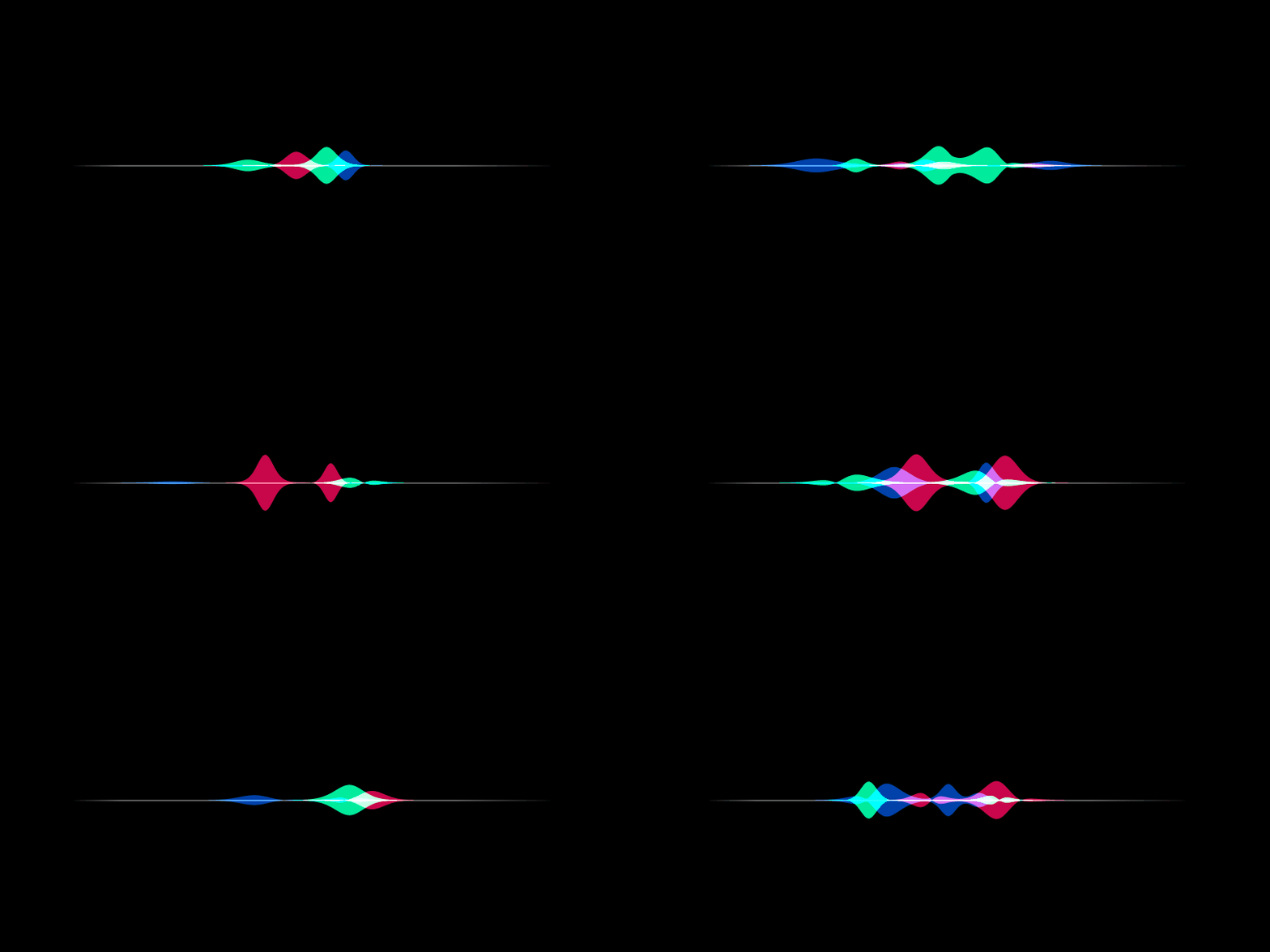
To create an iOS 7 Siri-style waveform, use the SiriWaveform.ios7()
constructor:
import 'package:siri_wave/siri_wave.dart';

class MyWidget extends StatelessWidget {
  MyWidget({super.key});

  Widget build(BuildContext context) => SiriWaveform.ios7();
}
You can customize the waveform by passing a controller and/or options:
class MyWidget extends StatelessWidget {
  MyWidget({super.key});

  final controller = IOS7SiriWaveformController(
    amplitude: 0.5,
    color: Colors.red,
    frequency: 4,
    speed: 0.15,
  );

  @override
  Widget build(BuildContext context) => SiriWaveform.ios7(
        controller: controller,
        options: const IOS7SiriWaveformOptions(height: 200, width: 400),
      );
}
You can also change the properties of the waveform later:
  controller.amplitude = 0.3;
  controller.color = Colors.white;
To create an iOS 9 Siri-style waveform, use the SiriWaveform.ios9()
constructor:
import 'package:siri_wave/siri_wave.dart';

class MyWidget extends StatelessWidget {
  MyWidget({super.key});

  Widget build(BuildContext context) => SiriWaveform.ios9();
}
As with the iOS 7 Siri-style waveform, you can customize the waveform by
passing a controller and/or options:
class MyWidget extends StatelessWidget {
  MyWidget({super.key});

  final controller = IOS9SiriWaveformController(
    amplitude: 0.5,
    color1: Colors.red,
    color2: Colors.green,
    color3: Colors.blue,
    speed: 0.15,
  );

  @override
  Widget build(BuildContext context) => SiriWaveform.ios9(
        controller: controller,
        options: const IOS9SiriWaveformOptions(height: 200, width: 400),
      );
}
For a complete sample application, please checkout the example.
To learn more, see the API Documentation.
Contributions, issues and feature requests are welcome. Feel free to check the issue tracker if you want to contribute.
Dependency list 4 items
{"sdk":"flutter"}{"sdk":"flutter"}^0.1.1^2.0.0Start with your use case, compare repository activity, and check the original project before adopting it.
“A repository is the most basic element of GitHub.”
GitHub Docs — About repositories ↗