
conditonal_builder_null_safety
This package its purpose Show UI elements according to conditional type and supports null safety
- Stars
- 2
- Forks
- 0
- Last push (UTC)
- Sep 18, 2021
- Project status
- Active
Original README
English project snapshot. Visit GitHub for the latest content.
conditional_builder_null_safety
This is package its purpose show UI elements according for conditional type and supports null safety
Getting Started
dependencies:
  conditional_builder_null_safety: ^0.0.6
import this package
import 'package:conditional_builder_null_safety/conditional_builder_null_safety.dart';
Example
If the condition is true, will be builder executed
  @override
  Widget build(BuildContext context) {
    return MaterialApp(
      home: Scaffold(
        body: ConditionalBuilder(
          condition: true,
          builder: (context) => Center(child: Text('this is true')),
          fallback: (context) => Center(child: Text('this is not true')),
        ),
      ),
    );
  }
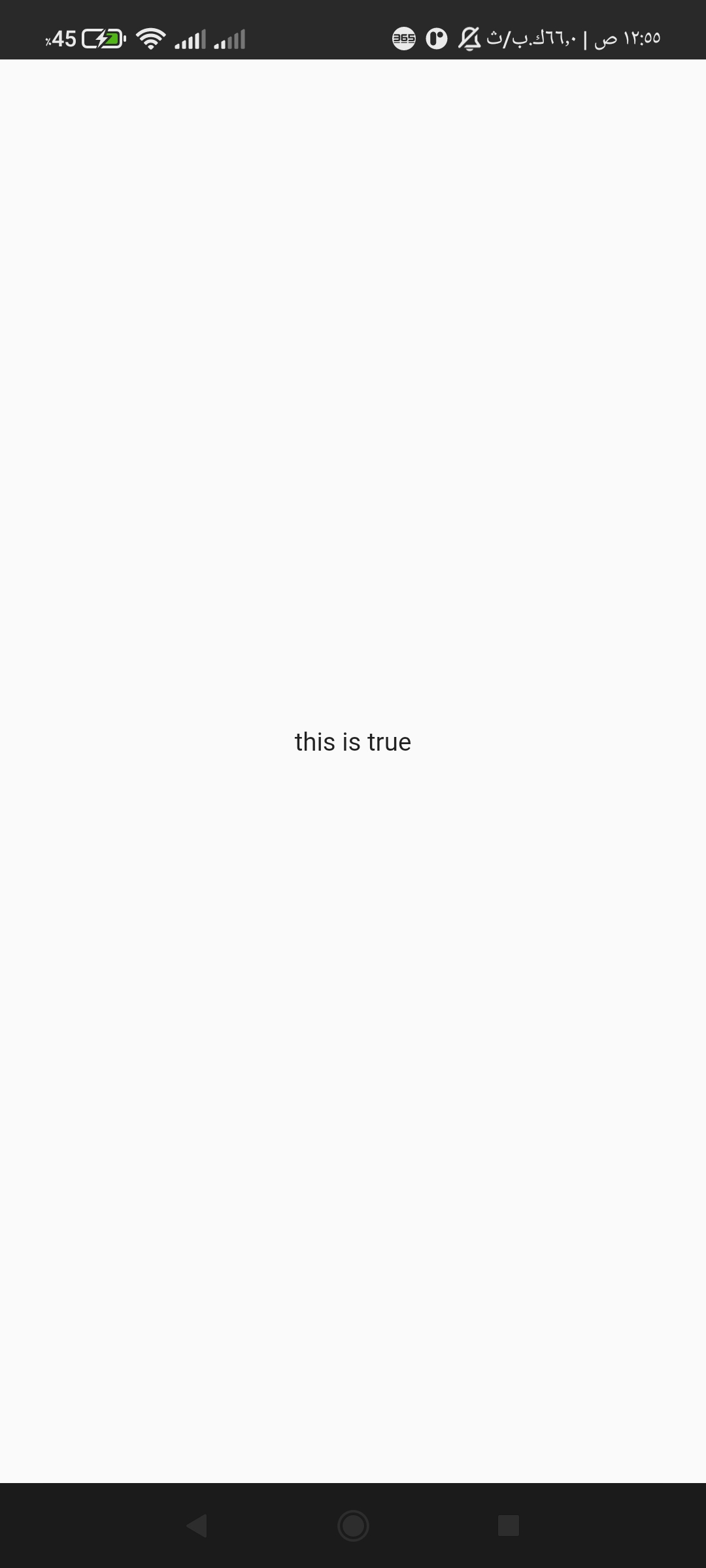
If the condition is not true or false, will be fallback executed
  @override
  Widget build(BuildContext context) {
    return Scaffold(
      body: ConditionalBuilder(
        condition: false,
        builder: (context) => Center(child: Text('this is true')),
        fallback: (context) => Center(child: Text('this is not true')),
      ),
    );
  }
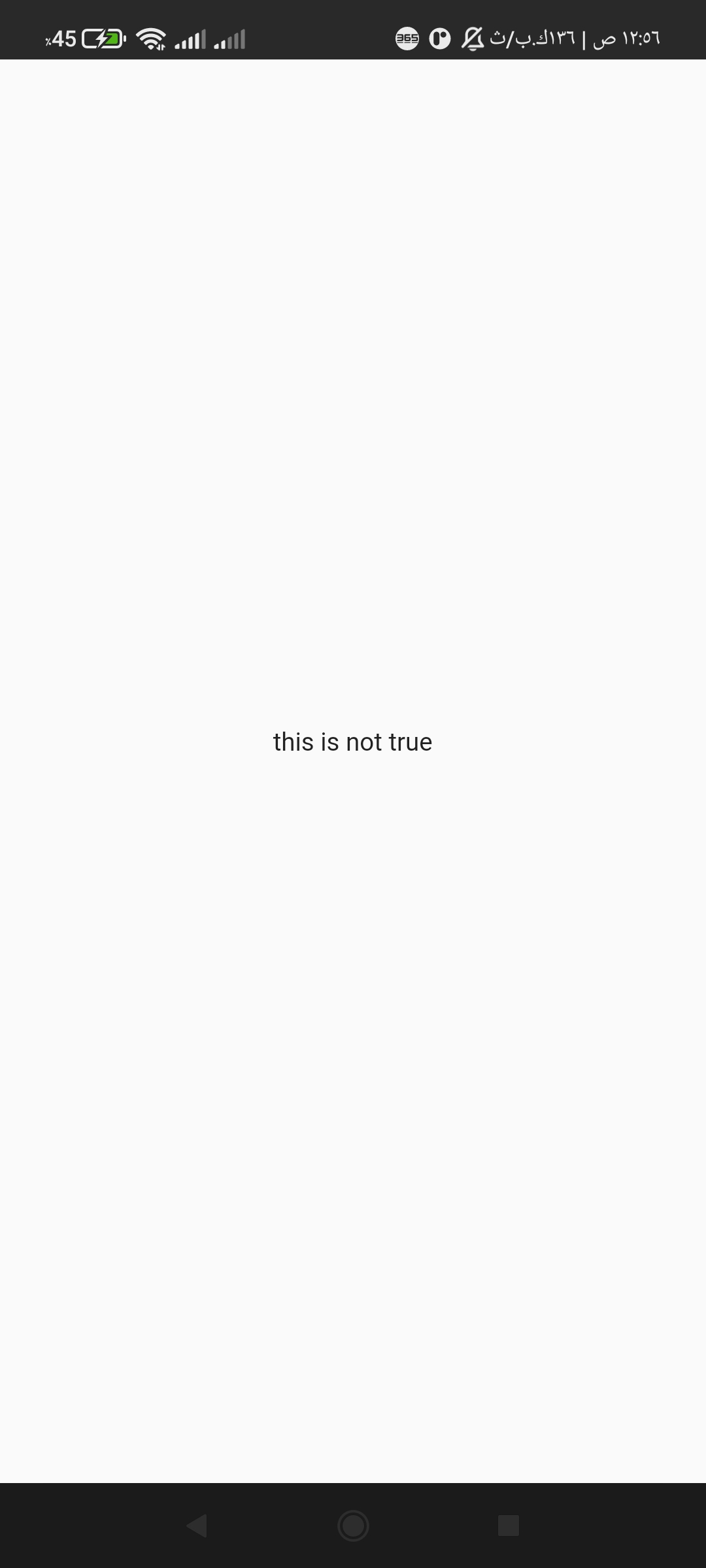
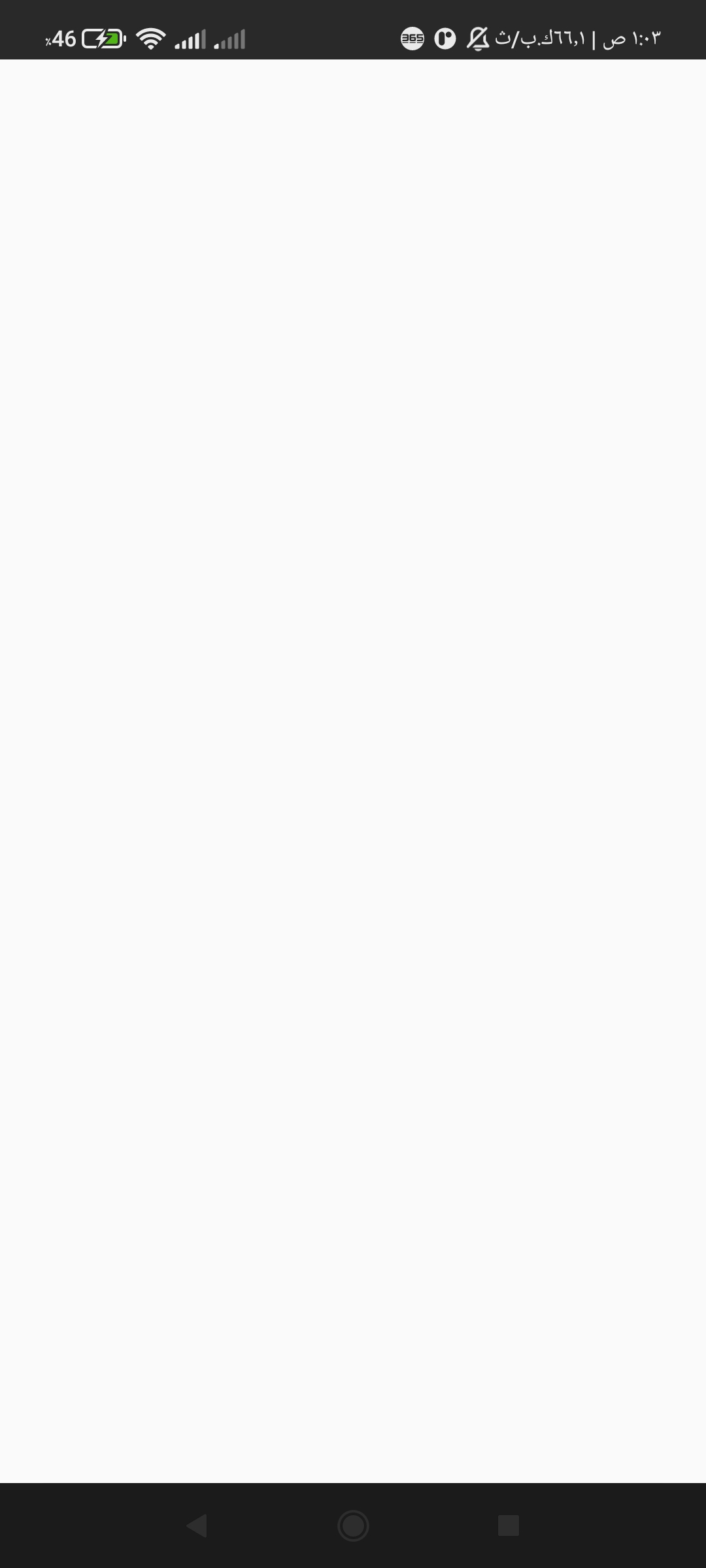
you can set fallback is null don't worry it is return a empty container
@override
  Widget build(BuildContext context) {
    return Scaffold(
      body: ConditionalBuilder(
        condition: false,
        builder: (context) => Center(child: Text('this is true')),
        fallback: null,
      ),
    );
  }
add a new function generateRandom(int min, int max); its return int , create random number between minimum and maximum
int random = generateRandom(10 , 100);
//output 99 or 47 or 11 or else number
This project is a starting point for a Dart package, a library module containing code that can be shared easily across multiple Flutter or Dart projects.
For help getting started with Flutter, view our online documentation, which offers tutorials, samples, guidance on mobile development, and a full API reference.

Hamada Mohammed Seif ↗
Categories
Dependencies used
Dependency list 2 items
- flutter
{"sdk":"flutter"} - flutter_testDevelopment
{"sdk":"flutter"}
How do I choose a repository?
Start with your use case, compare repository activity, and check the original project before adopting it.
- Search by repository name, owner or description, then narrow the results by topic.
- Compare stars, forks and recent pushes. Stars show community interest, not a guarantee of quality.
- Read the README, license and issues on GitHub before using a project.
Sources and maintenance
“A repository is the most basic element of GitHub.”
GitHub Docs — About repositories ↗