

 v1.1.1
path_morph
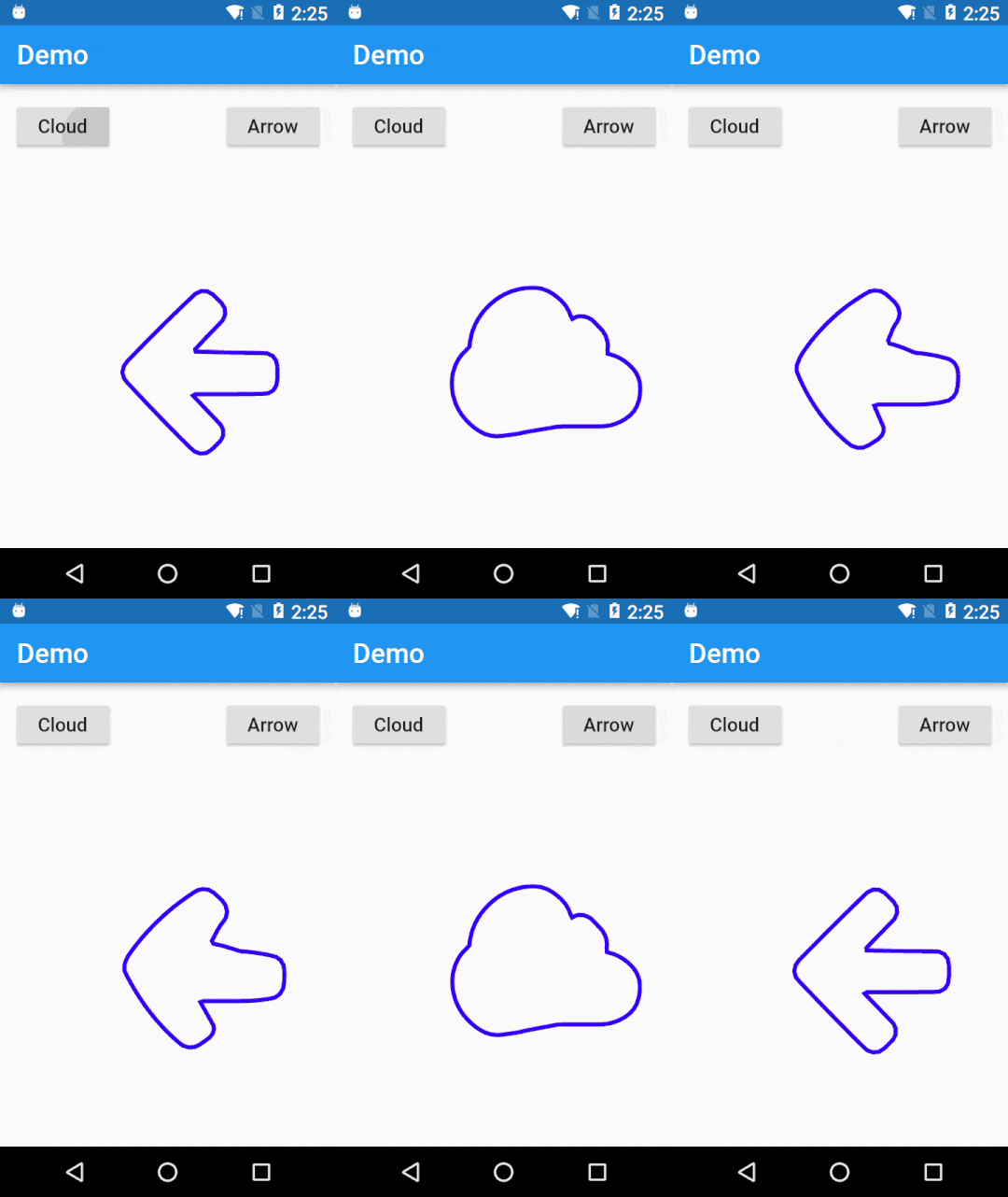
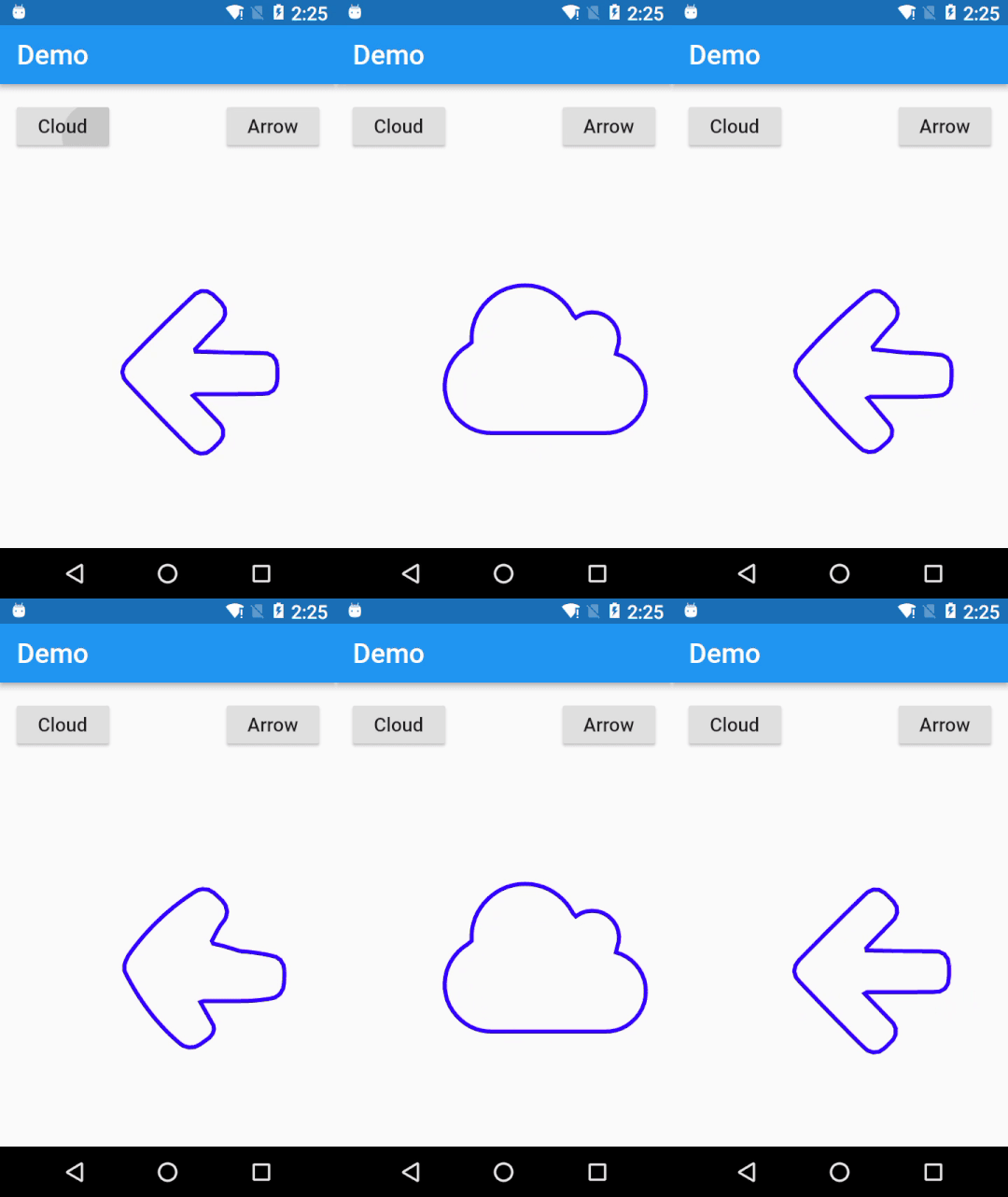
This package lets you create path tween animations. In other words, it lets you morph one path into another.
61Likes 9830-day downloads150Pub points
AndroidiOSWebmacOSWindowsLinux
This is a Flutter package that lets you smoothly morph one path into another.

English project snapshot. Visit GitHub for the latest content.
This is a pure Dart package that lets you smoothly morph one Flutter Path object into another. You can think of this as a path tween animation. The idea is to take two paths, a source path and a destination path, and smoothly move the points of the source path until it looks exactly like the destination path.
First you need to sample two paths using the PathMorph.samplePaths() method, which returns a SampledPathData object.
SampledPathData data = PathMorph.samplePaths(path1, path2);
Then you call the PathMorph.generateAnimations() method to create an animation for every point in the path. This method needs an AnimationController object and a SampledPathData object as arguments. Additionally, it expects you to pass a function to it, one that takes two arguments itself. In the body of the function, you must call setState() and update the value of the shiftedPoints list, which is present in the SampledPathData object.
AnimationController controller = AnimationController(vsync: this,
                                    duration: Duration(seconds: 1));

PathMorph.generateAnimations(controller, data, (i,z) {
    setState((){
      data.shiftedPoints[i] = z;
    });
});
Lastly, while rendering the morph animation, you can call the PathMorph.generatePath() method and pass the shiftedPoints list to it. This returns a Path object you can draw on your canvas. If you are using a CustomPainter object, you'll want to pass the path as an argument to it.
@override
Widget build(BuildContext context) {
    return CustomPaint(painter: MyPainter(PathMorph.generatePath(data)));
}
Do take a look at the example project to get a better idea.
This package currently allows you to morph two paths only if they both have an equal number of contours. You can think of a contour as a line you can draw without lifting the pen. For example, the path to draw a triangle, a circle, or a square has one contour only. But a path to draw two concentric circles will have two contours.
Dependency list 1 items
{"sdk":"flutter"}Start with your use case, compare repository activity, and check the original project before adopting it.
“A repository is the most basic element of GitHub.”
GitHub Docs — About repositories ↗