

 v1.3.0
imageview360
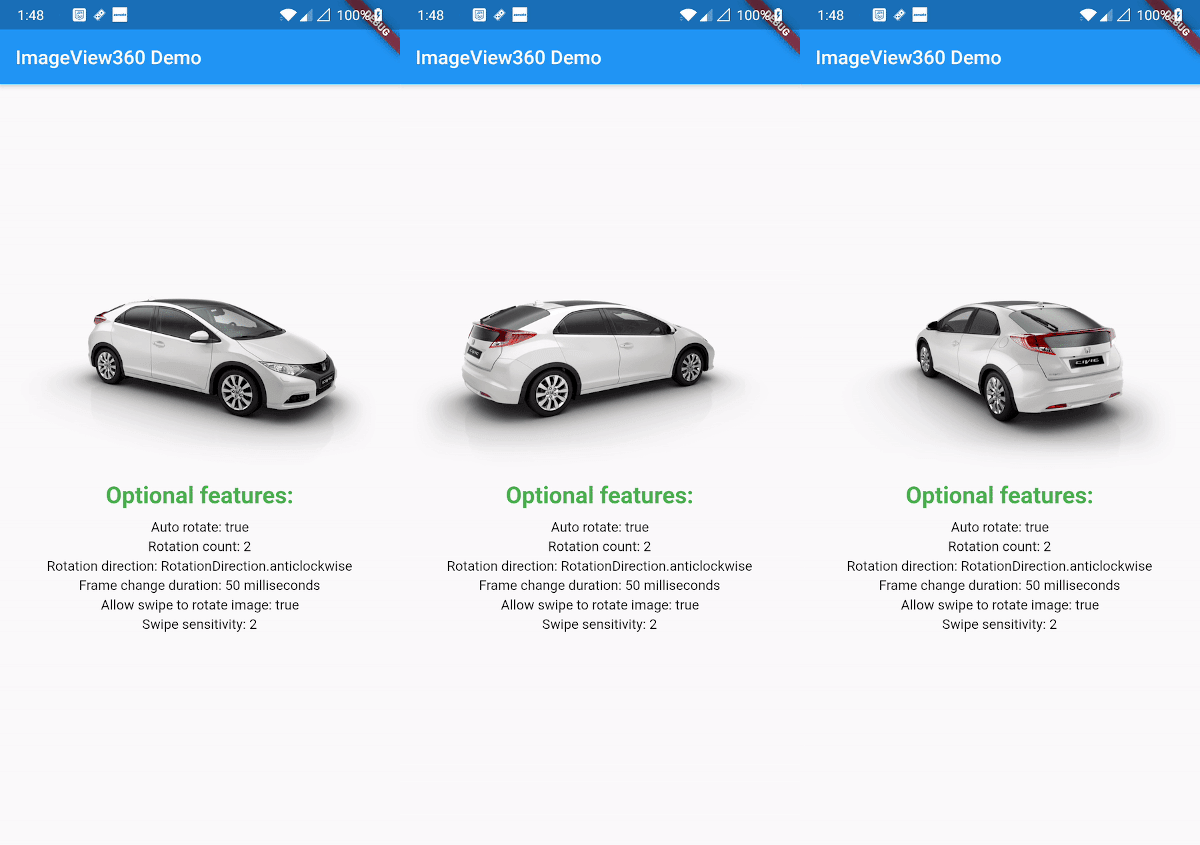
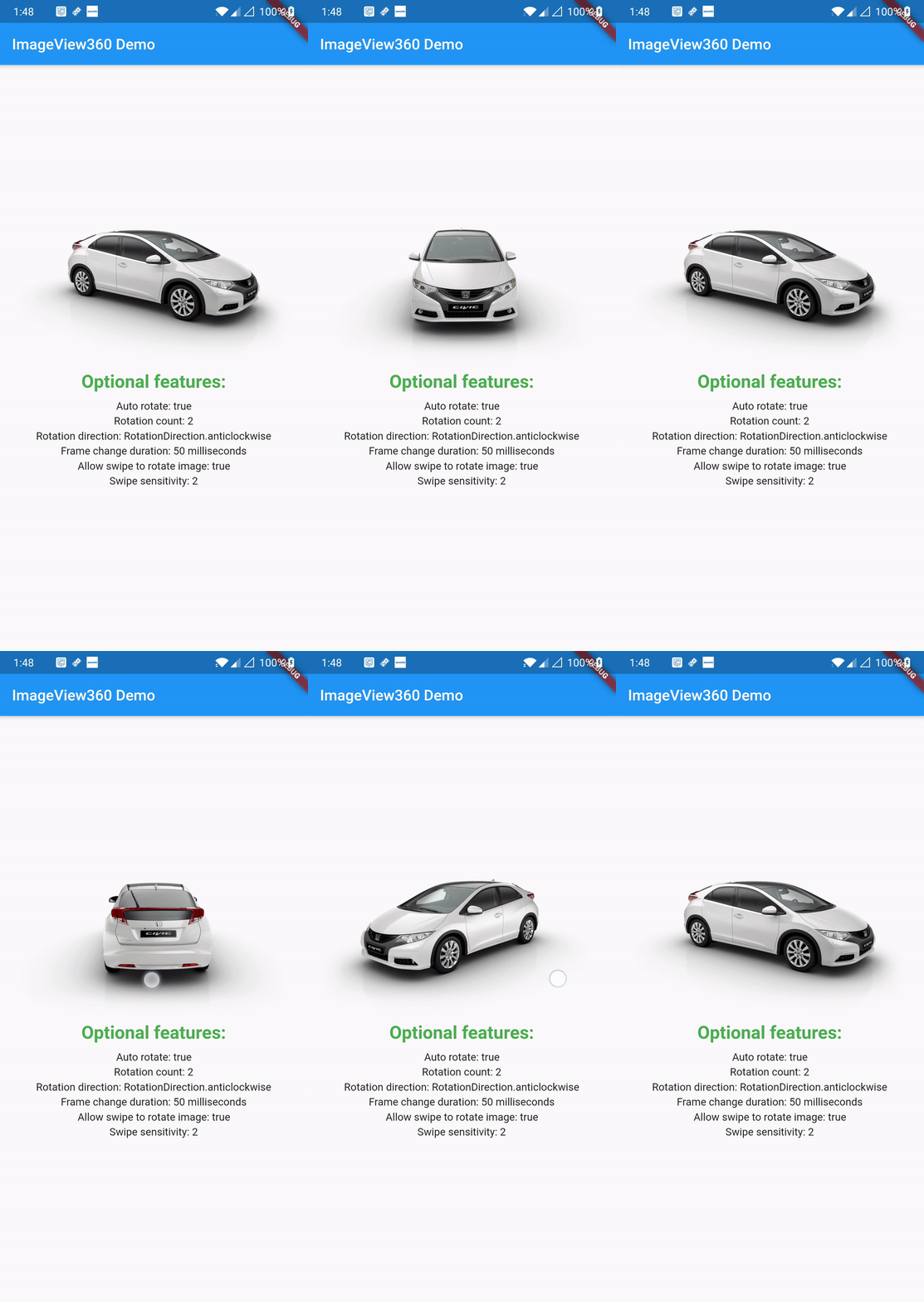
A Flutter package which provides 360 view of the images with rotation and gesture customisations.
198Likes 14530-day downloads150Pub points
AndroidiOSWebmacOSWindowsLinux
A Flutter package which provides 360 view of the images with rotation and gesture customisations.
English project snapshot. Visit GitHub for the latest content.
A Flutter package which provides 360 view of the images with rotation and gesture customisations.
Dart SDK version >= 2.12.0
Add the Package
dependencies:
  imageview360: ^1.2.0
Import the package in your dart file
import 'package:imageview360/imageview360.dart';
ImageView360(
     key: UniqueKey(),
     imageList: imageList,
),
Note: For ImageView360 to show instant changes on hot reload, you need to provide UniqueKey() so that the widget rebuilds every time.
ImageView360(
    key: UniqueKey(),
    imageList: imageList,
    autoRotate: true,                                           //Optional
    rotationCount: 2,                                           //Optional
    rotationDirection: RotationDirection.anticlockwise,         //Optional
    frameChangeDuration: Duration(milliseconds: 50),            //Optional
    swipeSensitivity: 2,                                        //Optional
    allowSwipeToRotate: true,                                   //Optional
    onImageIndexChanged: (currentImageIndex) {                  //Optional
                          print("currentImageIndex: $currentImageIndex");
                        },
)
Note: For better experience always precache image before providing the images to the widget as follows.
 List<ImageProvider> imageList = List<ImageProvider>();
   for (int i = 1; i <= 52; i++) {
      imageList.add(AssetImage('assets/sample/$i.png'));
// To precache images so that when required they are loaded faster.
      await precacheImage(AssetImage('assets/sample/$i.png'), context);
    }
| Attribute | Type | Usage |
|---|---|---|
| imageList | List | The list of images to be displayed |
| Attribute | Type | Default Value |
|---|---|---|
| autoRotate | bool | false |
| rotationCount | int | 1 |
| rotationDirection | RotationDirection | RotationDirection.clockwise |
| frameChangeDuration | Duration | Duration(milliseconds: 80) |
| swipeSensitivity | int | 1 (Note : Range allowed is 1-5 , less than 1 would be considered 1 and more than 5 would be considered 5) |
| allowSwipeToRotate | bool | true |
| onImageIndexChanged | Function(int) | (currentImageIndex){} |
To have a better understanding how this package works under the hood, checkout my blog post: 360 degree image showcase in Flutter
Copyright 2020 Harpreet Singh & Damanpreet Singh

Licensed under the Apache License, Version 2.0 (the "License");
you may not use this file except in compliance with the License.
You may obtain a copy of the License at

http://www.apache.org/licenses/LICENSE-2.0

Unless required by applicable law or agreed to in writing, software
distributed under the License is distributed on an "AS IS" BASIS,
WITHOUT WARRANTIES OR CONDITIONS OF ANY KIND, either express or implied.
See the License for the specific language governing permissions and
limitations under the License.

Dependency list 2 items
{"sdk":"flutter"}{"sdk":"flutter"}Start with your use case, compare repository activity, and check the original project before adopting it.
“A repository is the most basic element of GitHub.”
GitHub Docs — About repositories ↗