

 v0.0.8
water_bottle
This library add a bottle widget to your screen. You can use it as a loading indicator, a progress tracker, or any kind of measurement suits your needs.
42Likes 3030-day downloads150Pub points
AndroidiOSWebmacOSWindowsLinux
A beautiful water bottle for your Flutter project

English project snapshot. Visit GitHub for the latest content.
This library add a bottle widget to your screen. You can use it as a loading indicator, a progress tracker, or any kind of measurement suits your needs.
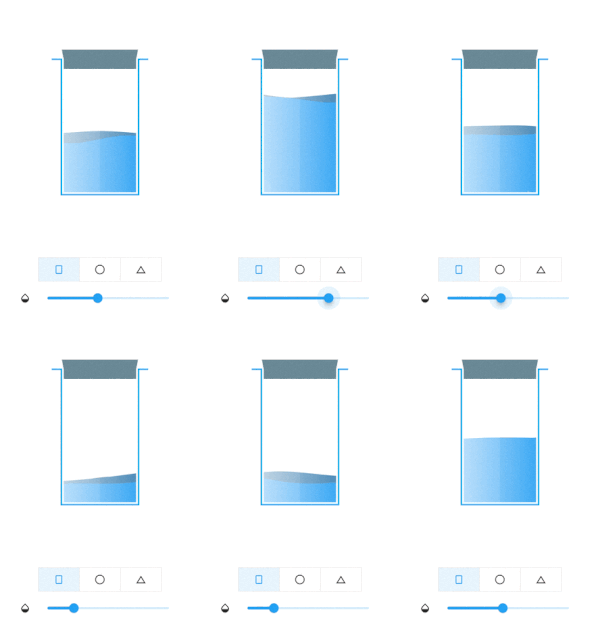
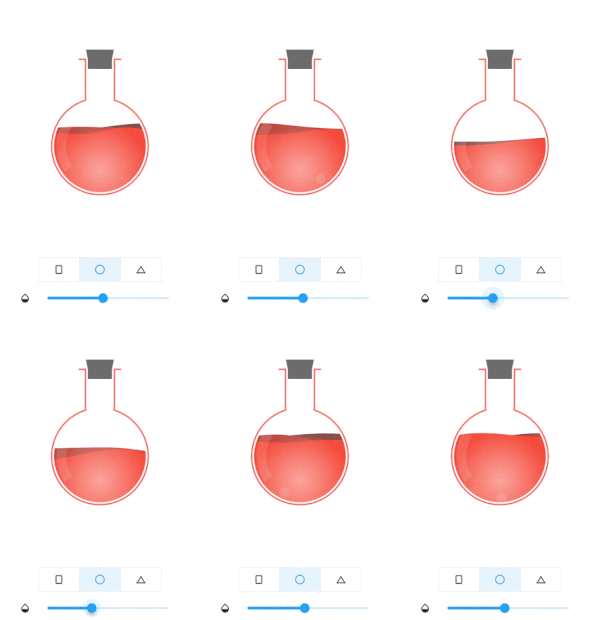
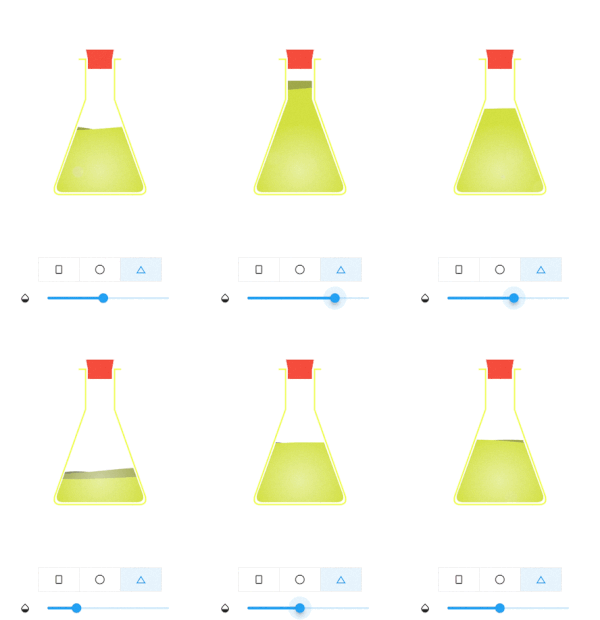
Sphere bottle get reduced to a ball when aspect ratio smaller than 1
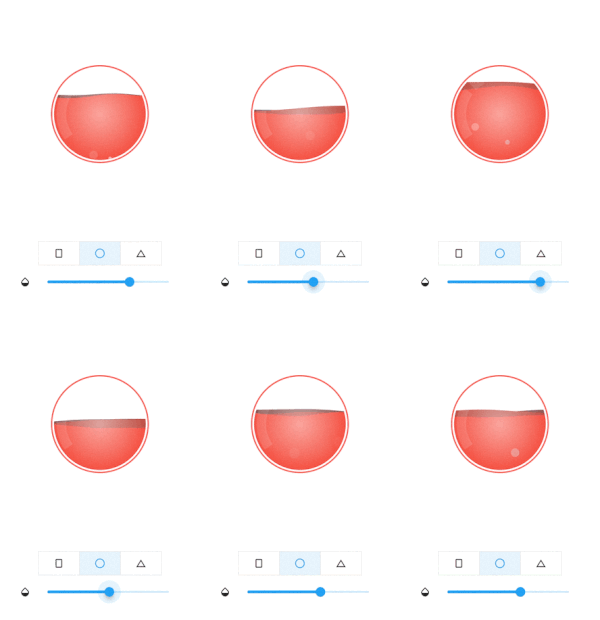
To use this library, add water_bottle as a dependency in your pubspec.yaml file.
Import it where you need
import 'package:water_bottle/water_bottle.dart';
Build bottle widget
final plainBottleRef = GlobalKey<WaterBottleState>();
WaterBottle(
    key: plainBottleRef,
    waterColor: Colors.blue,
    bottleColor: Colors.lightBlue,
    capColor: Colors.blueGrey
)
Update widget
plainBottleRef.currentState?.waterLevel = 0.5;// 0.0~1.0
For more please refer /example folder
For more information, or contribution, please refer to the original github
Dependency list 4 items
{"sdk":"flutter"}^1.1.0{"sdk":"flutter"}^6.0.0Start with your use case, compare repository activity, and check the original project before adopting it.
“A repository is the most basic element of GitHub.”
GitHub Docs — About repositories ↗