

 v1.0.7
easy_signature_pad
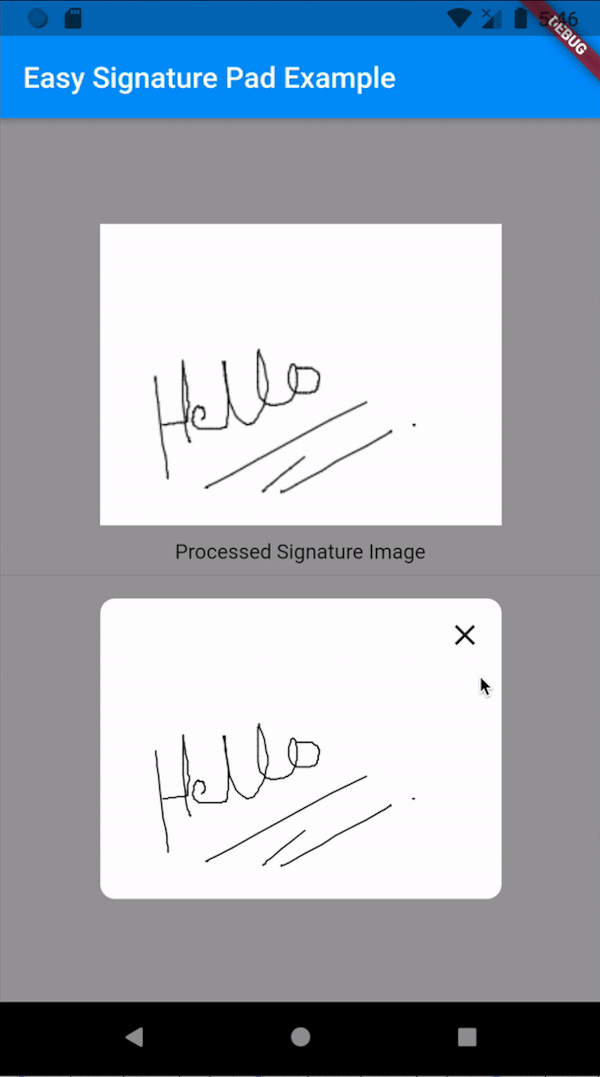
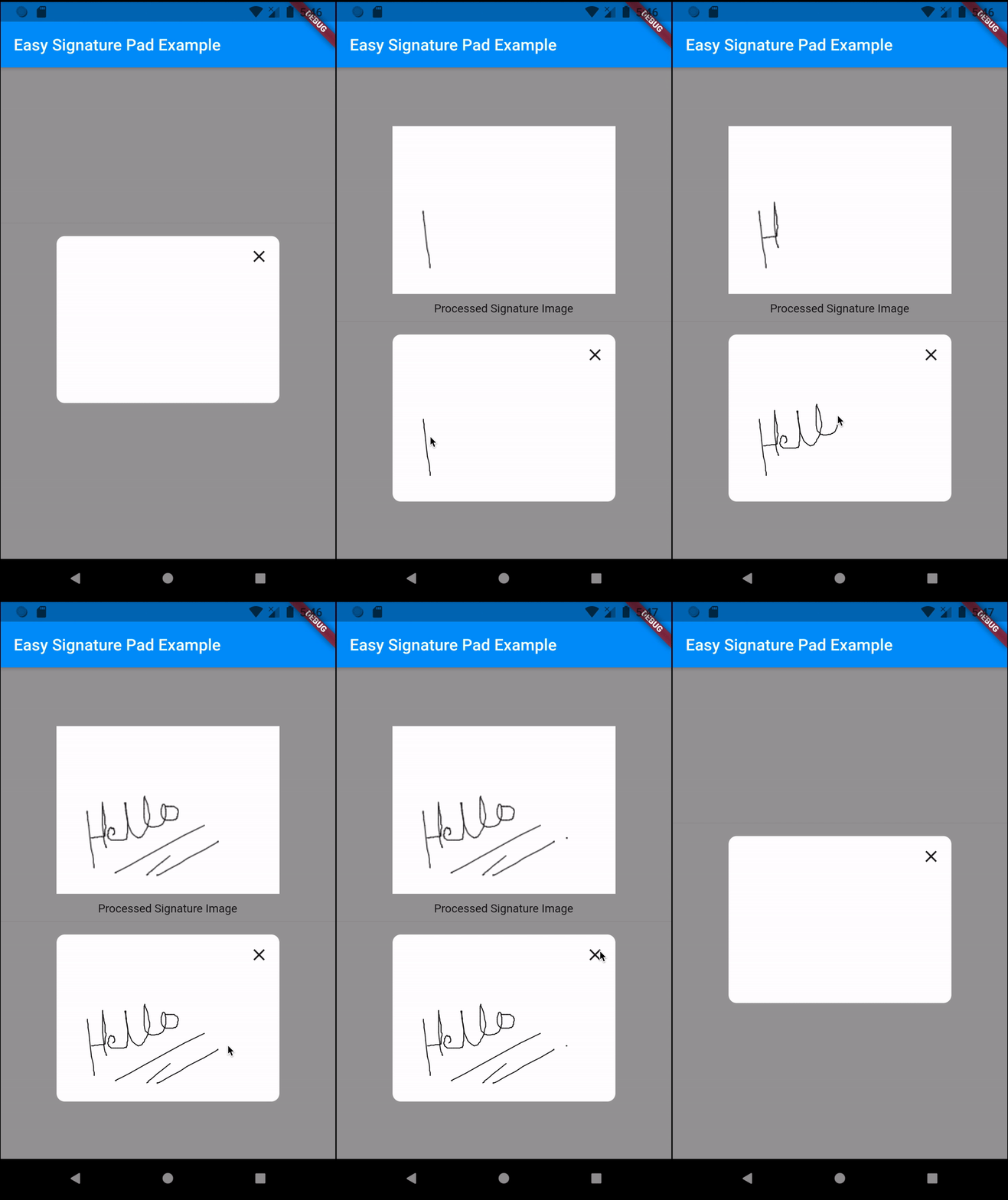
Provides the signature area for the user to sign and returns the signature and Base64 image.
34Likes 2.4K30-day downloads150Pub points
AndroidiOSWebmacOSWindowsLinux
Flutter Signature Pad is the flutter plugin that allows users to draw on the canvas and get the signature as Base64 image.

English project snapshot. Visit GitHub for the latest content.
Easy Signature Pad is the flutter plugin that allows users to draw on the canvas and get the signature as Base64 image.
import 'package:easy_signature_pad/easy_signature_pad.dart';

// initialise the variable to store signature image
Uint8List signatureBytes;

// Use the SignaturePad Widget
EasySignaturePad(
  onChanged: (image) {
    setImage(image);
  },
  height: size.width ~/ 2,
  width: size.width ~/ 1.5,
  penColor: Colors.black,
  strokeWidth: 1.0,
  borderRadius: 10.0,
  borderColor: Colors.white,
  backgroundColor: Colors.white,
  transparentImage: false,
  transparentSignaturePad: false,
  hideClearSignatureIcon: false,
),


// process the base64 image
void setImage(String bytes) async {
    if (bytes.isNotEmpty) {
      Uint8List convertedBytes = base64Decode(bytes);
      setState(() {
        signatureBytes = convertedBytes;
      });
    } else {
      setState(() {
        signatureBytes = null;
      });
    }
  }
Dependency list 2 items
{"sdk":"flutter"}{"sdk":"flutter"}Start with your use case, compare repository activity, and check the original project before adopting it.
“A repository is the most basic element of GitHub.”
GitHub Docs — About repositories ↗