

v1.30.0
better_player
Advanced video player. It solves many typical use cases and it's easy to run.
1.3KLikes 6.4K30-day downloads160Pub points
Platforms unavailable
Better video player for Flutter, with multiple configuration options. Solving typical use cases!

English project snapshot. Visit GitHub for the latest content.



Better Player handles the complex video playback edge cases so you don't have to. Originally based on video_player, it's now fully independent. It tackles HLS, DRM, and caching out of the box.
[IMPORTANT] Migrating from 0.0.84 to 1.x.x? See the Migration Guides section below.
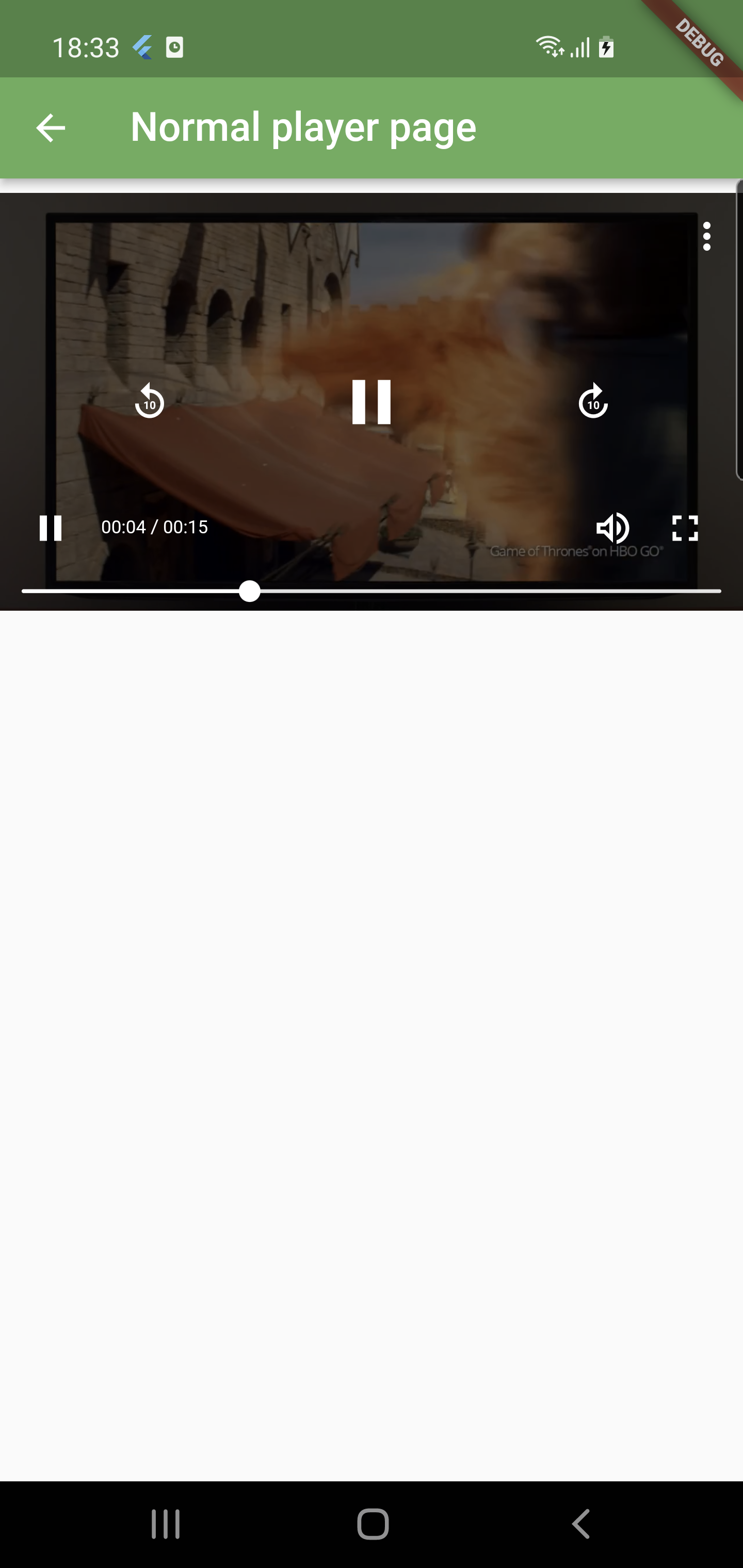 |
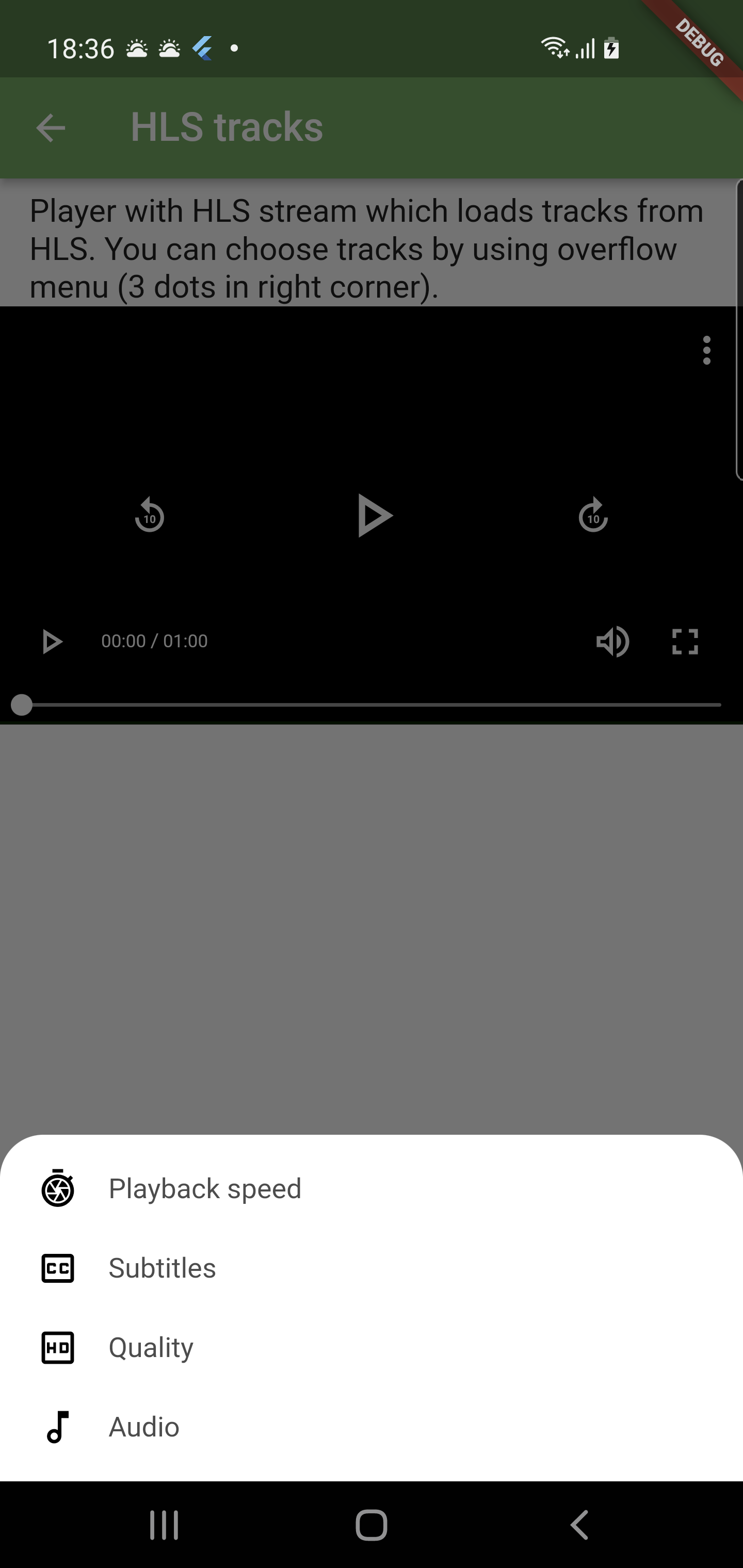 |
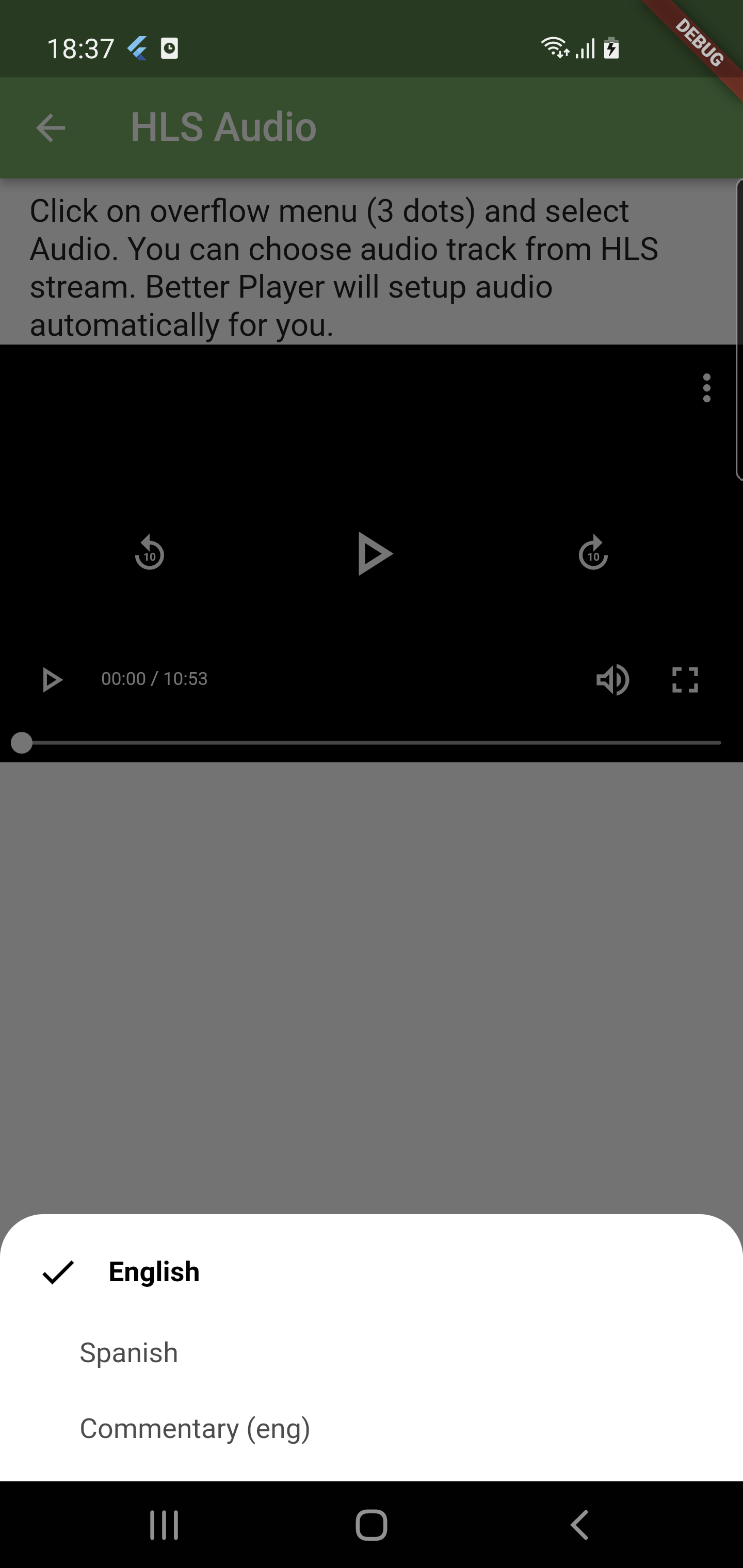 |
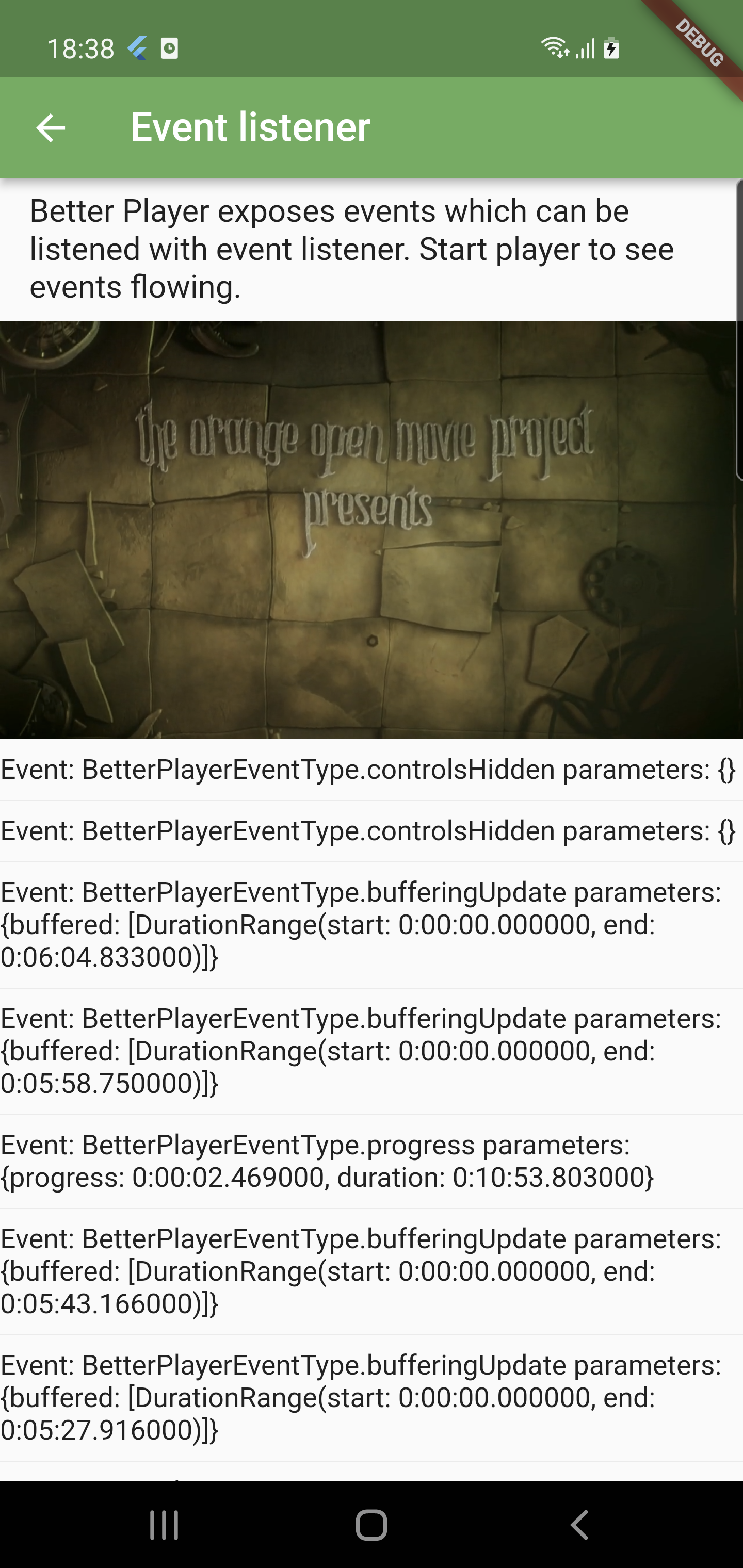 |
| Default Controls | Settings Menu | Audio Tracks | Event Listener |
Why choose Better Player? Here is how it stacks up against the alternatives.
| Feature | Better Player | video_player | chewie | media_kit |
|---|---|---|---|---|
| Engine | ExoPlayer/AVPlayer/Shaka | ExoPlayer/AVPlayer | video_player | libmpv |
| UI Controls | ✅ Built-in & Customizable | ❌ None | ✅ Built-in | ✅ Built-in |
| HLS / DASH | ✅ Native | ⚠️ Basic | ⚠️ Basic | ✅ Native |
| DRM Support | ✅ Widevine/FairPlay/ClearKey | ❌ None | ❌ None | ❌ None |
| Subtitles | ✅ Advanced (WebVTT, HTML, SRT) | ⚠️ Basic (SRT only) | ⚠️ Basic | ✅ Advanced |
| Caching | ✅ Built-in | ❌ None | ❌ None | ❌ None |
| Playlists | ✅ Built-in | ❌ None | ❌ None | ✅ Built-in |
Add Better Player to your pubspec.yaml:
dependencies:
  better_player: ^1.10.0
Use the network factory to get a player up and running fast.
import 'package:better_player/better_player.dart';

// Inside your build method
AspectRatio(
  aspectRatio: 16 / 9,
  child: BetterPlayer.network(
    "https://commondatastorage.googleapis.com/gtv-videos-bucket/sample/BigBuckBunny.mp4",
    betterPlayerConfiguration: PlayerConfiguration(
      aspectRatio: 16 / 9,
      looping: true,
      autoPlay: true,
    ),
  ),
)
Need full control? Initialize a BetterPlayerController manually.
BetterPlayerController _controller = BetterPlayerController(
    const PlayerConfiguration(),
    betterPlayerDataSource: PlayerDataSource(
        DataSourceType.network,
        "https://example.com/video.mp4",
    ),
);

BetterPlayer(controller: _controller)
Writing a script or prompt? Feed this to your AI to get the right code on the first try.
BetterPlayerController in initState() with a PlayerConfiguration and PlayerDataSource.BetterPlayerController: Manages state and configuration.PlayerDataSource: Wraps video URL, DRM config, subtitles, headers.PlayerConfiguration: UI, looping, autoPlay, aspect ratio.PlayerControlsConfiguration: Colors, icons, padding for the control bar.PlayerSubtitlesSource directly into PlayerDataSource.autoDispose: true. Avoid manual controller.dispose() unless you opt out.Moving from another package? Follow these guides:
Bugs? Feature requests? Open an issue. Better yet, submit a PR.
Need a custom video source adapter, bespoke DRM implementation, or tailored UI controls? I'm available for consulting.
Start with your use case, compare repository activity, and check the original project before adopting it.
“A repository is the most basic element of GitHub.”
GitHub Docs — About repositories ↗