

 v0.4.0
webview_windows
A WebView2-powered webview implementation for the Windows platform.
236Likes 77.5K30-day downloads140Pub points
Windows
A WebView2-powered Flutter WebView implementation for the Windows platform.

English project snapshot. Visit GitHub for the latest content.


A Flutter WebView plugin for Windows built on Microsoft Edge WebView2.
getWebViewVersion() to check whether the required WebView2 Runtime is installed or not on the current system. If getWebViewVersion() returns null, guide your user to install WebView2 Runtime from this page.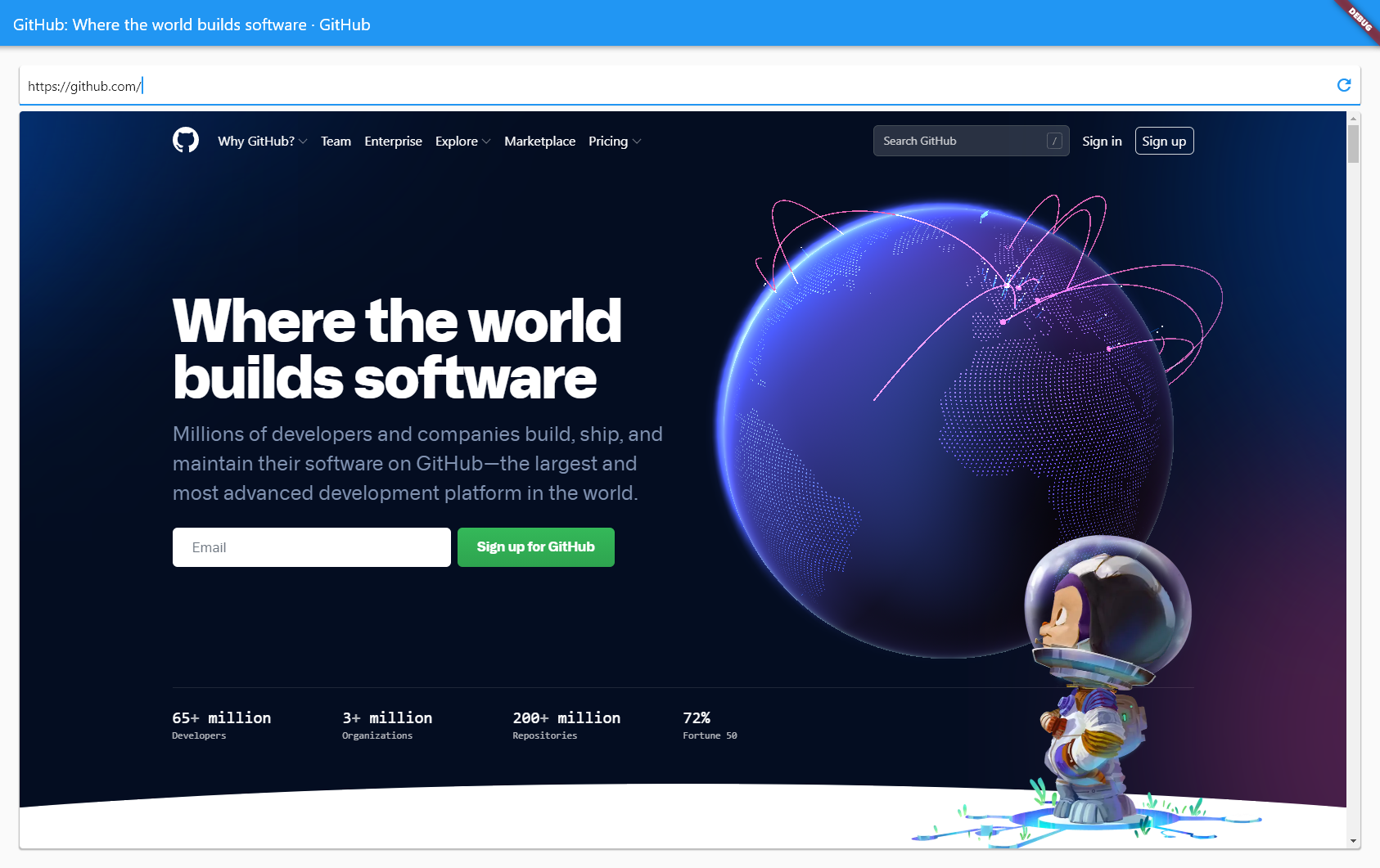
https://user-images.githubusercontent.com/720469/116716747-66f08180-a9d8-11eb-86ca-63ad5c24f07b.mp4
This plugin provides seamless composition of web-based contents with other Flutter widgets by rendering off-screen.
Unfortunately, Microsoft Edge WebView2 doesn't currently have an explicit API for offscreen rendering.
In order to still be able to obtain a pixel buffer upon rendering a new frame, this plugin currently relies on the Windows.Graphics.Capture API provided by Windows 10.
The downside is that older Windows versions aren't currently supported.
Older Windows versions might still be targeted by using BitBlt for the time being.
See:
Dependency list 2 items
{"sdk":"flutter"}{"sdk":"flutter"}Start with your use case, compare repository activity, and check the original project before adopting it.
“A repository is the most basic element of GitHub.”
GitHub Docs — About repositories ↗