
 v5.0.0
in_app_update
Enables In App Updates on Android using the official Android APIs.
1.3KLikes 375K30-day downloads160Pub points
Android
Flutter Plugin: Enables In App Updates on Android using the official Android APIs.
English project snapshot. Visit GitHub for the latest content.

Maintained by Jonas Bark
Enables In App Updates on Android using the official Android APIs.
https://developer.android.com/guide/app-bundle/in-app-updates
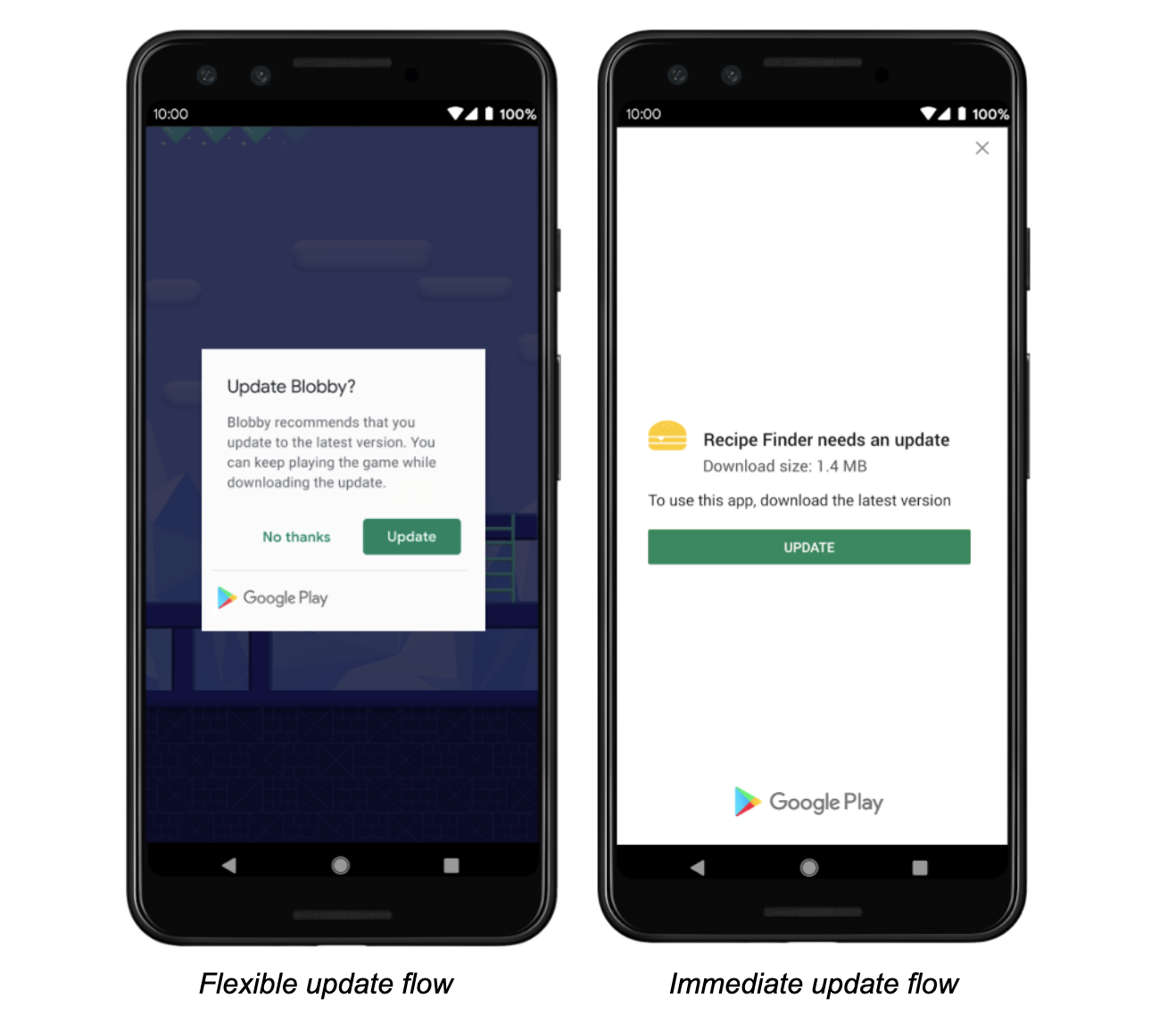
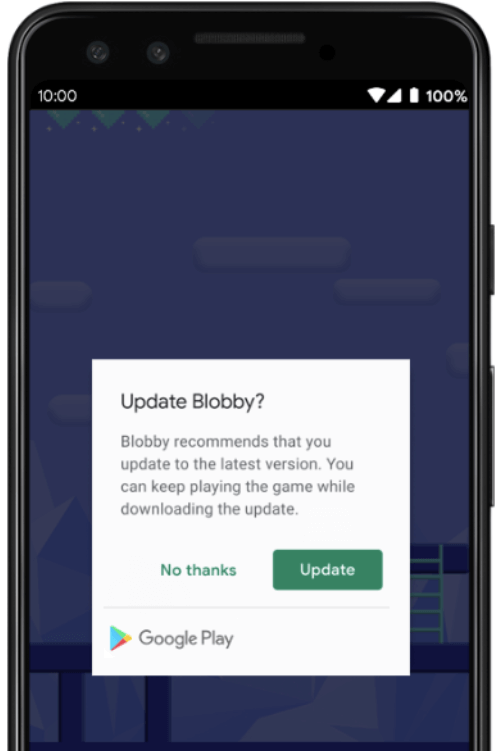
The following methods are exposed:
Future<AppUpdateInfo> checkForUpdate(): Checks if there's an update availableFuture<void> performImmediateUpdate(): Performs an immediate update (full-screen)Future<void> startFlexibleUpdate(): Starts a flexible update (background download)Future<void> completeFlexibleUpdate(): Actually installs an available flexible updatePlease have a look in the example app on how to use it!
This plugin integrates the official Android APIs to perform in app updated that were released in 2019: https://developer.android.com/guide/app-bundle/in-app-updates
iOS does not offer such a functionality. You might want to look into e.g. https://pub.dev/packages/upgrader. If you call the methods above on a iOS device you'll run into a not-implemented exception.
Be aware that this plugin cannot be tested locally. It must be installed via Google Play to work. Please check the official documentation about In App Updates from Google:
https://developer.android.com/guide/playcore/in-app-updates/test
In App Updates are only available from API Versions >= 21, as mentioned here.

Dependency list 2 items
{"sdk":"flutter"}{"sdk":"flutter"}Start with your use case, compare repository activity, and check the original project before adopting it.
“A repository is the most basic element of GitHub.”
GitHub Docs — About repositories ↗