

v0.2.3
chat_pickers
A new Flutter package for displaying a keyboard for using emojis/gifs.
36Likes 8030-day downloads40Pub points
Platforms unavailable
kfiross/chat_pickers open-source repository details.

English project snapshot. Visit GitHub for the latest content.
A Flutter package that provides a Keyboard widget for using Emojis and gifs.
Heavily based on the awesome(!) packages:
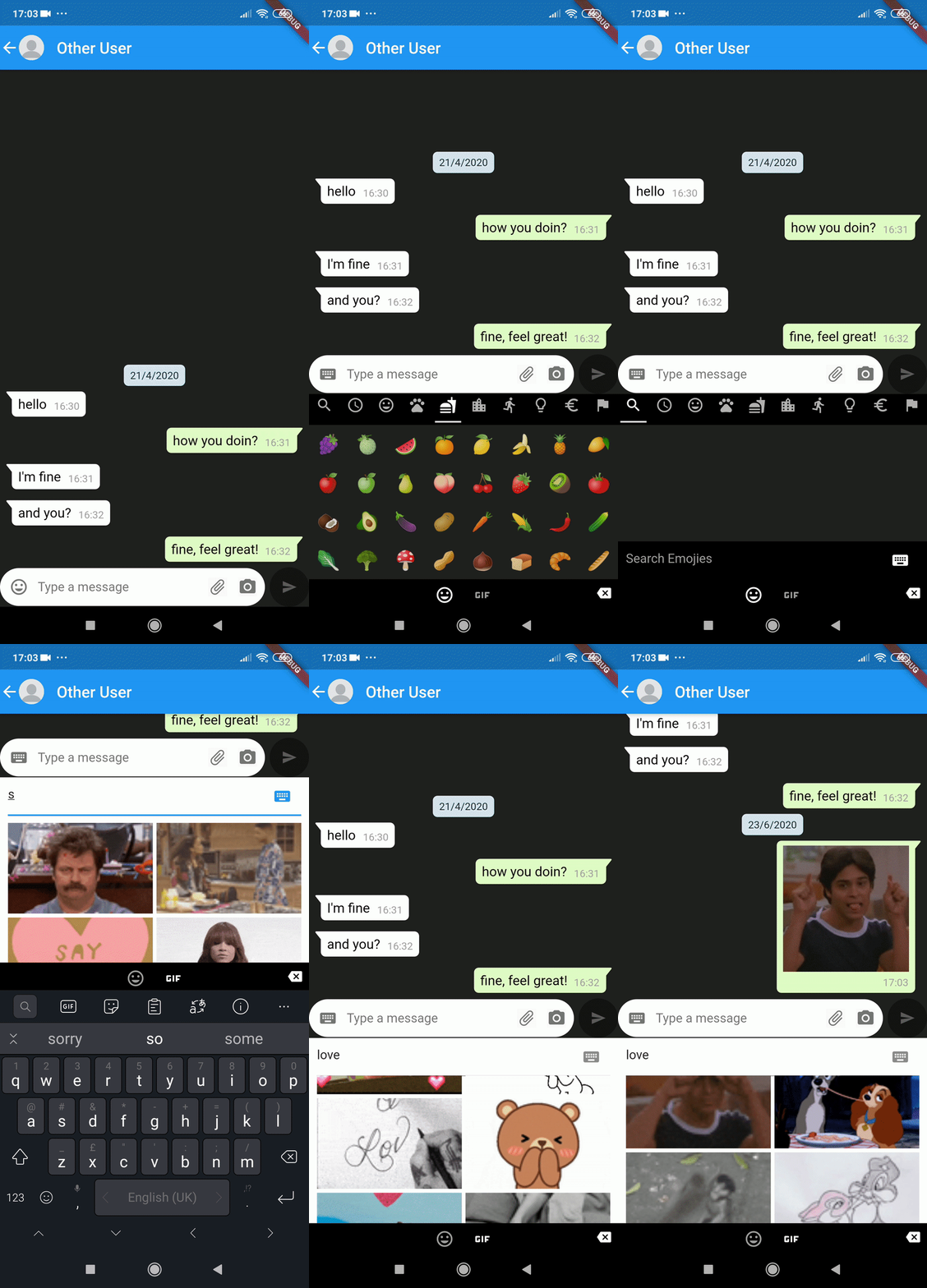
General usage:
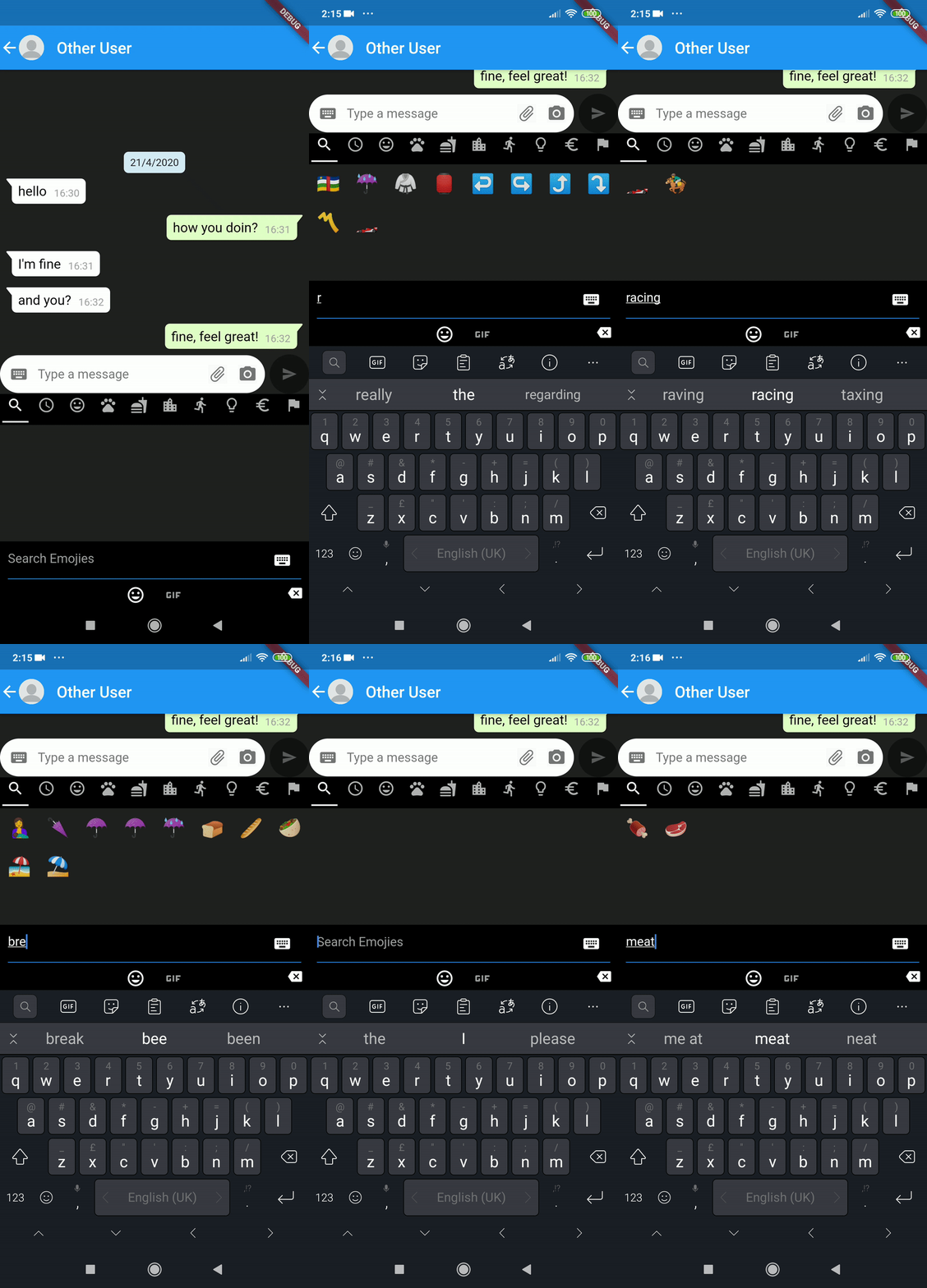
Searching for an emoji:
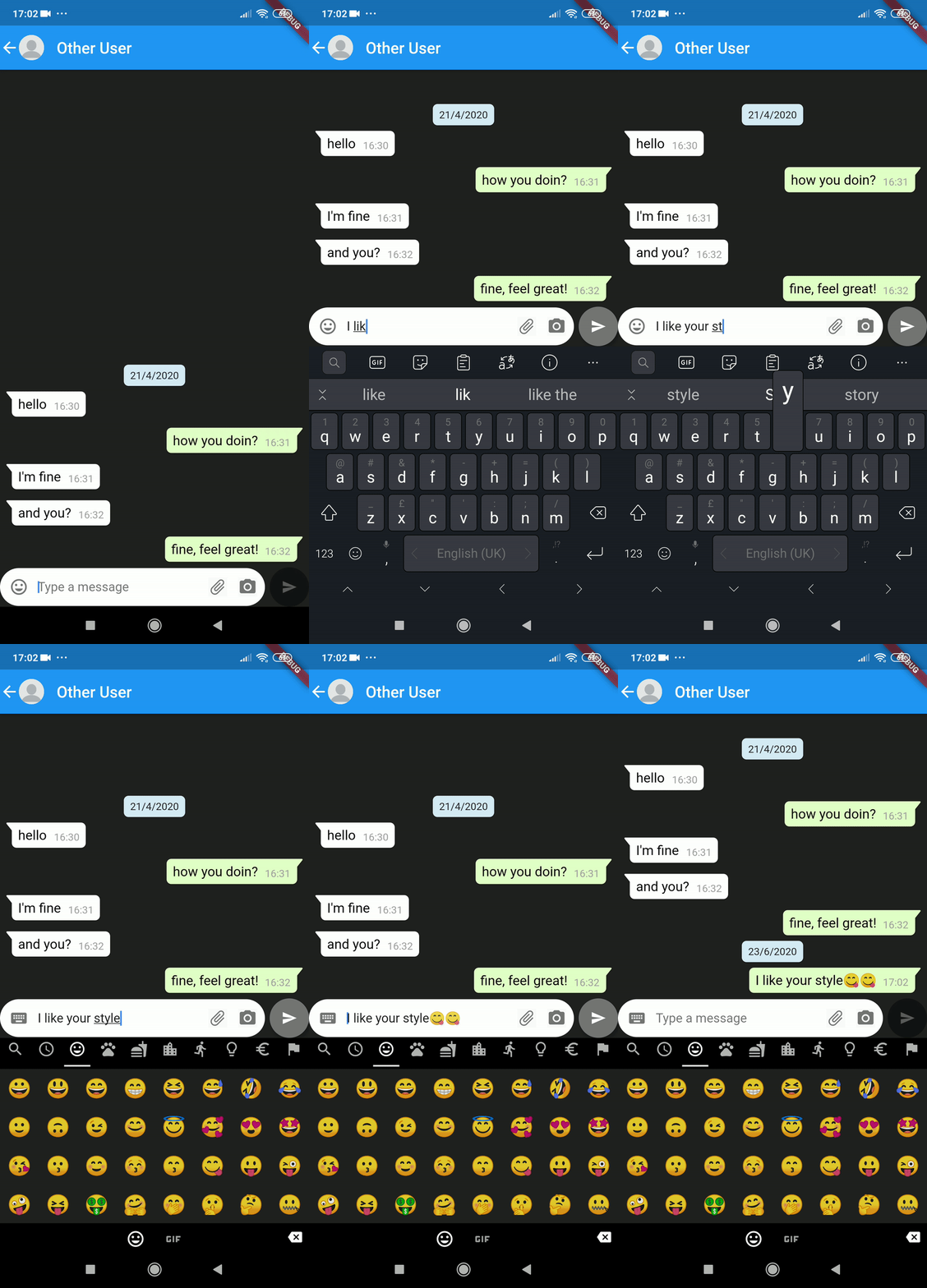
adding emojis as part of text messssage:
For using the GIFs page you have to use GIPHY API key You need to register an app at the Giphy Developers Portal in order to retrieve an API key.
To use the keyboard define the widget ChatPickers:
The minimum required is:
var picker = ChatPickers(
  chatController: _chatController,
  emojiPickerConfig: EmojiPickerConfig(
    //optional configure  (as below)
  ),
  giphyPickerConfig: GiphyPickerConfig(
      apiKey: "some API Key",
      // other optional configure (as below)

);
If you want to have your own config, follow the below:
configuration to customize the look& behaviour of the emoji page
EmojiPickerConfig(
    columns: <int>,     // default is 7
    bgBarColor: <Color>,    // top/bottom bar color
    bgColor:<Color>,
    indicatorColor: <Color>,
);
configuration to customize the look & behaviour of the gif page
GiphyPickerConfig(
    apiKey: <Your Giphy API key>,
    lang : "EN",
    onError: (error) => print(error),
    onSelected: (gif) => sendGif(gif),
    showPreviewPage: true/false,
    searchText: "Search GIPHY"

);
Dependency list 9 items
{"sdk":"flutter"}^0.12.2^0.2.0^0.5.12+4^4.0.5955^0.1.0^0.15.0^1.0.1{"sdk":"flutter"}Start with your use case, compare repository activity, and check the original project before adopting it.
“A repository is the most basic element of GitHub.”
GitHub Docs — About repositories ↗