
contextual_menu
This plugin allows Flutter desktop apps to create native context menus.
View on GitHub ↗Archived

- Stars
- 88
- Forks
- 13
- Last push (UTC)
- Nov 1, 2025
- Project status
- Archived
Original README
English project snapshot. Visit GitHub for the latest content.
⚠️ Migration Notice: This plugin is being migrated to libnativeapi/nativeapi-flutter
The new version is based on a unified C++ core library (libnativeapi/nativeapi), providing more complete and consistent cross-platform native API support.
contextual_menu


This plugin allows Flutter desktop apps to create native context menus.
English | 简体中文
Platform Support
| Linux | macOS | Windows |
|---|---|---|
| ✔️ | ✔️ | ✔️ |
Screenshots
| macOS | Linux | Windows |
|---|---|---|
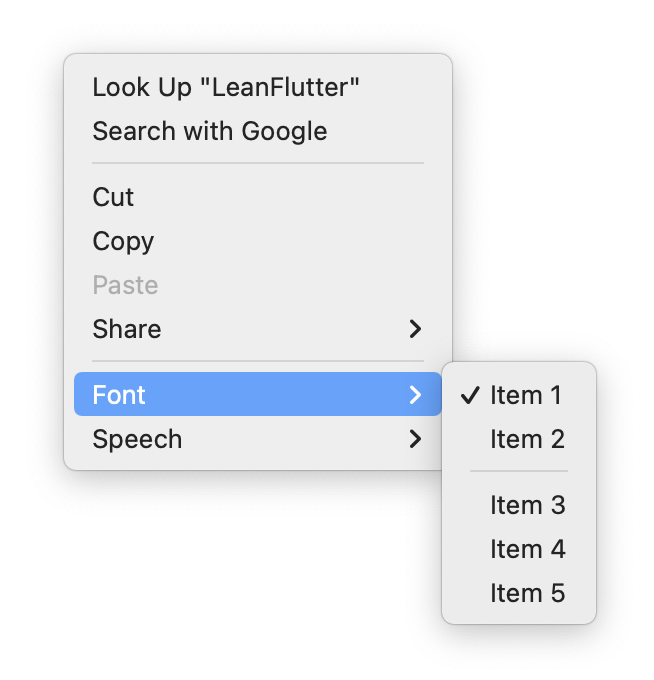 |
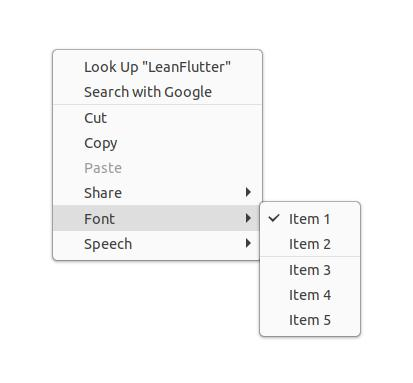 |
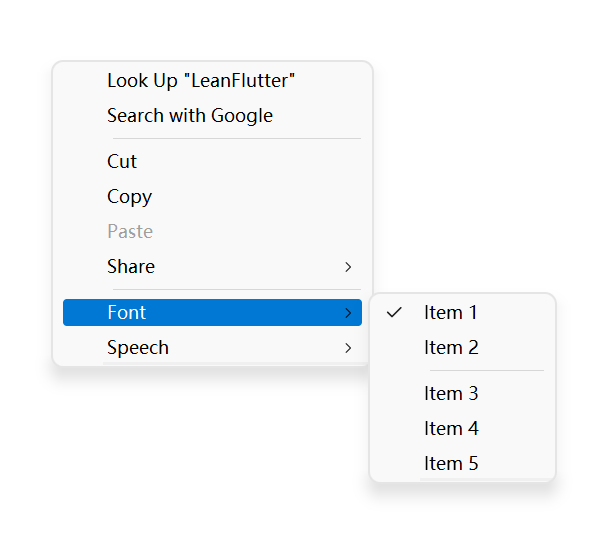 |
Quick Start
Installation
Add this to your package's pubspec.yaml file:
dependencies:
  contextual_menu: ^0.1.2
Or
dependencies:
  contextual_menu:
    git:
      url: https://github.com/leanflutter/contextual_menu.git
      ref: main
Usage
import 'package:flutter/material.dart' hide MenuItem;
import 'package:contextual_menu/contextual_menu.dart';

Menu menu = Menu(
  items: [
    MenuItem(
      label: 'Copy',
      onClick: (_) {
        print('Clicked Copy');
      },
    ),
    MenuItem(
      label: 'Disabled item',
      disabled: true,
    ),
     MenuItem.checkbox(
      key: 'checkbox1',
      label: 'Checkbox1',
      checked: true,
      onClick: (menuItem) {
        print('Clicked Checkbox1');
        menuItem.checked = !(menuItem.checked == true);
      },
    ),
    MenuItem.separator(),
  ],
);

popUpContextualMenu(
  _menu!,
  placement: Placement.bottomLeft,
);
Please see the example app of this plugin for a full example.
Who's using it?
- Biyi (比译) - A convenient translation and dictionary app.
Related Links
- https://github.com/leanflutter/menu_base
License

GitHub author
lijy91-archives-repos ↗
LanguagesC++CMakeDartSwiftCRuby
Dependencies used
Dependency list 5 items
- flutter
{"sdk":"flutter"} - menu_base
^0.1.1 - flutter_testDevelopment
{"sdk":"flutter"} - flutter_lintsDevelopment
^2.0.0 - dependency_validatorDevelopment
^3.0.0
How do I choose a repository?
Start with your use case, compare repository activity, and check the original project before adopting it.
- Search by repository name, owner or description, then narrow the results by topic.
- Compare stars, forks and recent pushes. Stars show community interest, not a guarantee of quality.
- Read the README, license and issues on GitHub before using a project.
Sources and maintenance
“A repository is the most basic element of GitHub.”
GitHub Docs — About repositories ↗